A story about how I blocked the data transmission of my robot vacuum cleaner, which made it unusable by remote control, but then managed to revive it myself
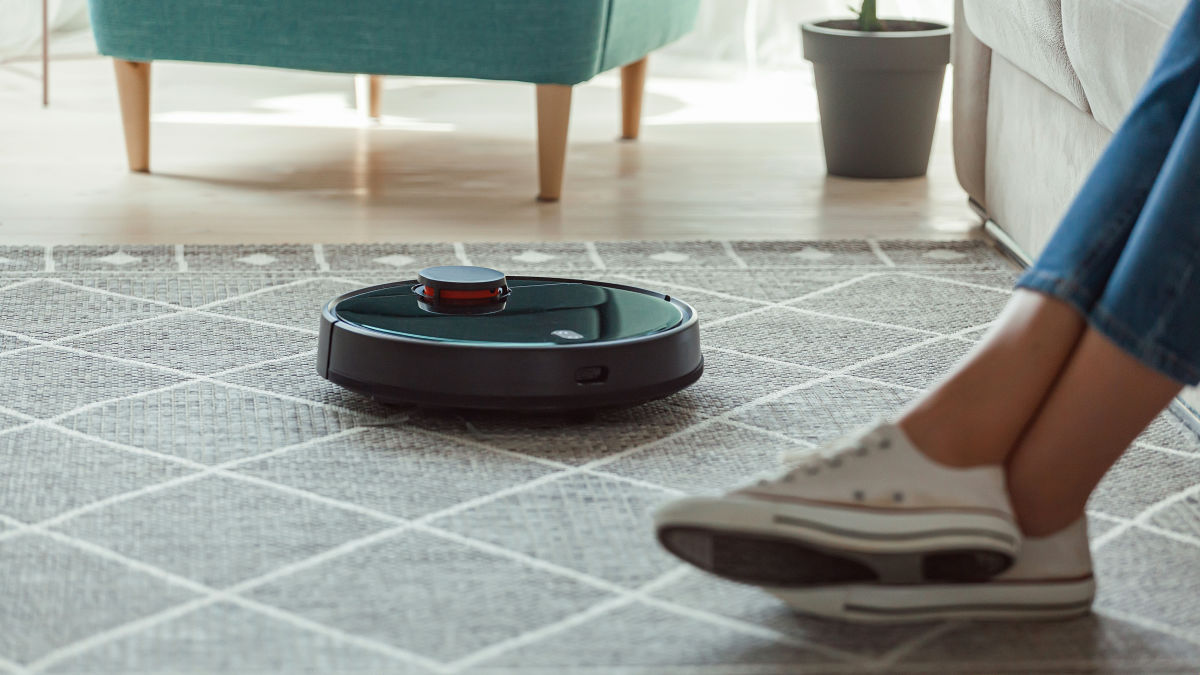
IoT appliances can perform various functions by connecting to the Internet, but sometimes being connected to the Internet poses risks. Harishankar, a software developer from India, reported his experience of blocking data transmissions from a robot vacuum cleaner, rendering it unusable by remote control, but he managed to reverse engineer it and restore it himself.
The Day My Smart Vacuum Turned Against Me
Manufacturer issues remote kill command to disable smart vacuum after engineer blocks it from collecting data — user revives it with custom hardware and Python scripts to run offline | Tom's Hardware
https://www.tomshardware.com/tech-industry/big-tech/manufacturer-issues-remote-kill-command-to-nuke-smart-vacuum-after-engineer-blocks-it-from-collecting-data-user-revives-it-with-custom-hardware-and-python-scripts-to-run-offline
Harishankar bought the iLife A11 robot vacuum cleaner from China-based iLife and used it without any problems for nearly a year. He was satisfied with the iLife A11, which has a good design, a reasonable price, and smart navigation functions, but one day he couldn't contain his curiosity and decided to monitor network traffic.
He discovered that the iLife A11 was constantly sending packets to a server on the other side of the world, communicating with the manufacturer without Harishankar's consent. He then blocked the IP address that logged the data, forcing the device to stop sending data.
The iLife A11 worked fine for a few days, but one day it suddenly stopped turning on. Since it was still under warranty, he sent it to the manufacturer for repair, and the service center representative assured him it was working fine. He sent it back and it worked fine for a few days, but then it stopped working again. This cycle continued until the iLife A11 was no longer under warranty and became nothing more than a paperweight.
Curiosity overcame frustration, so Harishankar decided to reverse-engineer the iLife A11 and discovered that it contained an Allwinner A33 chip running the Linux OS, a GD32F103 microcontroller managing the motors and sensors, a LiDAR sensor, a gyro, and an encoder.
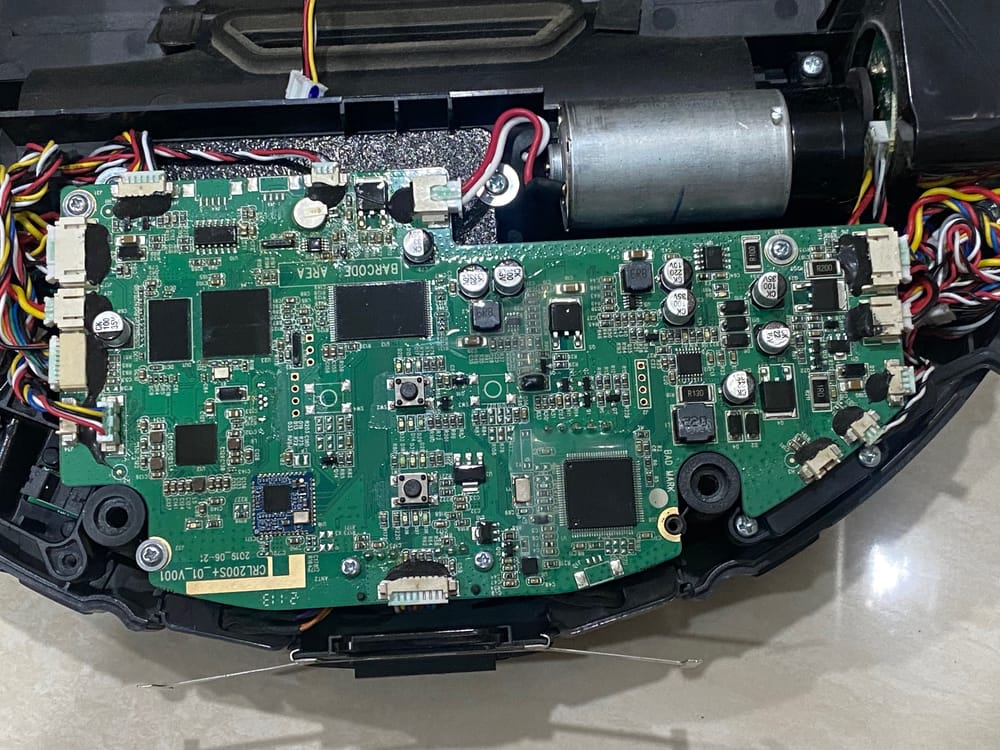
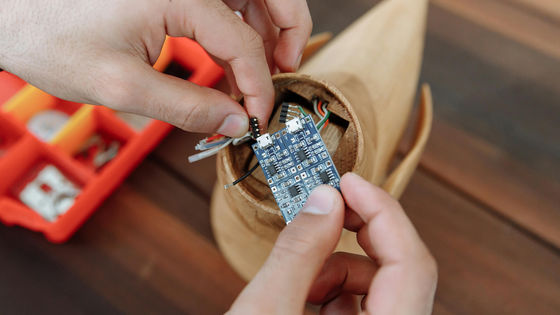
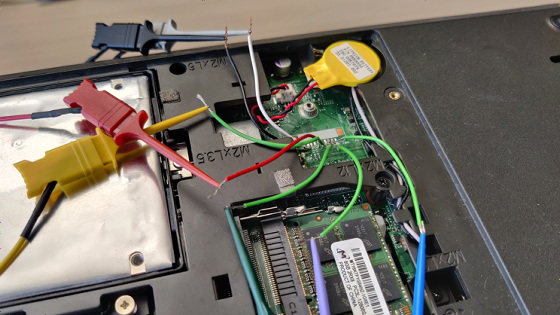
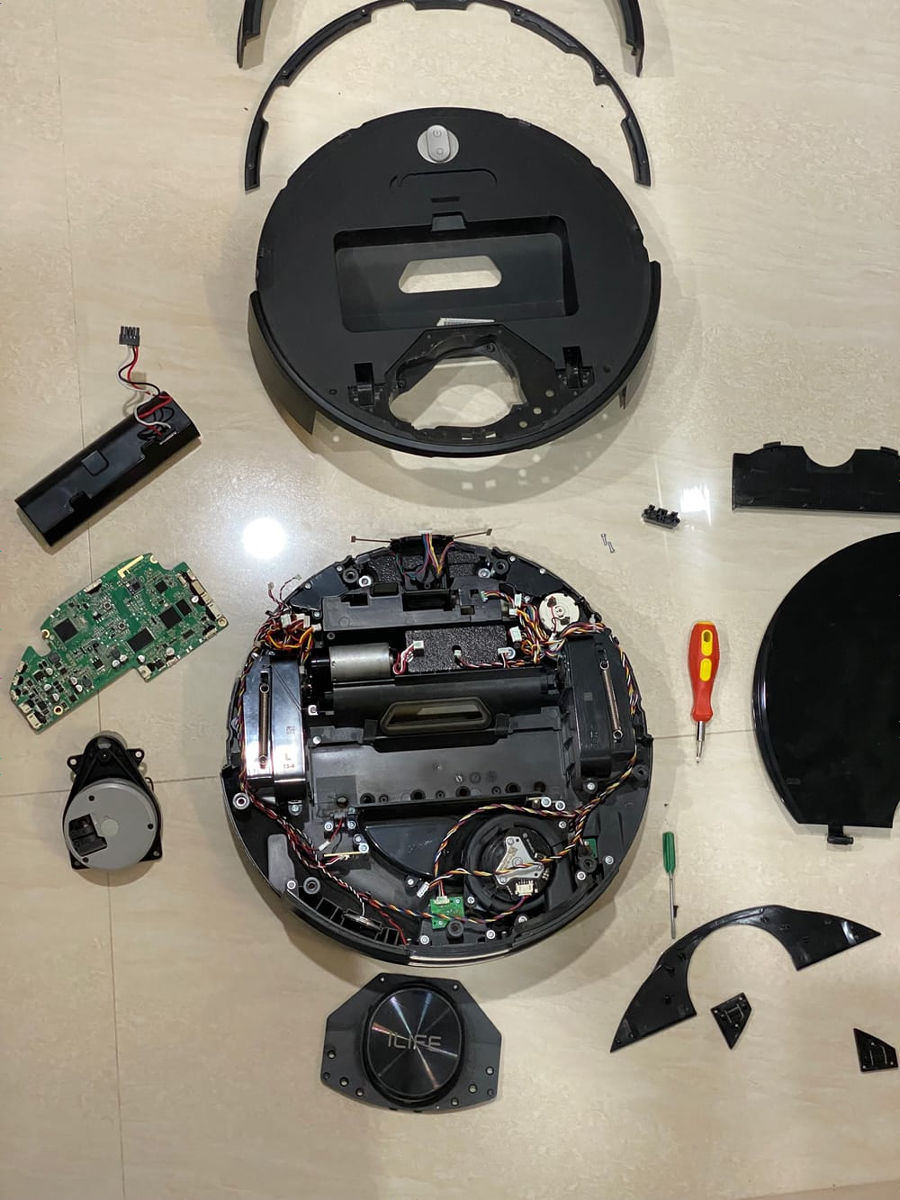
Harishankar disassembled the entire device down to the individual sensors, traced the printed circuit board (PCB), labeled each component and chip, recorded their purpose, designed the PCB connector to connect the center to the computer, and tested the sensors, wheel motors, and encoders.
He spent a lot of time understanding how each sensor works, and after successfully connecting them to a computer, he created a simple Python script to connect these devices directly to a computer.
Harishankar also built a manually operable Raspberry Pi joystick interface to test the system, confirming that the iLife A11 hardware was fully functional. 'By this time, I fully understood how the hardware was designed, down to each chip and wire connector,' says Harishankar.
While examining the USB debugging board, Harishankar discovered that
I discovered that one of the scripts in the /etc/init.d directory, where the startup scripts are located, had been modified in a way that prevented the main application from starting. The relevant line was:
2024/02/29, 14:06:55.852622 [LogKimbo][CAppSystemState] Handle message! cmd_id 501 RS_CTRL_REMOTE_EVENT, len 8 serialno 0The date included, '2024/02/29,' coincided with the exact time the vacuum cleaner stopped working. After Harishankar reverted the script changes and restarted the device, the iLife A11 started working again.
The iLife A11 came with software called rtty installed by default, which allows remote root access to the device, allowing the manufacturer to remotely execute arbitrary commands or install arbitrary scripts without the customer's knowledge.
Harishankar concluded, 'The manufacturer has the power to remotely disable the device, and they used that power against me for blocking data collection. It was retaliation, to be fair. Whether it was intentional punishment or automated enforcement of compliance, the result was the same: a consumer device turned against its owner.'
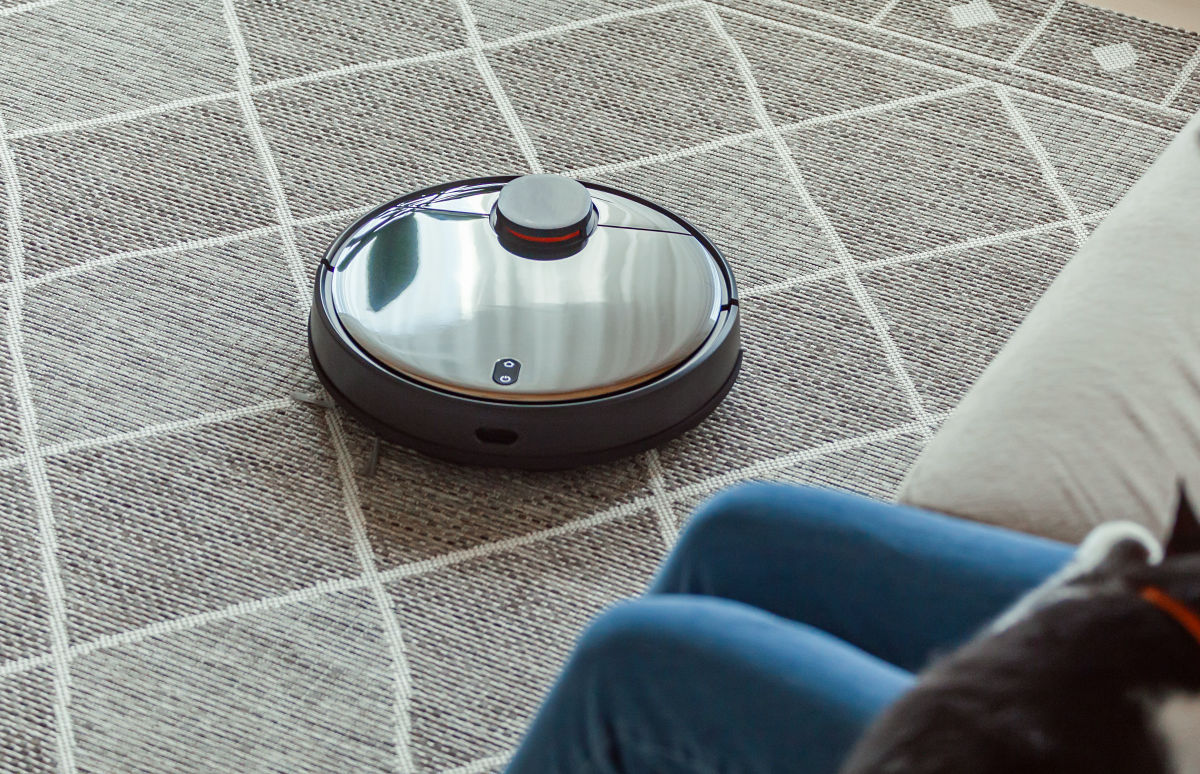
Harishankar pointed out that many smart devices potentially pose the same risks as the iLife A11 and could be weaponized with just one line of code, and that this case offers the following lessons:
- 'Smart' often means a lack of control.
Cheap means compromised security.
Convenience often includes hidden surveillance.
- Do not use major Wi-Fi networks for IoT devices.
- IoT devices should be treated as 'strangers' in your home.
Related Posts: