Google Messages launches sensitive image warning feature, blurring nude photos
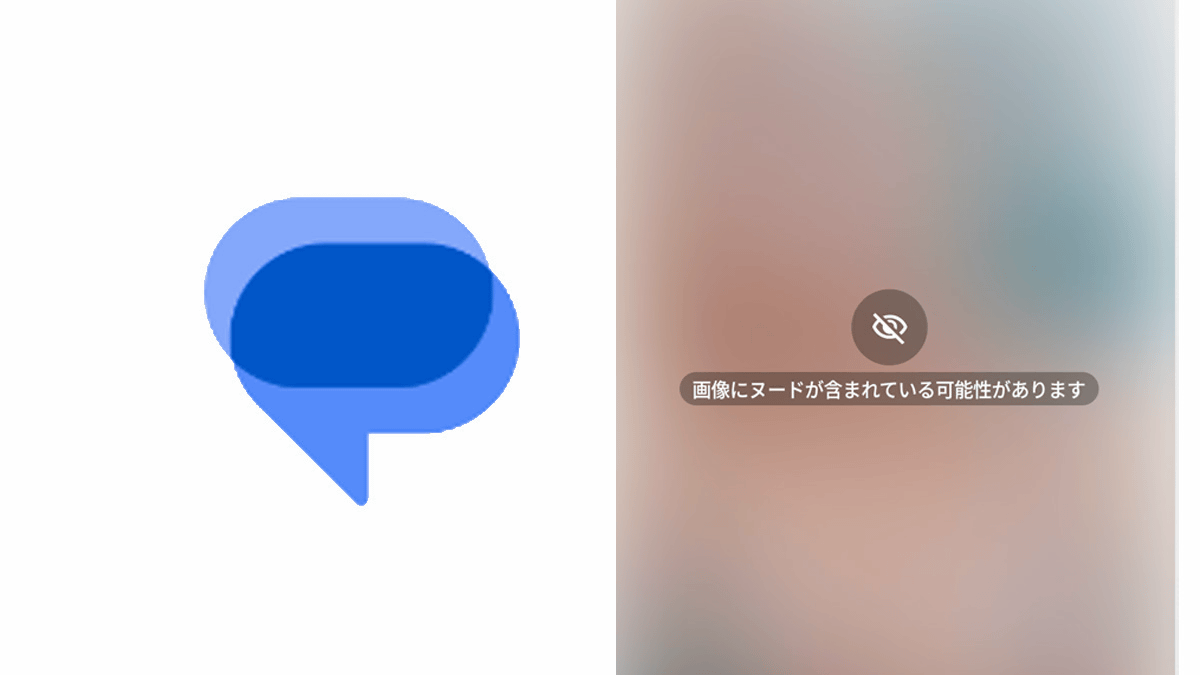
The Android version of
Understand sensitive content warnings in Google Messages - Google Messages
https://support.google.com/messages/answer/15724426
Google Messages rolls out Sensitive Content Warnings on Android
https://9to5google.com/2025/08/13/google-messages-sensitive-content-warnings-2/
The Google Messages protection feature was released in October 2024 and includes five protection features: package delivery fraud detection, potentially dangerous link warnings, blocking suspicious messages from overseas, sensitive content warnings, and contact verification. The beta version began rolling out in April 2025.
Google Messages introduces new spam-fighting features, including automatic nudity blurring - GIGAZINE

by Ivan Radic
According to 9to5Google, a media outlet closely following Google-related news, the 'Sensitive Content Warning' protection feature in Google Messages was rolled out to all Android users around August 14, 2025. The protection feature only works when logged in with a Google account, and is disabled by default for adult users but automatically enabled for minor accounts.
To use Google Messages, install it from the Google Play app page . On the Pixel 9 I used, it was installed by default. Open the app.
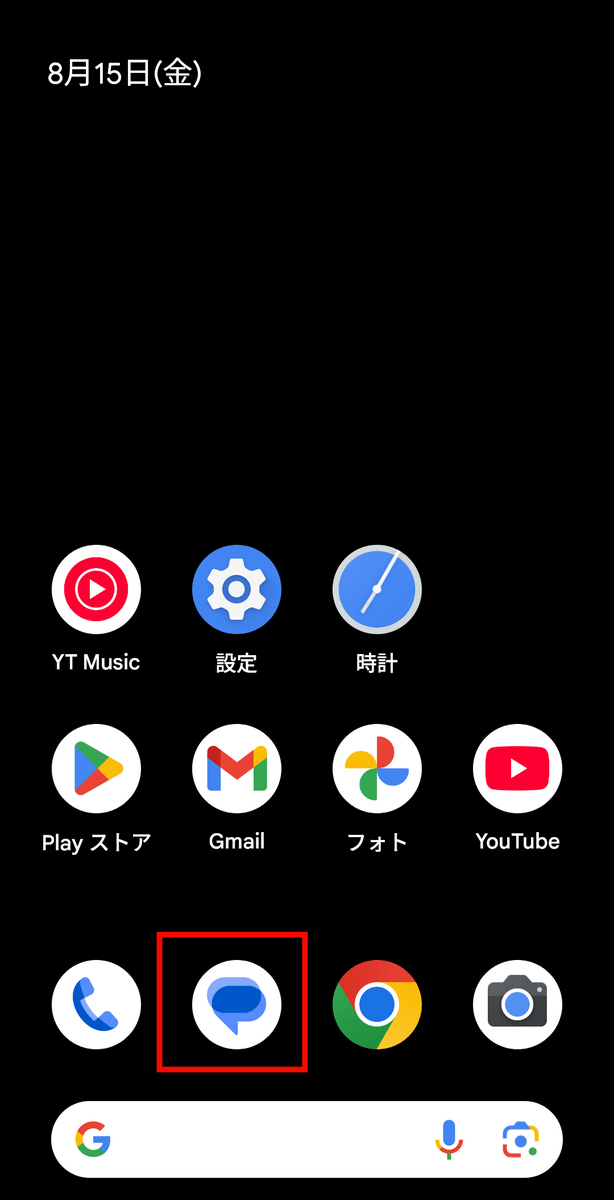
Open your account settings from the top right corner of Google Messages.
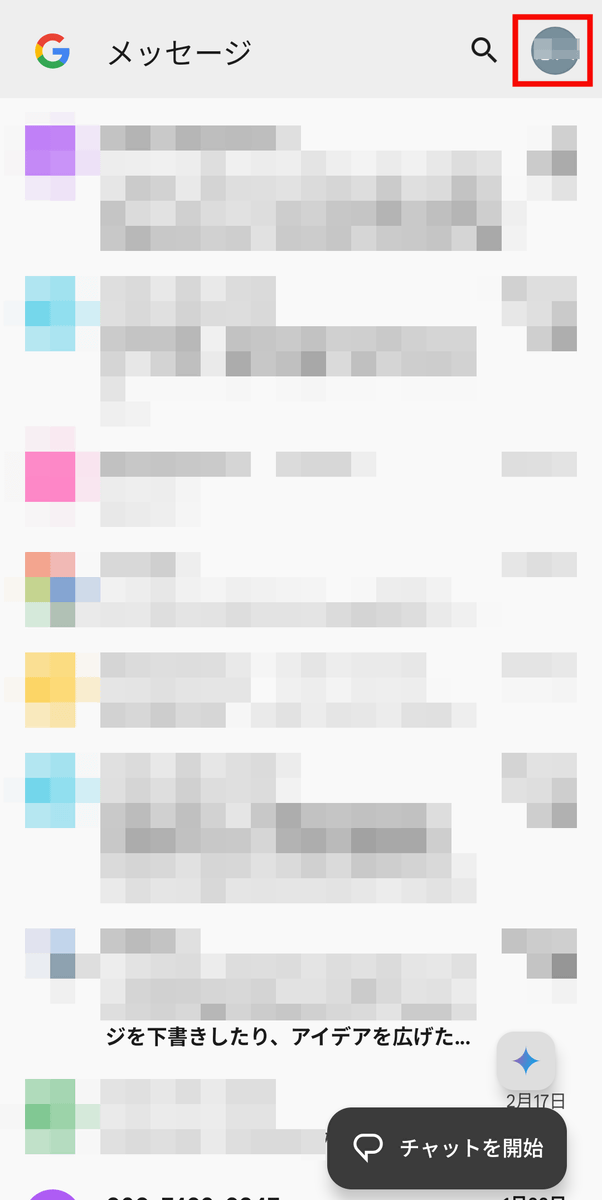
Tap 'Message Settings.'
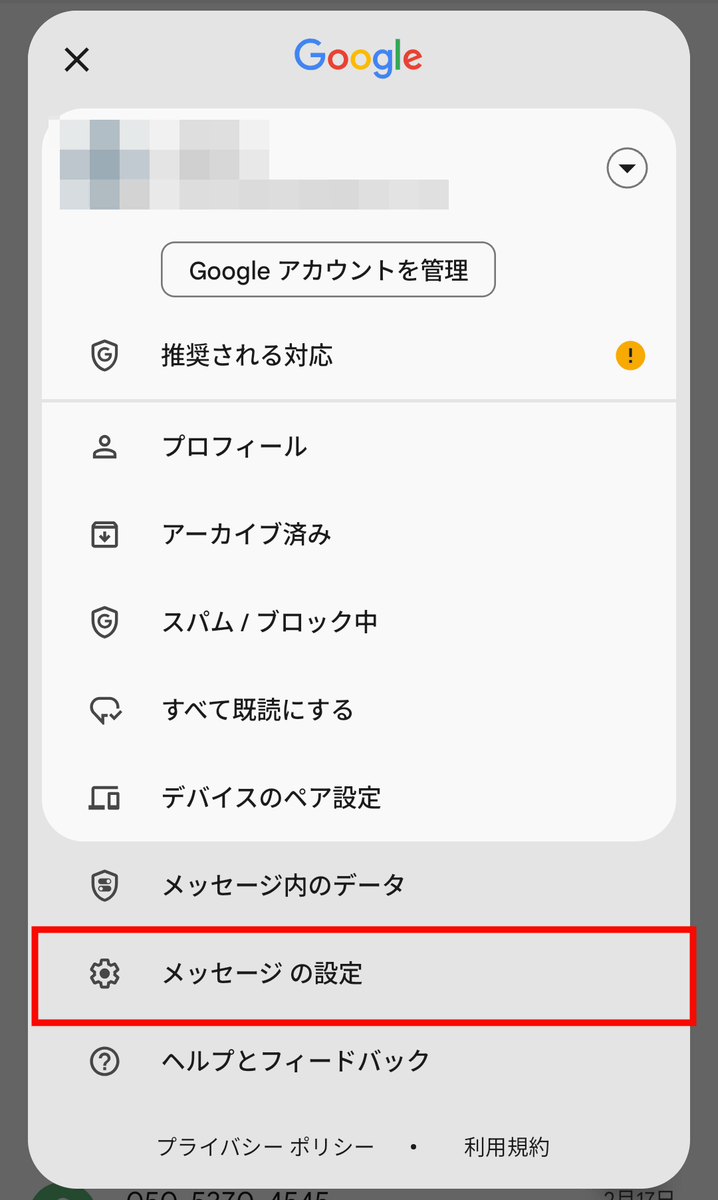
Tap Protection and Safety.
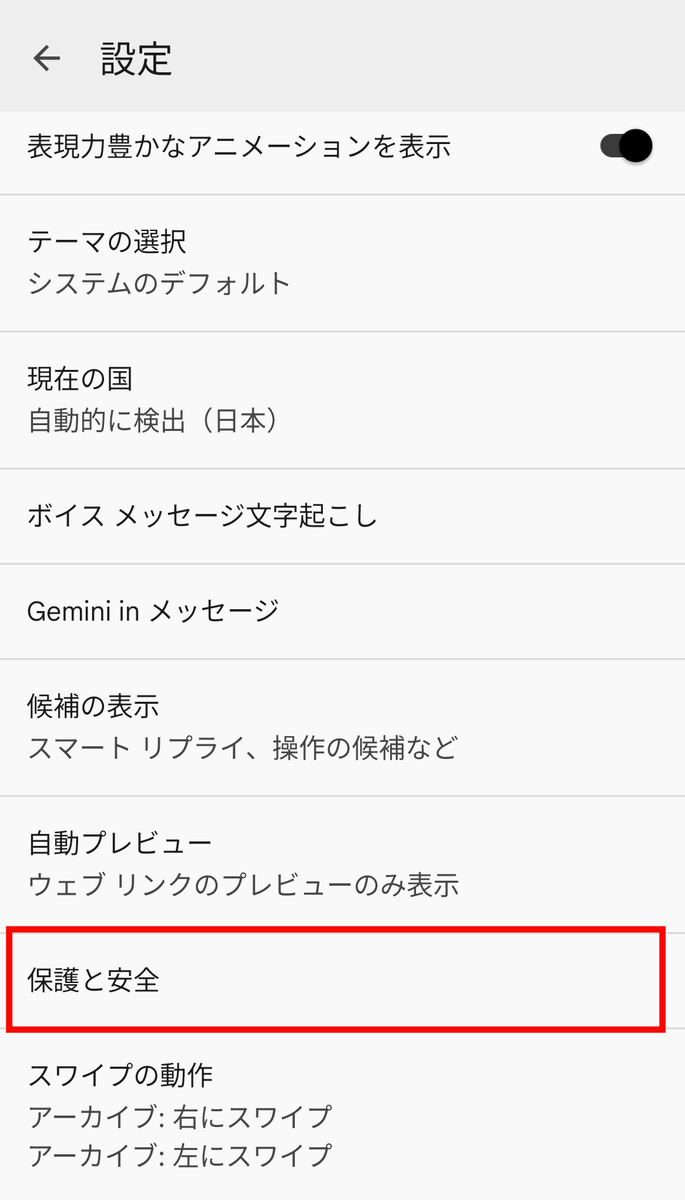
Previously, there was only an 'Anti-Spam' option, but now there is a new option called 'Manage Sensitive Content Warnings.' Tap 'Manage Sensitive Content Warnings.'
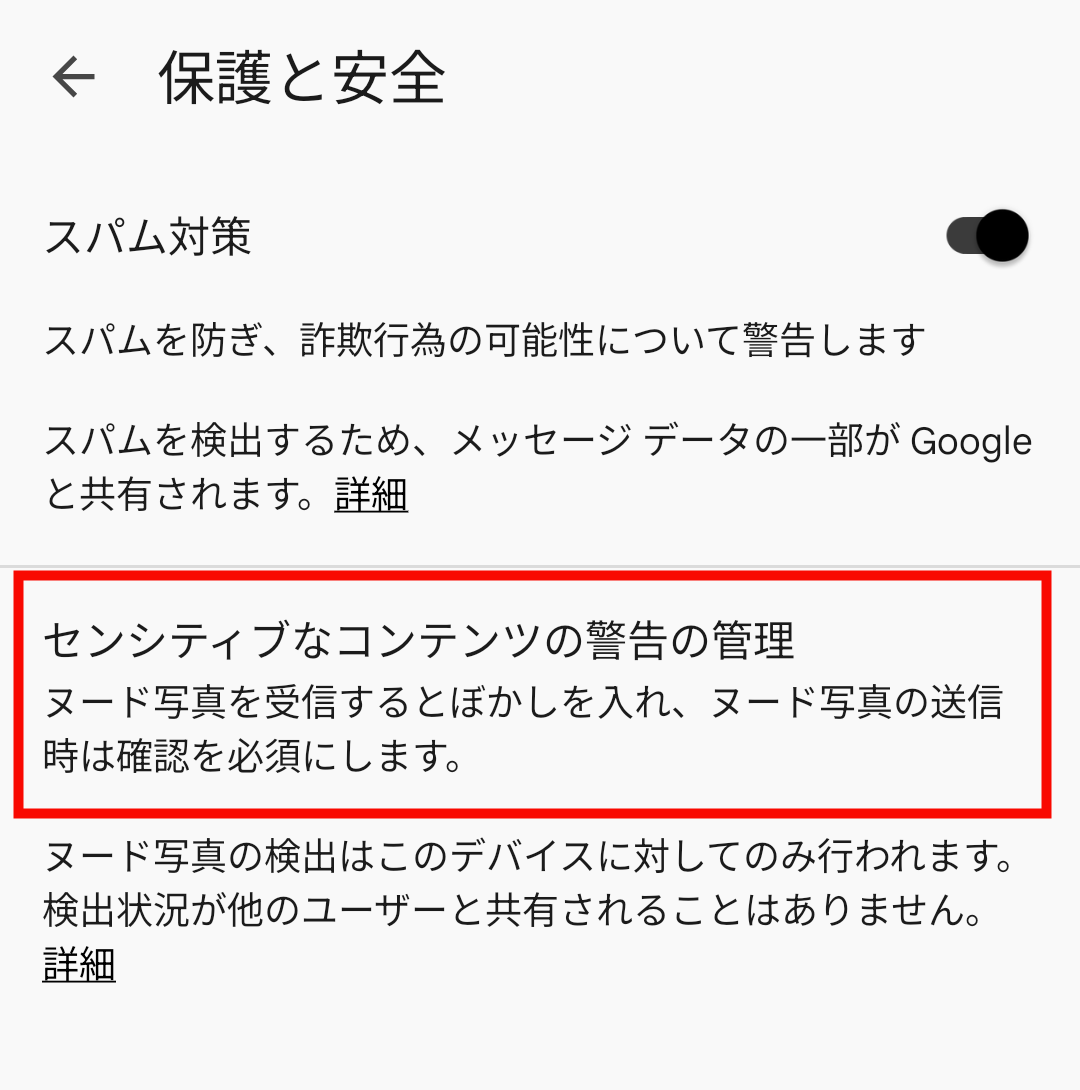
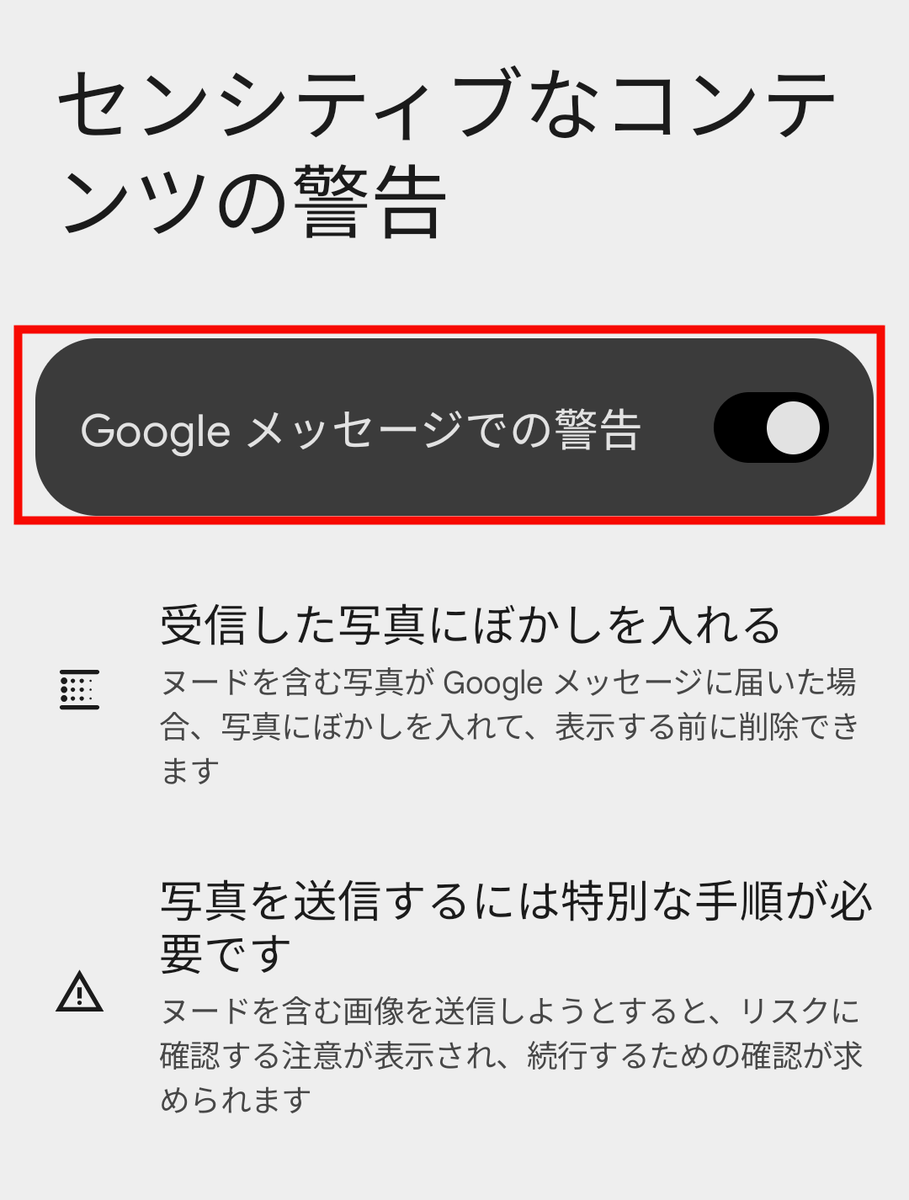
Once you turn on the toggle switch for 'Google Message Alerts,' the settings are complete.
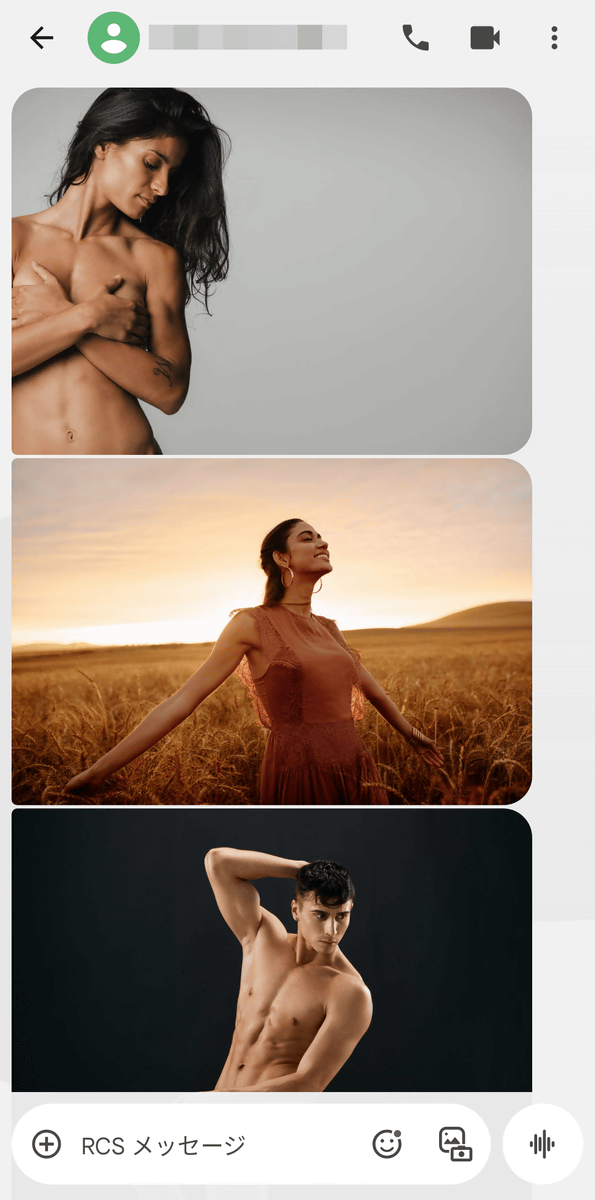
I actually sent a variety of images to the account with the 'Google Messages Warning' enabled, including nude women hiding their bodies with their hands and nude men with their upper bodies exposed, and they all displayed without any issues.
Next, I sent a nude photo book cover image that included a woman's nipples, which was blurred out and displayed. I had to tap on the image to open it.
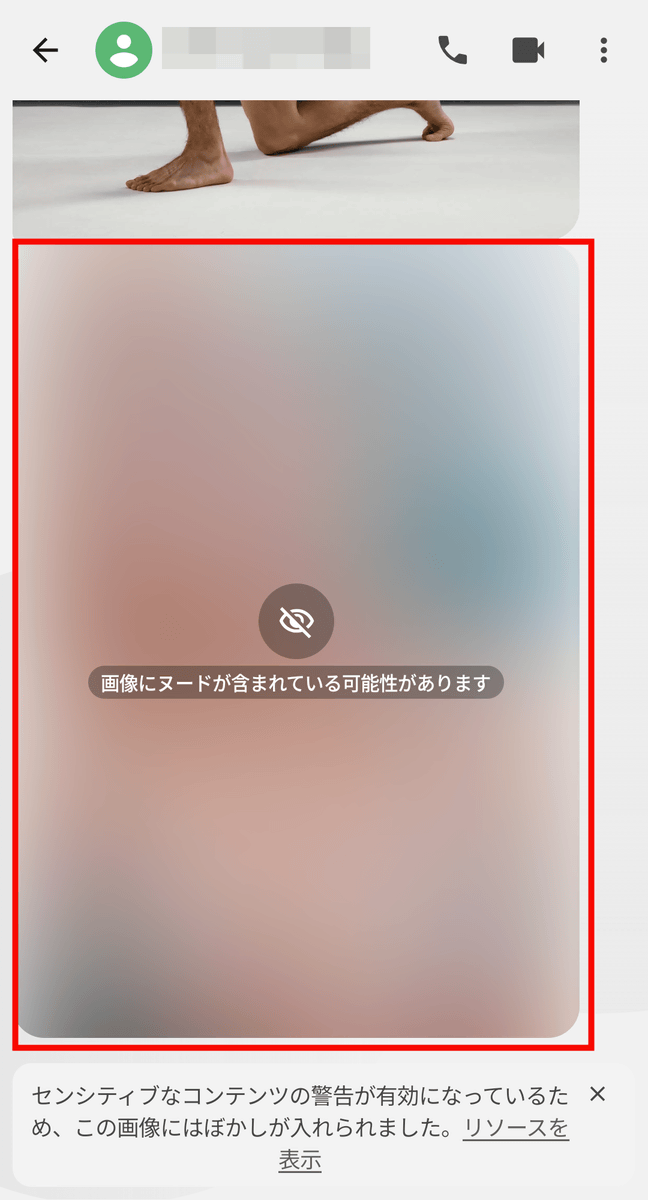
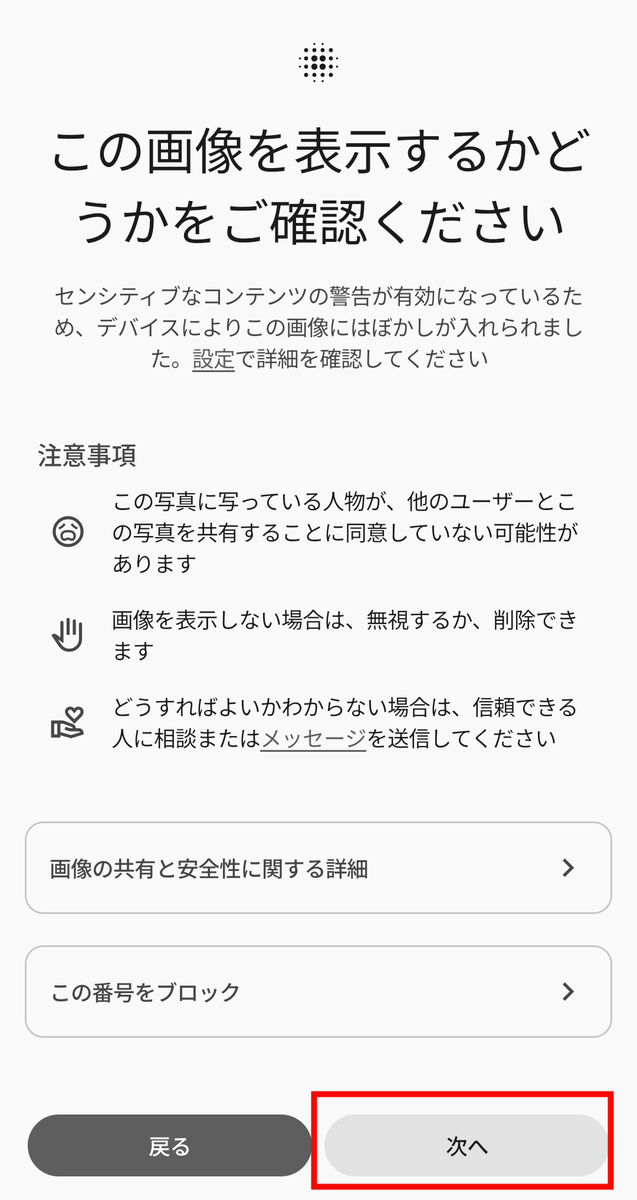
You'll be prompted with a warning asking if you want to view the image. You can also block the number if you have a problem. Tap 'Next' to open the image.
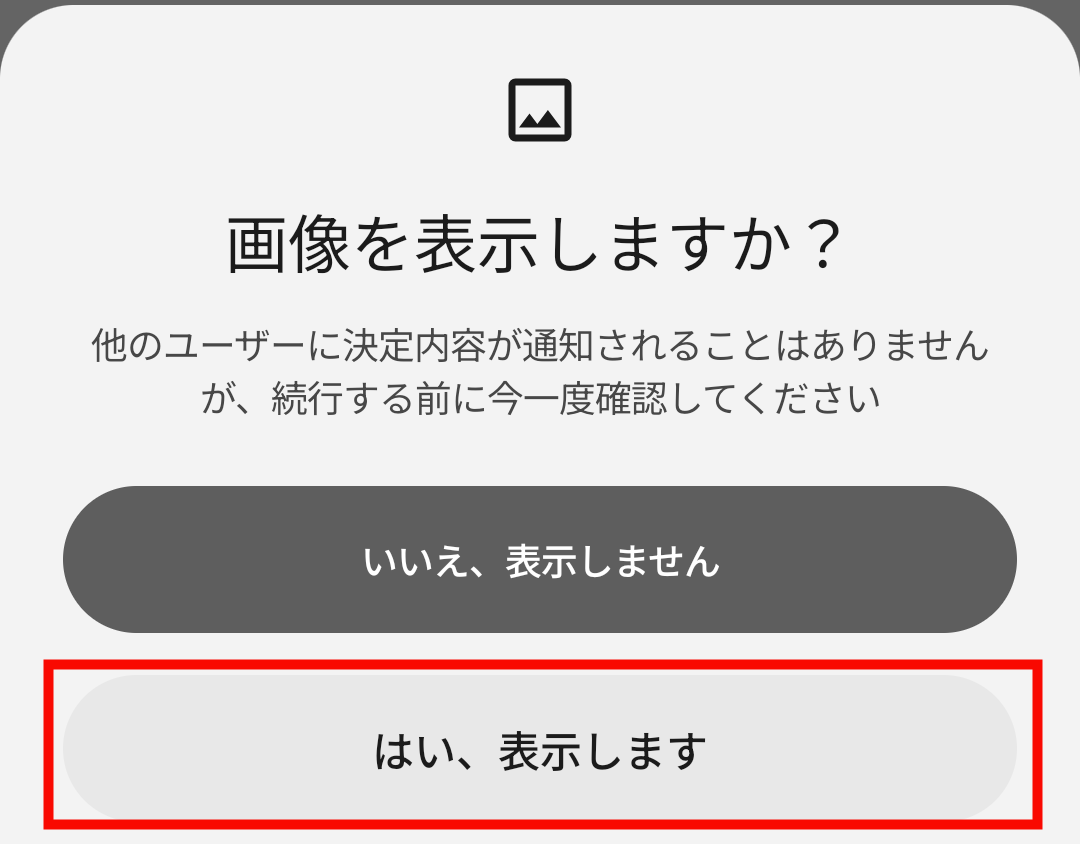
Tap 'Yes, show it.'
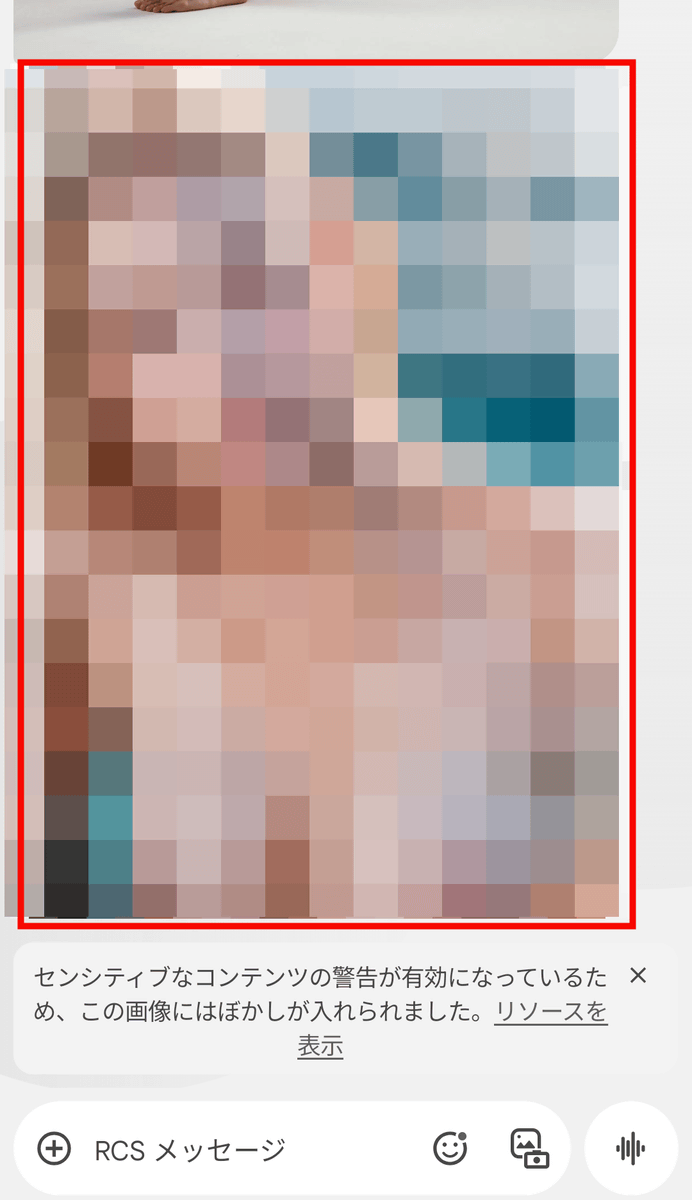
The nude image that was sent to me was displayed, and it said, 'This image has been blurred because a sensitive content warning is enabled.'
Next, try sending the same image from an account with 'Google Messages Alerts' turned on. Select an image.
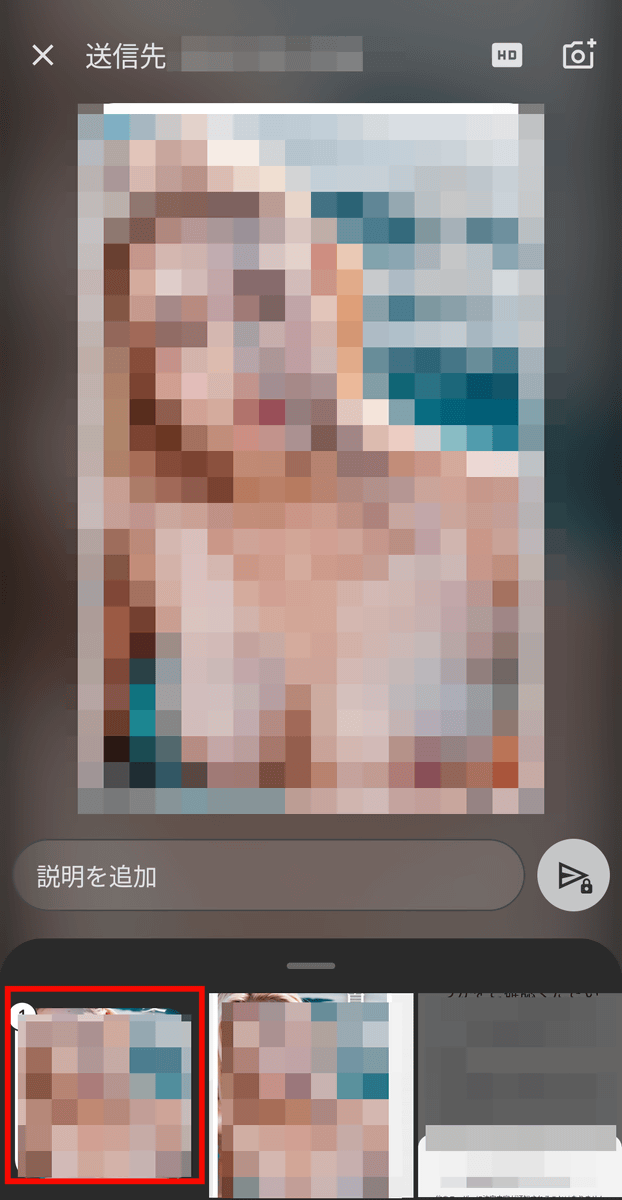
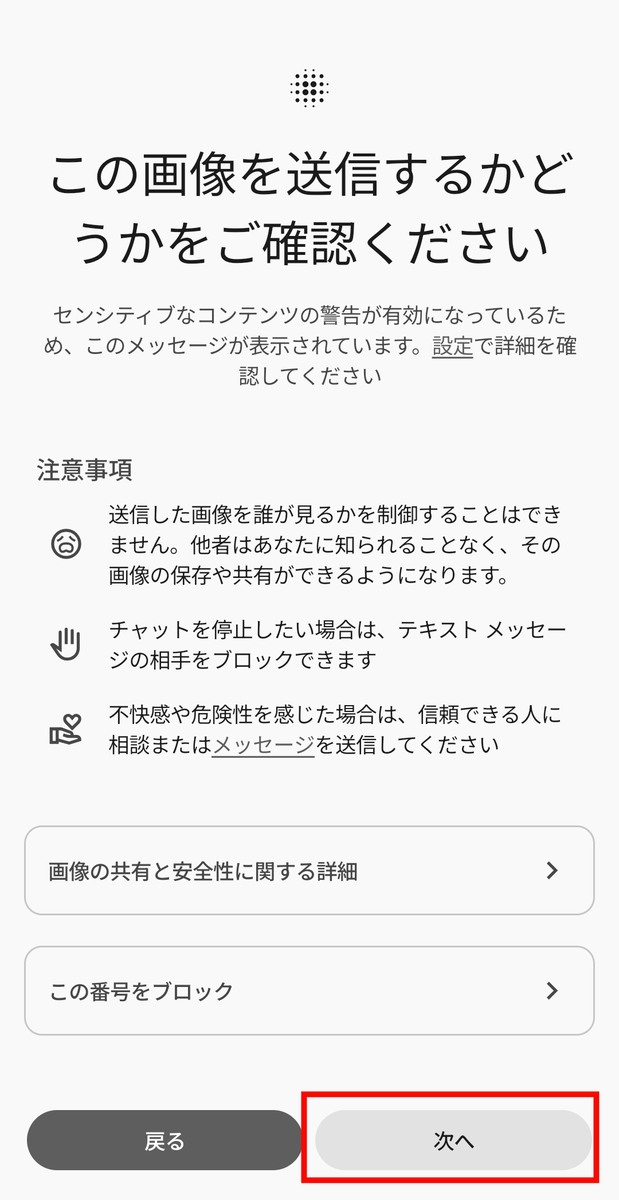
Then, a warning message appeared saying, 'Please confirm whether you want to send this image.' Tap 'Next.'
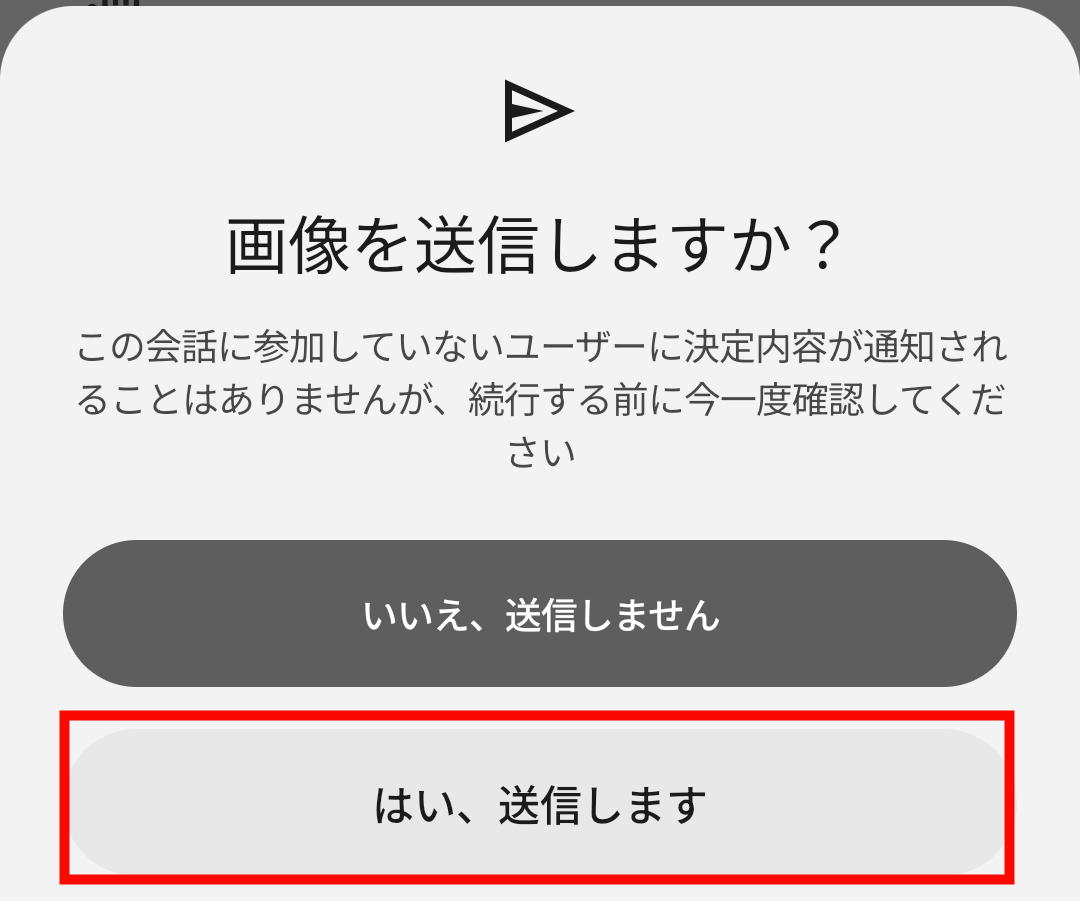
Tap 'Yes, send' to send the image.
'Google Message Warnings' are classified using Android System Safety Core , which is included in devices running Android 9 and later.
Related Posts:


in Software, Posted by log1e_dh