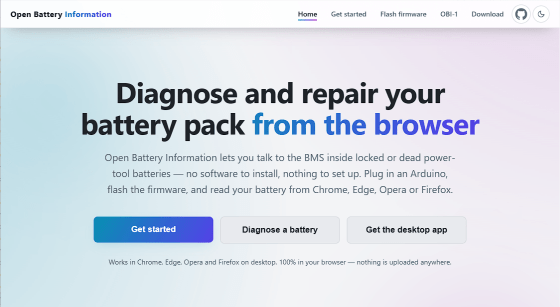
'Open Battery Information' is a free service that allows you to diagnose and repair lithium-ion batteries via your browser, and it is also compatible with Makita's 18V batteries.
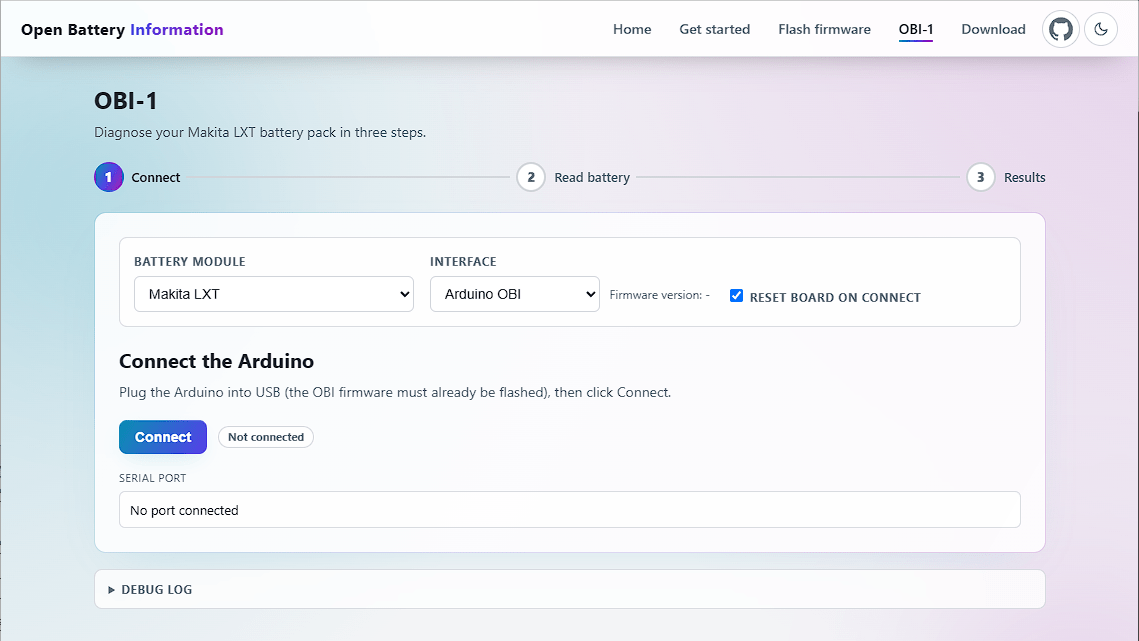
Open Battery Information (OBI) is an open-source project designed to assist in the diagnosis and repair of lithium-ion batteries locked by
Open Battery Information
https://openbatteryinformation.github.io/
mnh-jansson/open-battery-information
Lithium-ion batteries are known for their exceptionally high energy density and long lifespan among rechargeable batteries, and are used in virtually every aspect of daily life. However, lithium-ion batteries are difficult to handle on their own and pose a risk of fire or explosion due to overcharging, over-discharging, or overheating. The main role of a Battery Management System (BMS) is to properly manage these difficult-to-handle lithium-ion batteries and ensure their safety.
If the BMS detects any problem with a lithium-ion battery, it prioritizes safety and locks the battery, rendering it unusable. Even if there is actually no problem with the battery, a lithium-ion battery that has been locked due to a false detection must be discarded.
OBI aims to eliminate the inefficient problem of having to discard lithium-ion batteries that are falsely detected, have temporary problems, or have been repaired based solely on the BMS's judgment. The functional features of OBI are as follows:
• Unlock function : Reads information such as status, charge cycle, and error code from a battery pack locked by the BMS, and unlocks it.
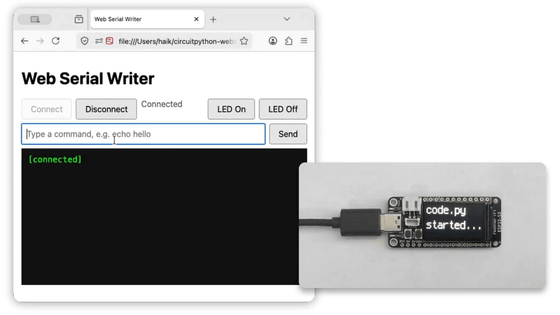
• Web Serial connection : No driver or software installation is required; direct communication with Arduino is possible via USB cable and Web Serial API.
• Modular design : The number of supported modules and interfaces is increasing, and at the time of writing, it also supports the Makita LXT 18V pack via the ArduinoOBI interface.
• Privacy-focused : All processing is completed within the local browser tab, and there is absolutely no account creation, telemetry collection, or transmission of data to external parties.
The following are required to start using OBI.
• Desktop browser : Chrome, Edge, Opera, or Firefox (version 151 or later) is required; Safari is not supported.
- Arduino Uno : You will need an official Arduino Uno or a compatible board with the Optiboot bootloader installed, and a USB cable for connection.
• HTTPS or localhost : Using the Web Serial API requires a secure context, so it must be run in an HTTPS environment like GitHub Pages or on localhost.
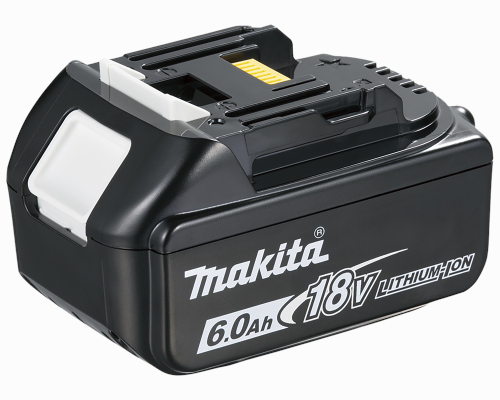
• Supported batteries : As of the time of writing, Makita LXT 18V packs (BL18xx and BL14xx) are supported.
The steps to use OBI are as follows:
1. Hardware Setup : Build the Arduino OBI interface and connect it to the battery according to the provided wiring guide.
2. Connecting the board : Open 'OBI-1,' select the Arduino you want to use, and click 'Connect' (the board will automatically reset and identify itself).
3. Battery Reading : When the battery is connected, clicking the 'Battery Reading' button will display a list of cell voltage, temperature, charge cycle status, etc.
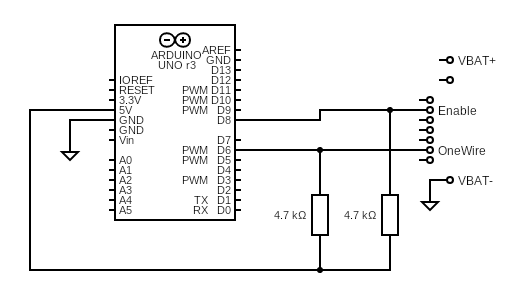
Please note that lithium-ion batteries store a large amount of energy, so safety precautions must be taken. Incorrect wiring or improper use may damage the battery or Arduino. OBI is open source provided underthe GPL-3.0 license and comes without any warranty, so use it at your own risk.
Related Posts: