Human fingers are faster than you might imagine, until computers eliminate the lag in their operations.
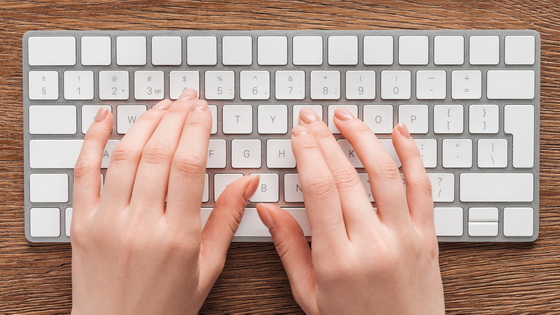
Designer and writer Martin Vihari explains, with interactive demonstrations, just how amazing the capabilities of fingers are and how software should respond to those capabilities, tracing the history of typing and computers.
Show your hands honor for the strange power they bring you – Aresluna
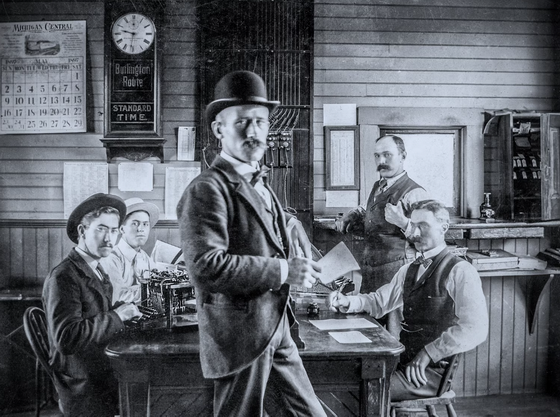
When the typewriter was first invented, it was thought that 40 words per minute was the limit of how fast a person could type, but actual typists were reportedly able to type over 70 words per minute. This was due to a phenomenon called overlapping, where one finger would start moving to the next key while another finger was still pressing the previous one.
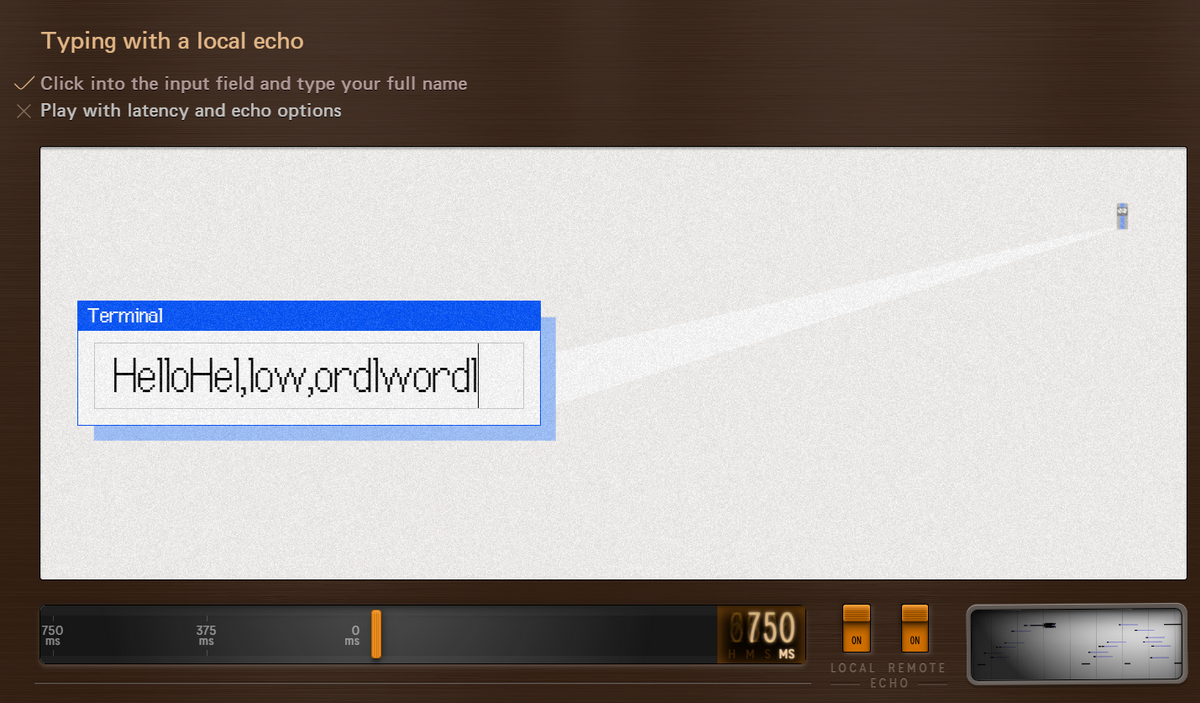
In the 1960s, computer terminals did not involve users directly connecting keyboards to mainframe computers. Instead, they operated from terminals connected via slow modems. Key inputs were sent to the mainframe computer, and only after a confirmation echo was received did the text appear on the screen or print. As a result, there was a significant delay and frustration because inputs were not displayed on the screen until confirmation was received. To address this, buffers were introduced to temporarily store inputs so that the next input could be received. Furthermore, a mechanism called local echo was developed, which displayed characters on the screen instantly without waiting for confirmation from the computer.
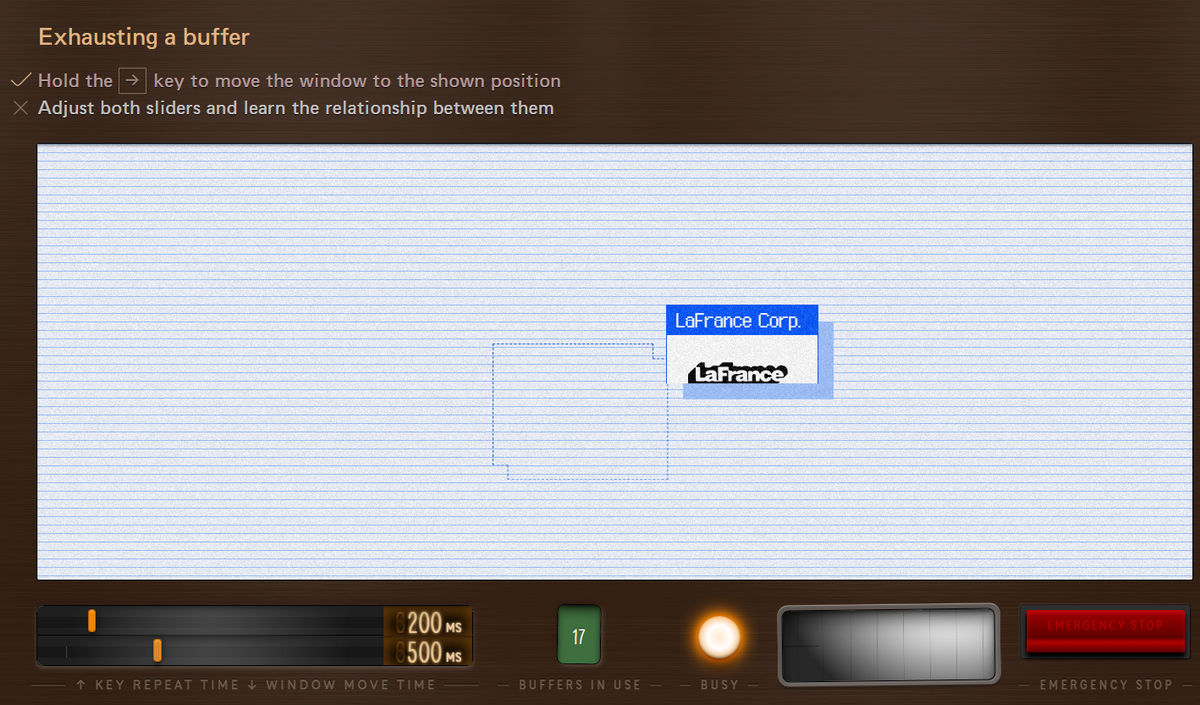
Later, when keyboards began to be connected directly to computers, the previous latency problem was solved. However, smaller computers were less powerful, and heavy processing began to block UI operation, creating a new latency problem with on-screen button operations. To resolve this, a mechanism was devised to separate processing into front-end and back-end, but a new problem called 'overshoot' remained, where the actual response to operations that involve holding down a key to move an object was processed with a delay due to the amount of data stored in the buffer.
In modern times, advancements in hardware and software have made devices themselves sufficiently fast, but latency problems have reappeared due to the intervention of the internet. This is where debounce processing becomes important.
Debounce processing is a mechanism that handles small events that occur in quick succession by grouping them together, reducing unnecessary processing. For example, if a search request is sent every time a key is entered, it puts a load on the server, causing results for older inputs to arrive late and the display to become distorted. By waiting about 100 milliseconds after input, and only sending a request if no further input is received during that time, a comfortable search experience is achieved. In the 'Good searchas-you-type' demo, you can see how the results are returned correctly and in a well-organized format while adjusting this waiting time.

A similar concept can be seen in the input processing of thumb-shift keyboards developed in Japan in the 1980s. Since the shift key and character keys are pressed with the thumb almost simultaneously, the computer does not know which input will arrive first. Therefore, engineers adopted a mechanism that would wait briefly after receiving one of the key inputs, and if the other input arrived during that time, it would treat the two as a single combined operation. This allowed users to input without being conscious of the exact order in which they pressed the keys.
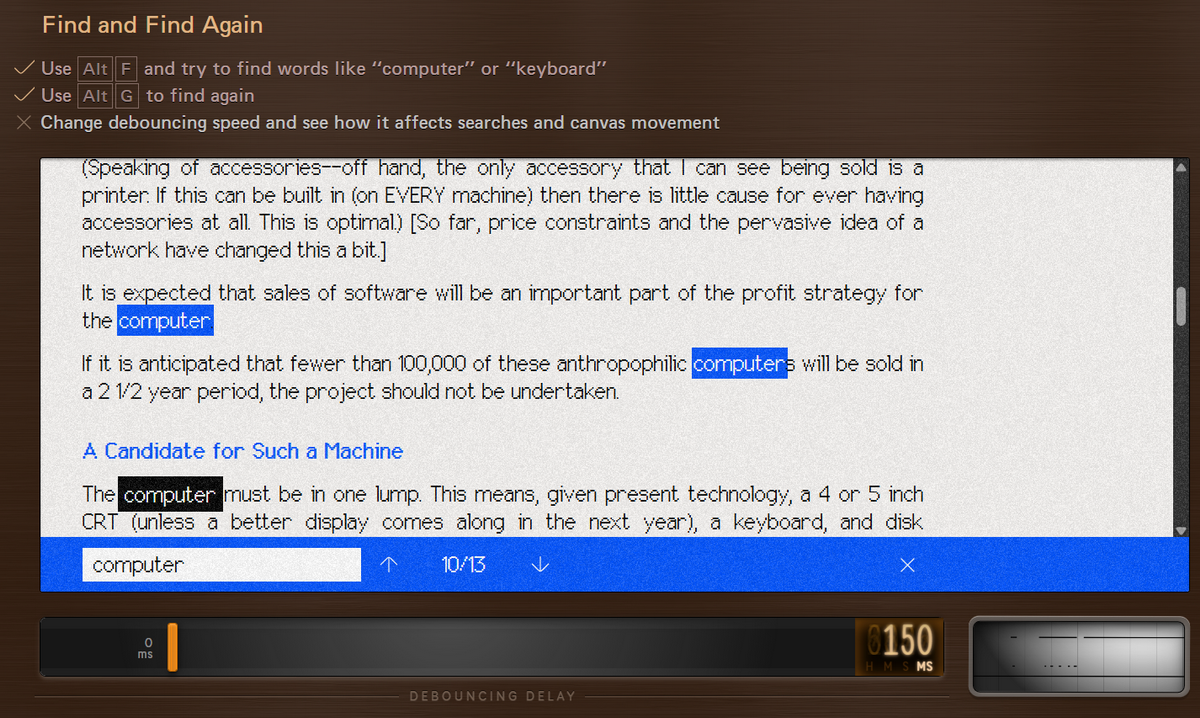
The concept of debounce processing is applied in other situations as well. If you try the operation of searching within a file and then searching again in the demo, you can see that the effect of debounce changes depending on the speed of the search and screen navigation. Also, the behavior of browsers to wait a little before sorting tabs after closing them is an extension of the same idea.
Vihari also cited other examples of designs that respect the capabilities of the fingers and those that don't, such as the relationship between Caps Lock and Shift, personal experiences with motor memory and passwords, the role of the undo function and the Esc key, the perfection of the iPhone's inertial scrolling, and the operational frustrations seen in Gmail's hover cards. He ultimately concluded that 'it is the accumulation of these details that determines whether a tool can be used comfortably,' and argued that we should respect the power of our fingers.
Related Posts: