Comfy MCP has been released, enabling the automation of image and video generation using ComfyUI with AI agents such as Cloud Code. Because it uses Comfy Cloud, it works even on low-spec PCs.

ComfyUI is a generative AI execution environment that supports numerous image and video generation AIs, but mastering it requires complex tasks such as 'combining multiple nodes yourself to build workflows' and 'deciphering complex workflows created by others and customizing them to your liking.' To improve this situation, a public beta version of 'Comfy MCP' has been announced. Comfy MCP allows you to operate ComfyUI using AI agents such as Claude Code and Codex.
Comfy MCP: Turn your agent into a creative technologist
We just launched Comfy MCP in public beta, the first MCP built for production pipelines.
— ComfyUI (@ComfyUI) June 29, 2026
Connect Claude, Codex, Cursor, or Hermes to the entire ComfyUI ecosystem.
→ Run any workflow in natural language
→ Search models, nodes, and templates
→ Share a workflow URL - your… pic.twitter.com/9aAVLBNLLi
Comfy MCP is a system that works in conjunction with the cloud service version of Comfy Cloud , not the desktop version of ComfyUI. To use Comfy MCP with Claude Desktop, simply sign in to Comfy Cloud and specify ' https://cloud.comfy.org/mcp ' as a custom connector. Comfy MCP can be used not only with the Claude series but also with MCP-compatible agents such as Codex and Hermes Agent.
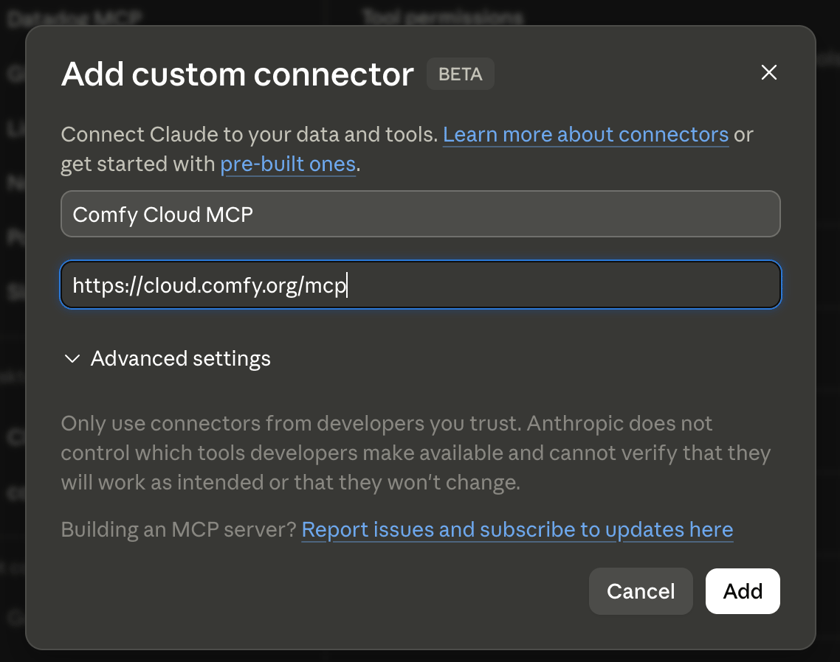
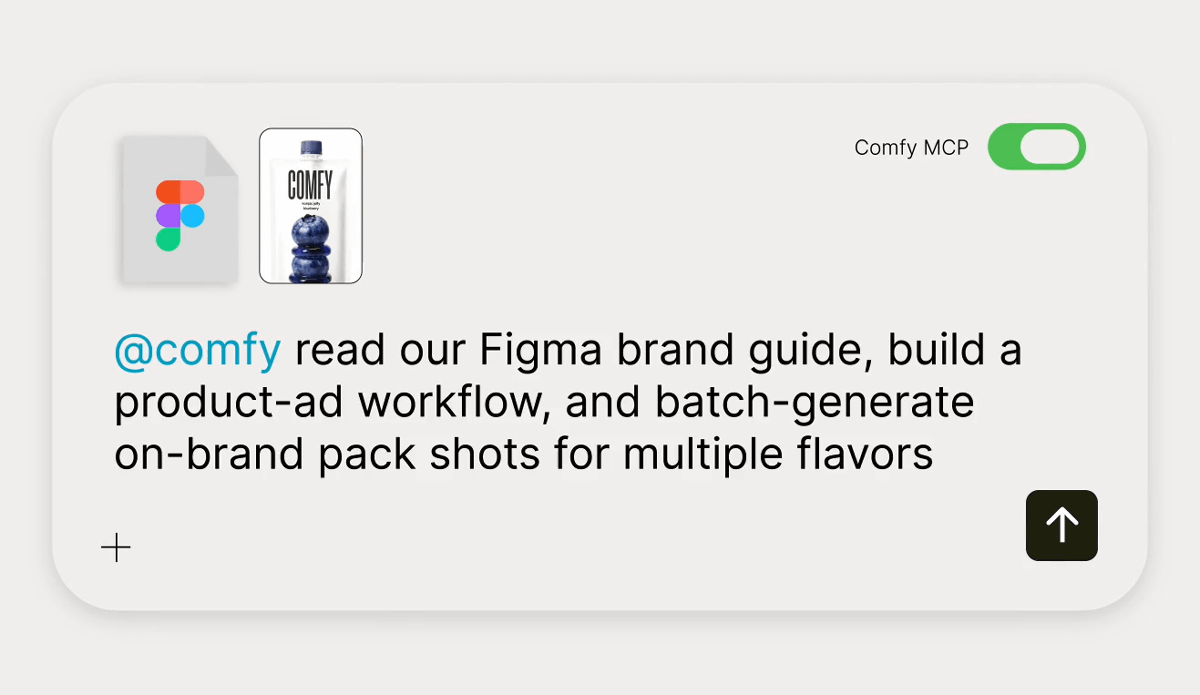
Once you've installed Comfy MCP, simply add '@comfy' to the AI agent's instructions, and it will automatically build the appropriate workflow and perform image and video generation. In addition to open models such as
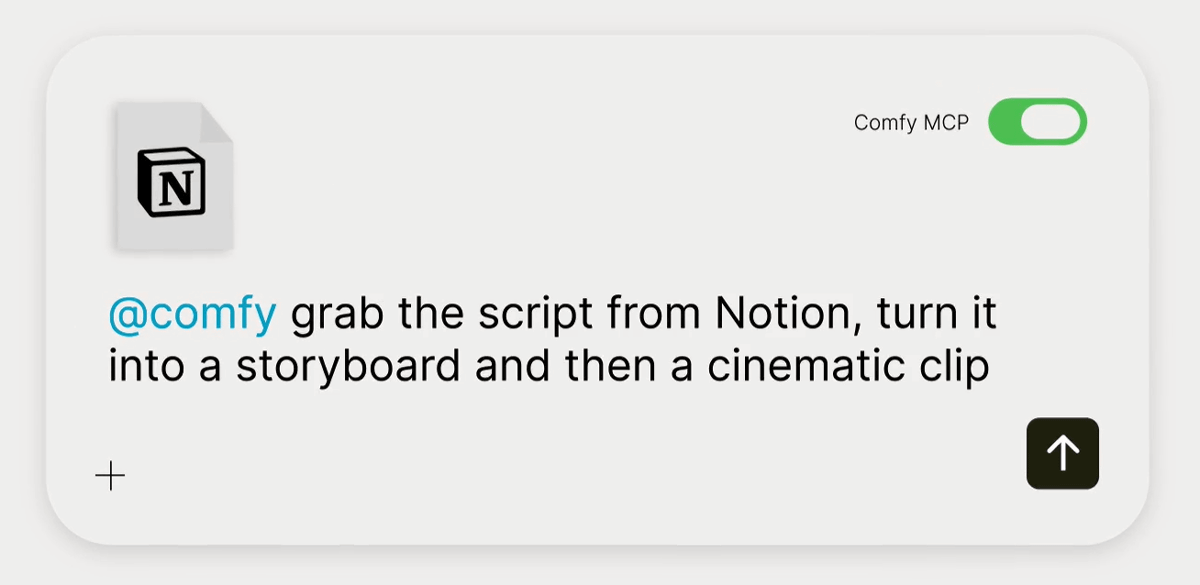
You can also have the AI agent read information from external apps such as Notion and use that information to generate content in ComfyUI.
Detailed information about Comfy MCP can be found in the following document.
Comfy Cloud MCP - ComfyUI
https://docs.comfy.org/agent-tools/cloud
As of the time of writing, Comfy MCP is a feature exclusive to Comfy Cloud, but support for the local version of ComfyUI is included in the roadmap. The development team is currently advising users to utilize MCP servers created by volunteers as a temporary measure.
What about local ComfyUI? / MCP - ComfyUI
https://docs.comfy.org/agent-tools#what-about-local-comfyui
In addition, a repository of skills has been released along with the launch of Comfy MCP.
GitHub - Comfy-Org/comfy-skills: Comfy Cloud product skills: slash commands for generating images, video, audio, and 3D with Comfy Cloud agents. Single source of truth for the installer and MCP server. · GitHub
https://github.com/Comfy-Org/comfy-skills/
Furthermore, a beta version of ' comfy-cli, ' a CLI tool for running ComfyUI, has also been released.
CLI | Getting Started - ComfyUI
https://docs.comfy.org/comfy-cli/getting-started
Related Posts:




in AI, Posted by log1o_hf