Apple's image generation AI has been significantly enhanced, enabling high-quality image generation and editing.
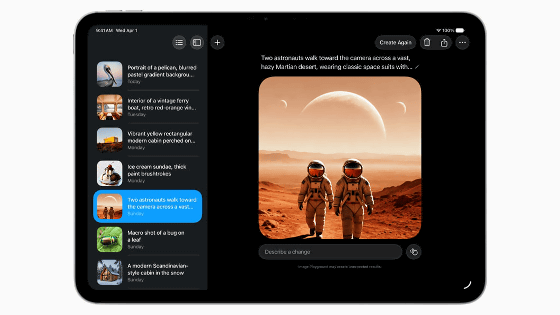
At the keynote address of Apple's annual developer conference, ' WWDC26 ,' held on Tuesday, June 9, 2026, at 2:00 AM Japan time, it was announced that Apple's image generation AI has been significantly enhanced, enabling high-quality image generation and editing.
Apple Events - Special Event Stream - Apple
https://www.apple.com/apple-events/event-stream/
WWDC 2026 — June 8 | Apple - YouTube
Apple's image creation app, 'Image Playground,' is getting a completely new version.
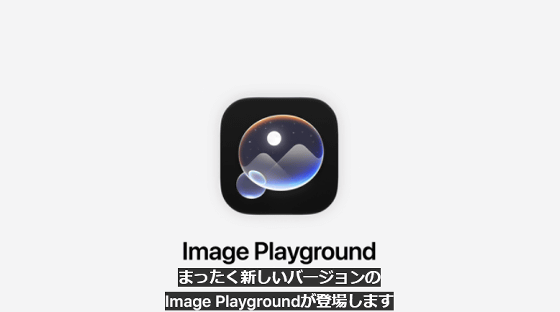
While the previous Image Playground operated locally, the new version runs high-performance image generation AI models on Apple's servers. Processing using Apple's servers is called 'private cloud computing,' and it allows for advanced processing while ensuring user privacy.
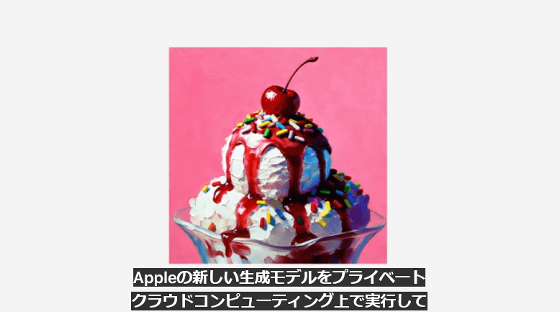
The quality of the images that can be generated has been greatly improved.
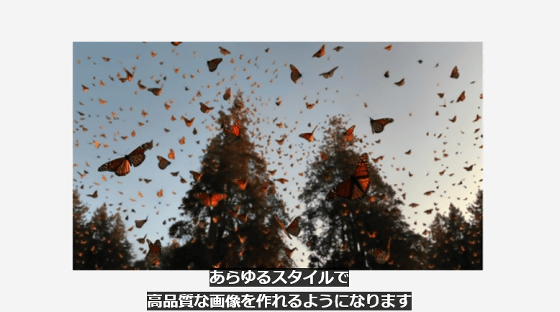
It is also possible to generate images using images of people from the photo library.
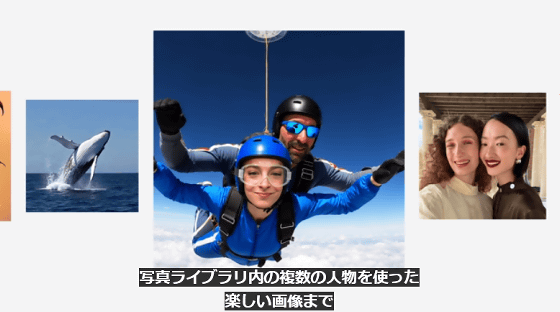
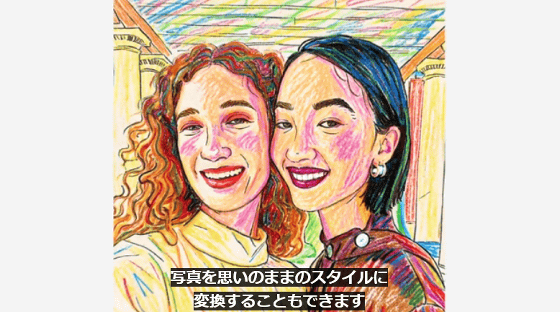
You can also change the style.
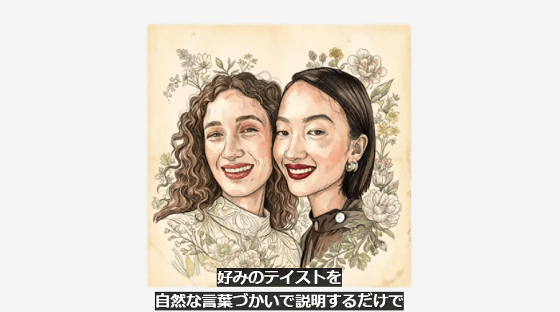
You can change the style of your photos in various ways.
The photos used to generate the images are not stored on Apple's servers and are not shared.
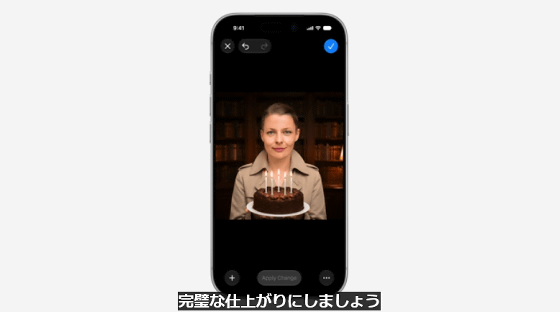
Here's an example. First, launch Image Playground and select a photo from your library.
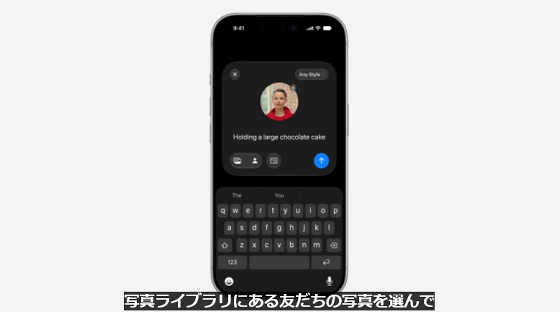
The editor gave instructions on what to edit, such as 'a photo of someone holding a birthday cake.'
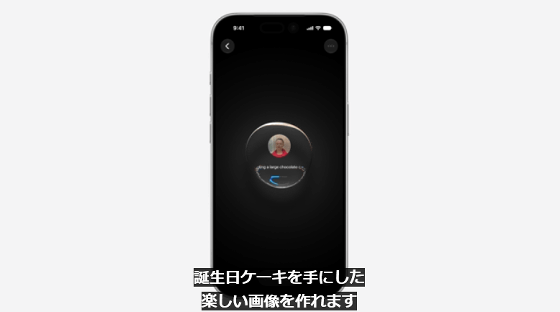
The image has been completed as instructed.

Furthermore, instructions were given to change the background and clothing.
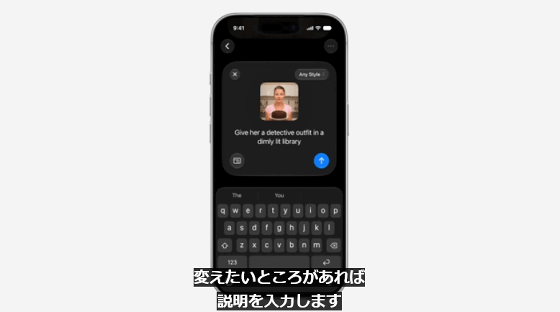
In this way, you can create your desired image by continuously giving editing instructions.
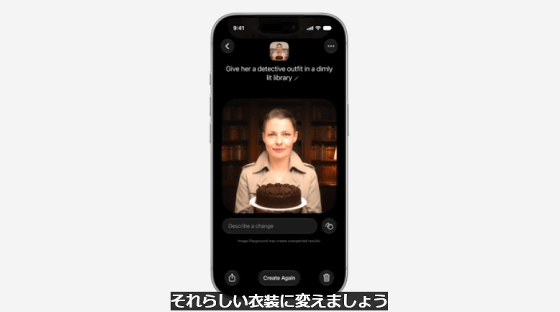
You can select objects within an image simply by drawing a circle around them. For example, if you draw a circle around a cake, only the cake will be selected automatically.
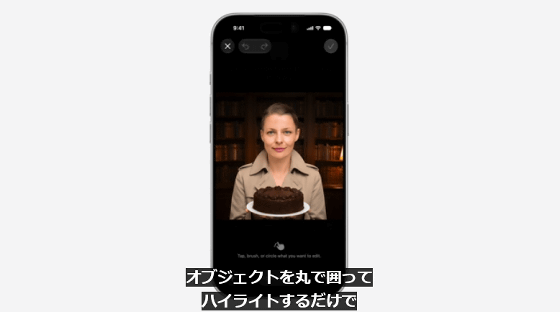
If you select a cake and then issue an edit command, only the cake will be modified.
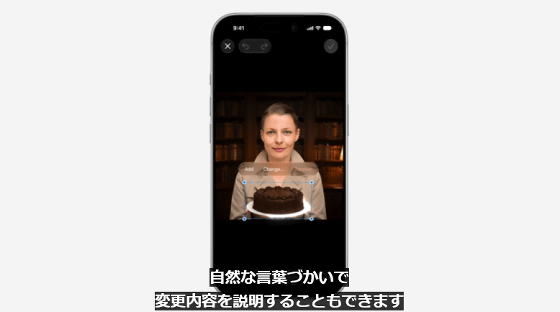
I was able to add candles to the cake.
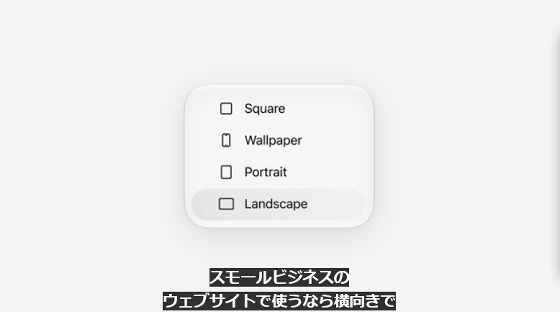
You can choose the size of the generated image from 'Square,' 'Wallpaper,' 'Portrait,' and 'Landscape.'
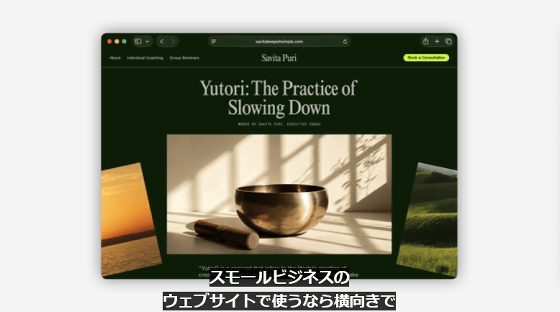
Generate images for use on a personal website.
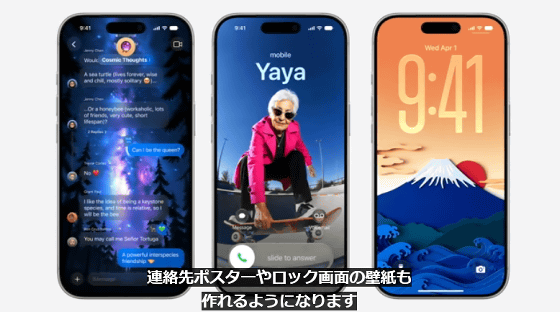
Generates poster images. Can be used for various purposes.

You can also create background images for messaging apps and lock screens.
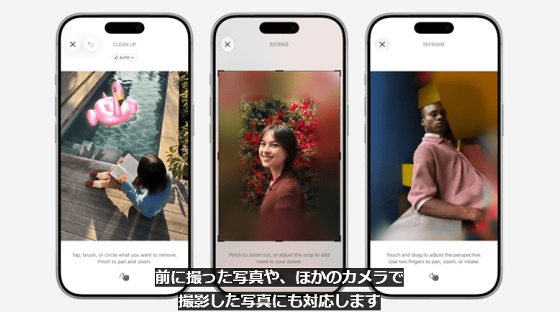
Furthermore, AI-powered image editing features have been added to the photo app.
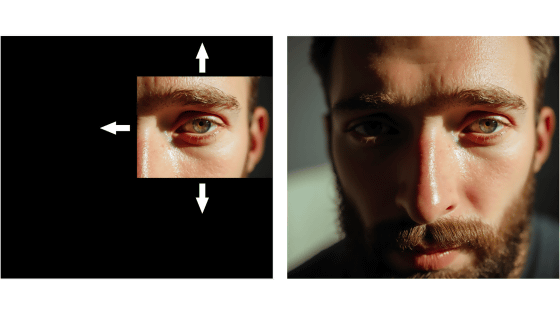
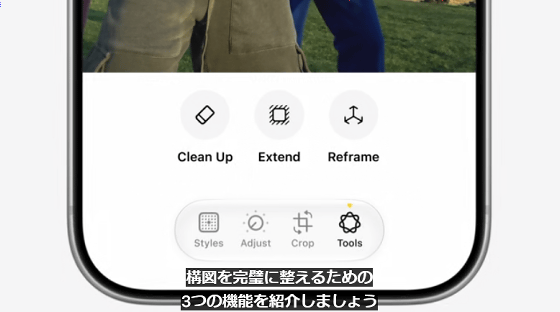
The three newly added features are 'Cleanup,' which removes unnecessary objects; 'Extension Tool,' which adds to the outside of the image; and 'Spatial Reframe,' which changes the composition.
Here's an example of the cleanup. First, this is the original image.
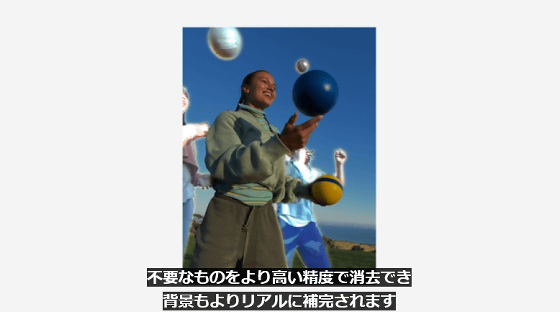
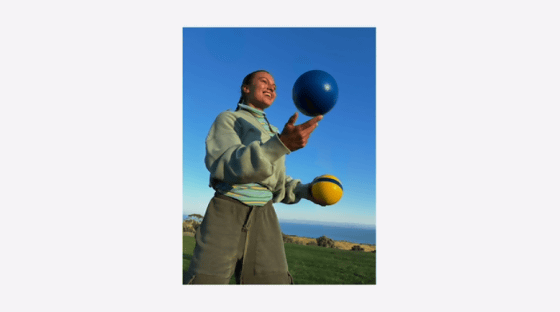
This image shows the person in the background removed using a cleanup tool. The removal is seamless and unobtrusive.
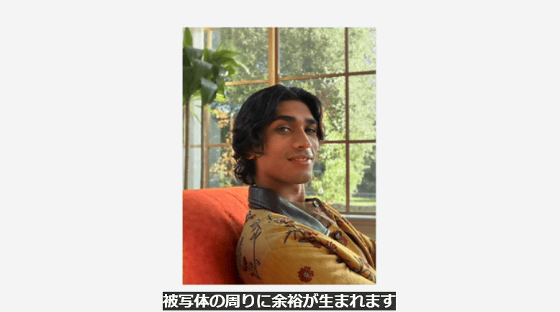
The extension tool allows you to add to the outside of an image.
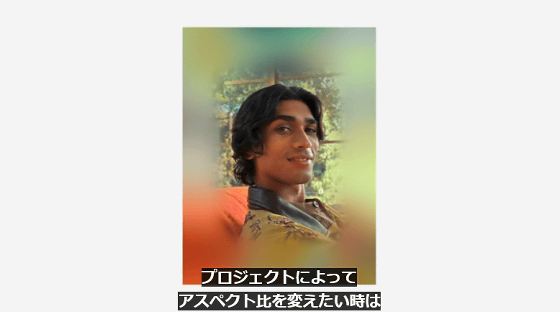
You can seamlessly add in parts that were not included in the original photograph.
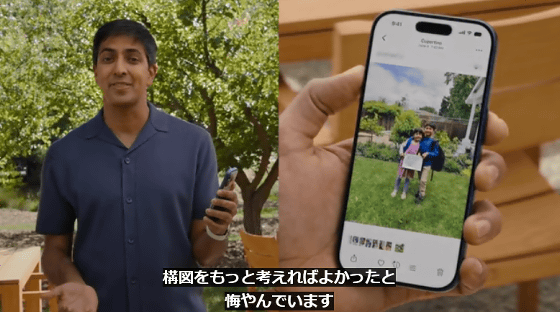
Here's an example of spatial reframing. First, open a photo where you made a mistake with the shooting angle or distance.
Tap the edit button, then tap the tools button in the bottom right.
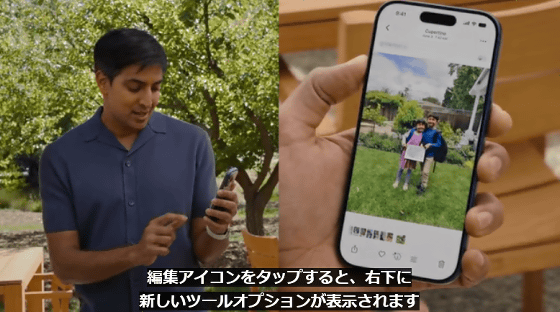
Tap Space Reframe.
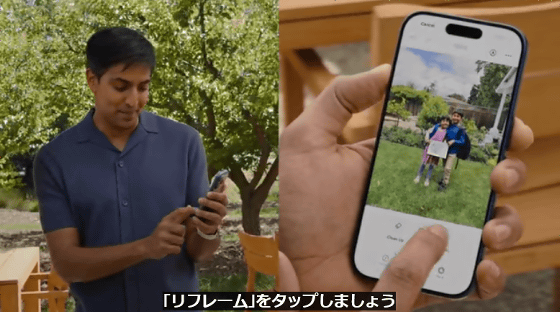
By touching and dragging within the photo, you can change the angle as if it were a 3D scene.
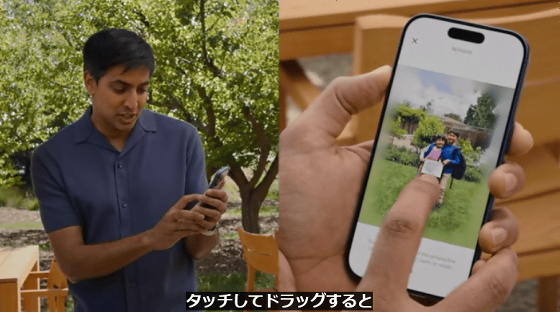
Once you've adjusted the composition to your liking, tap the execute button.
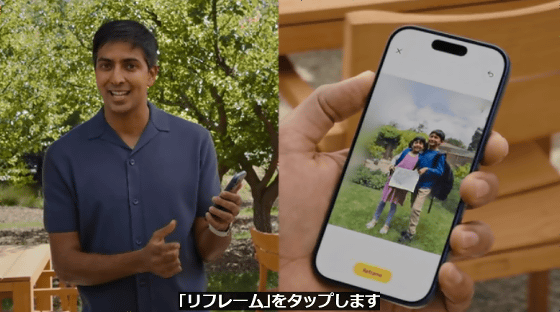
After a short wait, the finished photo will be displayed. While editing with spatial reframing, a preview using a local AI model is displayed in real time, and when you tap the execute button, the process is carried out on Apple's private cloud computing.
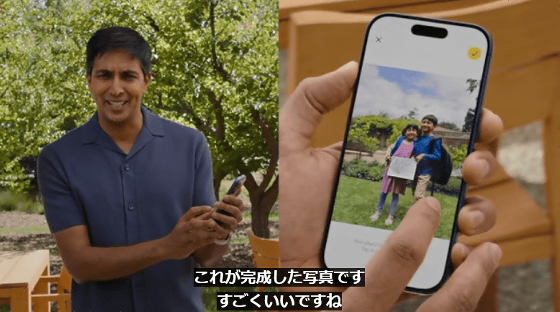
The AI-powered editing features in the photo app can be used with photos previously taken on your iPhone, as well as photos taken with other cameras and imported.
Related Posts: