I tried out 'Bonsai Image 4B,' an image generation AI that runs locally on iPhones, and modified FLUX.2 Klein 4B into a 1-bit version, reducing memory usage to 1/8.3 of the original.

AI development company PrismML has released its image generation AI, ' Bonsai Image 4B .' Bonsai Image 4B is a model that applies PrismML's memory-saving technology to FLUX.2 Klein 4B, successfully reducing memory usage to a level where it can run locally on a smartphone. An official app for running Bonsai Image 4B on an iPhone has also been released, so I tried it out.
PrismML — Introducing 1-bit and Ternary Bonsai Image 4B: Image Generation for Local Devices
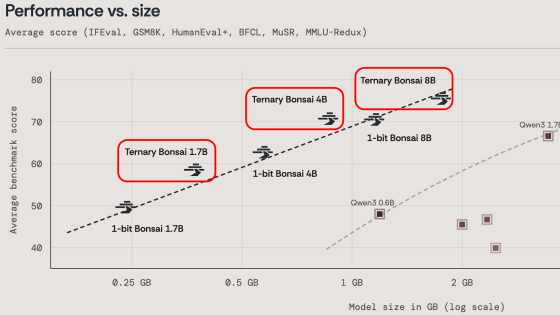
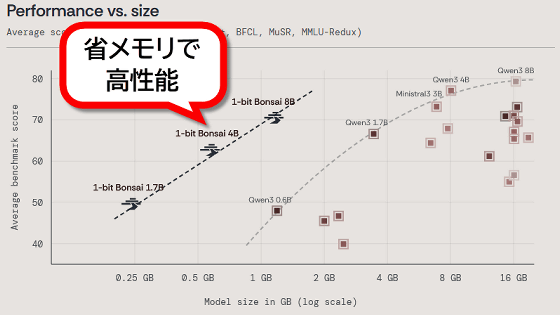
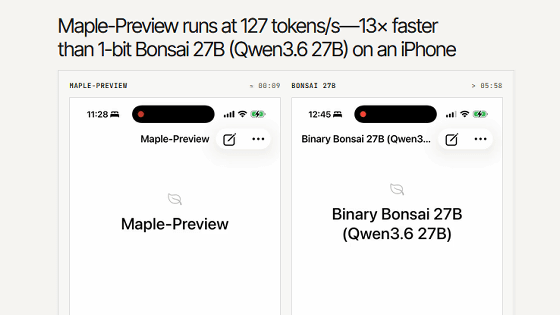
PrismML is a company that develops memory-efficient and high-performance AI models using a method of training AI models with binary values of '-1' and '1', or with ternary values of '-1', '0', and '1'. In April 2026, they released ' 1-bit Bonsai 8B, ' a language model with 8 billion parameters that can run on an iPhone, which generated considerable buzz.
I tried running the AI model '1-bit Bonsai 8B' with 8 billion parameters locally on my iPhone 17 Pro. It's easy to run using the free app Locally AI. - GIGAZINE

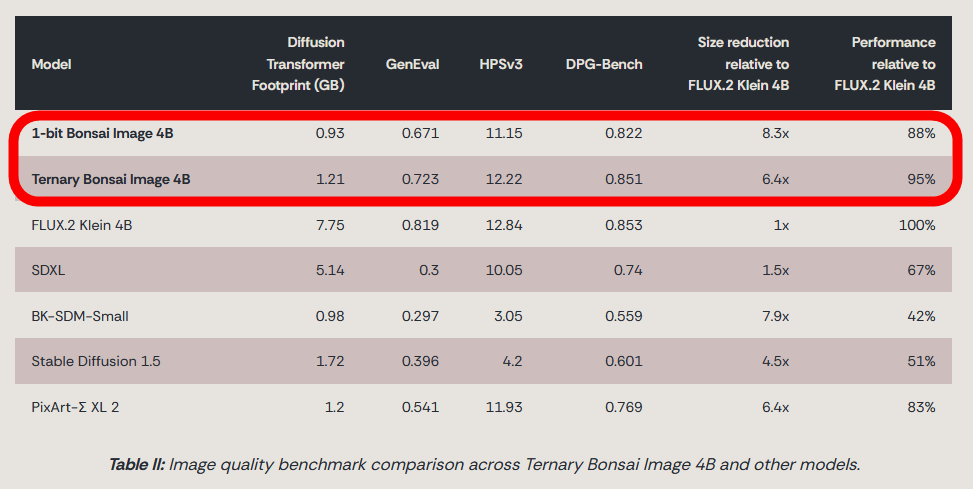
Bonsai Image 4B is a model created by retraining the existing AI model 'FLUX.2 Klein 4B' using the PrismML method. Two versions are available as open models: ' 1-bit Bonsai Image 4B ,' which is trained with the binary values '-1' and '1,' and ' Ternary Bonsai Image 4B, ' which is trained with the ternary values '-1,' '0,' and '1.'
While FLUX.2 Klein 4B uses 7.75GB of memory, 1-bit Bonsai Image 4B uses 0.93GB and Ternary Bonsai Image 4B uses 1.21GB. Despite the reduced memory usage, the quality of the generated images remains high, with 1-bit Bonsai Image 4B achieving 88% of FLUX.2 Klein 4B's quality and Ternary Bonsai Image 4B achieving 95% of FLUX.2 Klein 4B's quality.
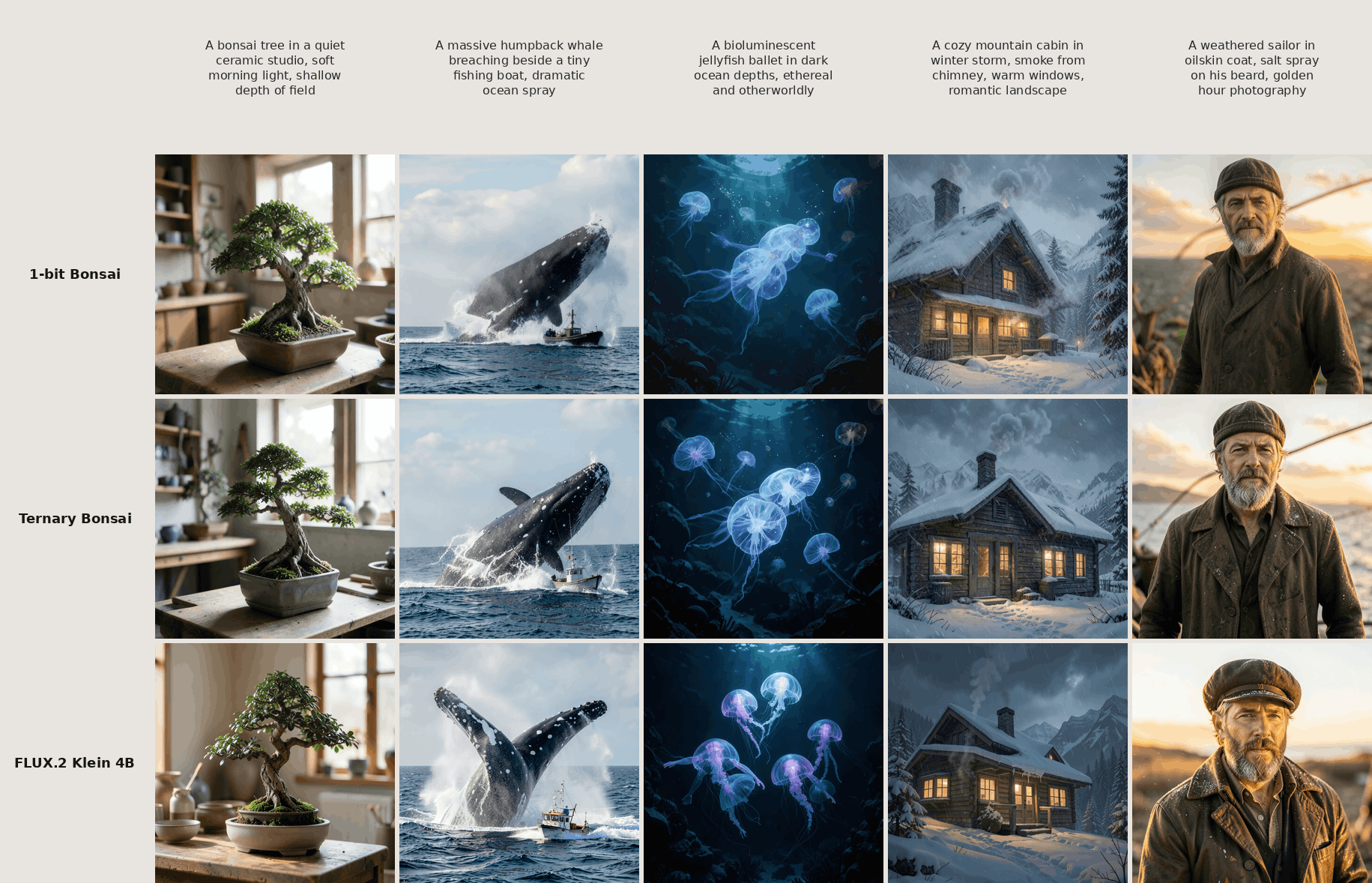
The following images were generated using the same prompt with '1-bit Bonsai Image 4B,' 'Ternary Bonsai Image 4B,' and 'FLUX.2 Klein 4B.' It is clear that Bonsai Image 4B has succeeded in reducing memory usage while maintaining quality.
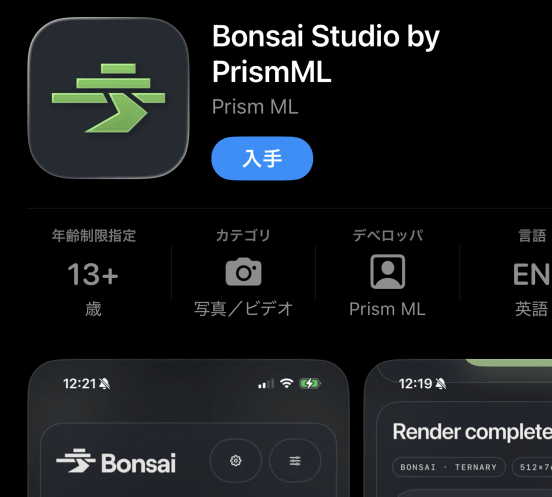
PrismML has released a free app called 'Bonsai Studio' that allows you to run Bonsai Image 4B on your iPhone. Since it was available for download in Japan, I decided to try it out.
Bonsai Studio by PrismML - App Store
https://apps.apple.com/jp/app/bonsai-studio-by-prismml/id6767042620
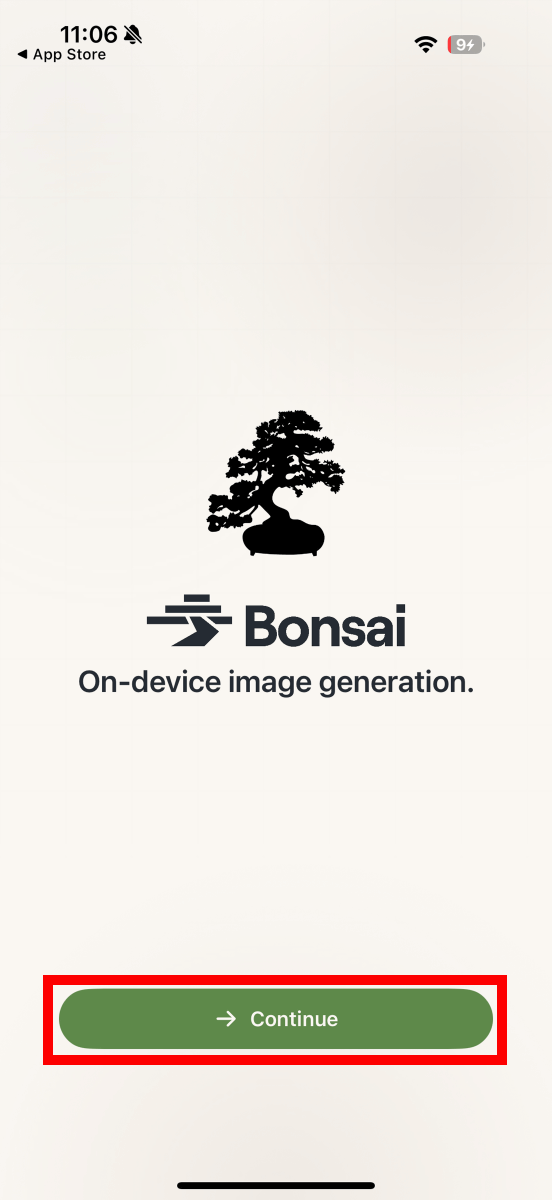
After installing and launching Bonsai Studio, tap 'Continue'.
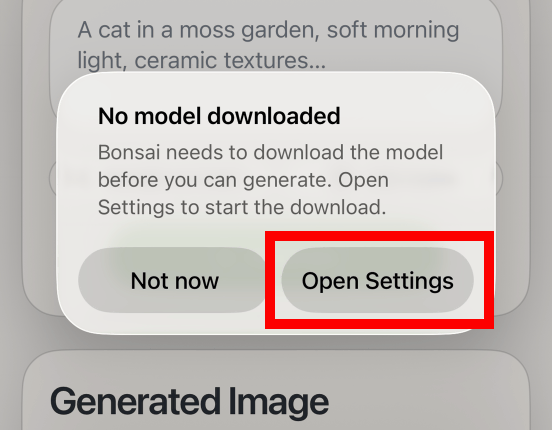
The first time you launch the application, you will be prompted to download an AI model, so tap 'Open Settings'.
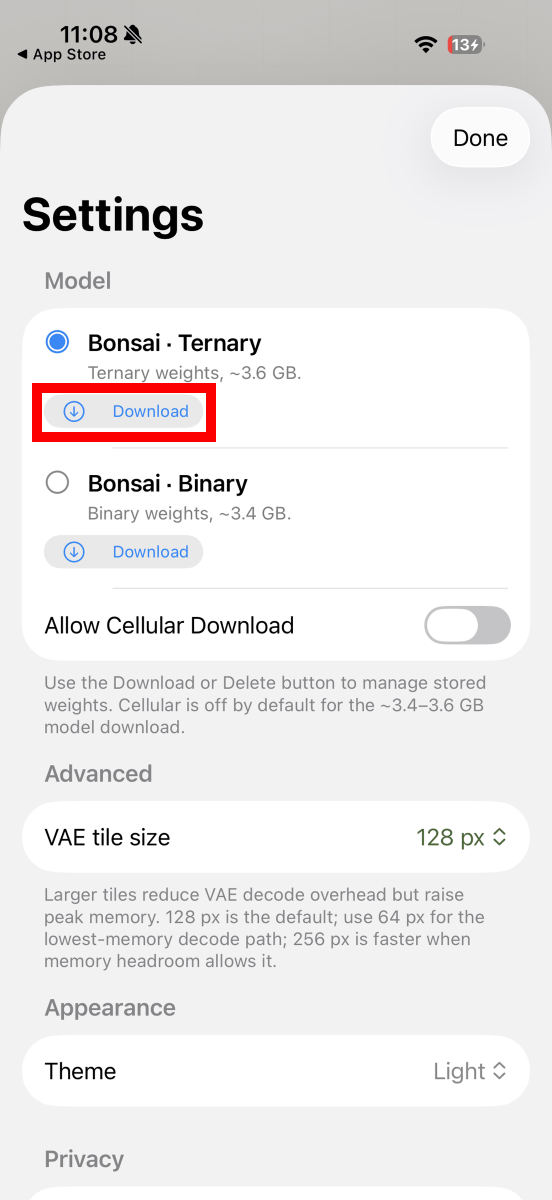
Tap the download button at the bottom of 'Bonsai Ternary'. The file size is 3.89GB.
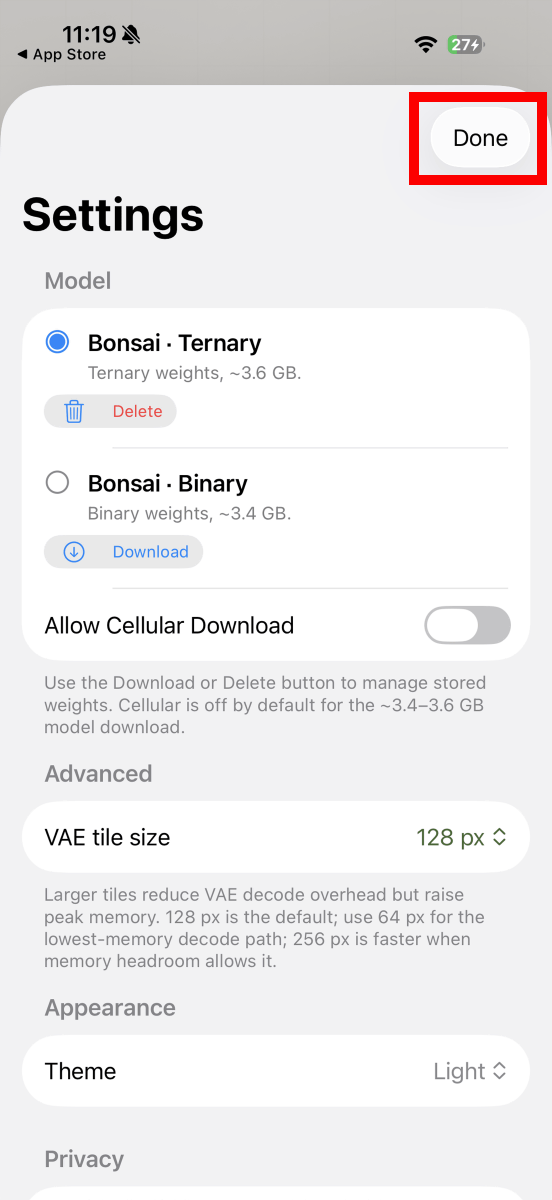
Once the download is complete, tap 'Done'.
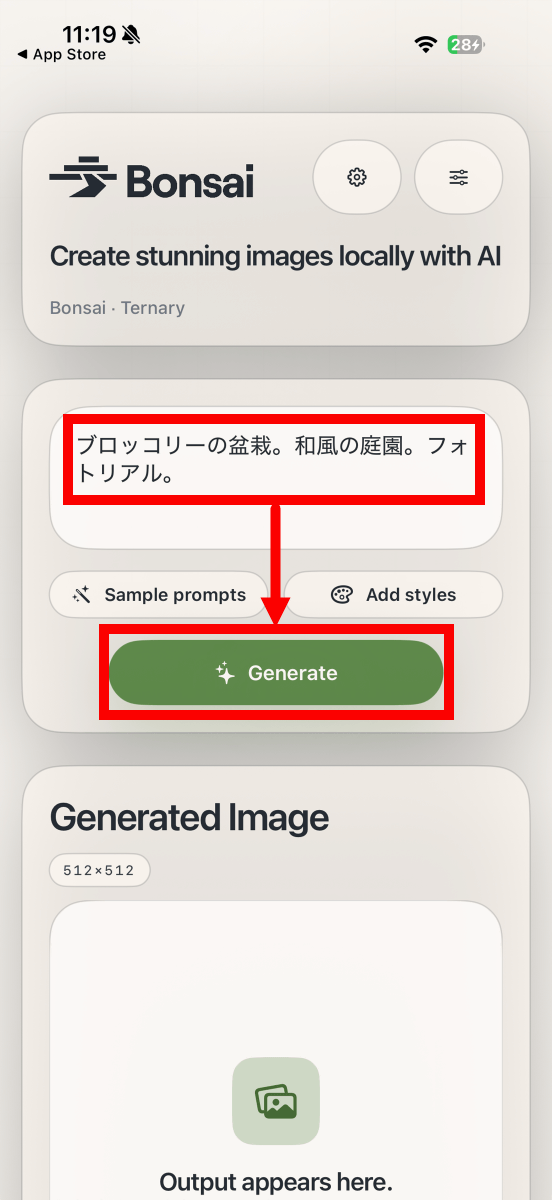
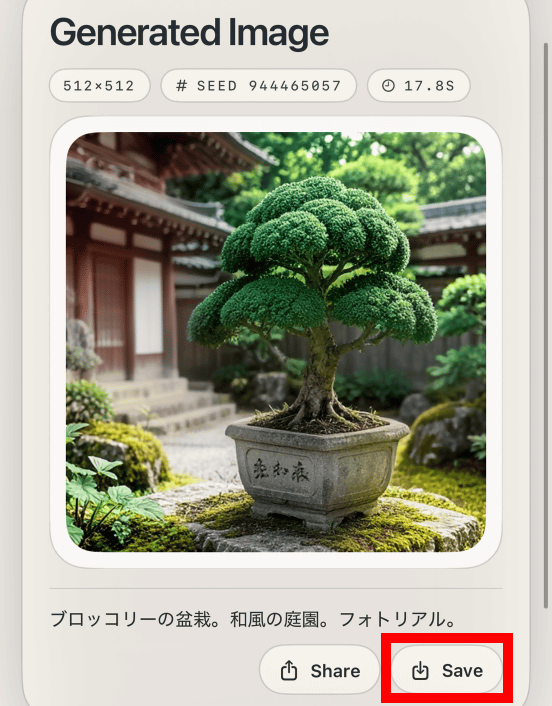
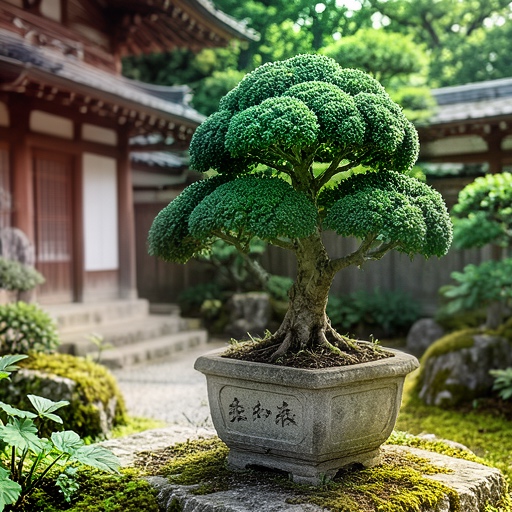
Once the Bonsai Studio main screen appears, enter a description of the image you want to generate in the input field and tap 'Generate'. In this example, we entered 'Broccoli bonsai. Japanese garden. Photorealistic'.
After a short wait, the generated image will be displayed. You can save the generated image by tapping 'Save' in the bottom right corner.
The saved image is shown below. It is exactly as instructed.
I recorded the process of generating an image on an iPhone 17 Pro. It was able to generate a 512x512 pixel image in about 12 seconds.
I also generated some other images. Below is an image generated with the prompt 'young woman looking at a bonsai tree'.
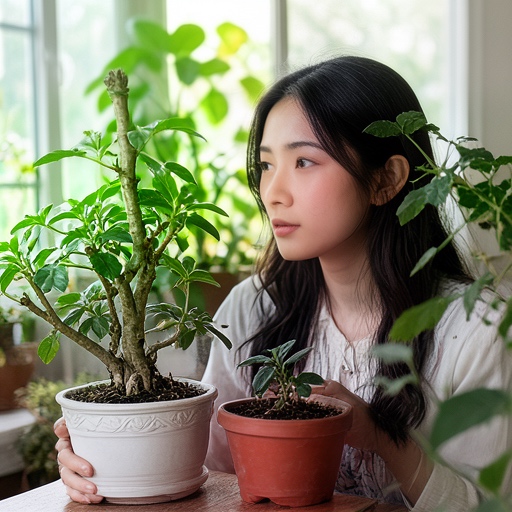
'A young woman looking at a bonsai tree. Anime. Illustration.' It would look something like this.

Bonsai Image 4B can be run not only on iPhones but also on Windows PCs and Macs. The models are available at the following link.
Bonsai Image - a prism-ml Collection
https://huggingface.co/collections/prism-ml/bonsai-image
Related Posts:

in AI, Video, Smartphone, Review, Posted by log1o_hf