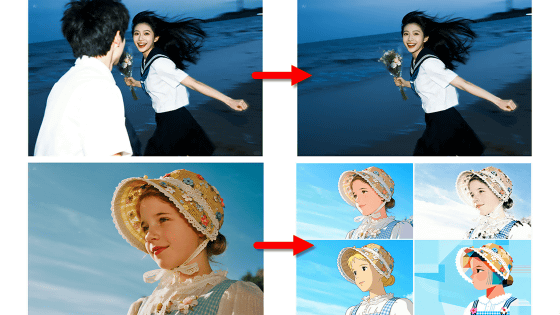
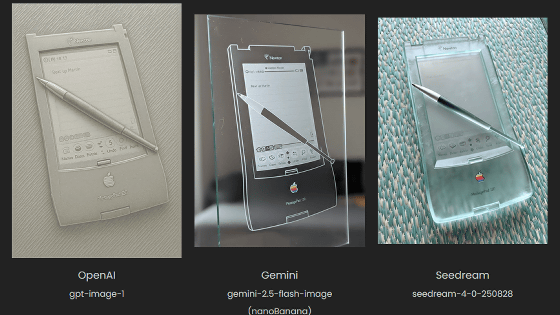
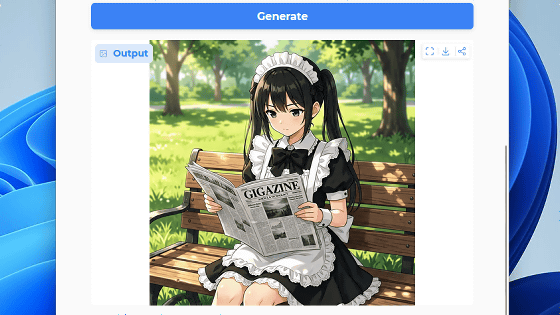
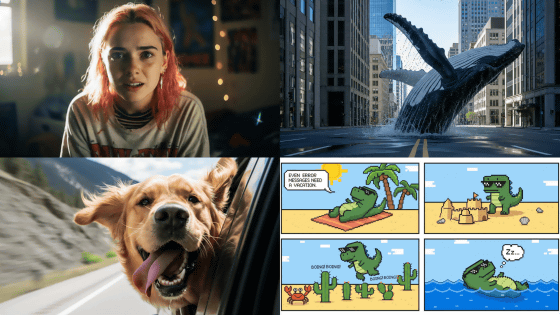
OpenAI has officially released its image generation AI, 'ChatGPT Images 2.0,' so I tried it out. It can produce high-quality illustrations and Japanese dialogue.
OpenAI officially released ChatGPT Images 2.0 , its image generation feature for ChatGPT, on April 22, 2026, Japan time. ChatGPT Images 2.0 has achieved the top ranking score in tests conducted by third-party organizations, and is said to have significantly improved text rendering in languages other than English and prompt following capabilities. Since it was available even with the free ChatGPT plan, I tried generating and editing images myself.
ChatGPT Images | AI Image Generation
Click the link above to open the image generation screen, enter a description of the image in the input field, and then click the submit button. This time, I entered 'A comic strip about a bear eating salmon. A comic strip with Japanese dialogue. It should include the lines 'I'm hungry,' 'Shall we have some sushi?' and 'Sushi is definitely best with salmon, bear~'.'
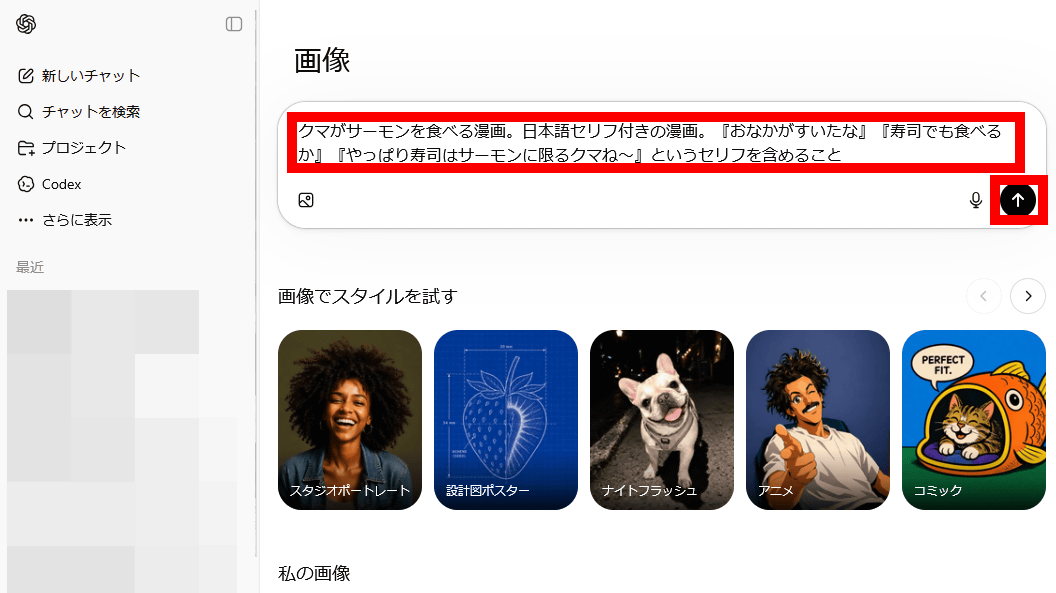
The image was output in about one minute.
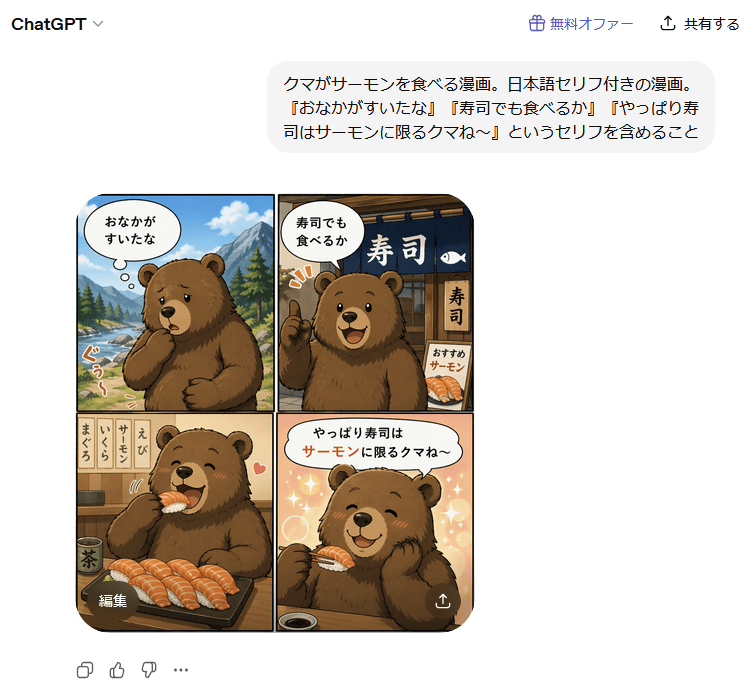
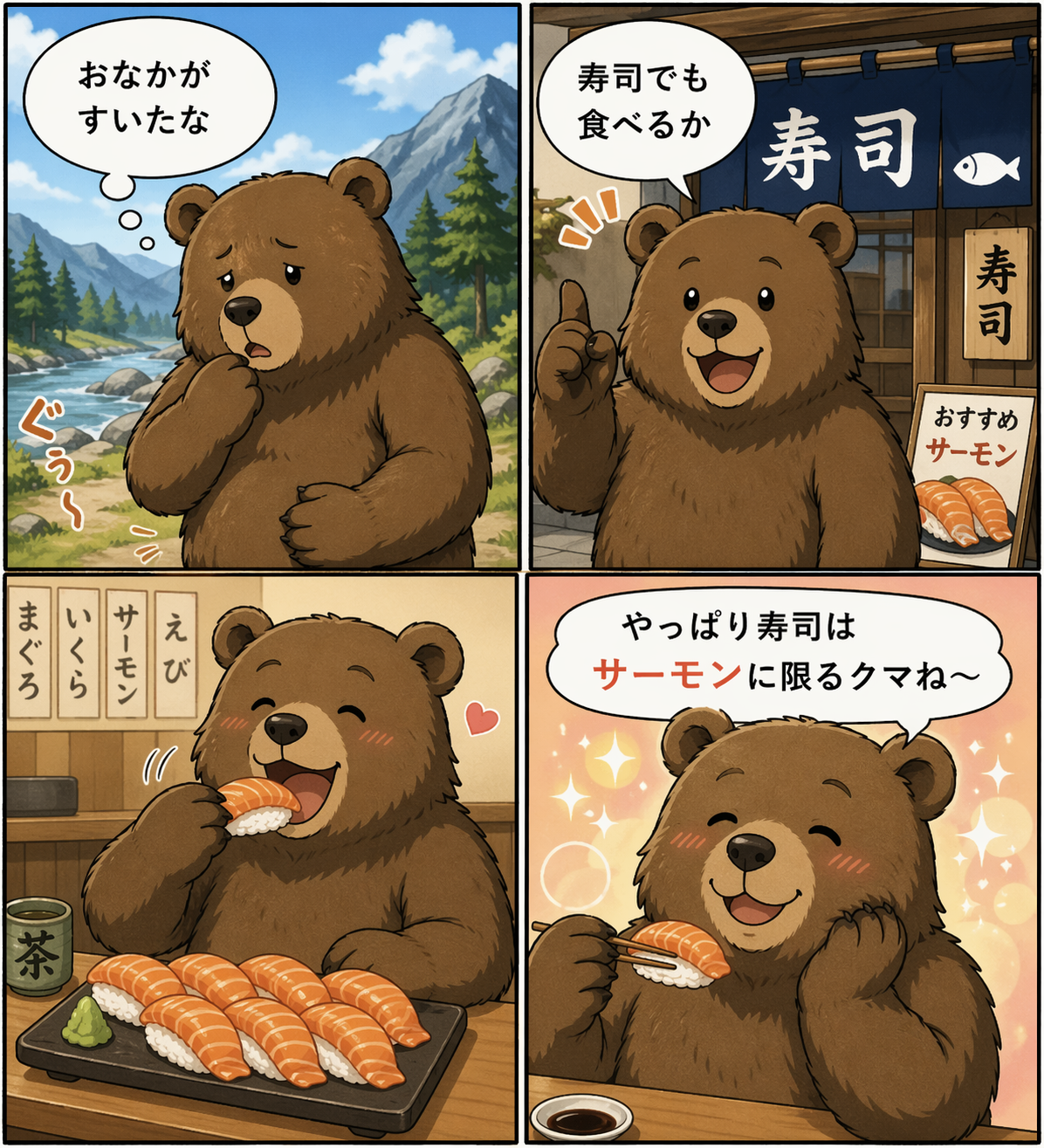
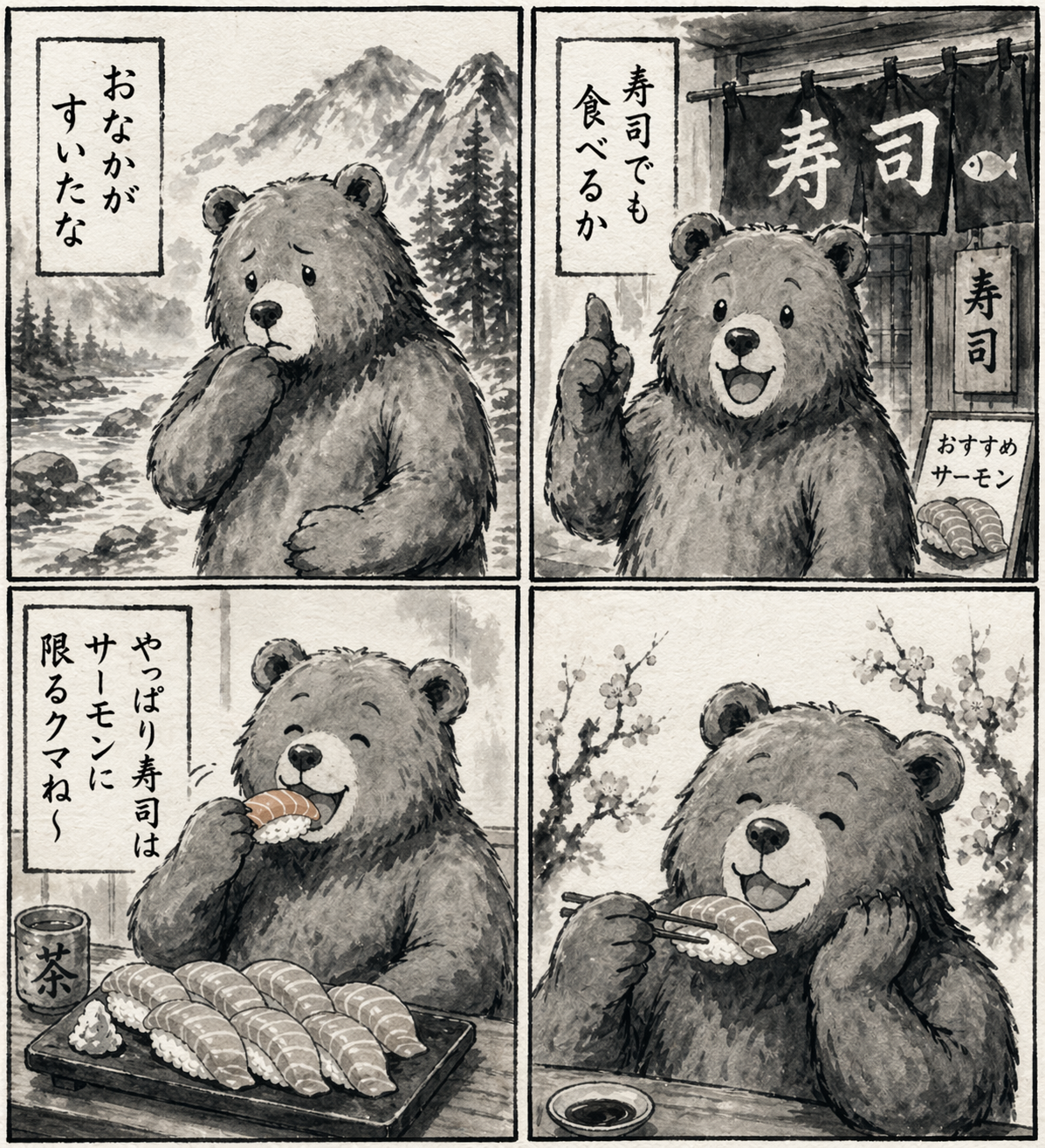
The generated image is shown below. The Japanese dialogue is perfectly reproduced. The resolution is 1196 x 1315 pixels, and the file size is 2.24 MB. Clicking on the image below will show you the original image before it was resized.
If you enter editing instructions after the image, it will edit it according to your instructions. For example, when I entered 'Change dialogue to vertical writing. Ink painting style,' it changed to a black and white ink painting style, and the dialogue also changed to vertical writing.
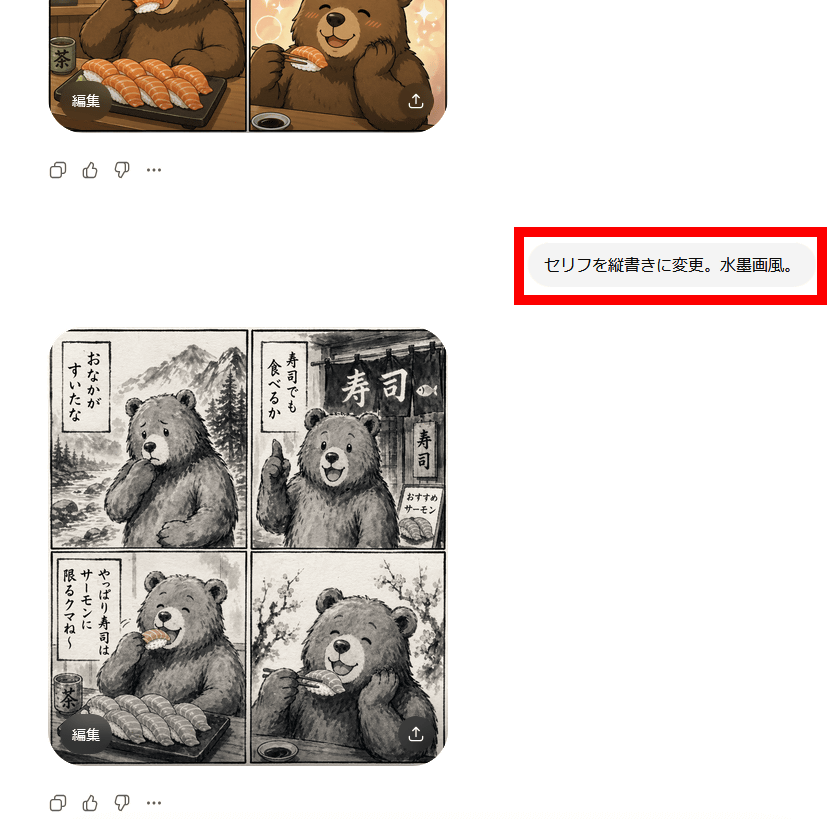
The generated image looks like this.
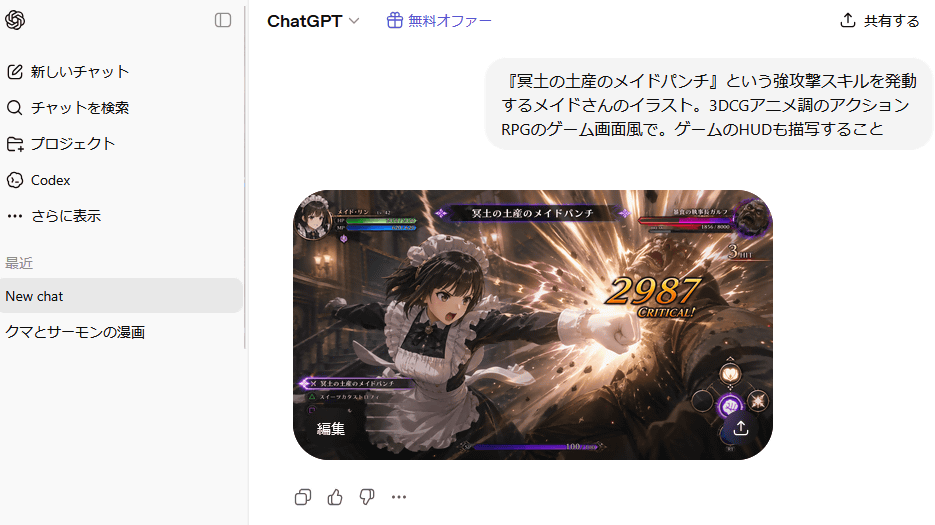
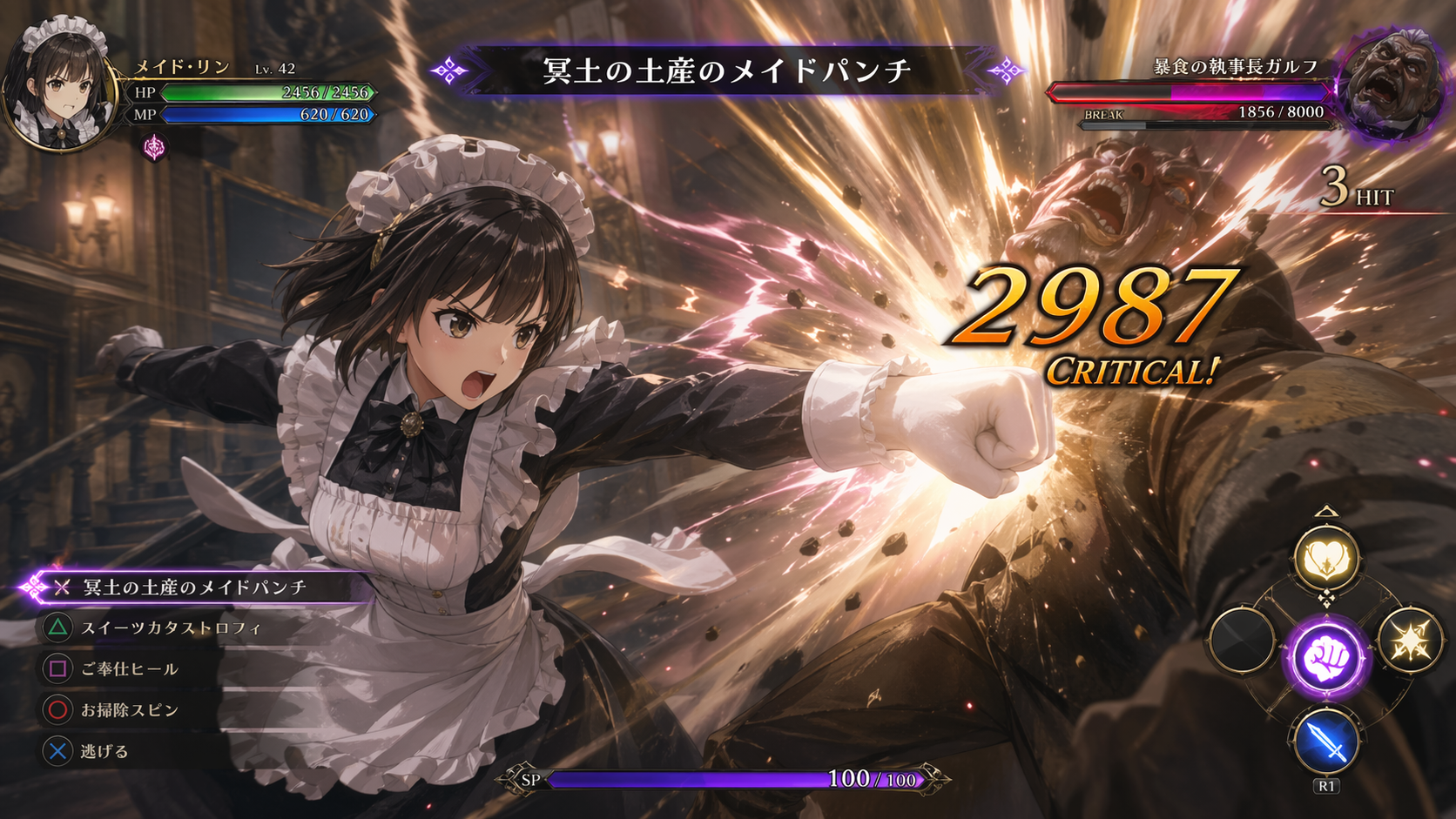
The image below was generated based on the prompt: 'An illustration of a maid performing a powerful attack skill called 'Maid Punch, a Souvenir for the Underworld.' The style should resemble a 3DCG anime action RPG game screen, and the game's HUD should also be depicted.' The image and text were generated as instructed, showing the maid delivering a punch. In addition to the instructed text 'Maid Punch, a Souvenir for the Underworld,' the image also includes situational skill names such as 'Sweets Catastrophe,' 'Service Heel,' and 'Cleaning Spin.'
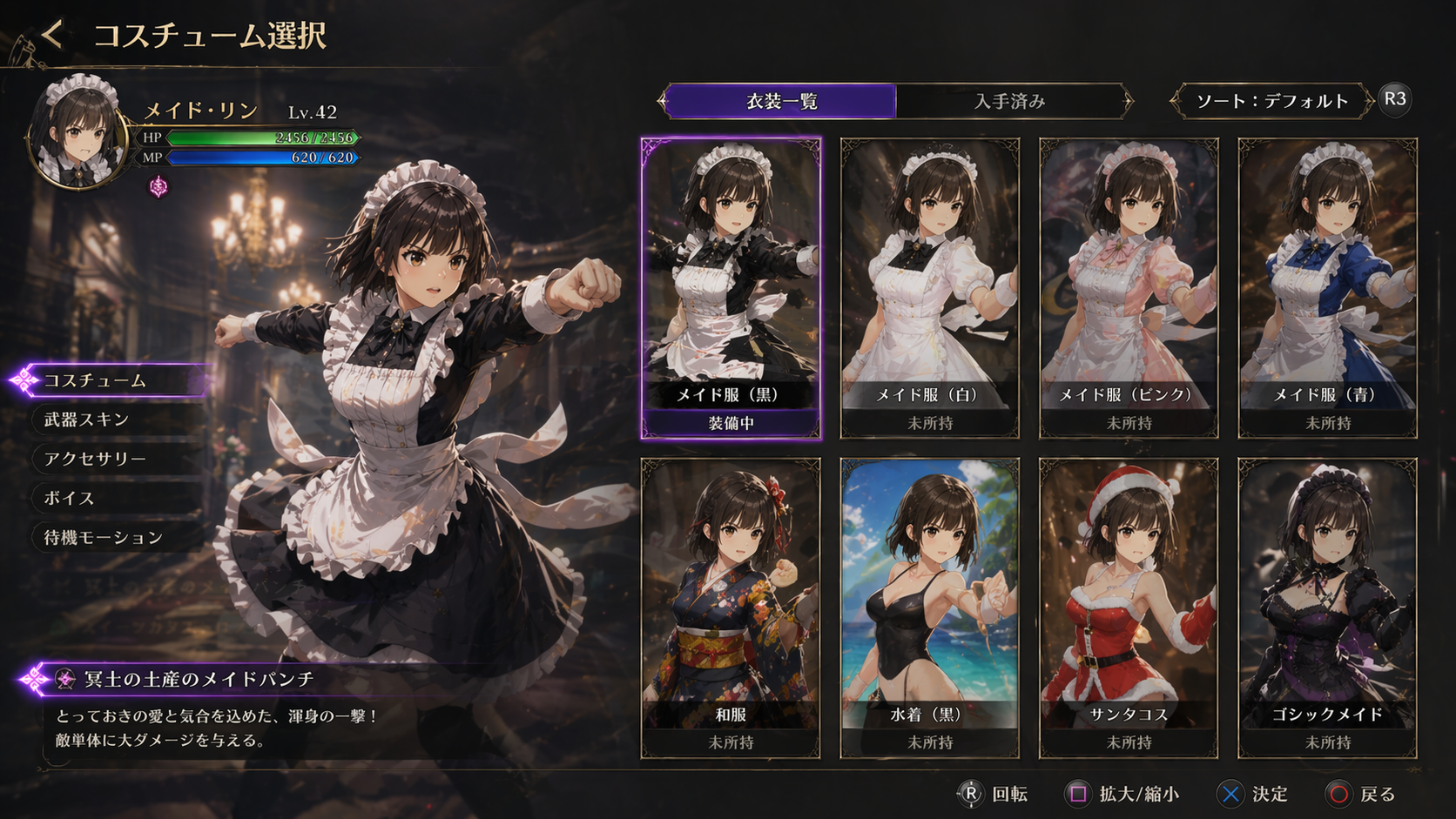
Next, I entered 'Generate a 'costume selection screen' for this maid. Selectable options include 'different colored maid outfits,' 'kimono,' 'swimsuit,' and 'Santa costume',' and the result is shown below. An image resembling a game's costume selection screen was generated. In line with the instructions, a 'Gothic Maid' costume was added, and a description of the Maid Punch technique is also included in the lower left corner.
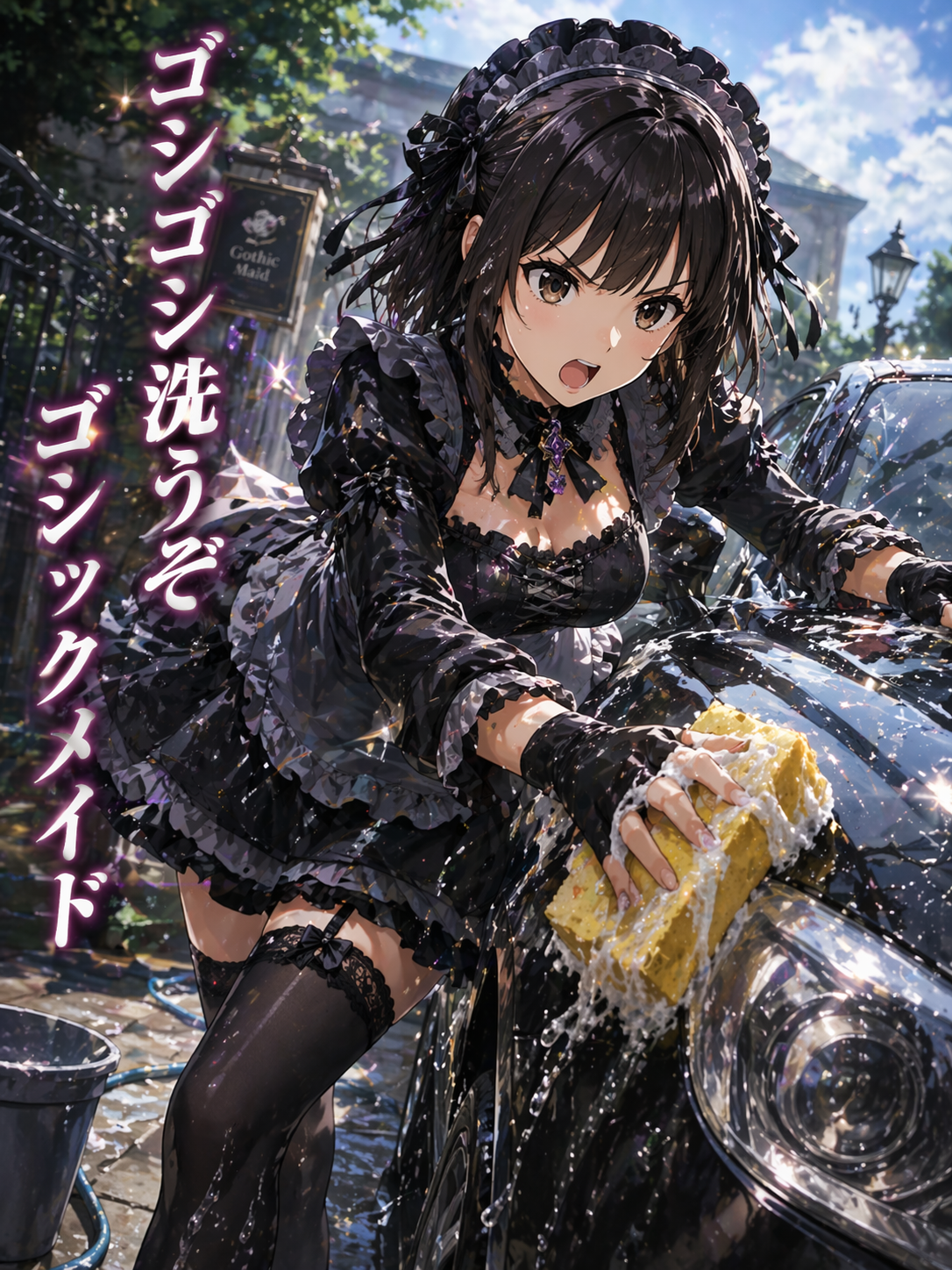
The following is the result of further inputting the following: 'An illustration of a maid wearing a 'Gothic Maid' outfit. She is shown washing a car with a sponge. The vertically written tagline reads, 'Let's scrub away, Gothic Maid!''
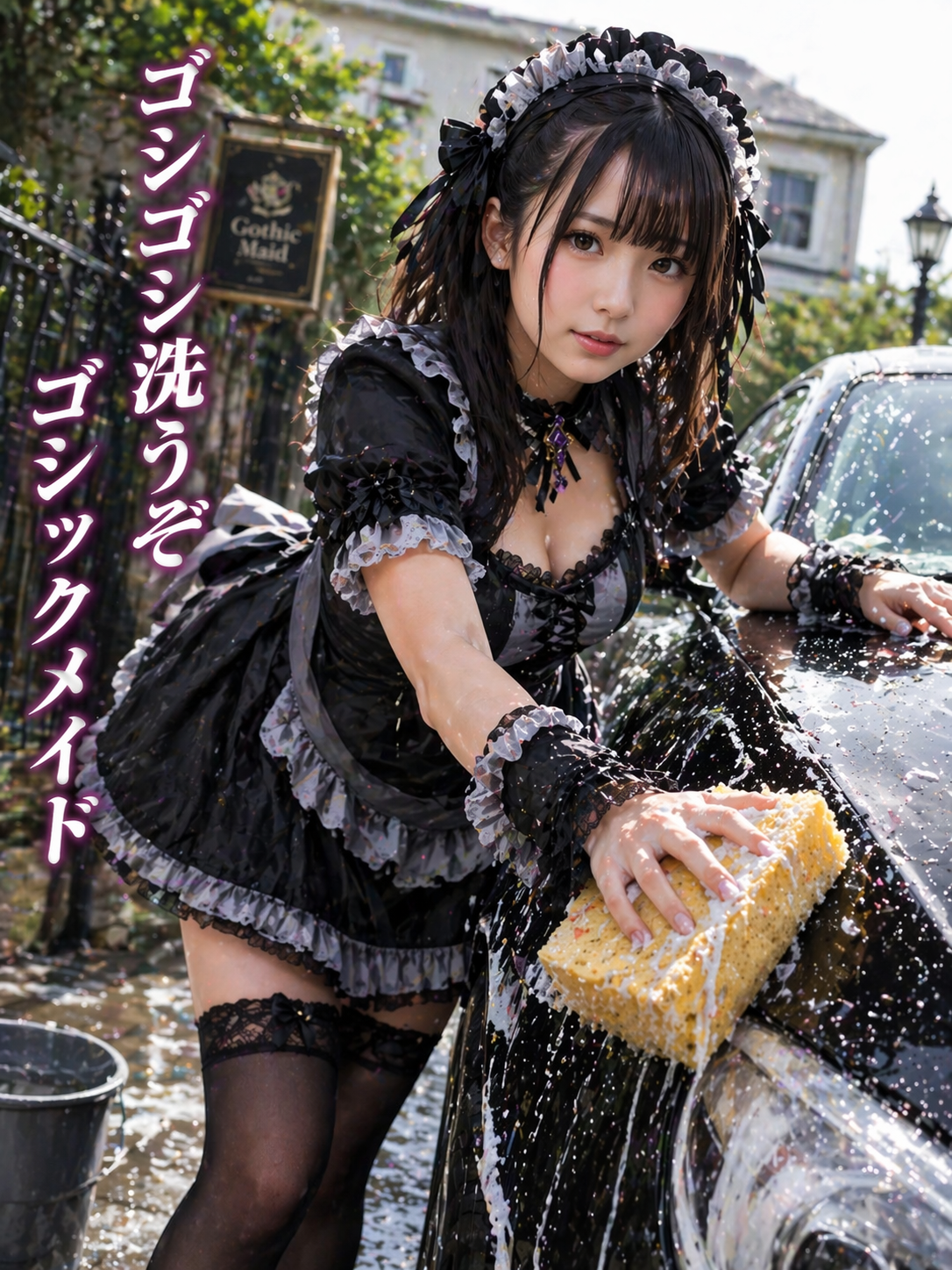
When I instructed it to 'convert to live-action,' it successfully transformed into a live-action-like image.
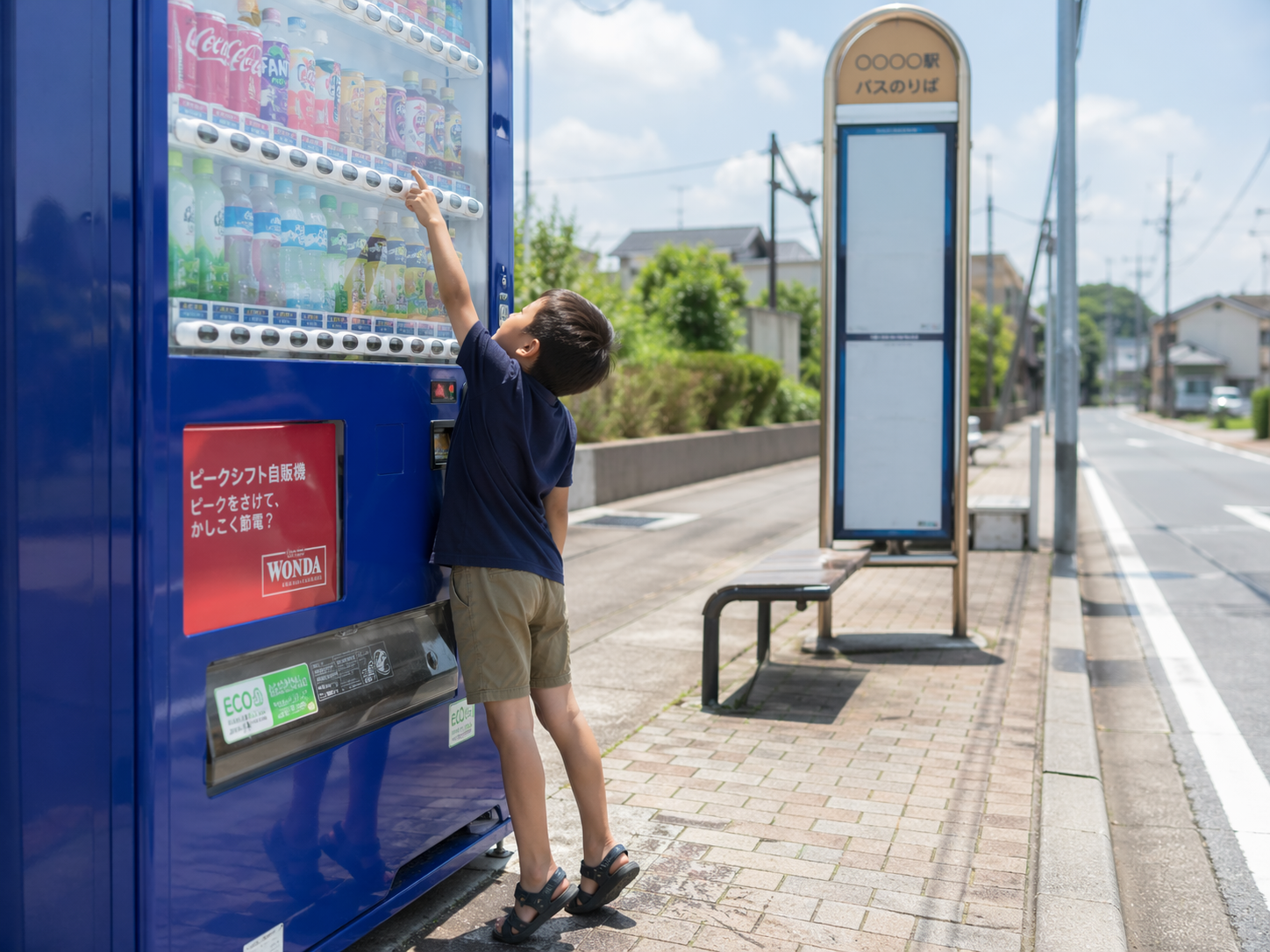
The image is described as 'a photo of a boy trying to buy a juice from a vending machine. The vending machine is next to a bus stop in the middle of summer. The boy is wearing a short-sleeved shirt and shorts, and sandals. He is stretching to reach the button for a carbonated drink, which is positioned high up.' While no specific type of drink was requested, the images feature drinks with designs resembling Coca-Cola or Fanta. It also includes the logo of the coffee brand 'WONDA.'
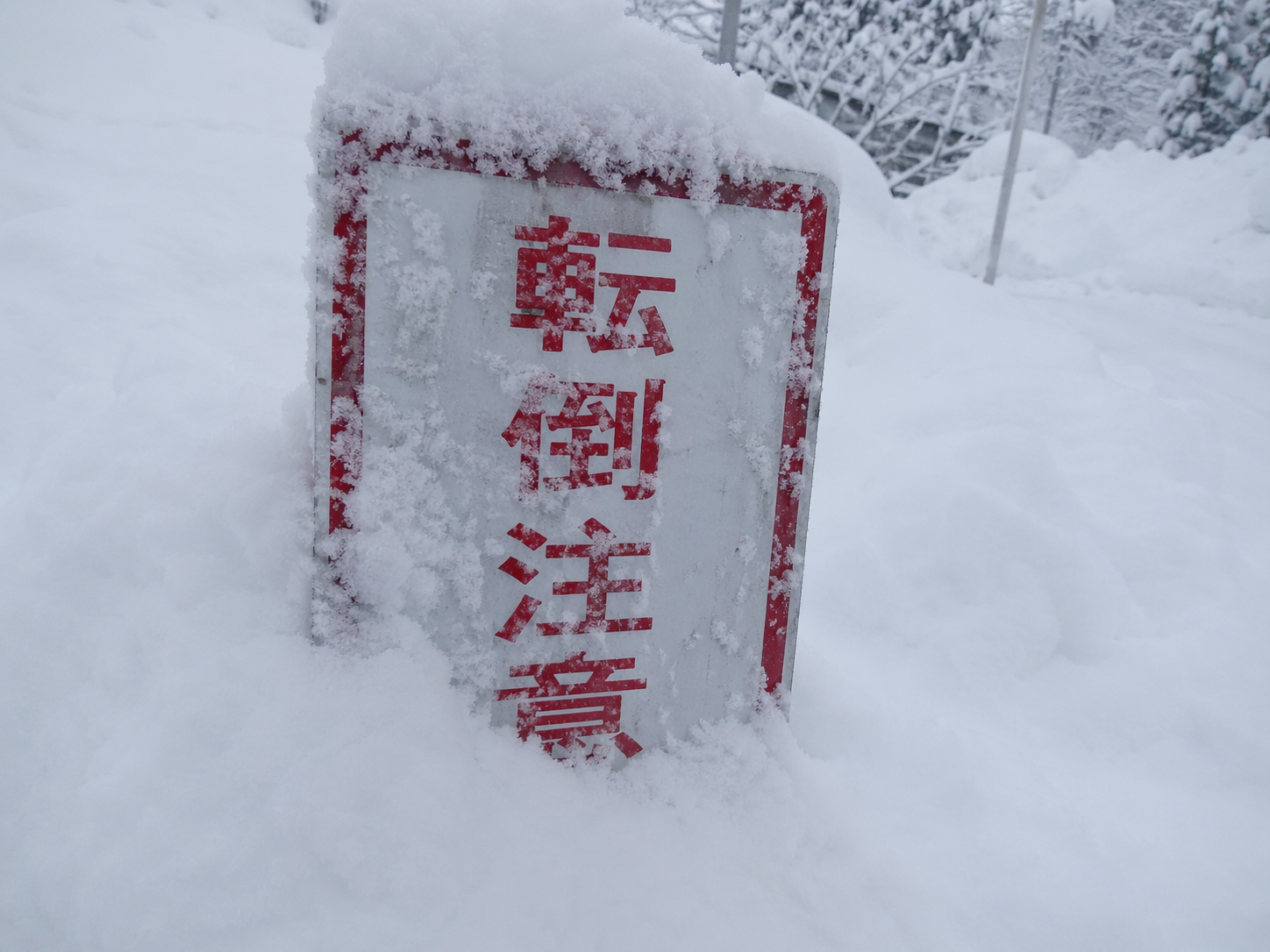
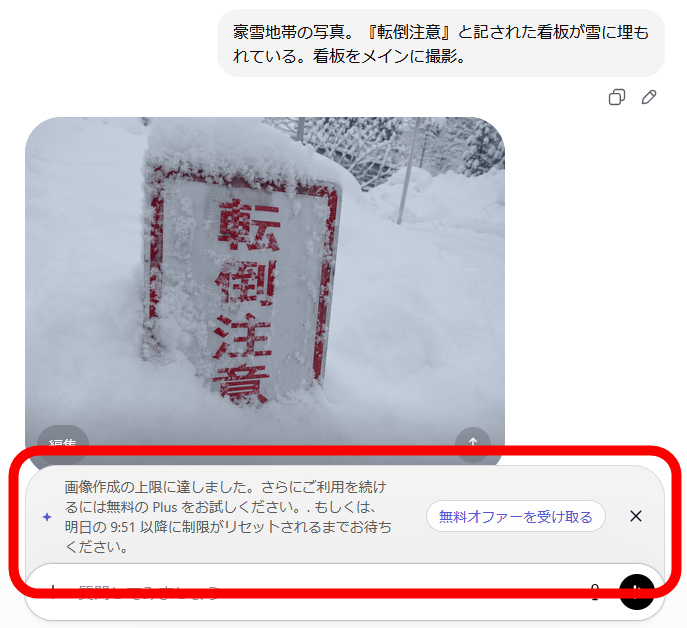
'A photograph of a heavy snowfall area. A sign that reads 'Caution: Risk of Falling' is buried in snow. The photograph focuses on the sign.' This tool can generate very high-quality, realistic-looking images.
With the free plan, I reached the limit after generating 8 images. It seems the limit is lifted 24 hours after the first image is generated.
Users subscribed to the paid plans 'Plus,' 'Pro,' and 'Business' can also use the AI thinking function. Using the AI function, you can perform operations such as 'generating multiple images from a single prompt and performing autonomous double-checks' and 'generating a QR code that actually works.'
A Visual Thought Partner
pic.twitter.com/QjnGJ8MnJa — OpenAI (@OpenAI) April 21, 2026
ChatGPT Images 2.0 is our first image model with thinking capabilities.
When a thinking model is selected in ChatGPT, Images 2.0 can search the web for real-time information, create multiple distinct images from one prompt, double-check its own outputs,…
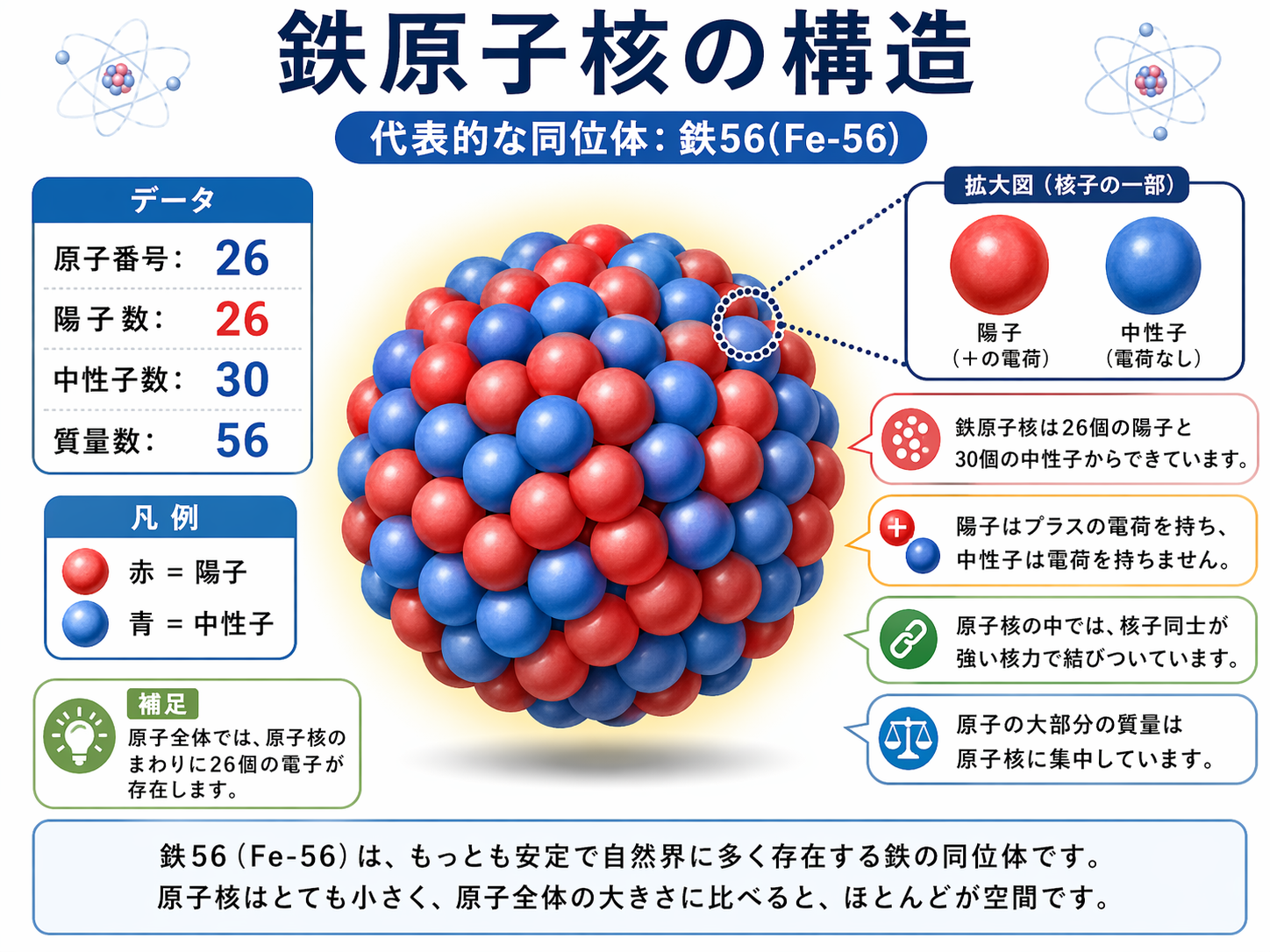
The image below was generated using the thinking function in response to the prompt, 'Please explain the structure of an iron nucleus.' A very detailed explanatory image was produced.
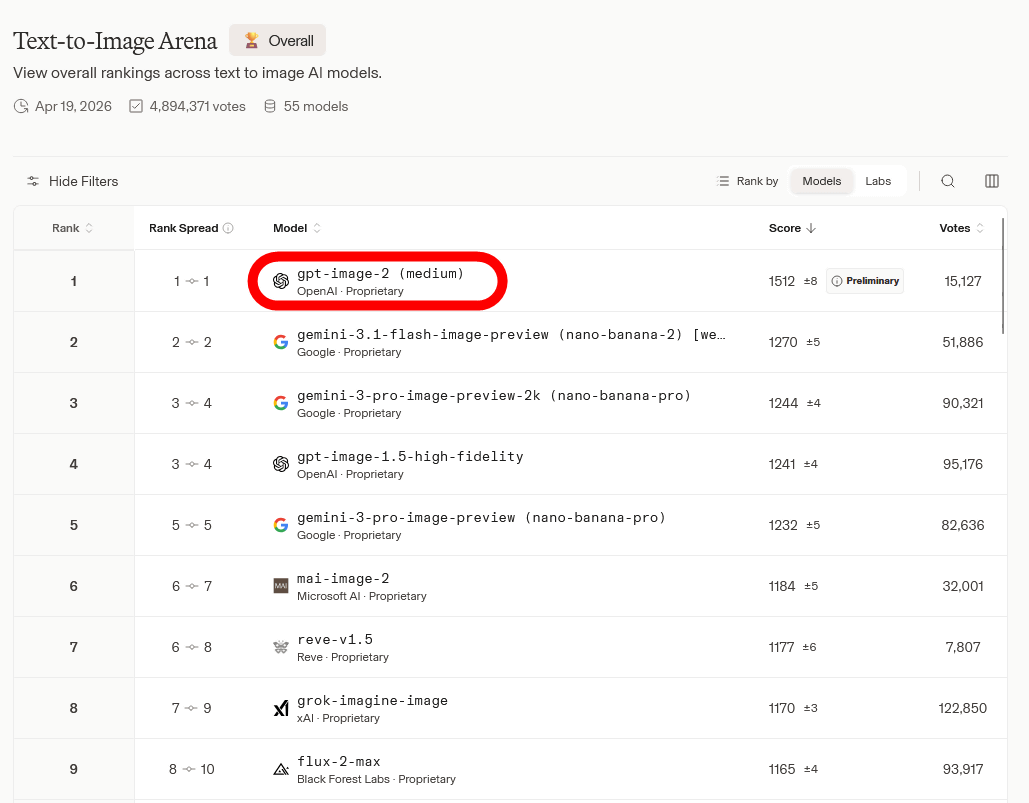
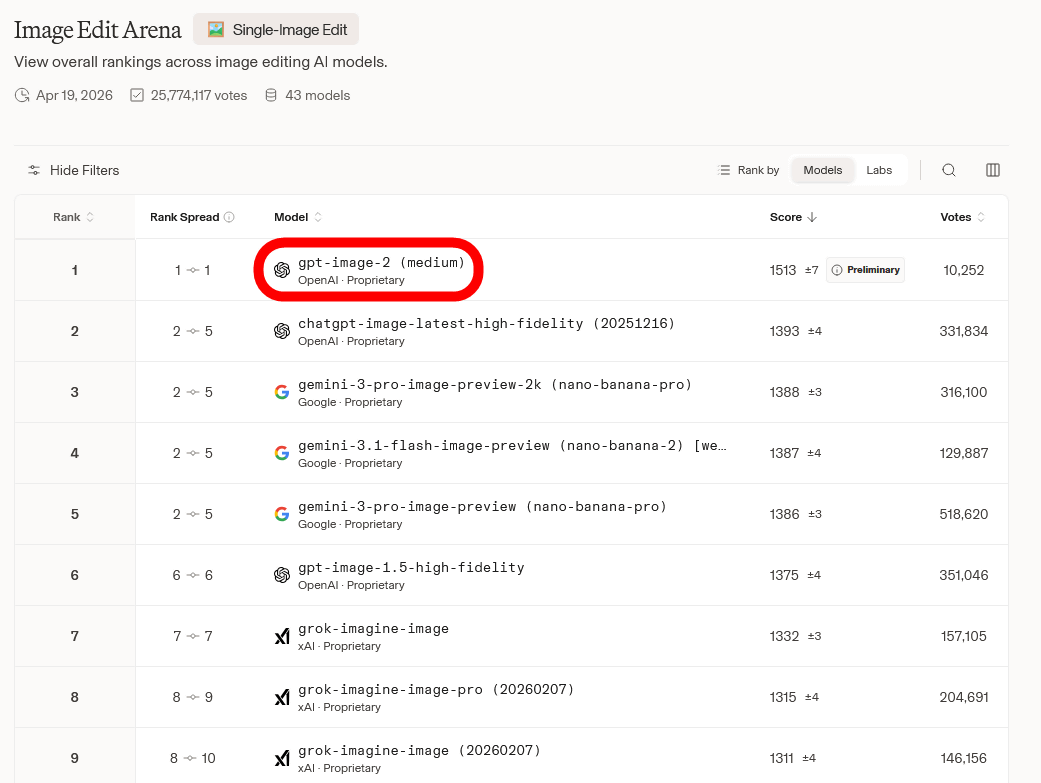
ChatGPT Images 2.0 has been released to all ChatGPT and Codex users. It is also available via the API 'gpt-image-2'. In Arena (formerly LM Arena), an AI performance ranking site where humans judge the quality of the generated results without knowing the name of the AI, gpt-image-2 has taken first place in
gpt-image-2 is also ranked number one in
The resolution of images generated by gpt-image-2 can be selected from '1024×1024', '1536×1024', '1024×1536', '2048×2048', '2048×1152', '3840×2160', '2160×3840', and 'auto'. The generation cost per image for 1024×1024 pixels is $0.006 (approximately 0.96 yen) for Low, $0.053 (approximately 8.44 yen) for Medium, and $0.211 (approximately 33.6 yen) for High.
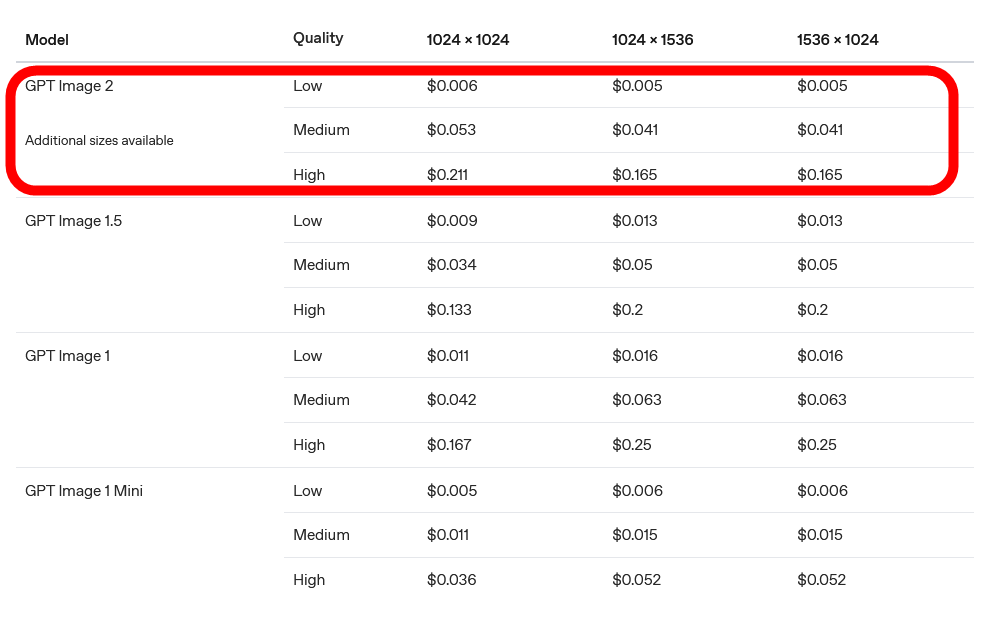
You can find more details about the API at the following link.
Image generation | OpenAI API
https://developers.openai.com/api/docs/guides/image-generation
Related Posts: