Google's UI design tool 'Stitch' has been updated, allowing users to quickly create high-quality UIs while talking to AI, causing Figma's stock price to fall.
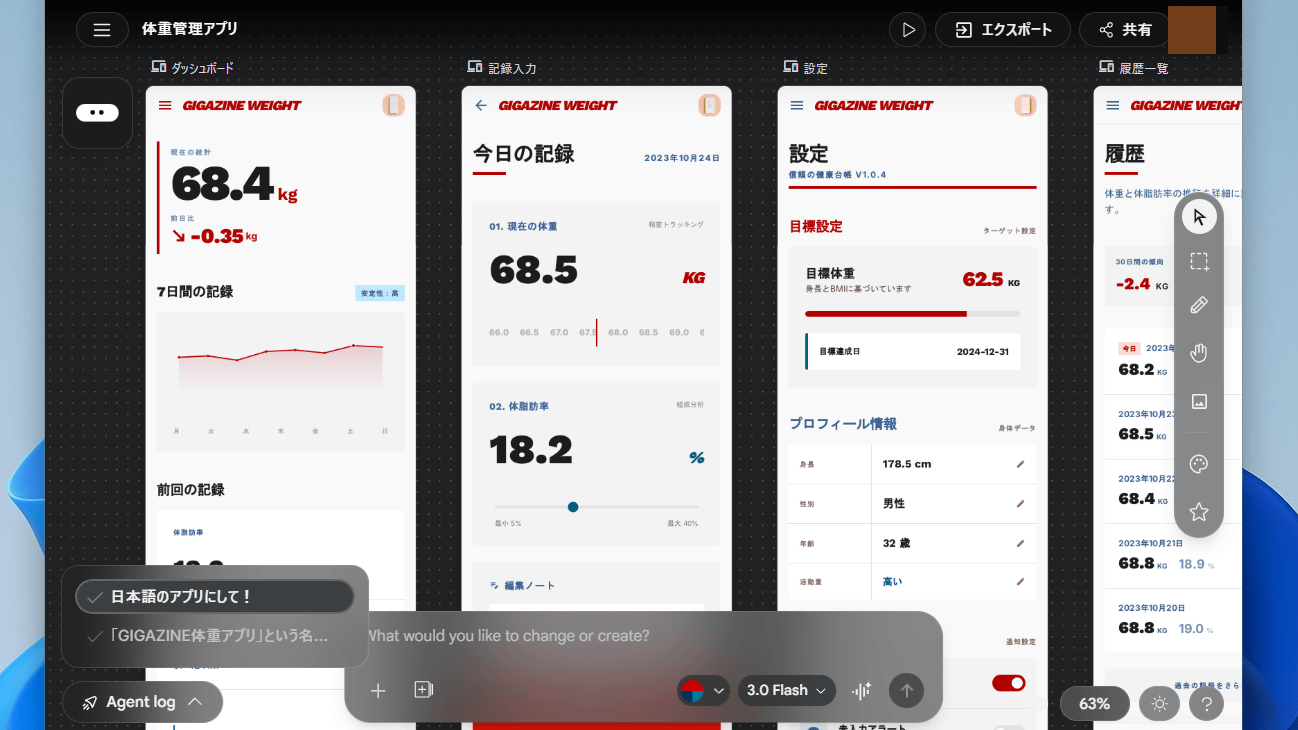
Google has released a major update to its UI design tool, Stitch . The updated version of Stitch allows users to create high-quality UIs simply by giving instructions to the AI using natural language. Since it's already available in Japan, I decided to try it out.
Stitch - Design with AI
Design UI using AI with Stitch from Google Labs
https://blog.google/innovation-and-ai/models-and-research/google-labs/stitch-ai-ui-design/
Meet the new Stitch, your vibe design partner.
— Stitch by Google (@stitchbygoogle) March 18, 2026
Here are 5 major upgrades to help you create, iterate and collaborate:
🎨 AI-Native Canvas
🧠 Smarter Design Agent
🎙️ Voice
⚡️ Instant Prototypes
📐 Design Systems and DESIGN.md
Rolling out now. Details and product walkthrough… pic.twitter.com/q6W1Uhb7tn
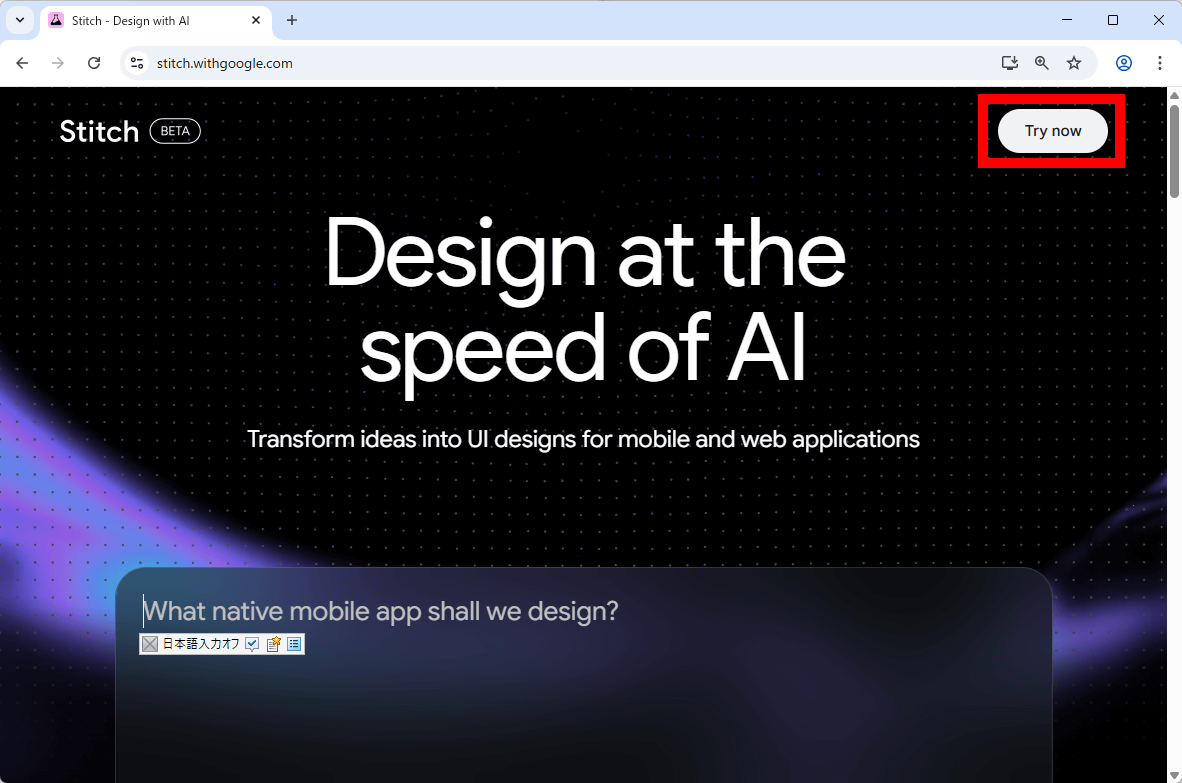
Log in to your Google account, go to the Stitch homepage, and click 'Try now'.
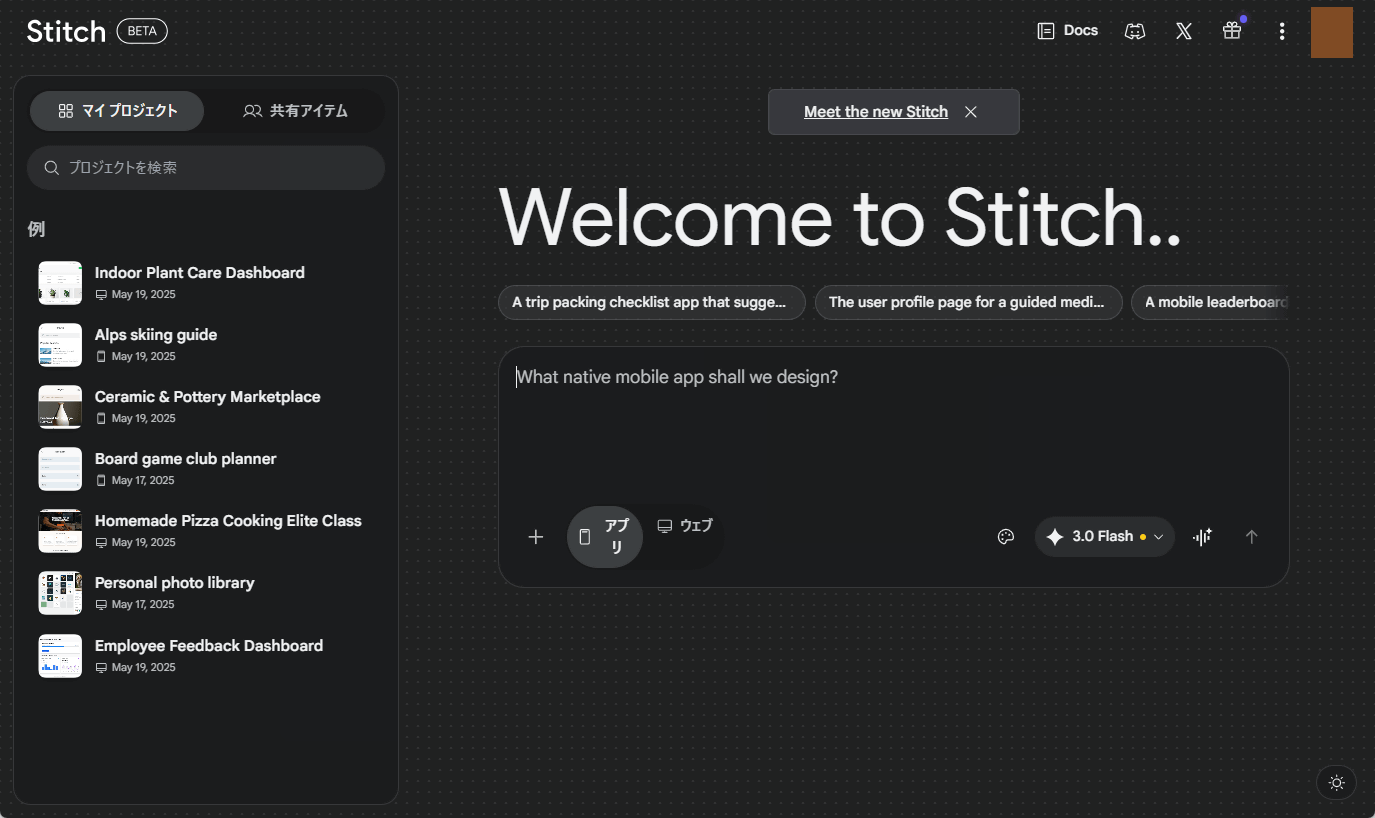
This is Stitch's main screen. Examples and project history are displayed on the left, and the chat window is shown on the right.
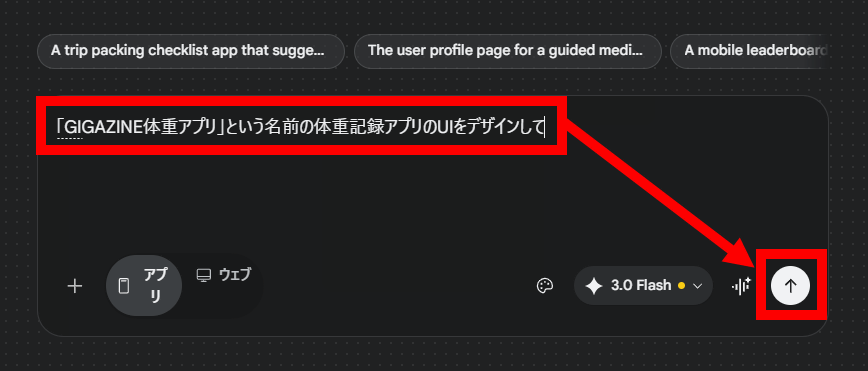
Enter a description of the UI you want to create in the chat field and click the send button. This time, I requested that they create the UI for a weight-tracking app called 'GIGAZINE Weight App'.
The screen has switched from the chat screen to the canvas screen.
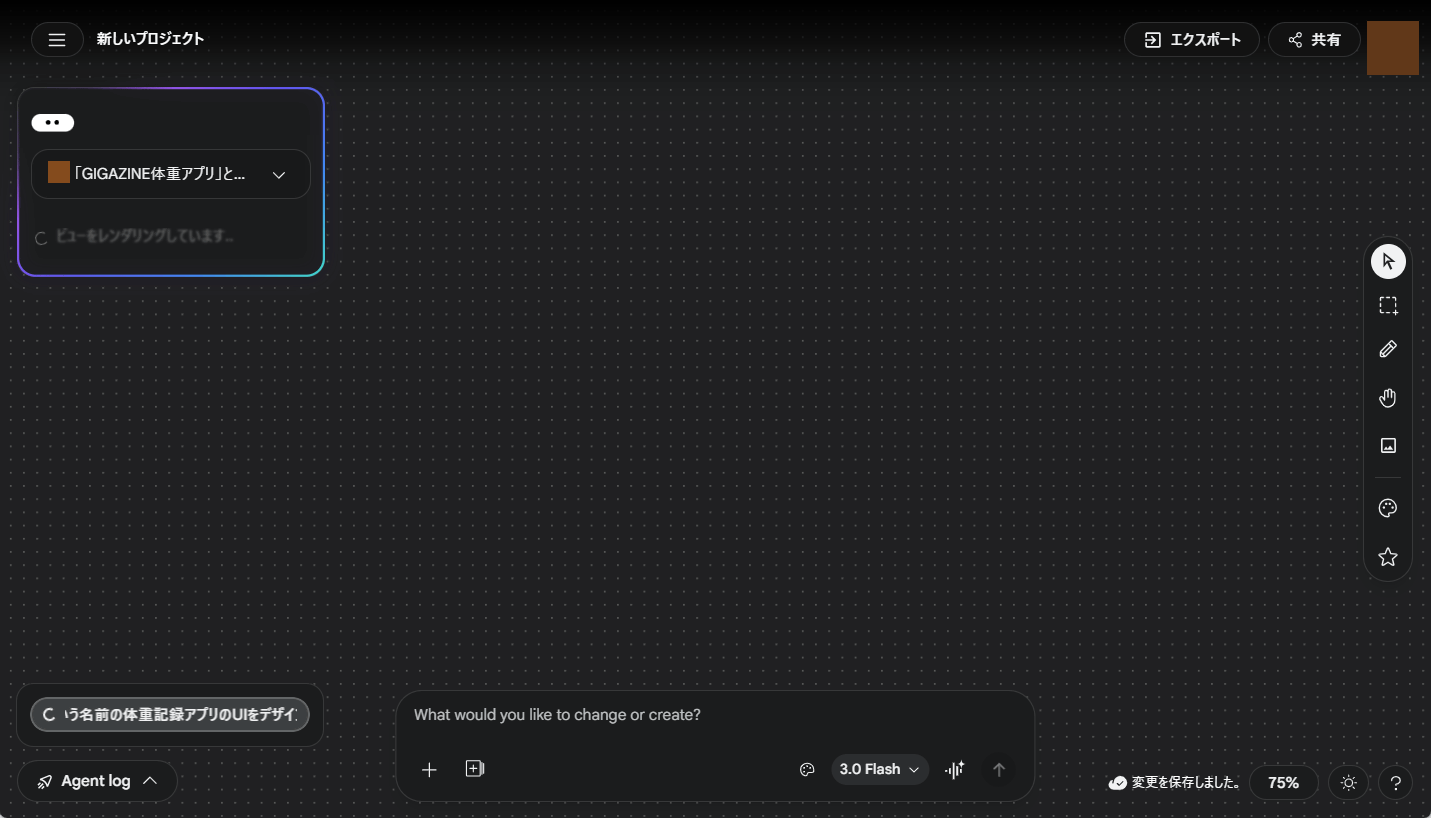
The processing status is displayed in the upper right corner of the screen.
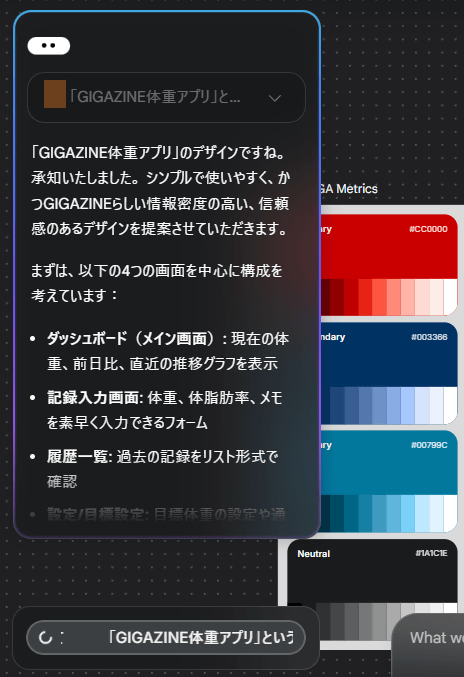
The UI template was generated approximately 2 minutes after I gave instructions via chat.
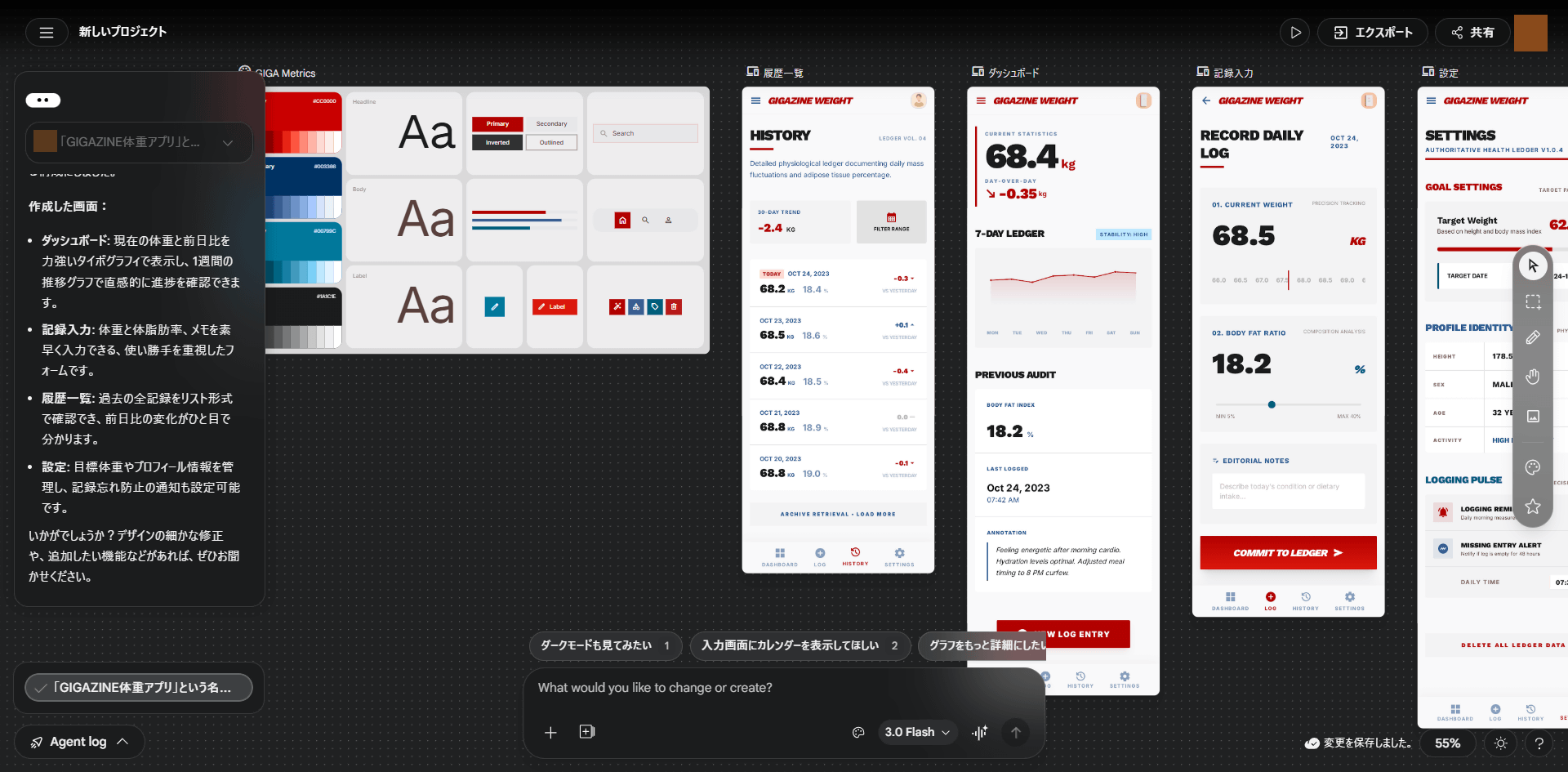
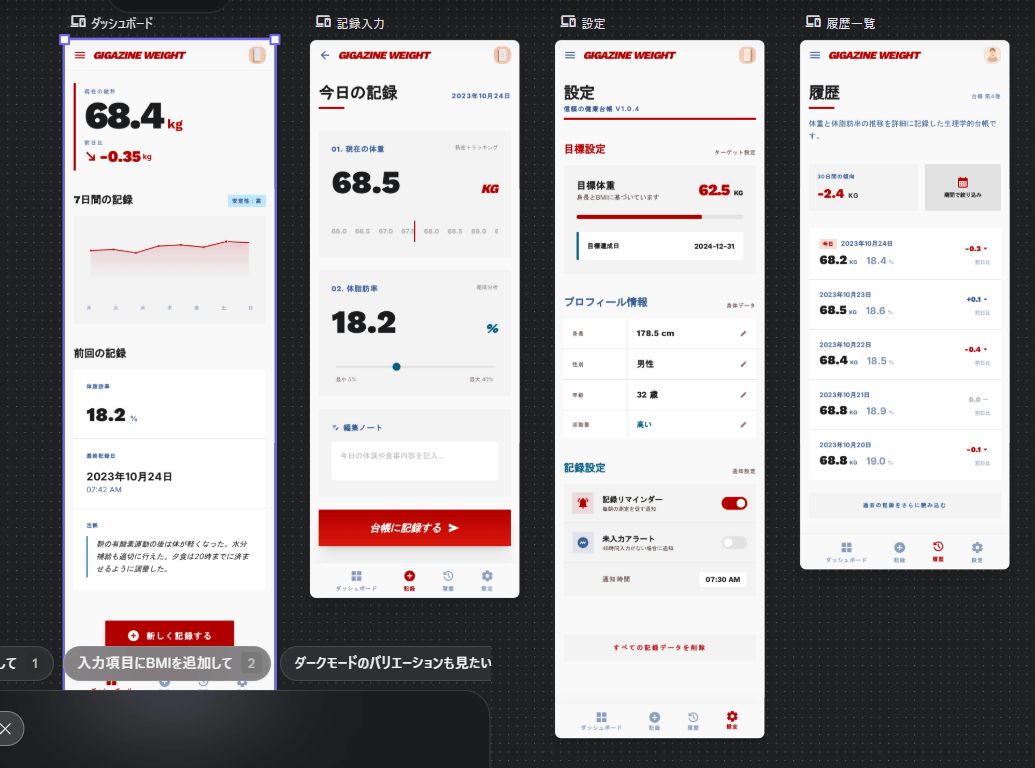
The resulting UI looks like this. The weight history screen and dashboard are nicely designed. However, the fact that the UI is in English even though the instructions were given in Japanese is a bit of a drawback.
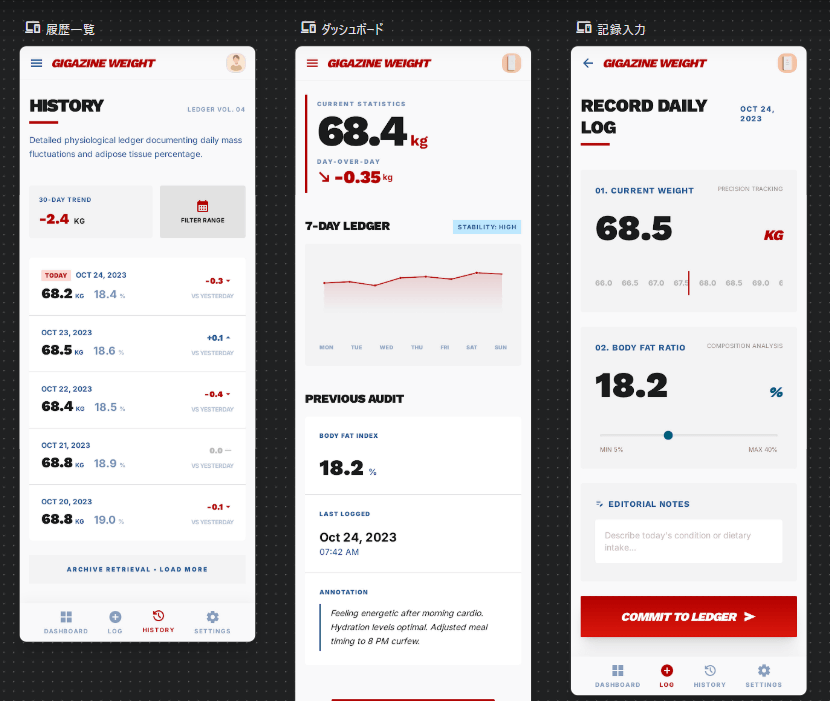
To change the language to Japanese, type 'Make the app Japanese!' into the chat box located at the bottom of the screen and send it.
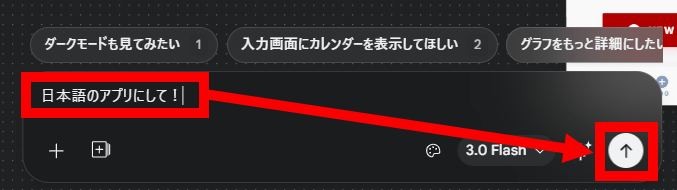
The process will be completed in about 2 minutes. Click on the section in the lower left corner of the screen that says 'Make it a Japanese app!'.
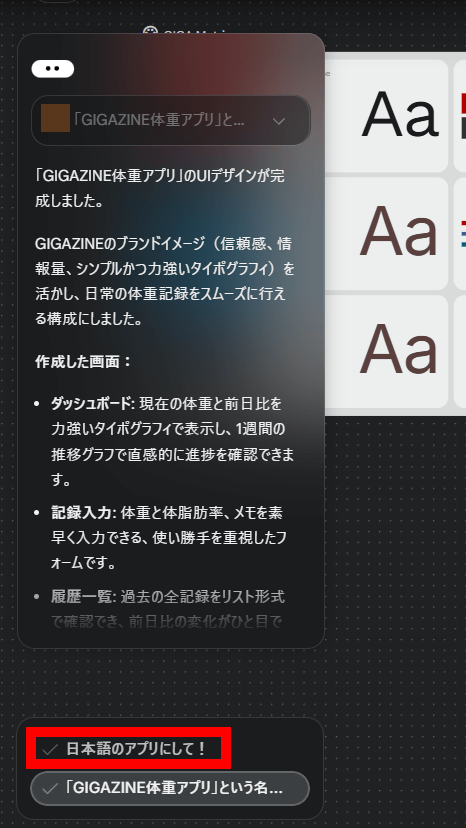
The Japanese version of the UI is now displayed. With Stitch, you can design while interacting with the AI like this.
Once the UI is complete, click 'Export' in the upper right corner of the screen.
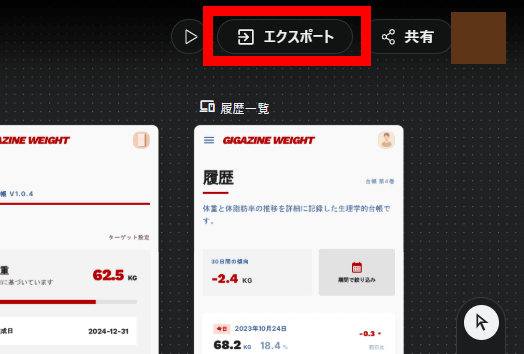
You can export in a format compatible with Figma, or download the image and HTML code compressed into a ZIP file.
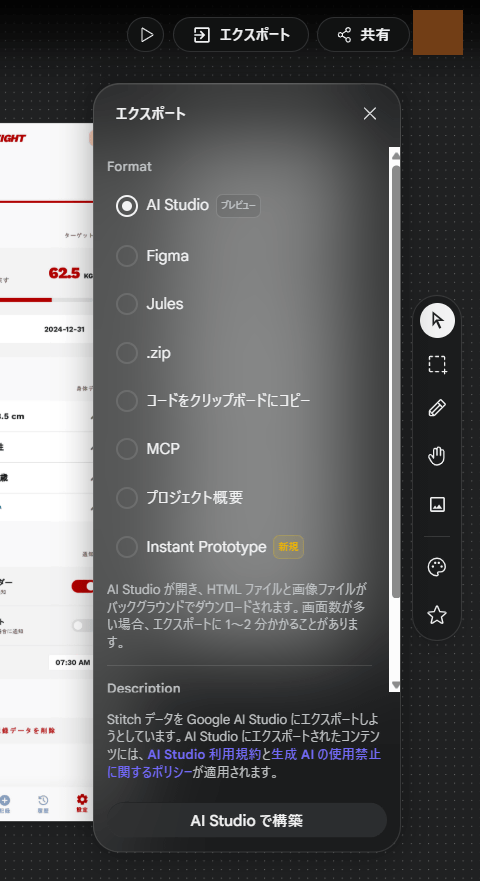
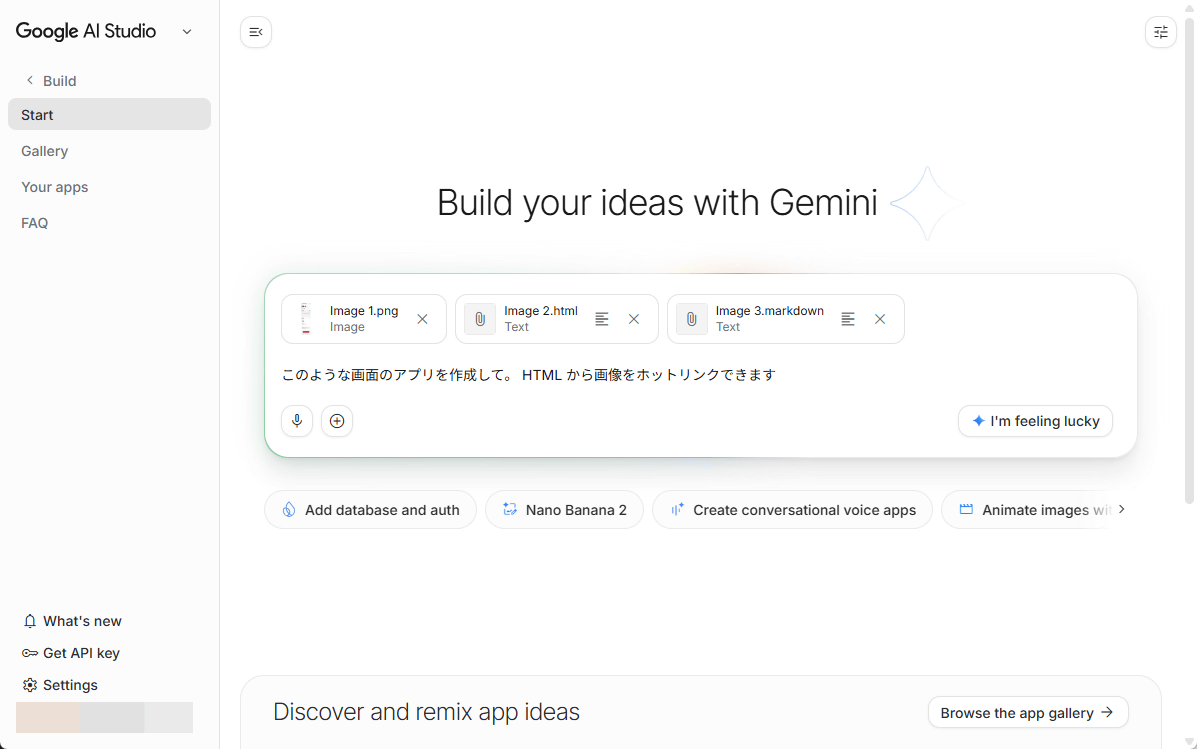
You can also pass the generated results to Google AI Studio to use in app development.
It has also been observed that the stock price of its competitor, Figma, fell following the announcement of Stitch's update.
Figma tanked 8% today on this news
— John Wang (@j0hnwang) March 19, 2026
Now down 80% from IPO in Aug 2025 https://t.co/0naYVSUxQj pic.twitter.com/yHtTOndhcb
Related Posts:

in AI, Review, Design, Web Application, Posted by log1o_hf