'Wikipedia Gacha' allows you to draw Wikipedia articles and use high-quality articles as powerful cards in battles
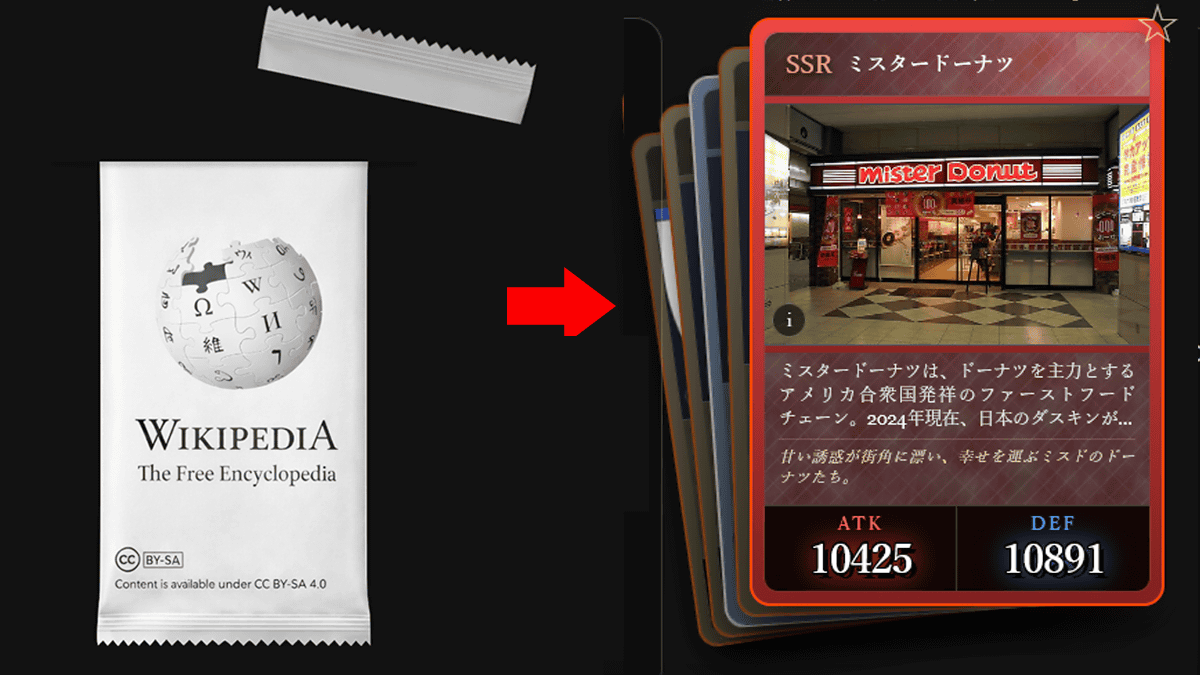
Wikipedia, the world's largest online encyclopedia, celebrated
Wikipedia Gacha
https://wikigacha.com/
Once you visit the site, click on the card pack to get a random article. Packs can be acquired over time, and you can get more packs by completing daily missions or watching ads.
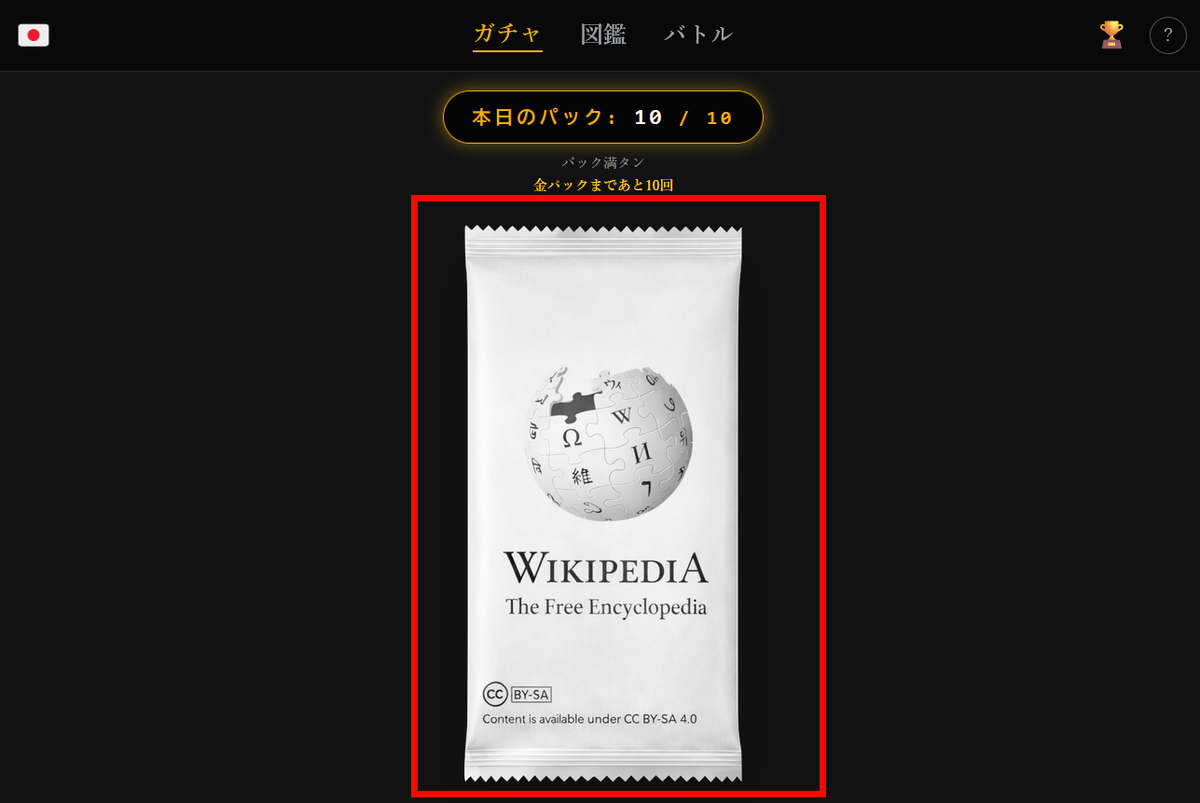
Each pack contains five cards. Clicking on a card will open the article in a new tab.
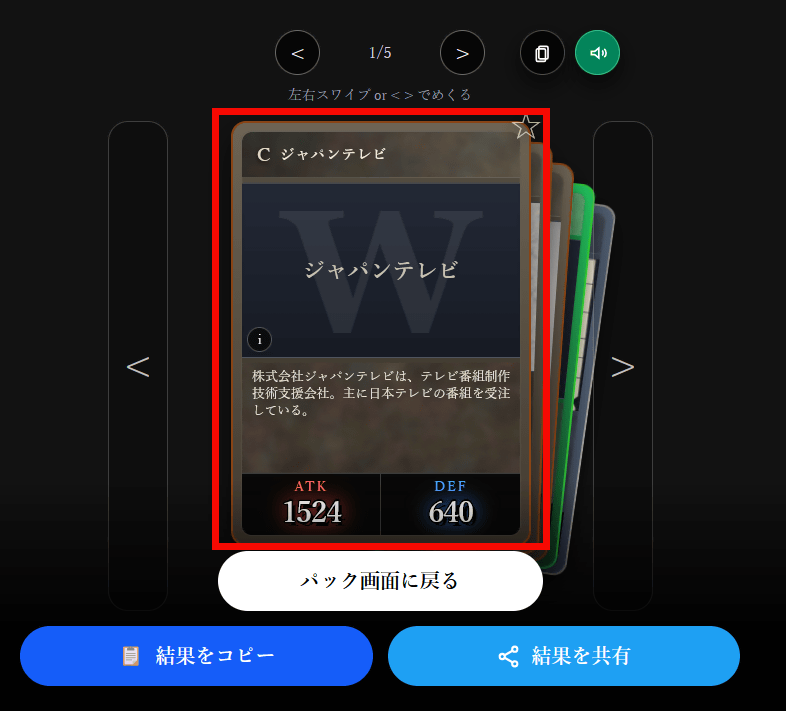
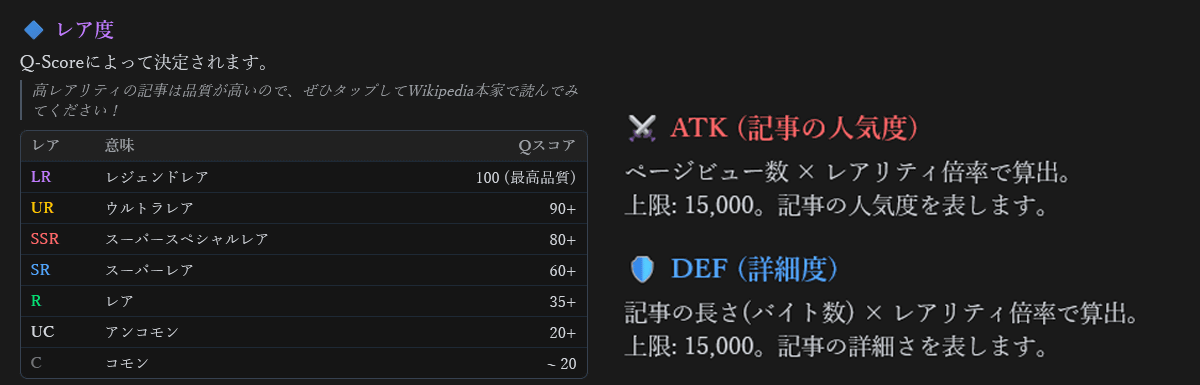
Cards are divided into
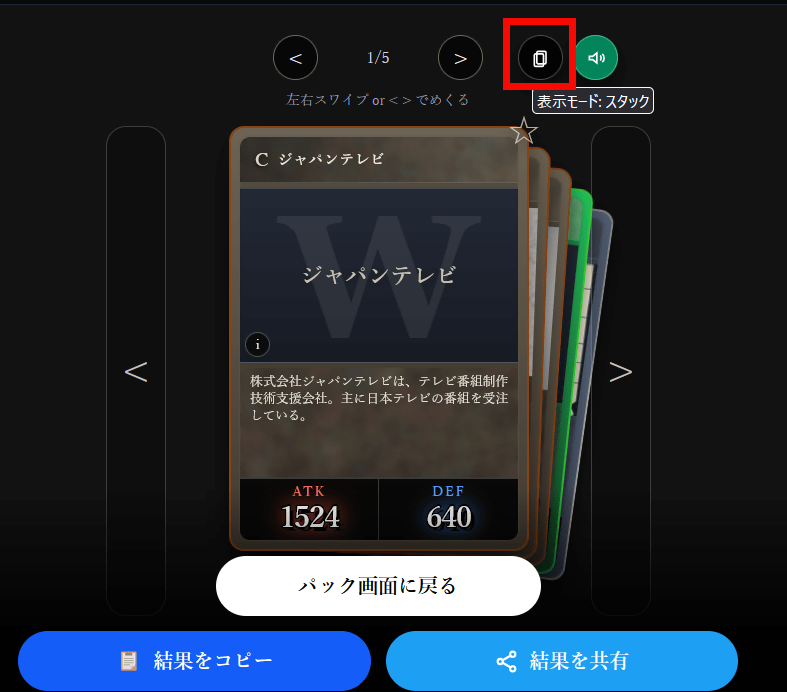
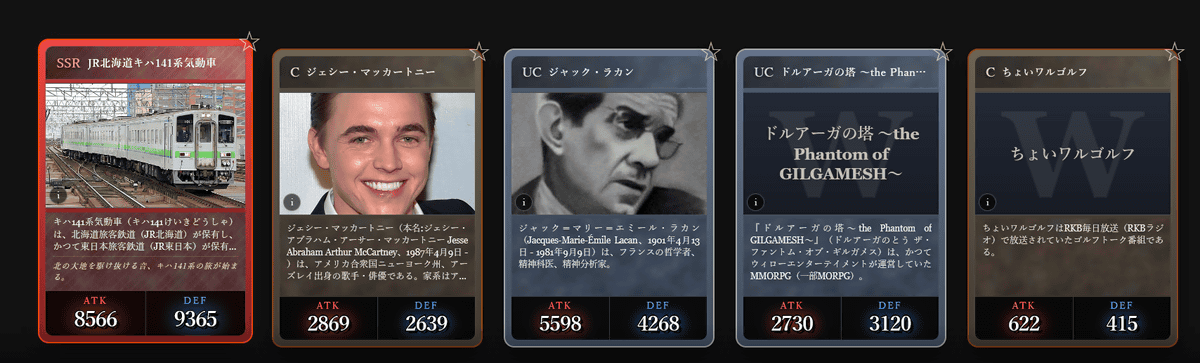
Clicking the display mode allows you to switch between 'Stack,' which allows you to flip through the cards one by one, and 'Arrange,' which allows you to view the cards side by side for easier viewing.
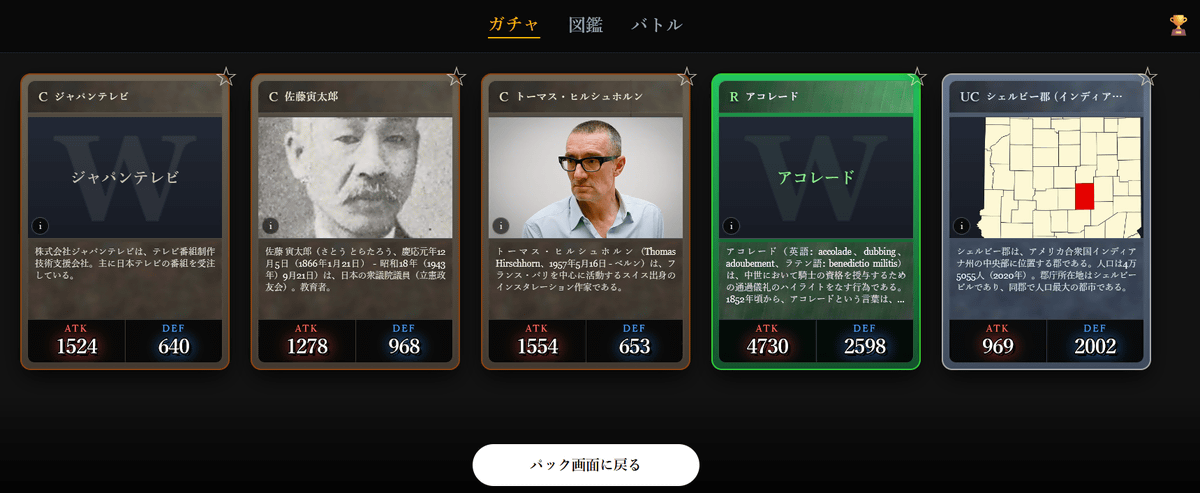
If you set it to 'sort', it will look like this:
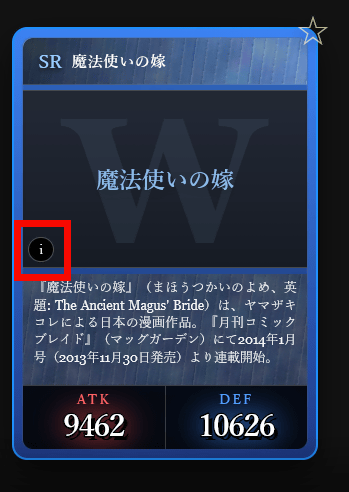
Click the 'i' icon in the corner of the card to view more details about the parameters.
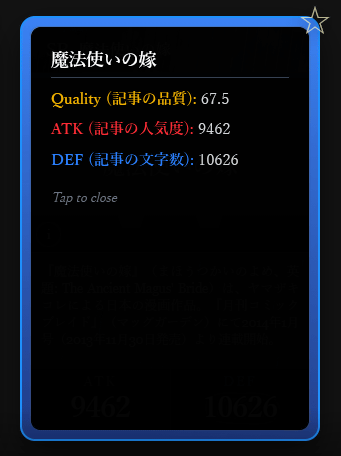
Scores for 'Quality (article quality)', 'ATK (article popularity)', and 'DEF (number of characters in the article)' were displayed.
For every 10 packs you draw, you can draw a gold 'SR or higher guaranteed pack.'
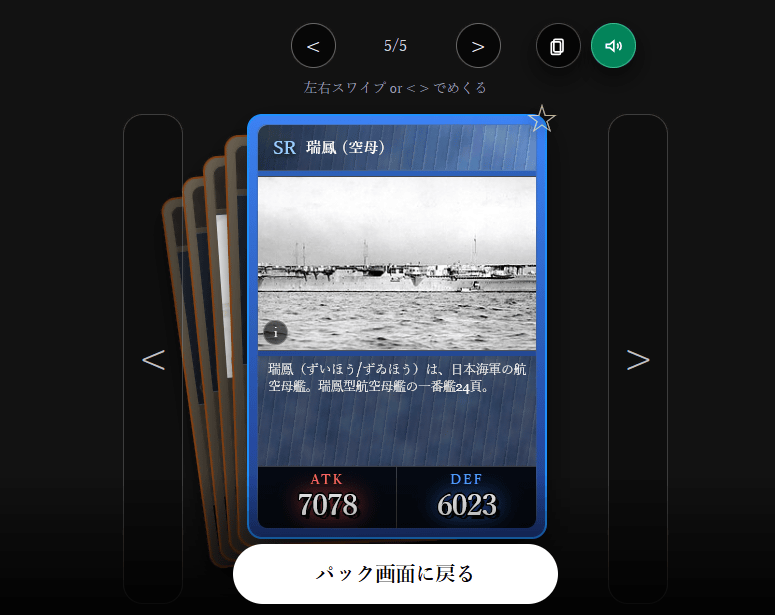
I was able to get the SR
'SSR', 'UR', and 'LR', which are even rarer than SR, have the familiar 'flavor text' from TCGs automatically generated, so be sure to open as many packs as you can and try to get them.
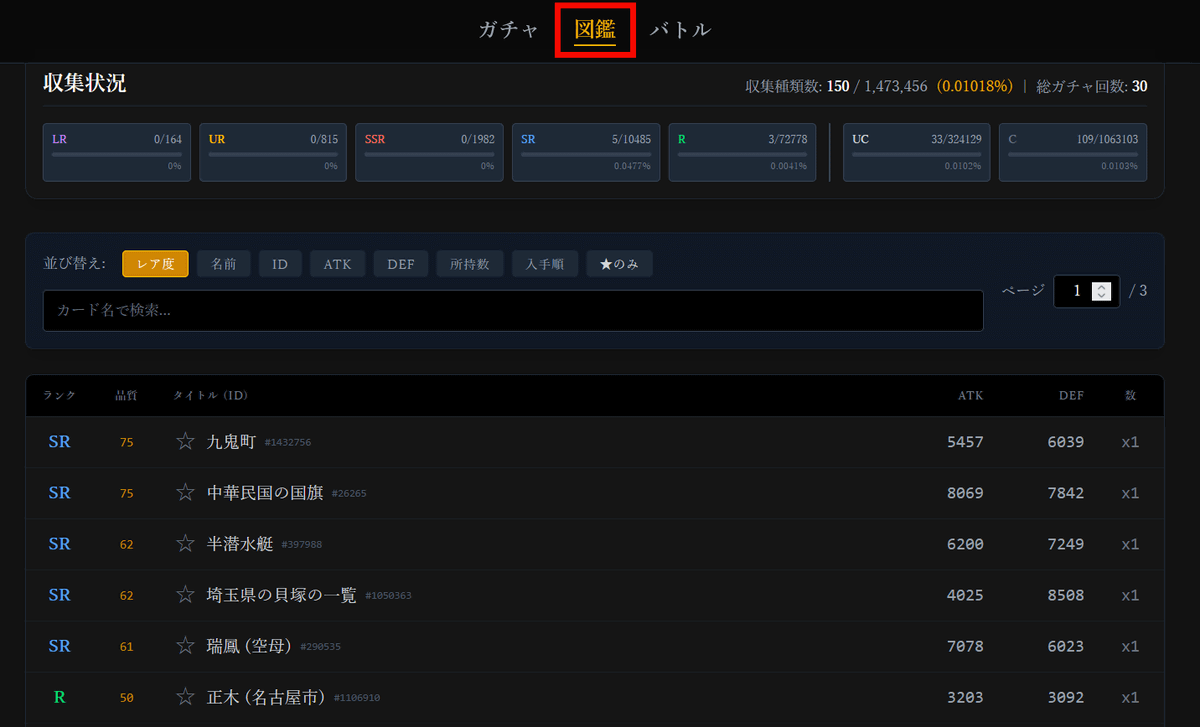
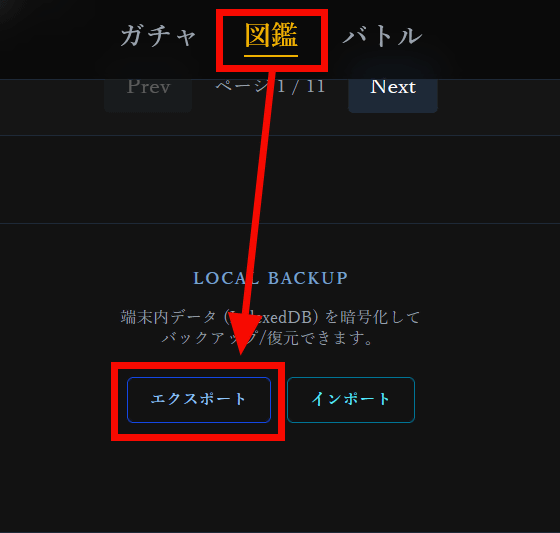
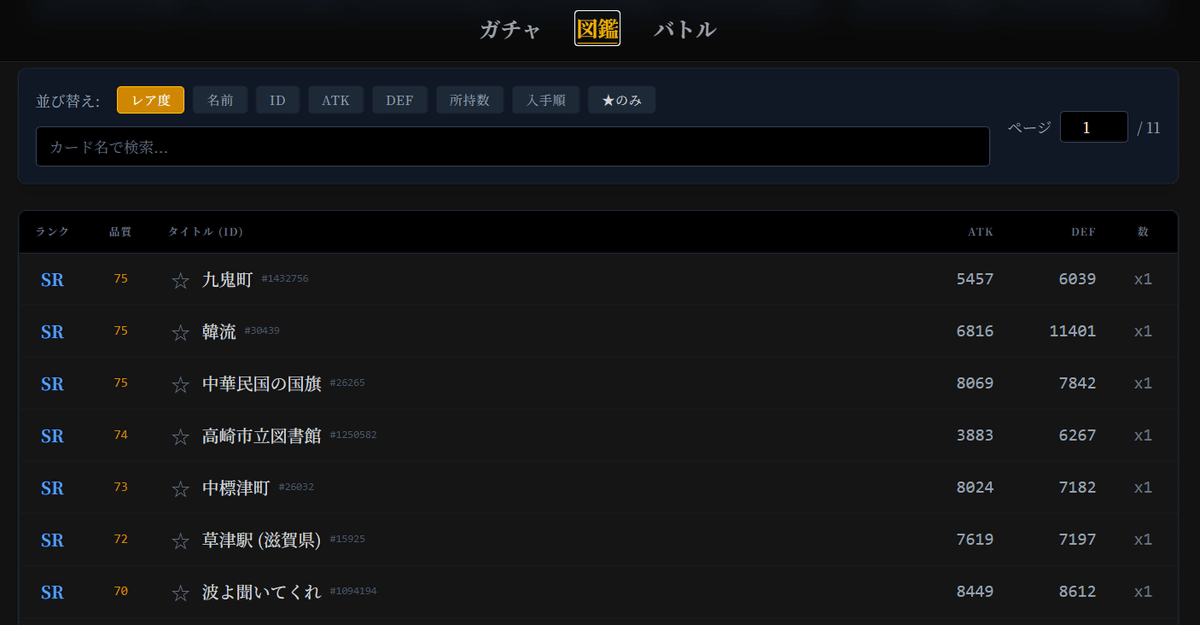
You can view a list of the cards you have acquired in the 'Encyclopedia.'
Data such as cards acquired through Wikipedia Gacha is saved in browser cookies, so it will be retained even if you close and reopen the browser. By 'Exporting' from the 'Encyclopedia,' you can carry over the same data to another browser or restore data if your cookies are lost.
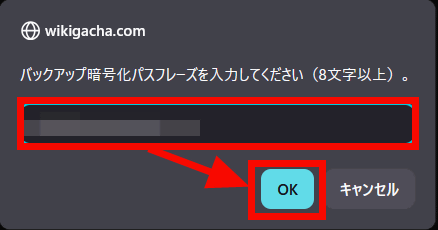
Enter your passphrase and click 'OK.'
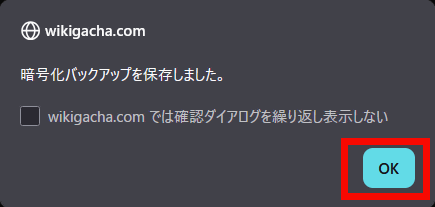
When you see the message 'Encrypted backup saved,' click 'OK.'
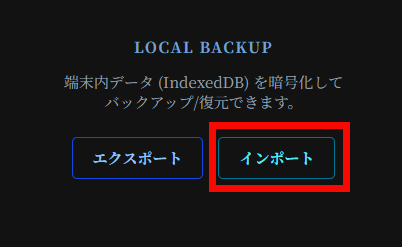
To transfer the exported data, click 'Import.'
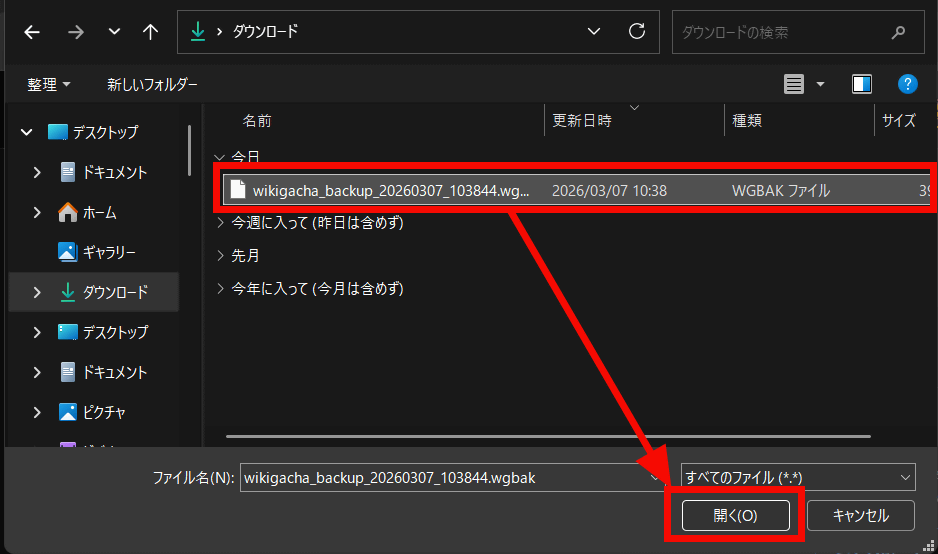
Select and open the 'WGBAK file' downloaded by exporting.
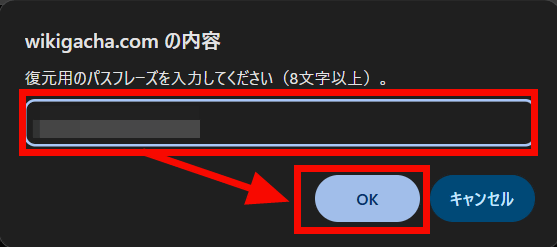
Enter the passphrase you set when exporting and click 'OK'.
I was able to transfer the data.
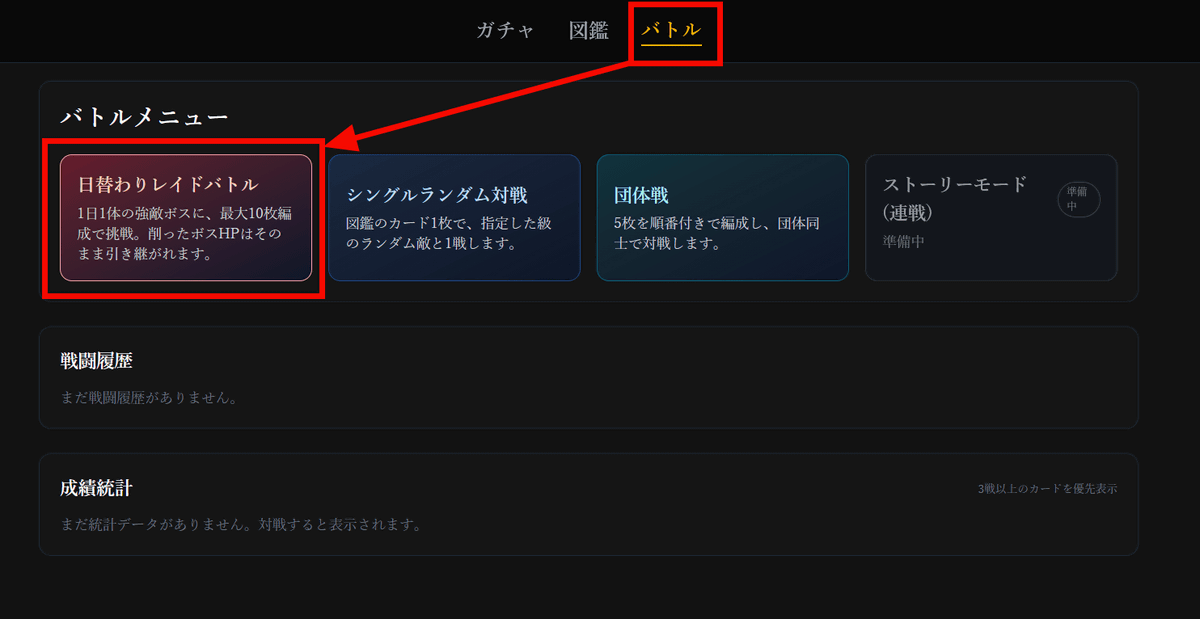
You can not only collect the cards you acquire, but also use them in battles. Select 'Battle' and click 'Daily Raid Battle' from the battle menu.
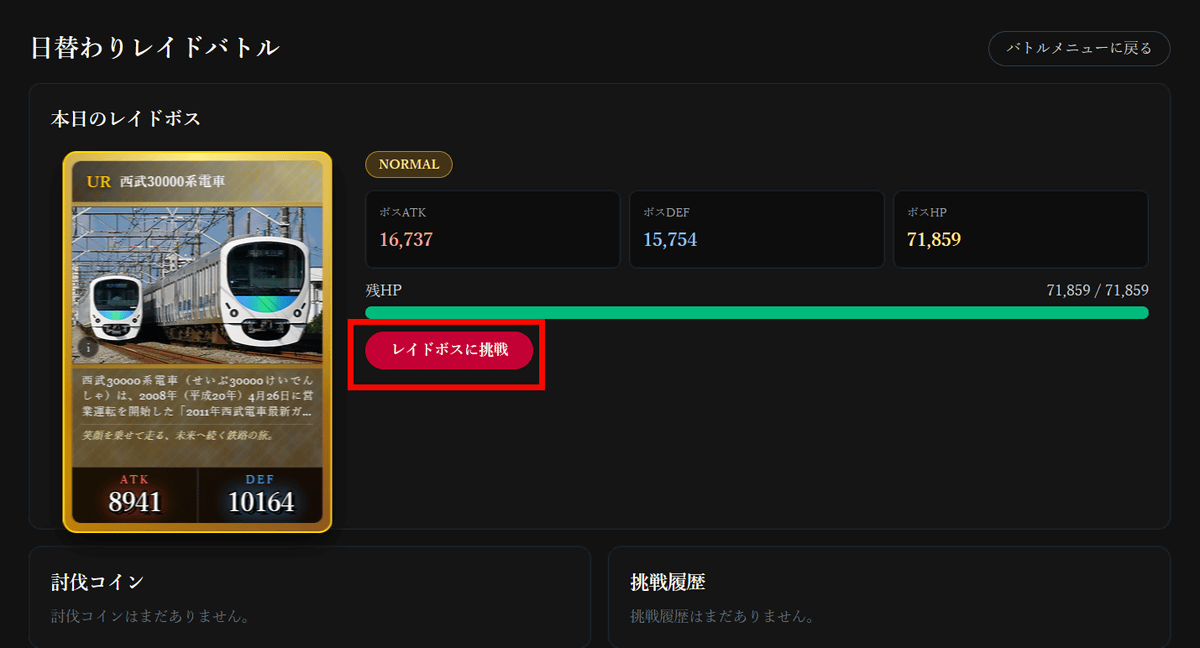
Today's raid boss will be displayed, so click 'Challenge Raid Boss.'
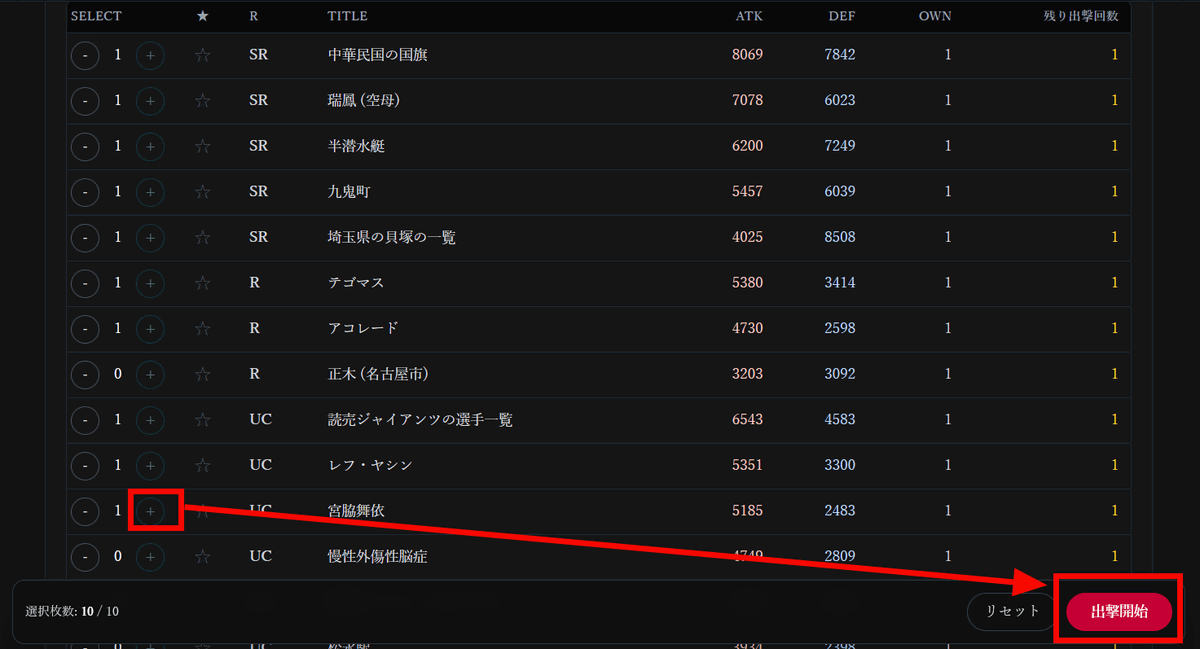
Press the '+' button, select up to 10 cards to participate in the raid, then 'Start deployment.'
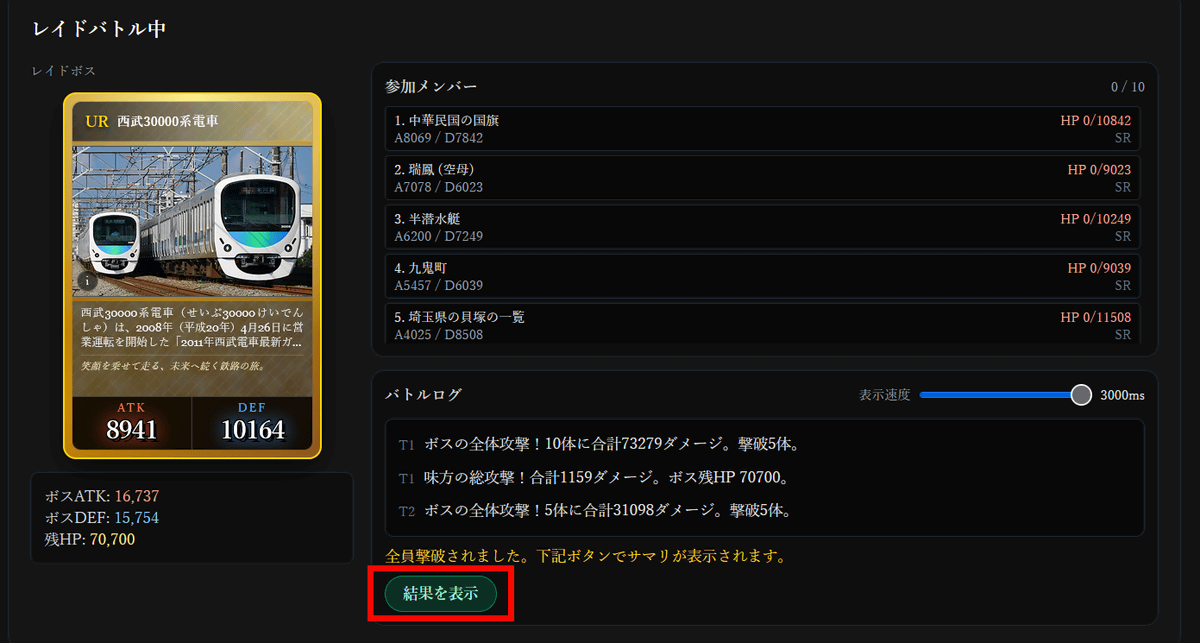
The battle proceeds automatically. The raid boss is quite strong, so we were wiped out in just three turns. Click 'Show Results.'
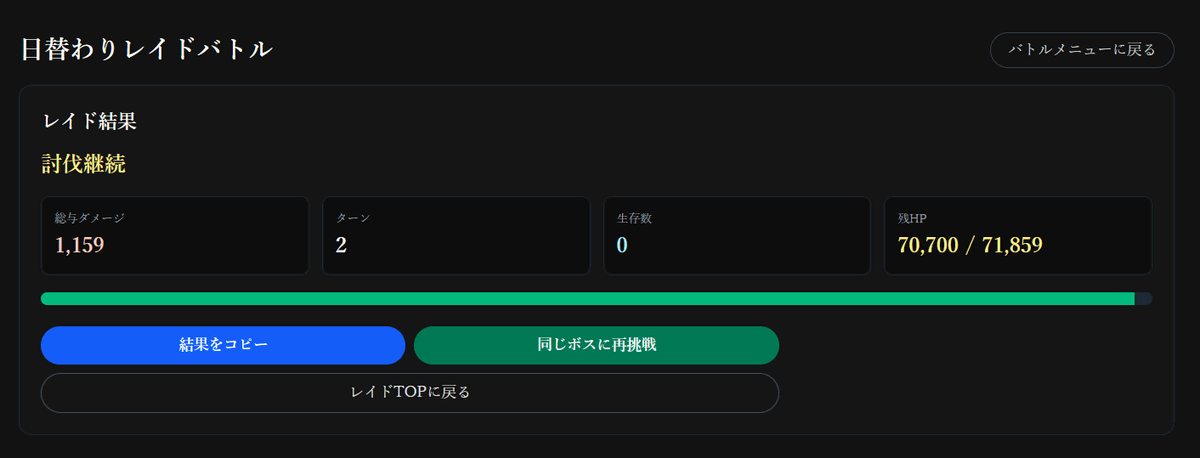
The damage dealt in this battle was 1,159, and the raid boss's health was 71,859, so it looks like we'll be able to defeat it in about 70 more attempts. However, since you can't select the same card multiple times for the same day's raid battle, you'll need to mobilize all the cards you have to take on the challenge.
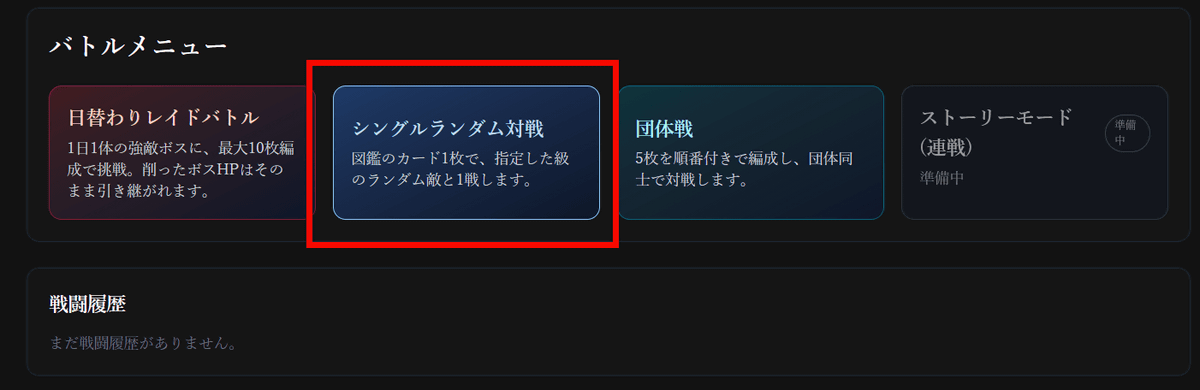
Next, select 'Single Random Battle.'
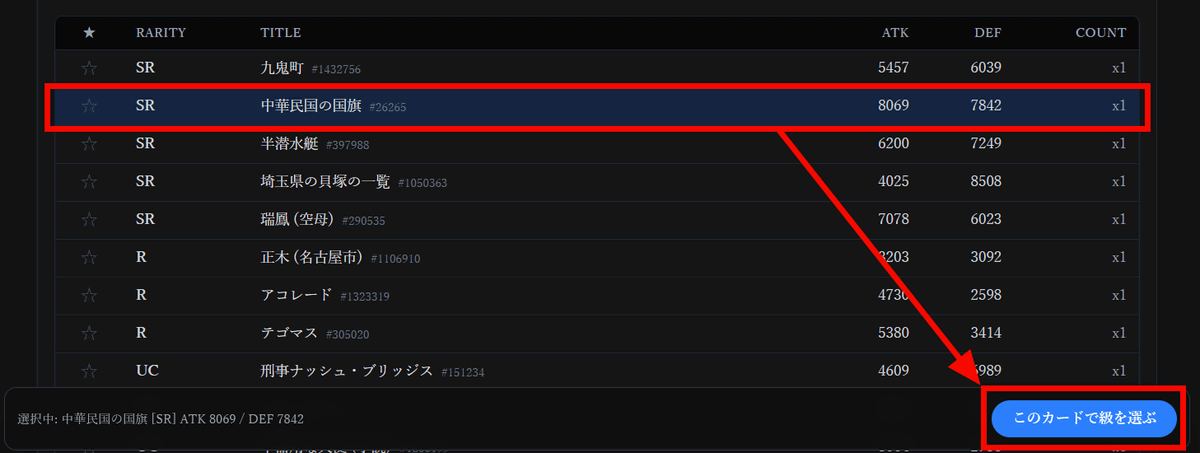
Select a strong card from your collection and click 'Select a grade with this card.'
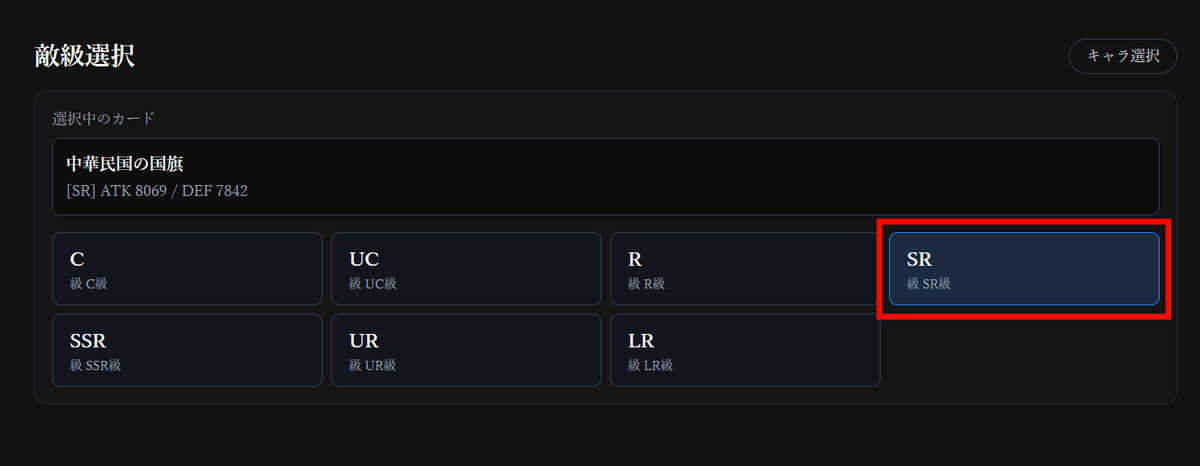
The '
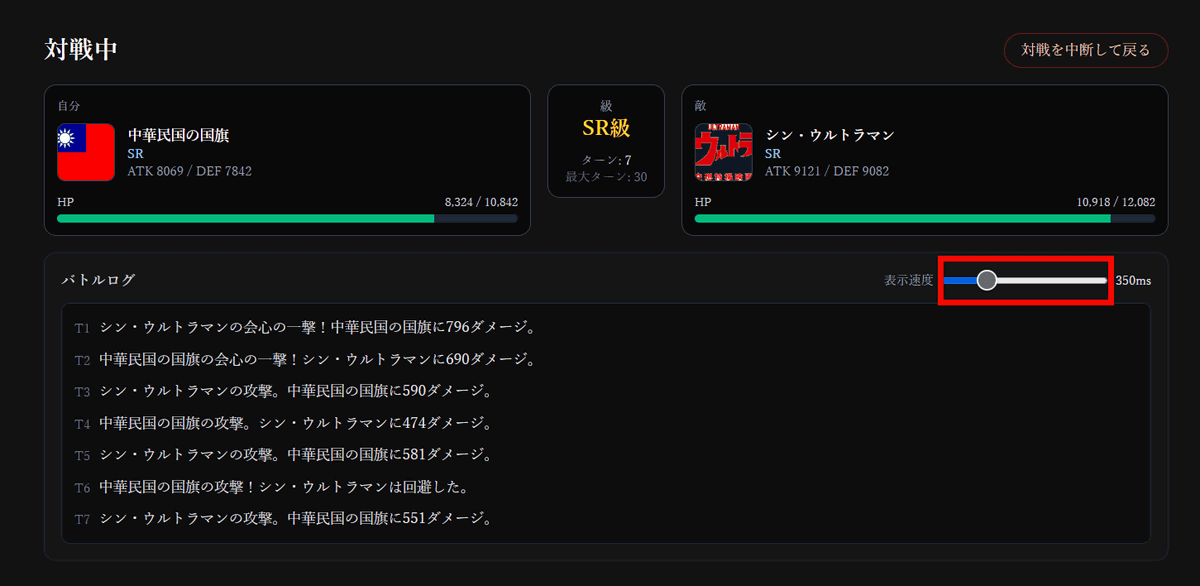
A random SR article will be selected and the battle will begin. Just like a raid battle, the battle will proceed automatically. Slide the 'Display Speed' slider to the left for a faster display, or to the right for a slower display.
Once the battle was over, the results were displayed. Single matches are limited to 30 turns, and if the outcome is not decided within 30 turns, the winner is the one with the most remaining HP. In matches of the same rarity, the ATK and DEF values are reflected almost directly in the results, so in order to win, you need to get the more popular and detailed cards.
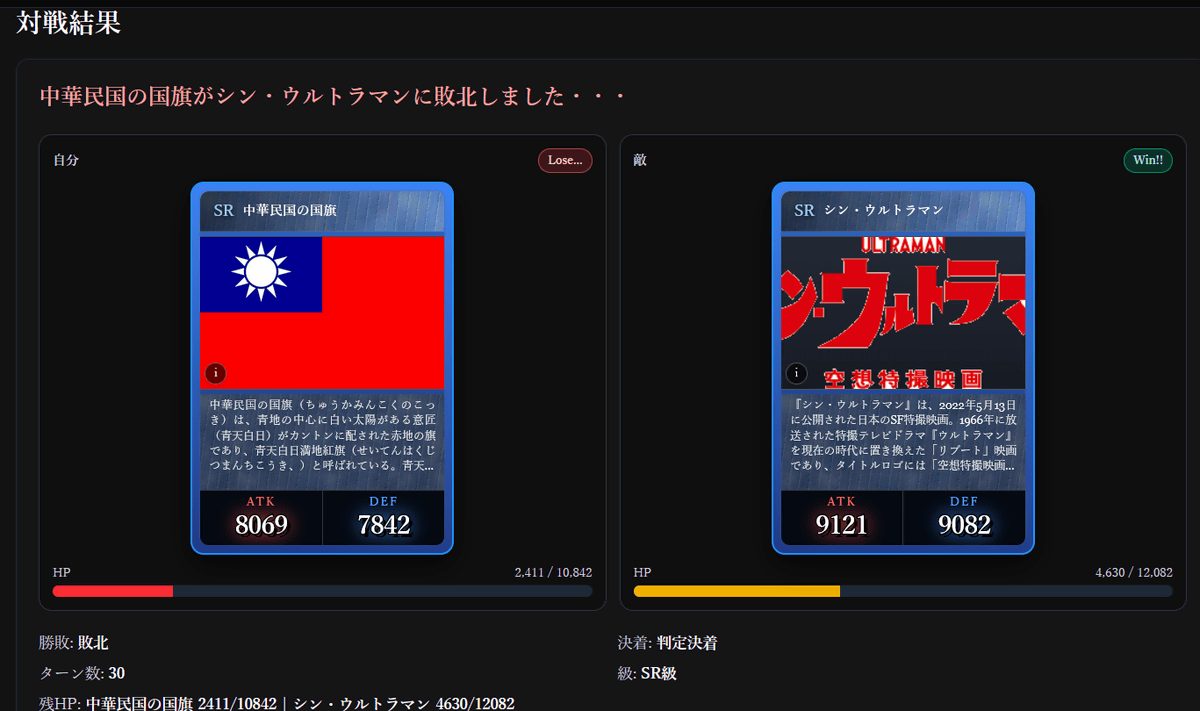
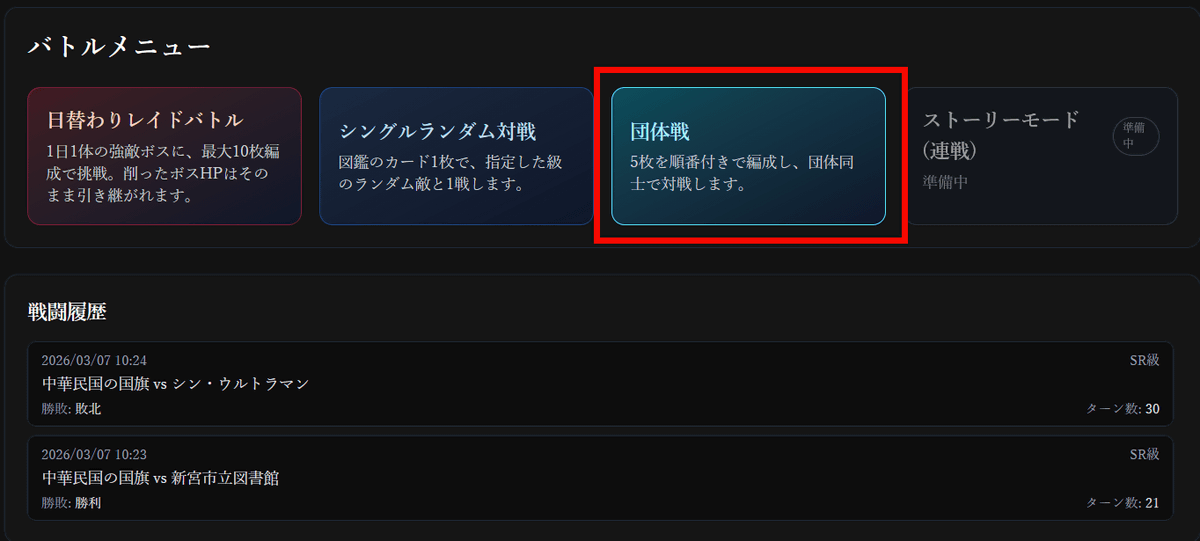
In the 'Team Battle' mode, players will select five cards to play against each other.
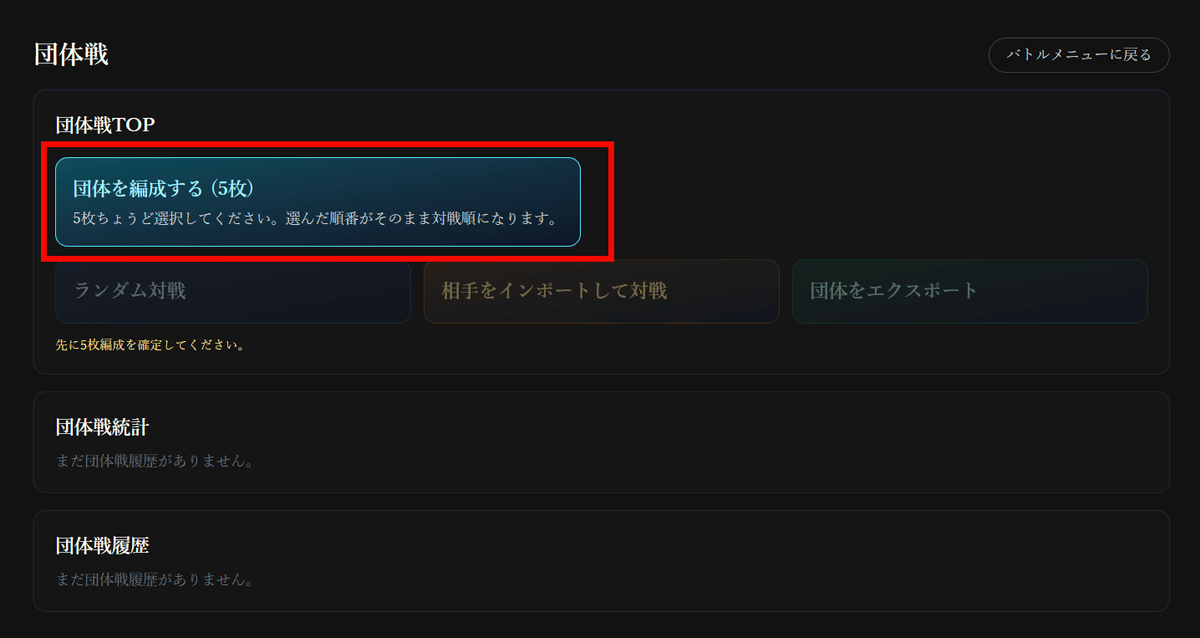
First, click 'Form a team' to create a team.
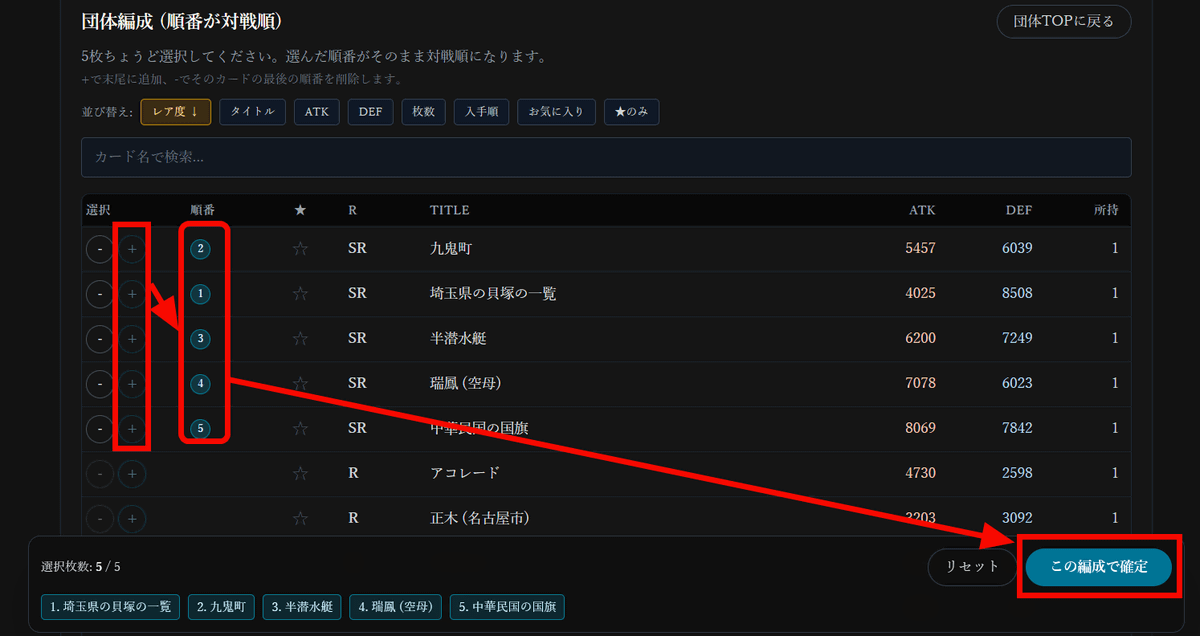
Select the five cards you want to include in your team and click 'Confirm with this formation.' The order you click will determine the order in which the cards will be deployed in team battles, so the order is also part of your strategy.
In team battles, you can fight random opponents, or you can export your team and send it to someone to play against others. This time, select 'Random Battle.'
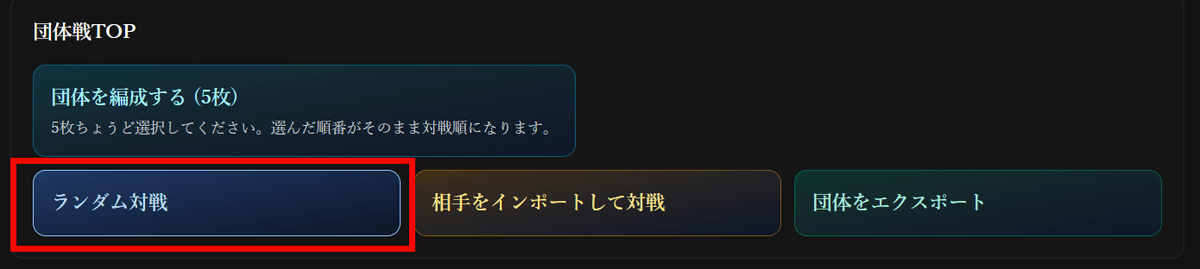
In addition to teams based on rarity, there is also a 'mixed R or higher' team, where each team has one R or higher rarity card. Since I'm using only SR cards in my team, my opponent will also choose an 'SR' card.
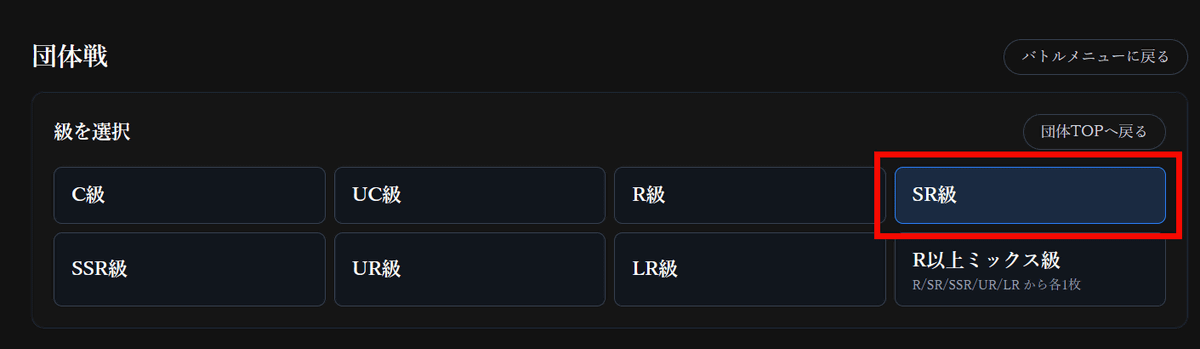
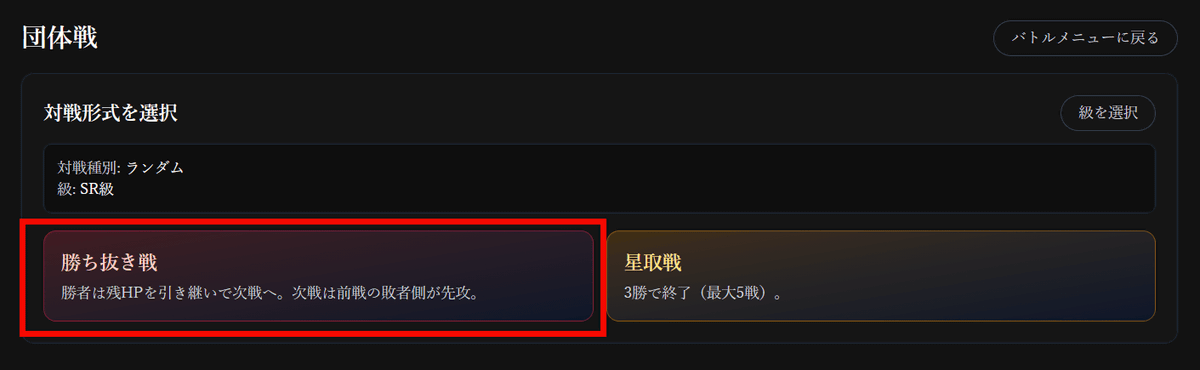
There are two types of battles: a 'Knockout Battle' where you defeat an opponent and then fight the next one with the same stamina, and a 'Star Battle' where you fight five one-on-one battles and the winner is the one who wins three out of five. This time, we'll be taking on the 'Knockout Battle'.
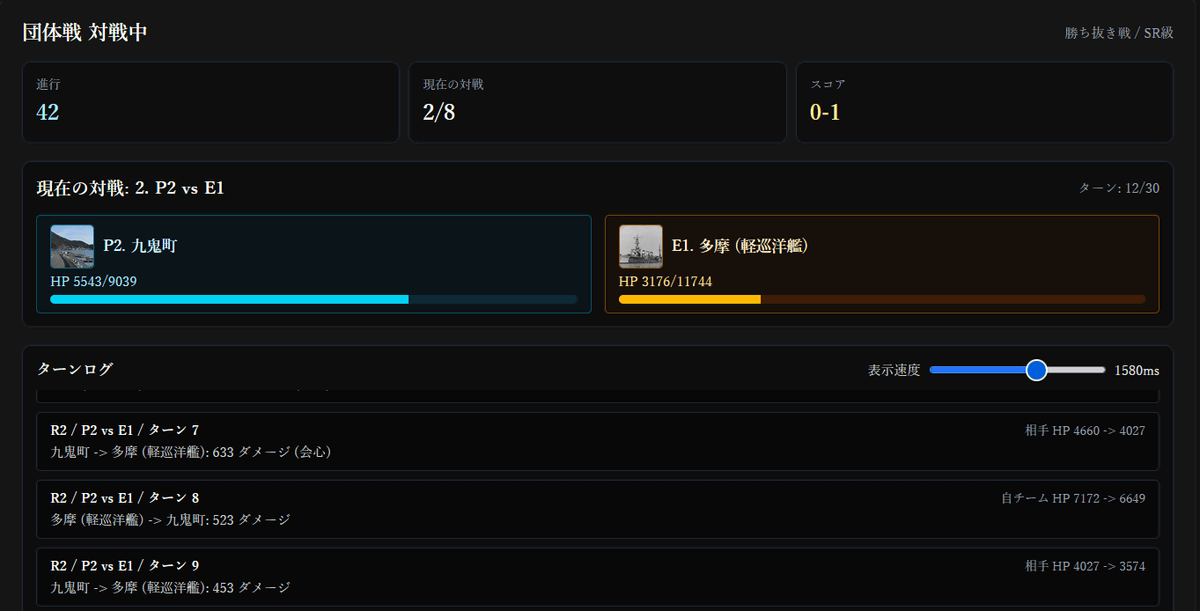
The battle progresses in the same way as raid battles and single battles.
Just opening packs is addictive enough to keep you going, but we also recommend taking the time to carefully read the articles you get, as rare articles are not only strong in battle but are also rated as having 'good quality.'
Related Posts:


in Web Service, Review, Posted by log1e_dh