Figma and Anthropic release 'Code to Canvas,' allowing users to import Claude Code generated code directly into Figma as editable designs

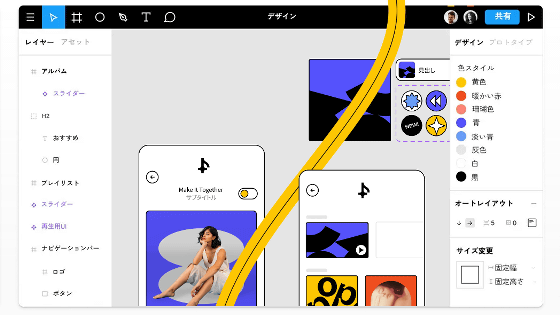
It has been revealed that the design tool Figma has partnered with Anthropic to release a ' Code to Canvas ' feature that allows code generated by Anthropic's AI coding tool 'Claude Code' to be directly imported into Figma.
The Future of Design Is Code and Canvas | Figma Blog
Figma just shipped the ability to bring UI work done in Claude Code straight into Figma as editable design frames.
— Thariq (@trq212) February 17, 2026
Use this to explore new ideas in Figma, view multi-page flows on the canvas, or reimagine user experiences. pic.twitter.com/OwBbfRpvch
Tired: code or canvas
— Figma (@figma) February 17, 2026
Wired: code AND canvas
Introducing Claude Code to Figma pic.twitter.com/lZy5L72pQY
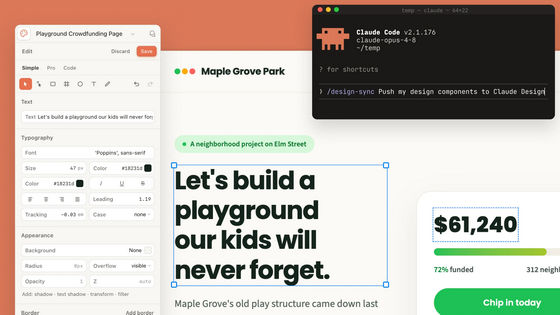
Code to Canvas brings work created in Claude Code into Figma. It bridges the gap between AI coding tools and Figma processes, allowing designers and engineers to quickly iterate on designs by instructing AI agents to build actionable interfaces directly in Figma.
Simply install Figma MCP, a tool that converts Figma designs into code, and type 'Send this to Figma.' The rendered state in your browser will automatically be converted into editable Figma layers.
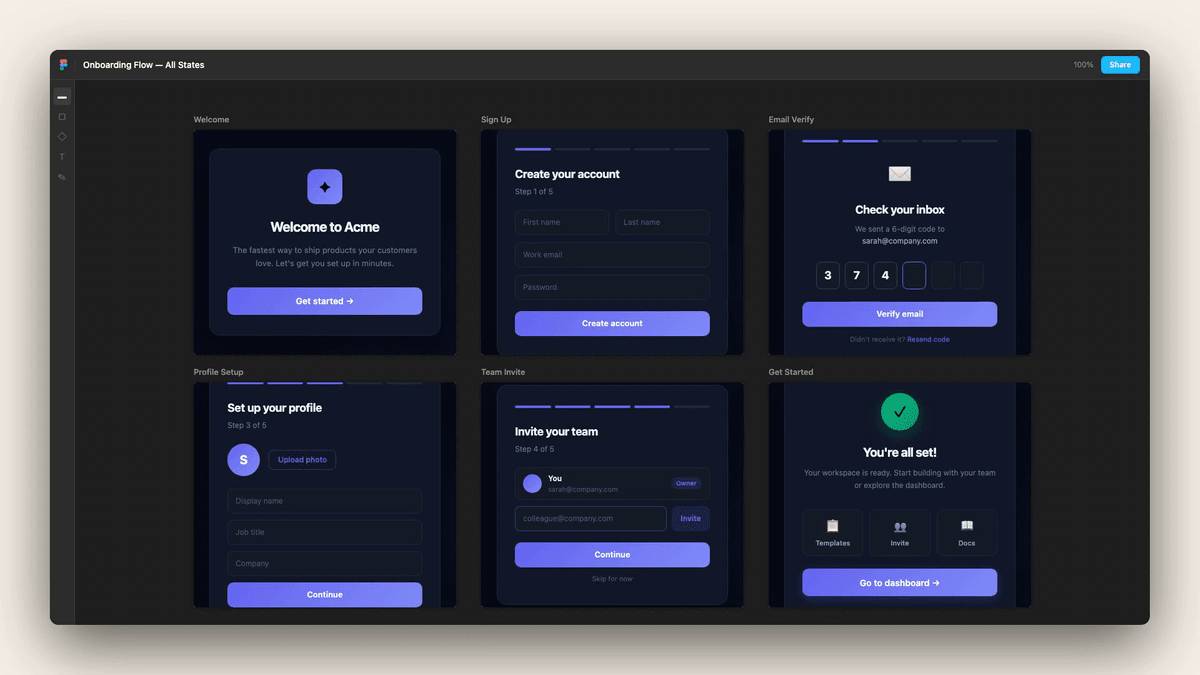
Figma originally had an AI-powered design and code generation feature that would convert what you want to do into code by prompting you, but by incorporating Claude Code, it is expected that more advanced designs will be possible.
Figma is a tool that promotes team collaboration. Figma CEO Dylan Field said in announcing Code to Canvas, 'Traditionally, product design and development has typically been linear: teams brainstorm ideas, create a design, then code. Now, you can start anywhere and go anywhere. It's important to pause and ask yourself if you're building in the right direction. Too often, we get lost in the momentum of creating something, and our first version becomes the final version. We hope the integration of Claude Code with Figma Design will help you break away from that vision and take a step back to see the bigger picture.'
Tom Johnson, product designer at web app development platform Vercel, said, 'Anyone who criticizes this has never gone through the pain of recreating a complex web app in Figma, tweaking the layout and trying out new variations like removing cards, updating copy, or changing information density. I recreated almost the entire data-heavy UI in Vercel in under five minutes with real data, which was nearly impossible before. Charts, lists, tables, filters, all in one shot. It's amazing.'
This is incredible.
— Tom Johnson (@tomjohndesign) February 17, 2026
I'm seeing people bashing this but I'm pretty sure they've never had to go through the pain of working and trying to recreate complex web apps in Figma to tweak layouts and try new variants -- remove cards, update copy, try different information density, etc.… https://t.co/Ff1pP0WQhv
Field CEO said, 'Figma is built on the belief that design, craft, and perspective are true differentiators. In a world where AI can help build any possibility that can be put into words, your core job is to find the optimal solution from almost infinite possibilities. In other words, you should start learning as much as you can about design. After considering multiple approaches and refining your design, you can use Figma MCP to easily reflect design changes in the code base. Whether product development starts with a terminal, a prompt box, a visual UI, or even a hand-drawn sketch, we want to position Figma as the place where everything ultimately comes together. '
Related Posts:



in AI, Posted by log1p_kr