'Jefftube,' a YouTube-like compilation of Epstein-related videos, and 'Jamazon,' which allows users to check Epstein's Amazon purchase history, have appeared.
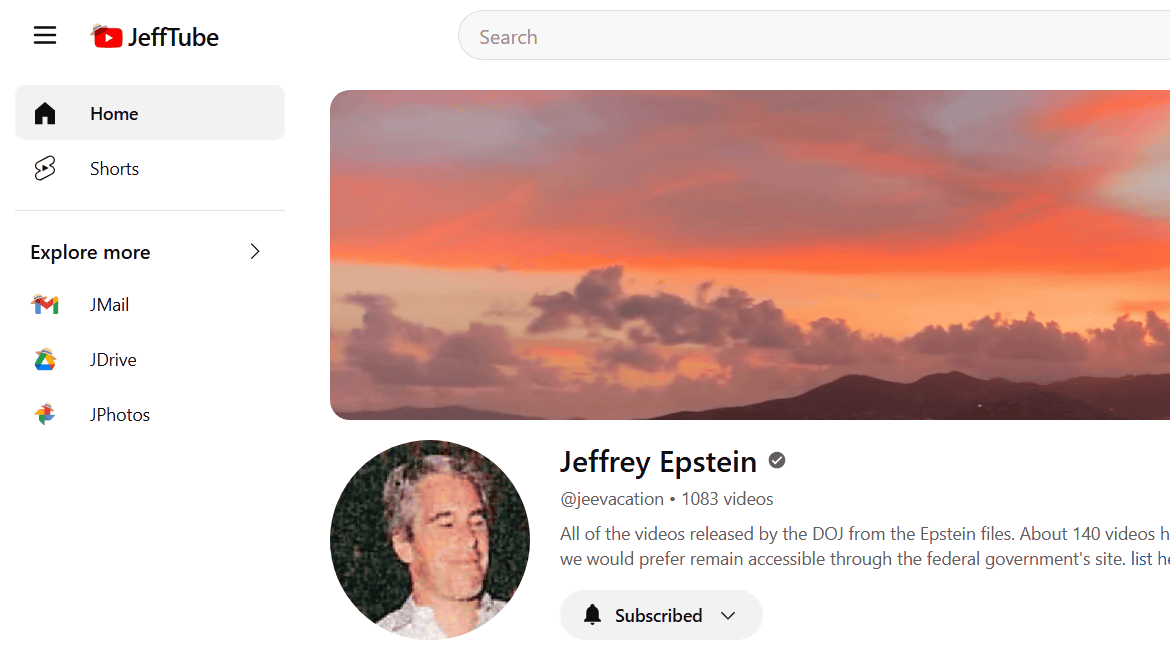
The investigative files on Jeffrey Epstein, the American billionaire who was indicted on charges of child trafficking and sexual assault and committed suicide in prison, known as the 'Epstein Files,' consist of a massive amount of material, including 3 million documents, approximately 2,000 videos, and 180,000 images. New web apps, such as ' Jefftube ' and ' Jamazon ,' have emerged that make it easy to access the Epstein Files.
Jefftube
Jamazon — Epstein Amazon Orders
https://jmail.world/jamazon
When you access Jefftube, you will see a variety of videos published on a UI similar to YouTube. Click on the video thumbnail.
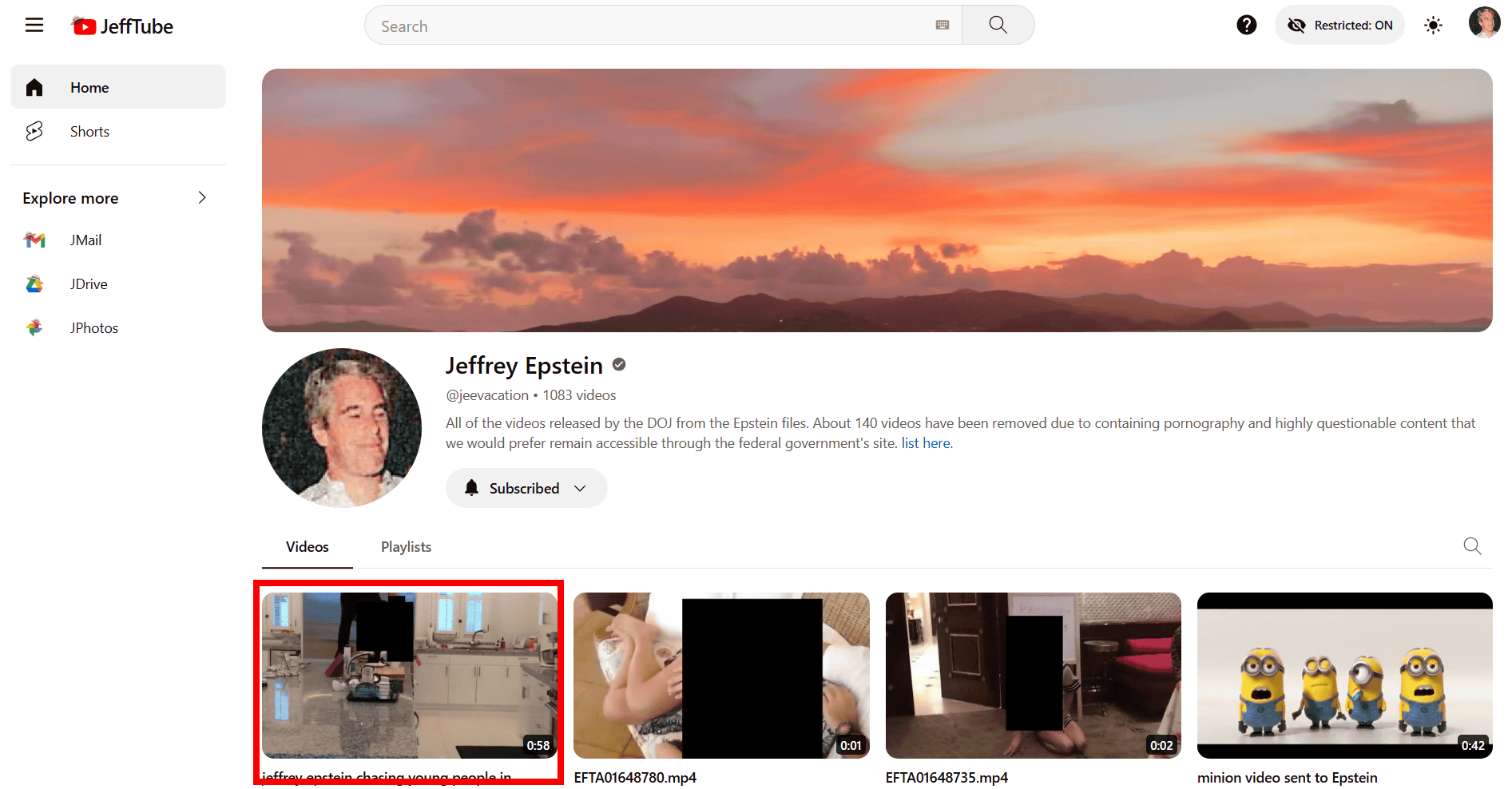
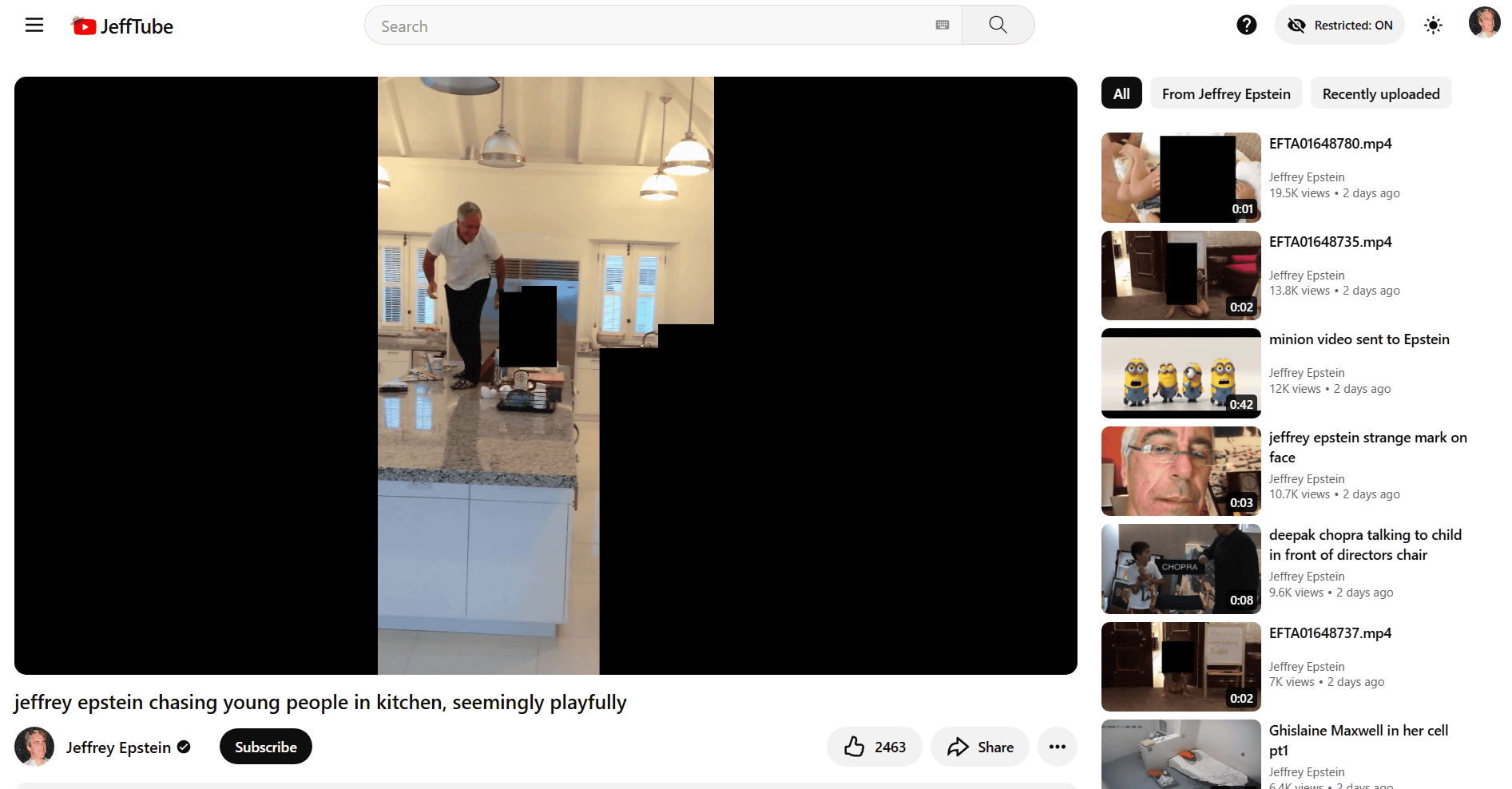
The video then plays, showing Epstein chasing a young woman around her kitchen. The UI is similar to YouTube, with links to other videos on the right.
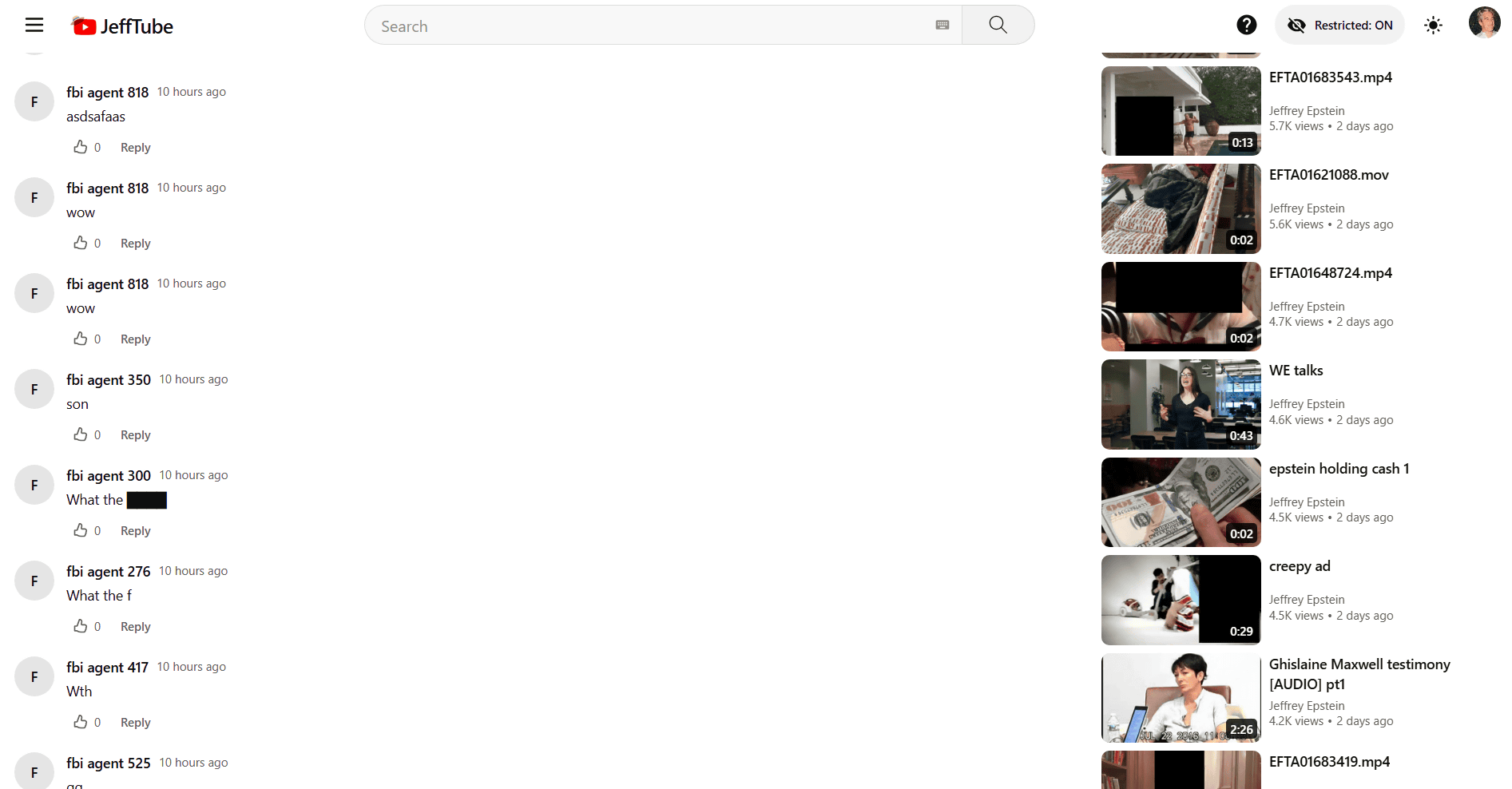
Below the video are a series of comments. The comments are posted anonymously, and the posters' names are all 'FBI agent XX (number).'
You can also view playlists by selecting the 'Playlist' tag. In this example, we selected 'Person Cam.'
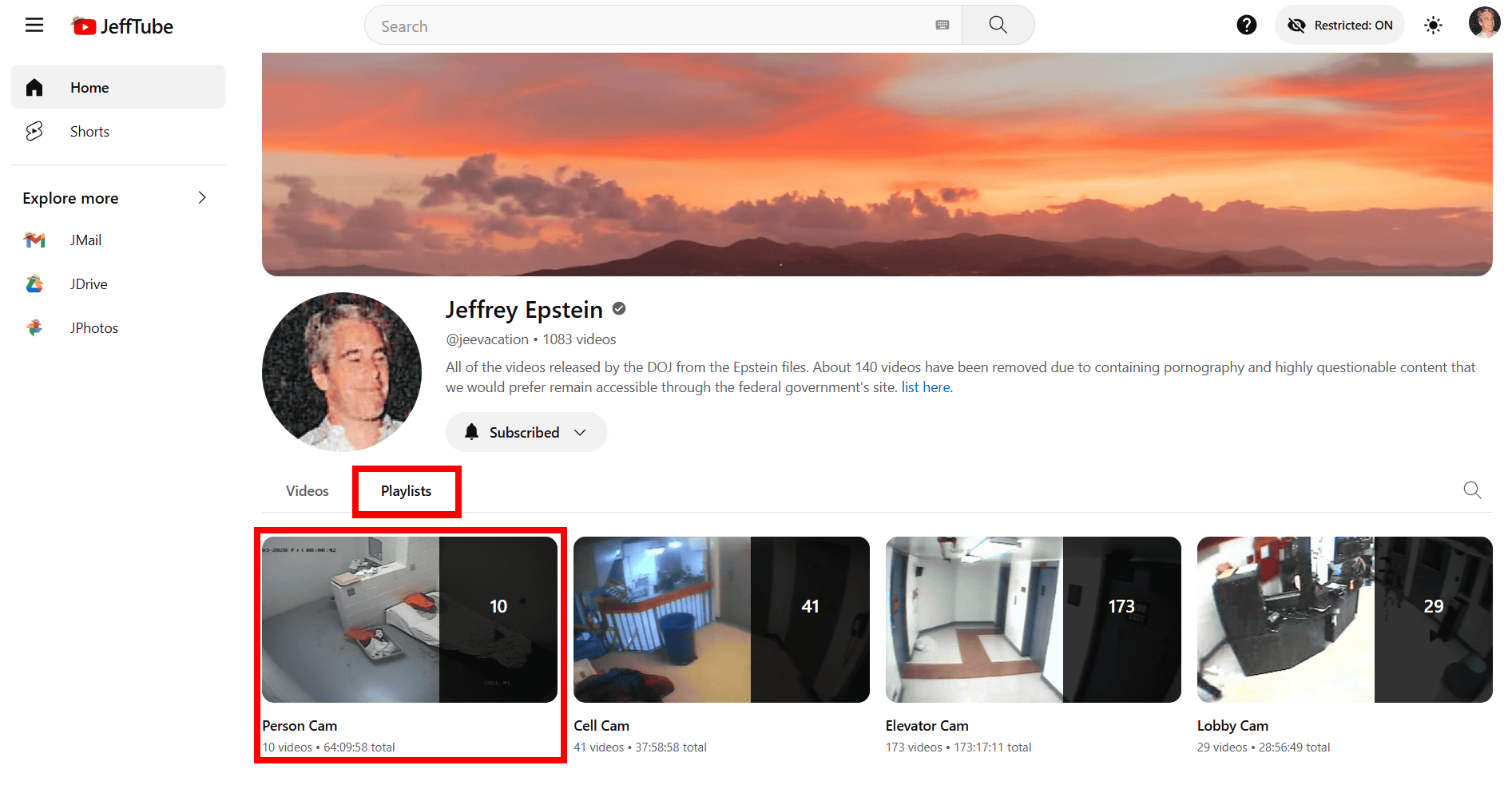
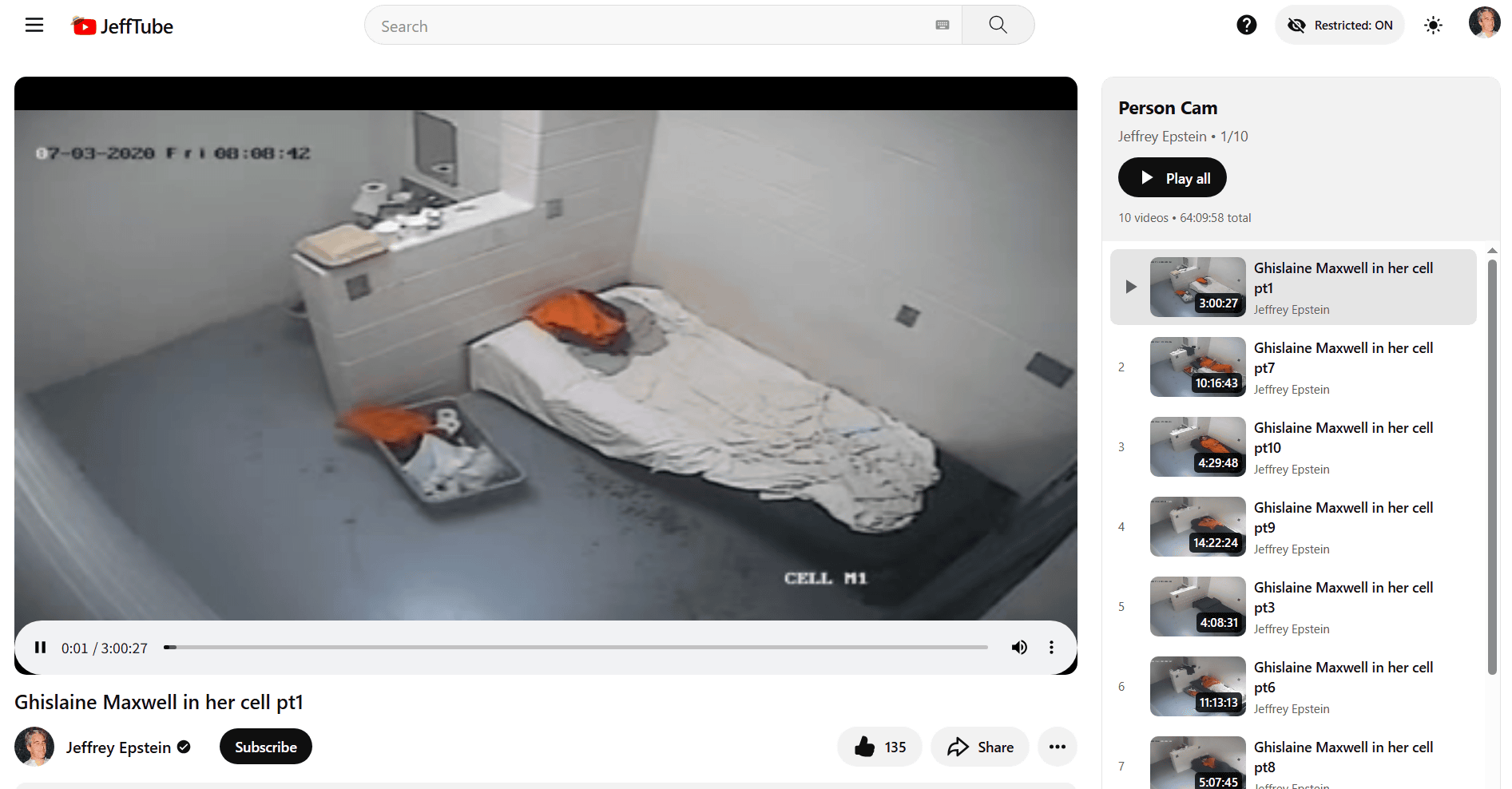
A compilation of surveillance footage of Epstein's former girlfriend, Ghislaine Maxwell, who is currently in prison.
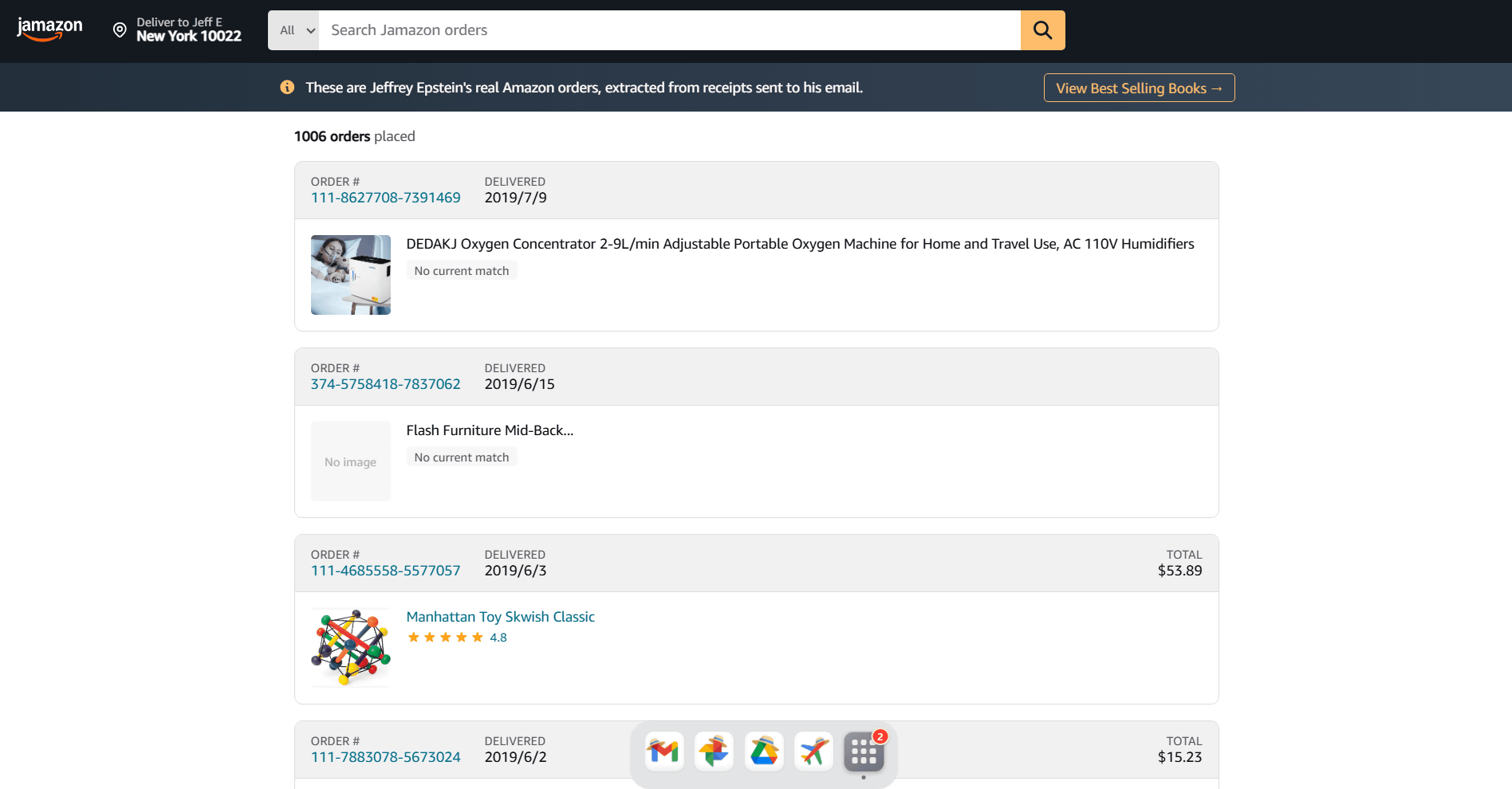
Jamazon displayed a list of Epstein's Amazon purchases in a UI that closely resembled Amazon's purchase history, showing not only the items purchased but also the order numbers, dates, and prices.
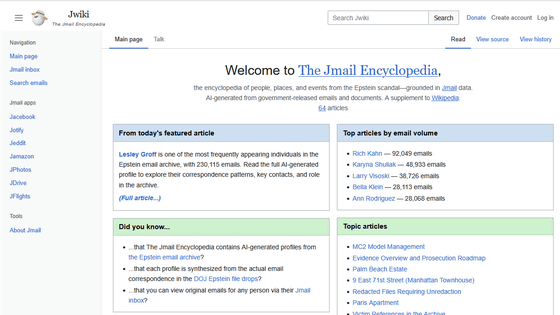
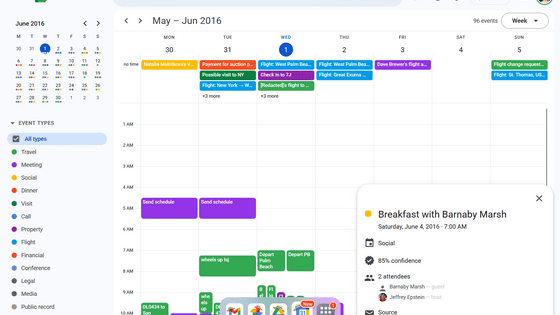
At the bottom, there are also links to other web apps, such as
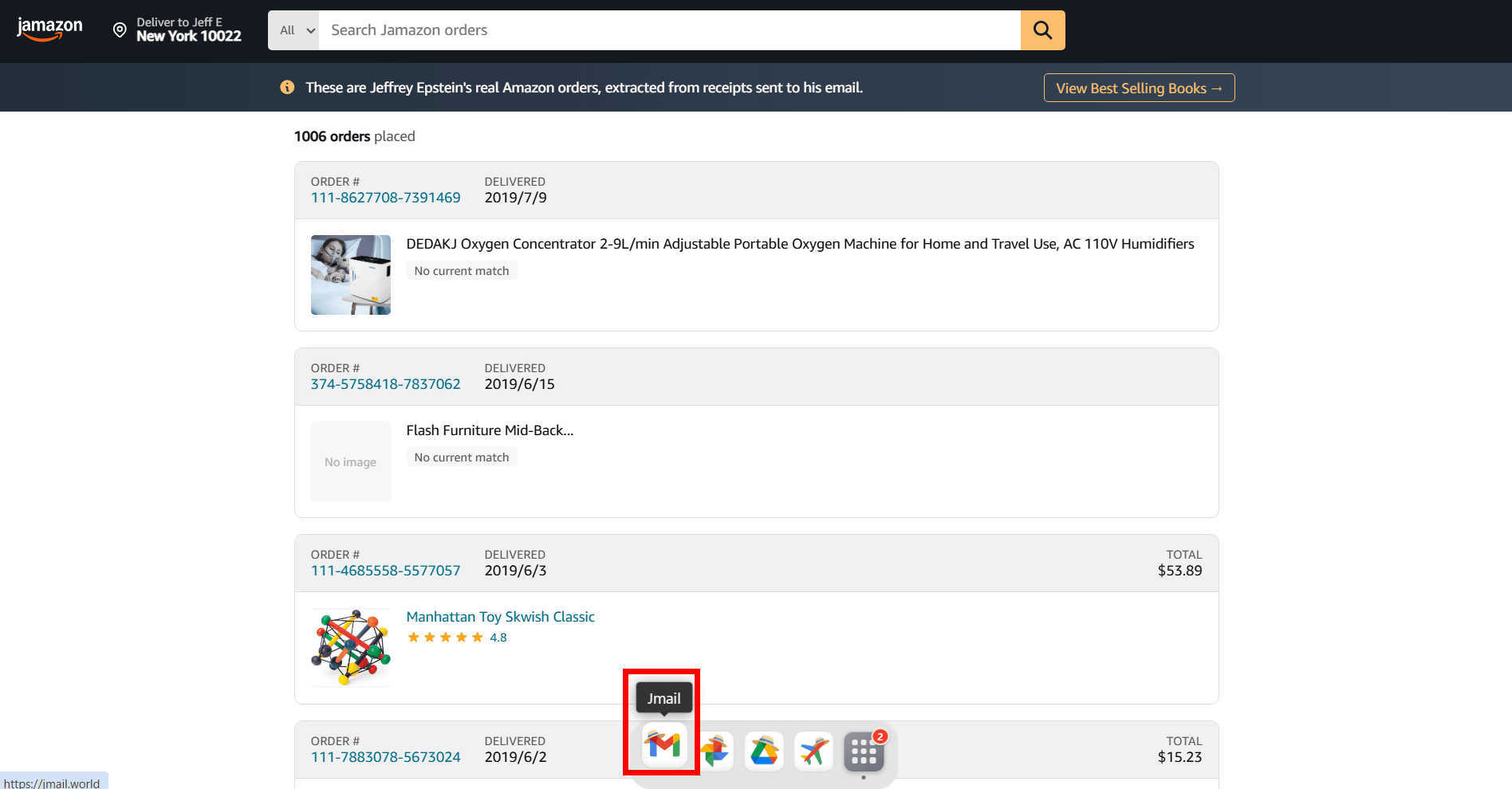
I selected 'Jemini' from the icons on the far right.
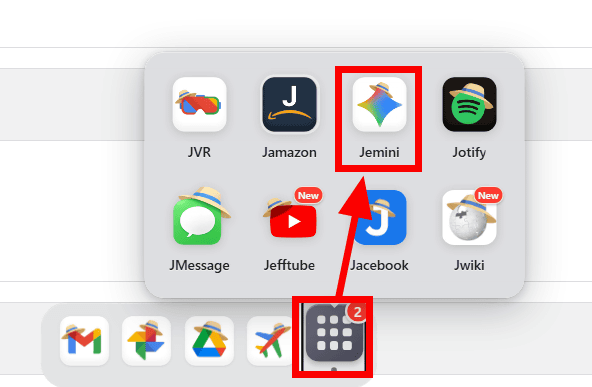
Jemini is a Gemini-like AI that searches through mountains of Epstein-related documents.
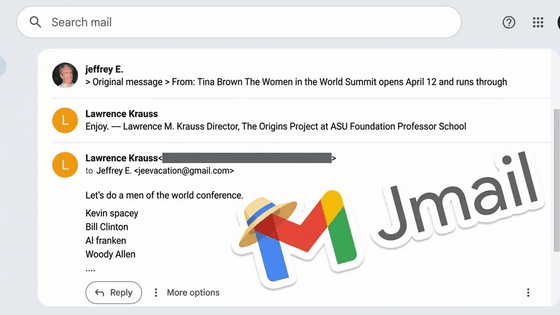
Jmail, logged in as [email protected]
The UI is exactly the same as Google's Gemini.
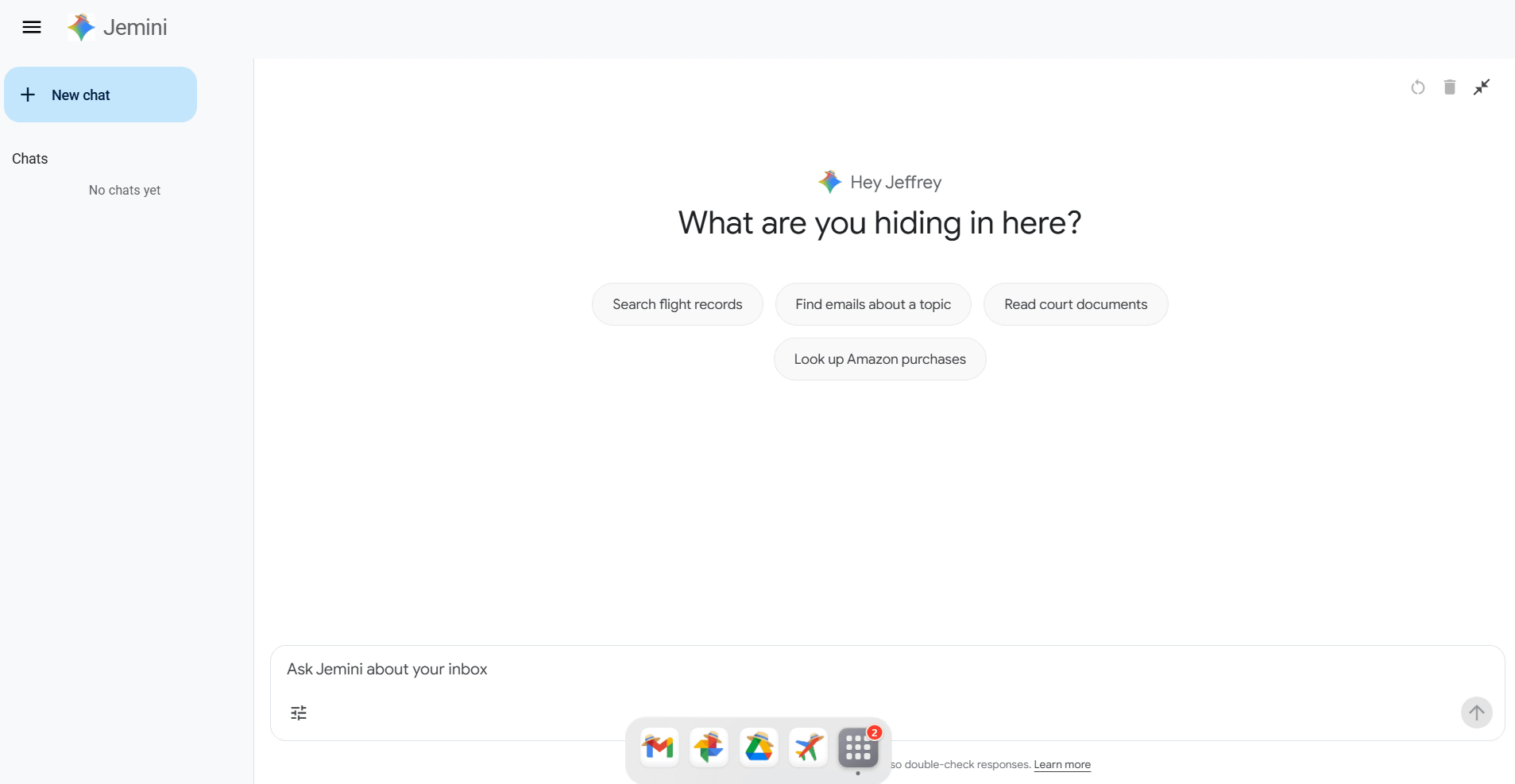
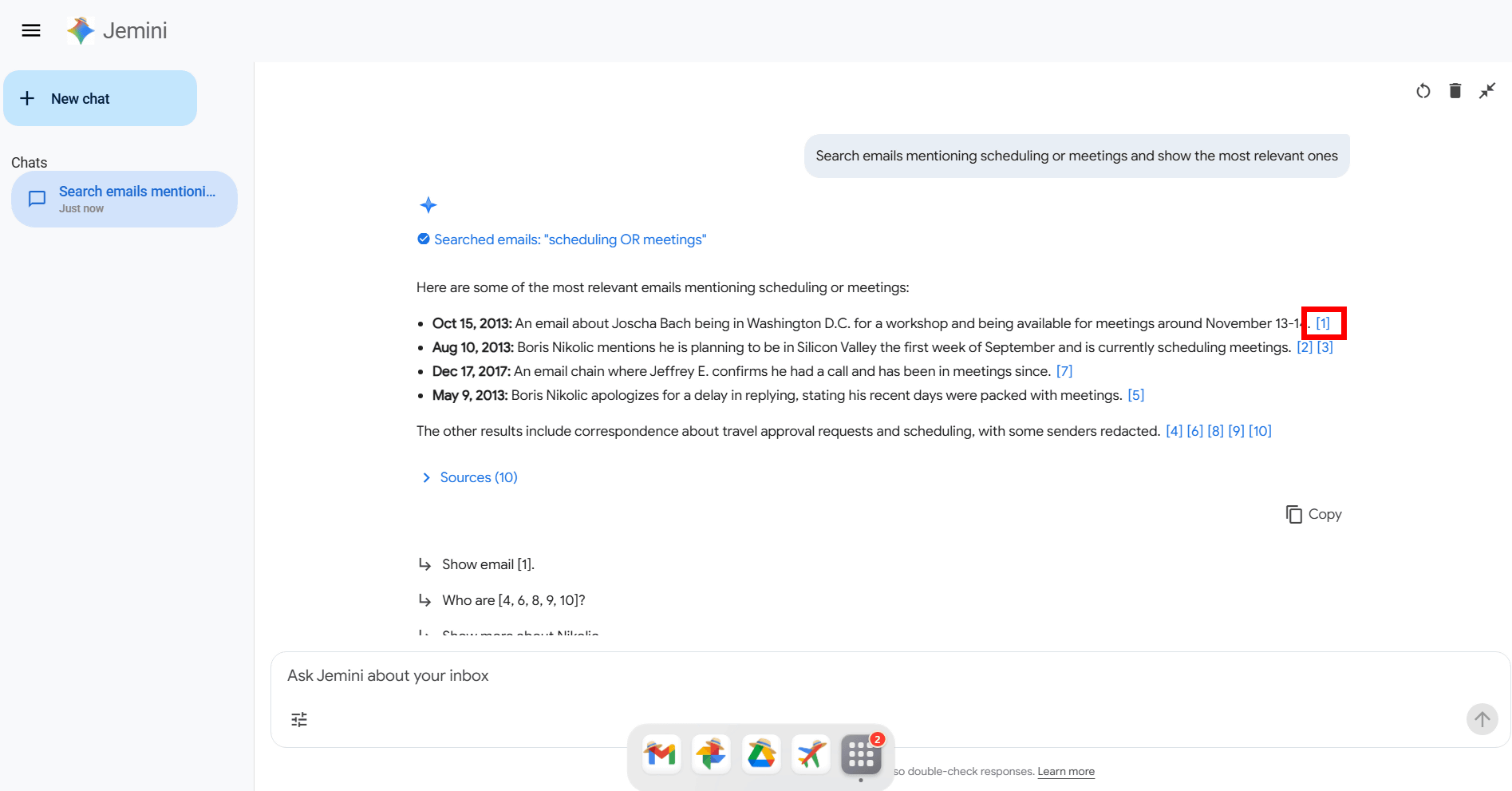
In the input window, type 'Search emails mentioning scheduling or meetings and show the most relevant ones.' Then, emails that match the criteria are picked out and displayed. You can check the email by clicking the link in each email.
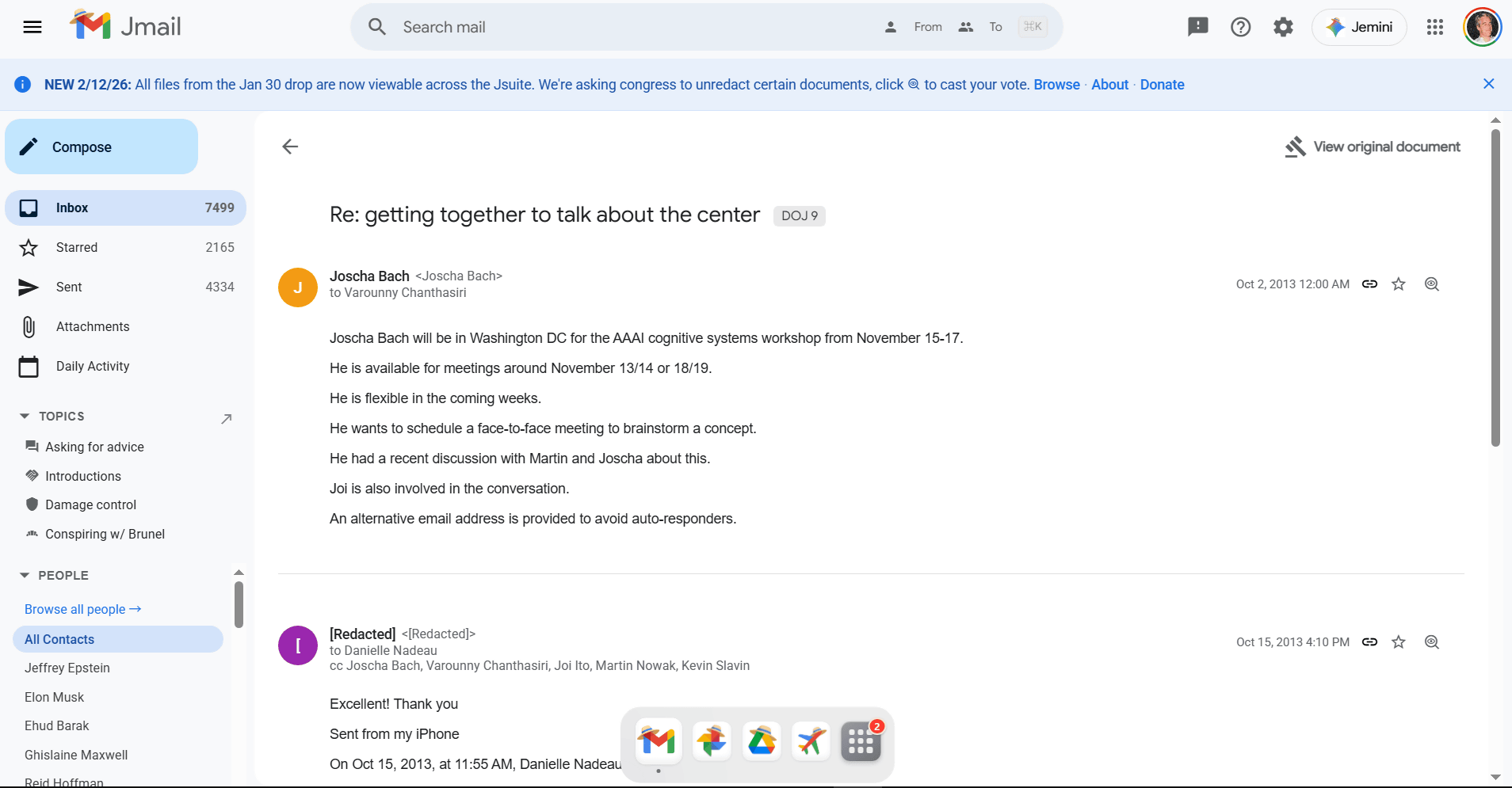
When I clicked on it, I was able to view the body of the email in Jmail.
Related Posts:



in Web Service, Web Application, Posted by log1i_yk