'FreeTube Android' is an Android app that allows you to play YouTube videos for free without ads or login.
' FreeTube Android ' is an Android app that was created by
GitHub - MarmadileManteater/FreeTubeAndroid: A soft fork of FreeTube which brings it to Android (formerly FreeTubeCordova)
https://github.com/MarmadileManteater/FreeTubeAndroid
◆Installation
If you check the GitHub website before installing, you will see the following warning:
 🛈 Note

 FreeTube Android is currently in Beta. While it should work well for most users, there are still bugs and missing features that need to be addressed.
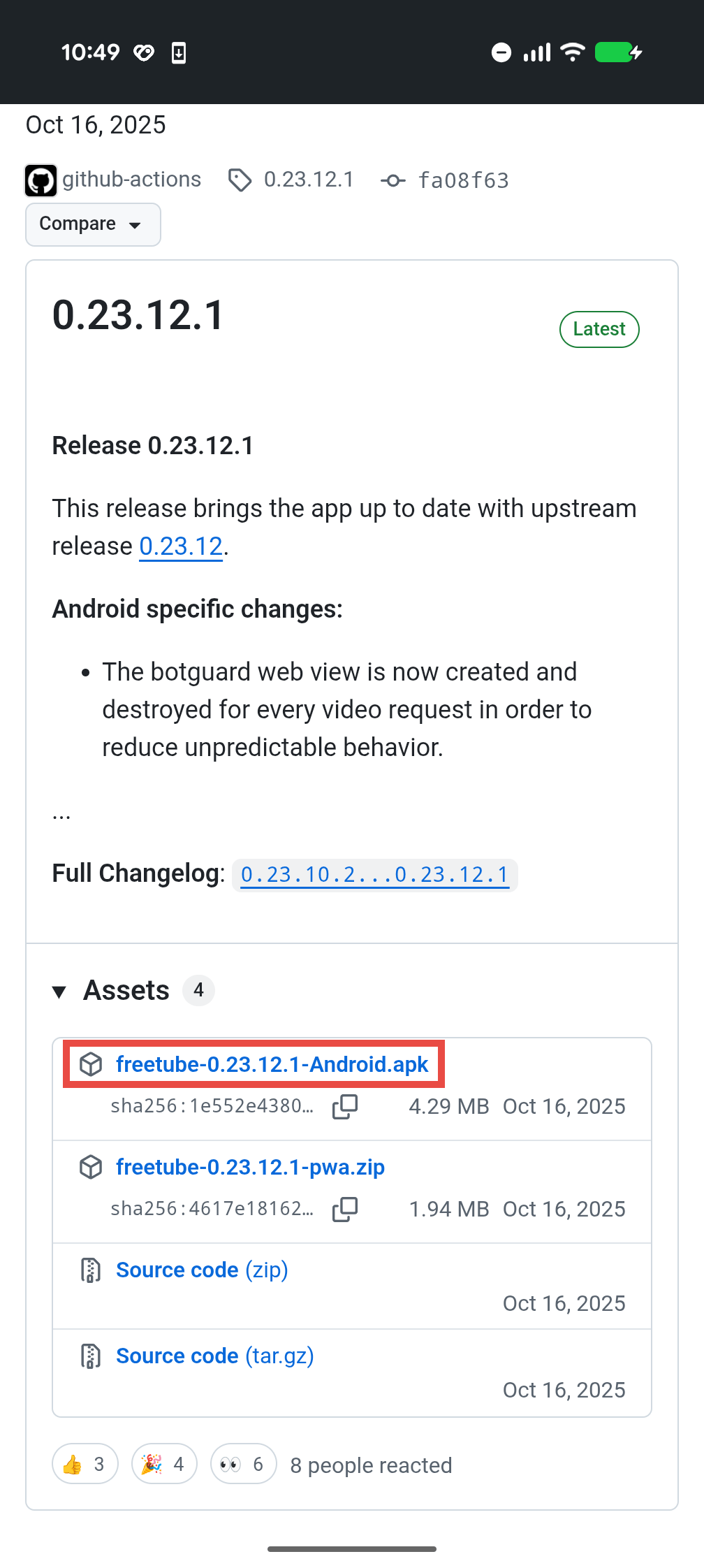
This means that there are still bugs remaining, so installation is at your own risk. If there are no problems, download the latest apk file from the GitHub release page . At the time of writing, the latest version is 0.23.12.1 , so the file to download is ' freetube-0.23.12.1-Android.apk '.
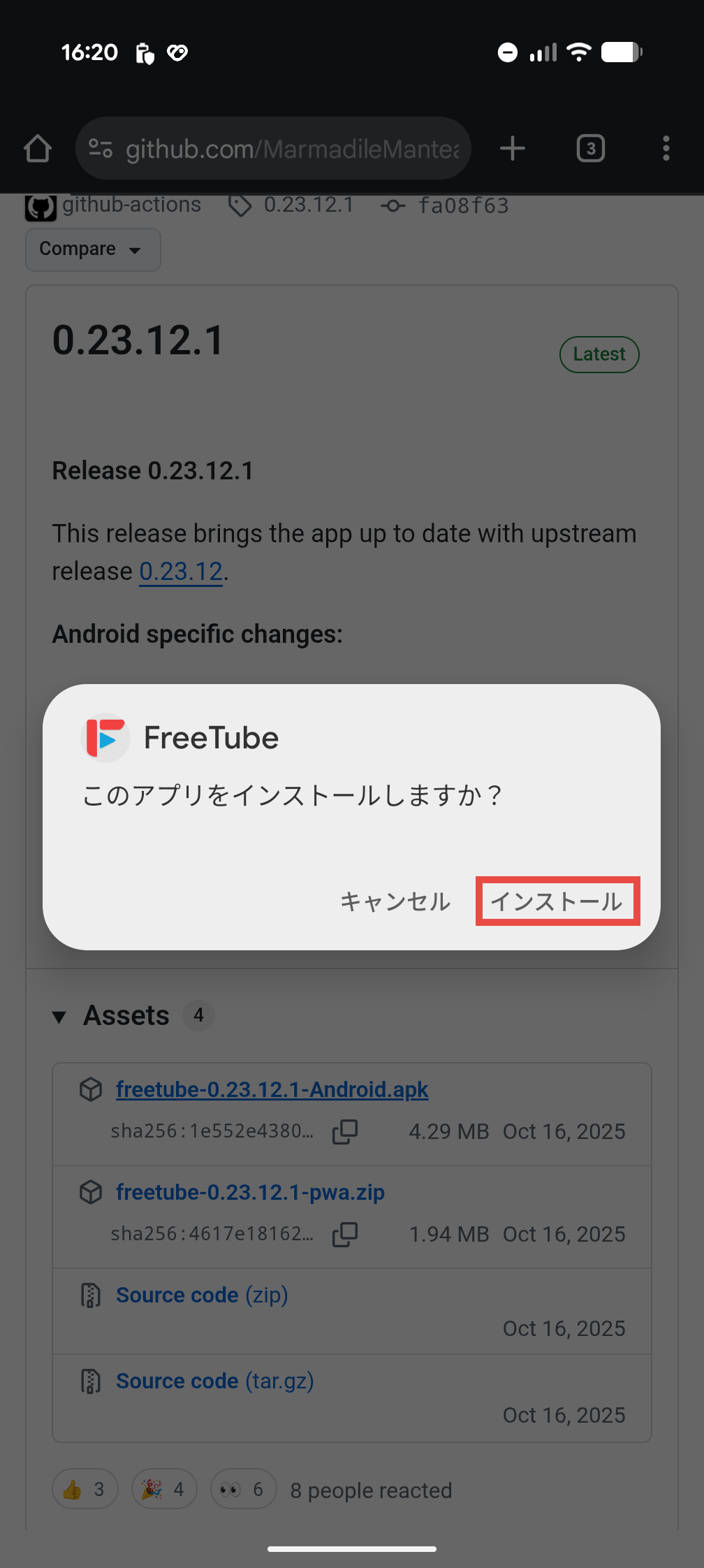
Once the download is complete, a message will appear asking 'Do you want to install this app?' Select 'Install.' Note that to install apps using apk files, you must first allow 'Installation of unknown apps' in your Android settings. However, this is done at your own risk, as there is a risk of installing malicious apps.
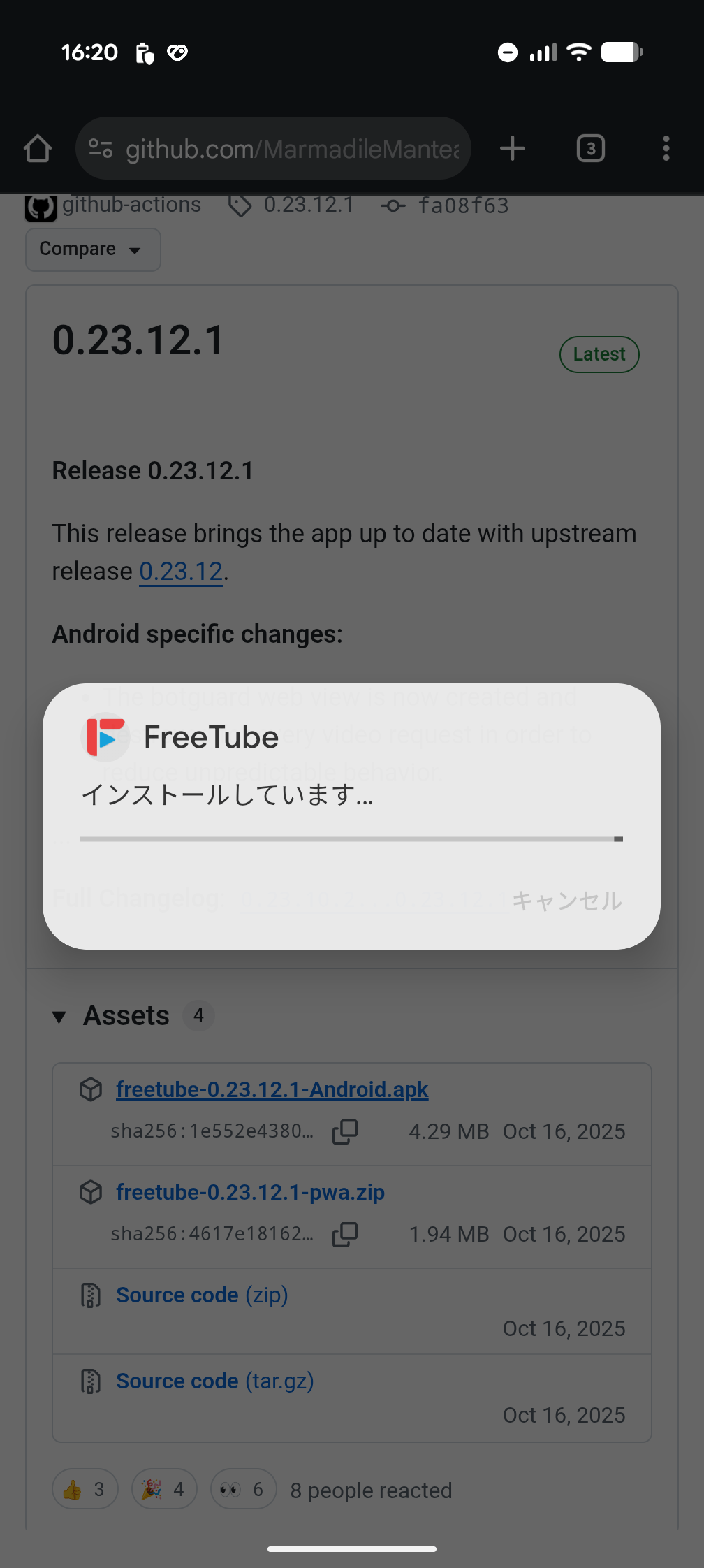
Once the installation begins, the message 'Installing...' will be displayed along with a progress bar.
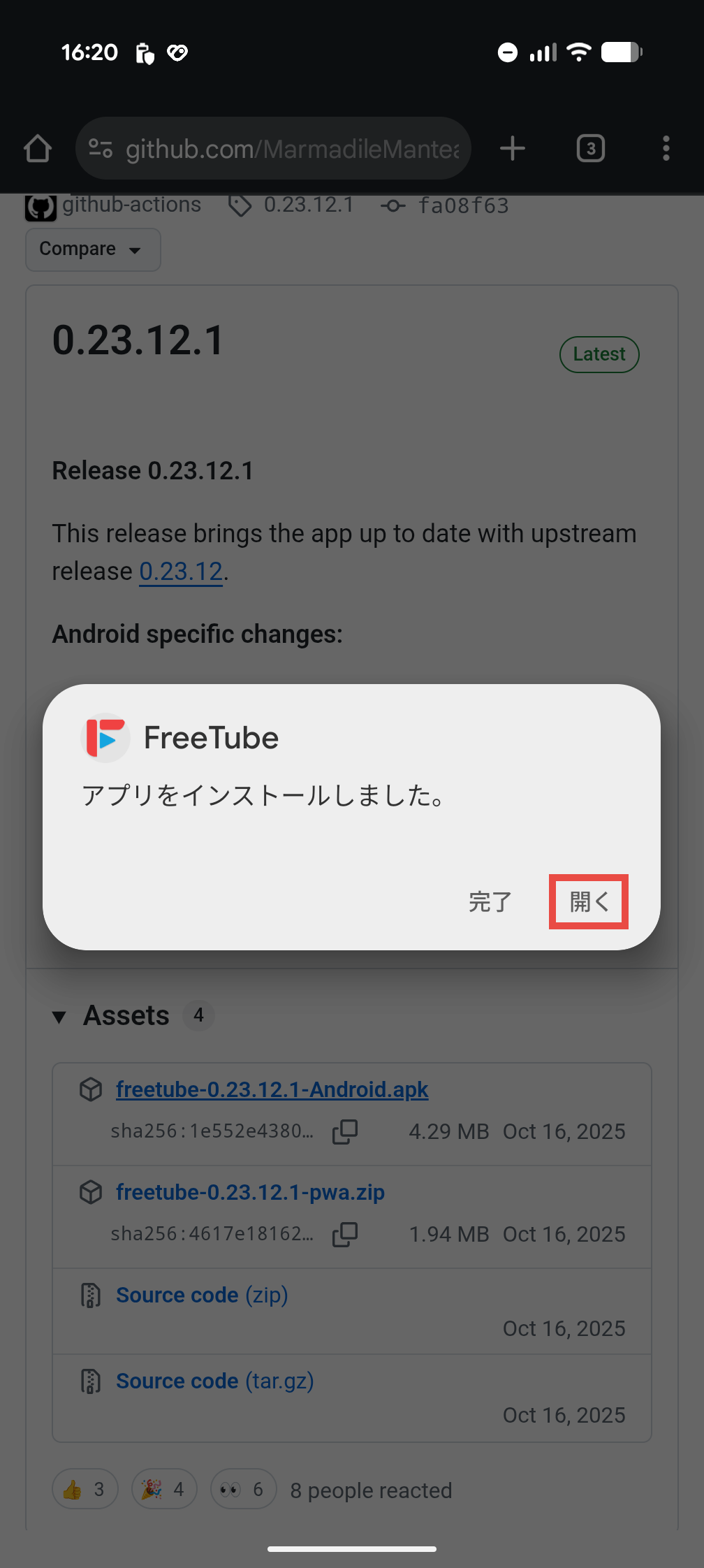
Once the installation is complete, a message will appear saying 'The app has been installed.' Press the 'Open' button to close the message and launch the app.
◆Startup and settings
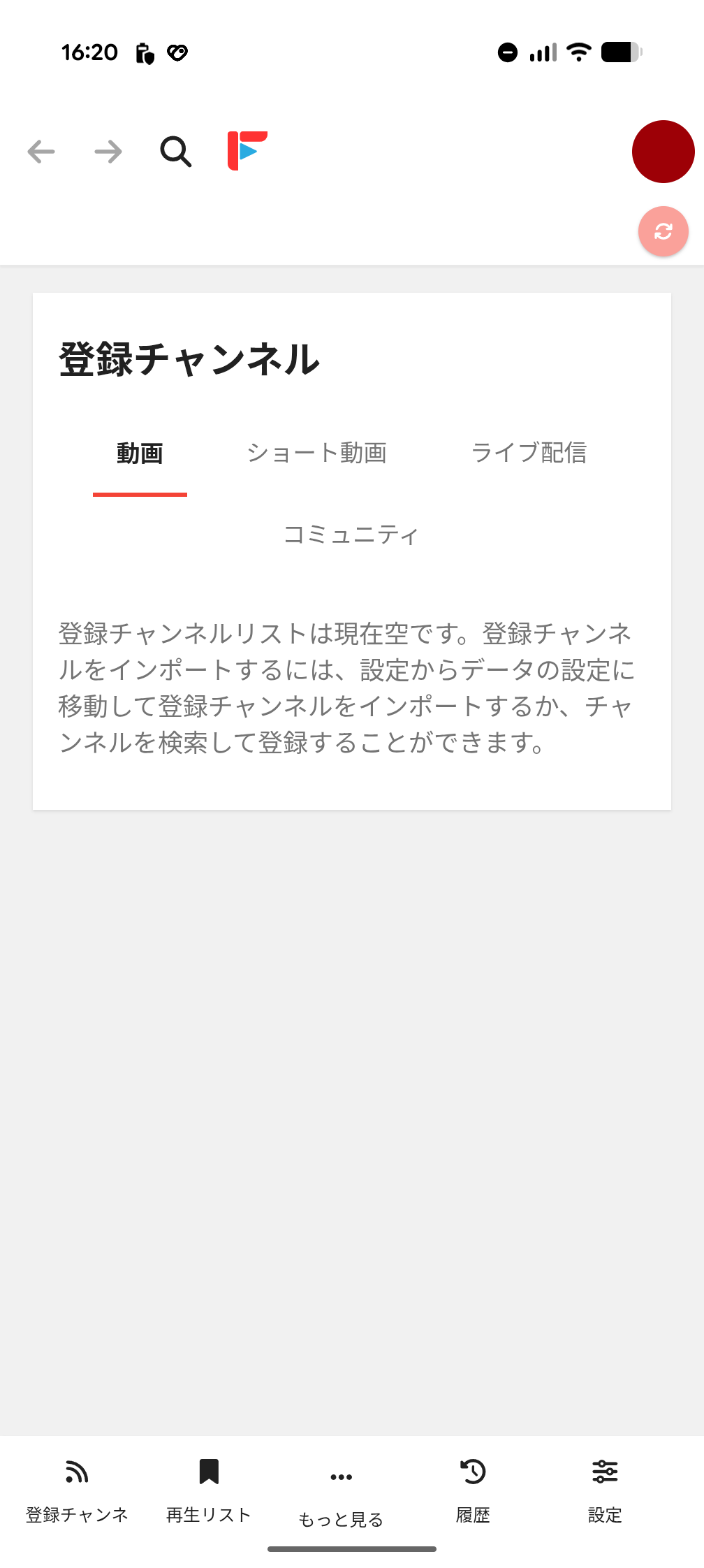
The screen immediately after launching is as follows. Japanese localization seems to be fine. This is the 'Subscribed Channels' screen, but since it's just been installed, the subscribed channel list is empty.
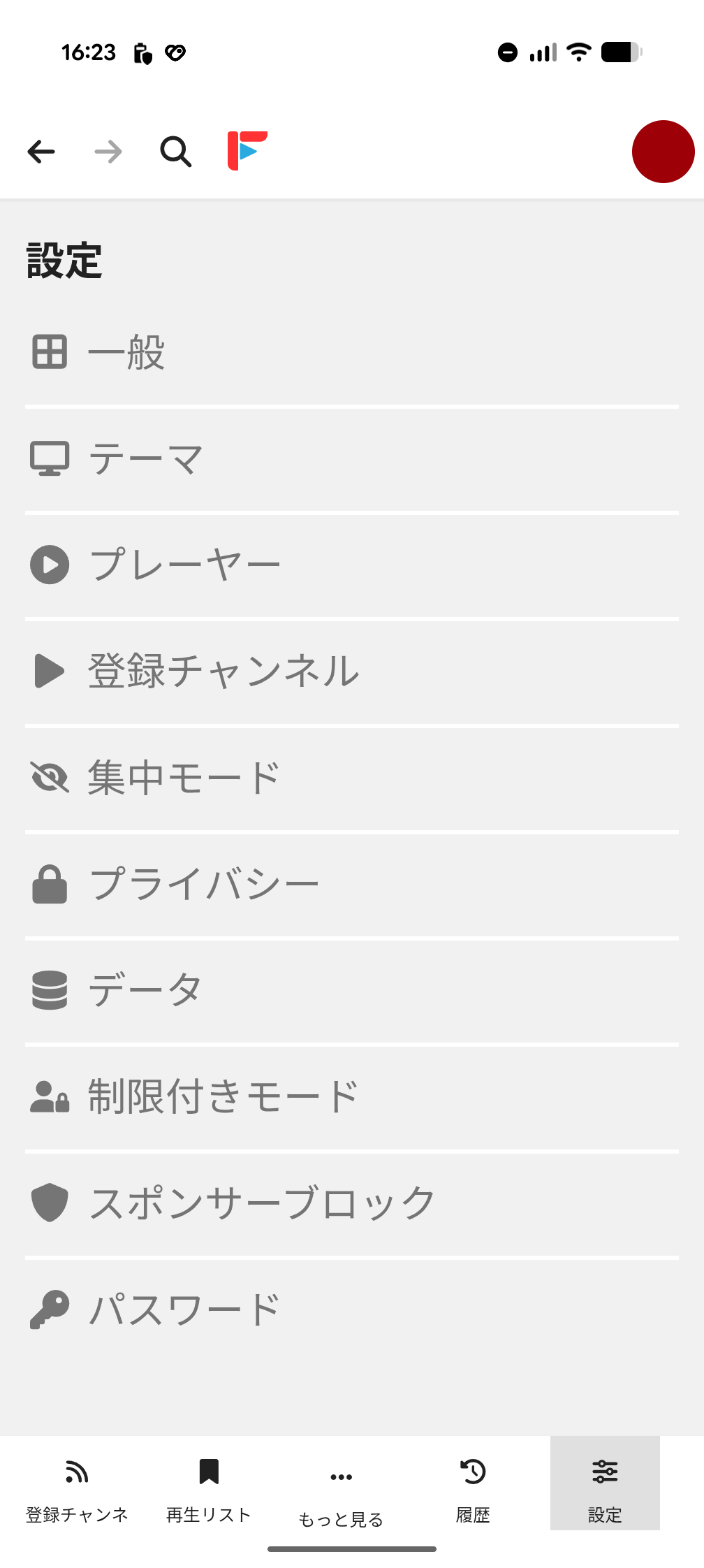
First, let's take a look at the settings screen. There seem to be quite a lot of settings. If we were to go through them all, the number of items would be enormous, so we'll take a closer look at the categories that caught our eye.
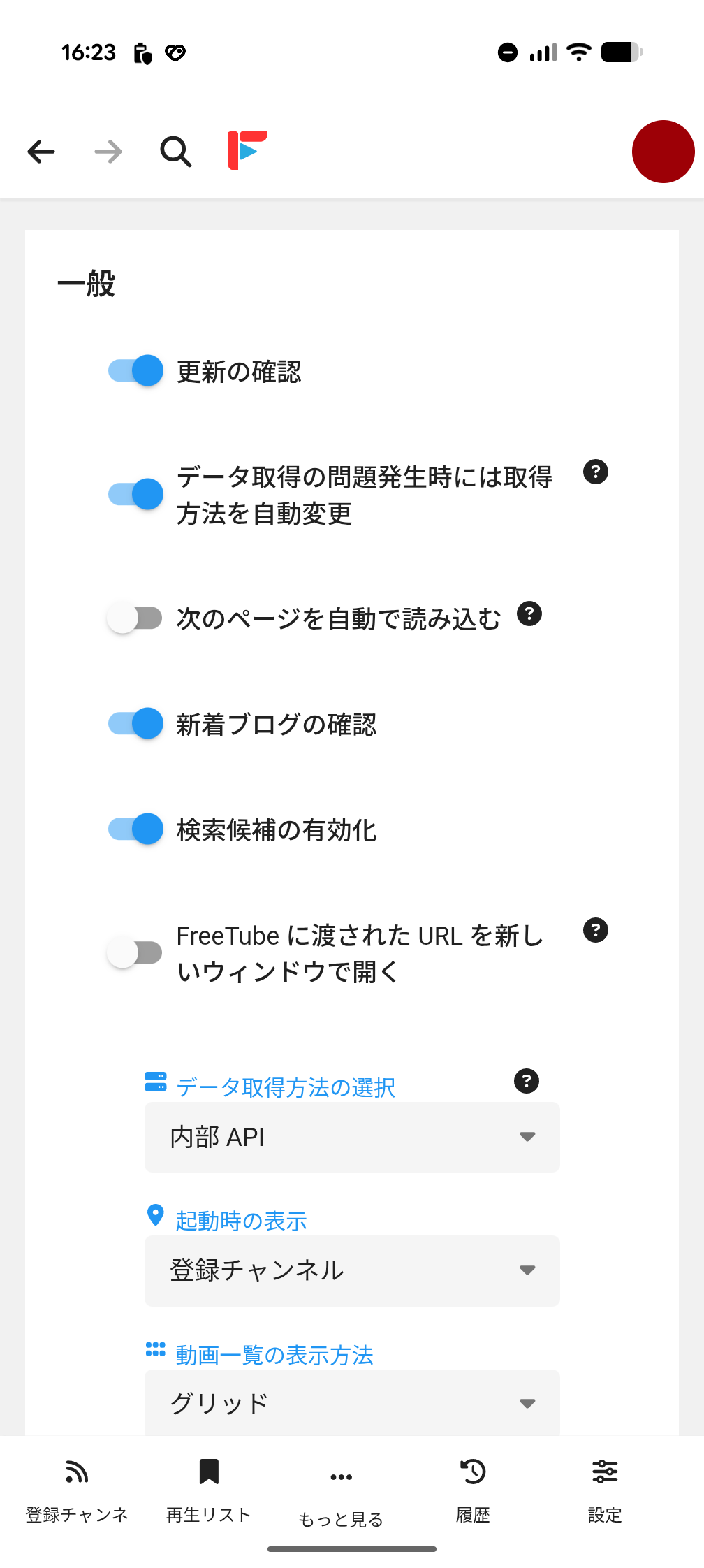
・General
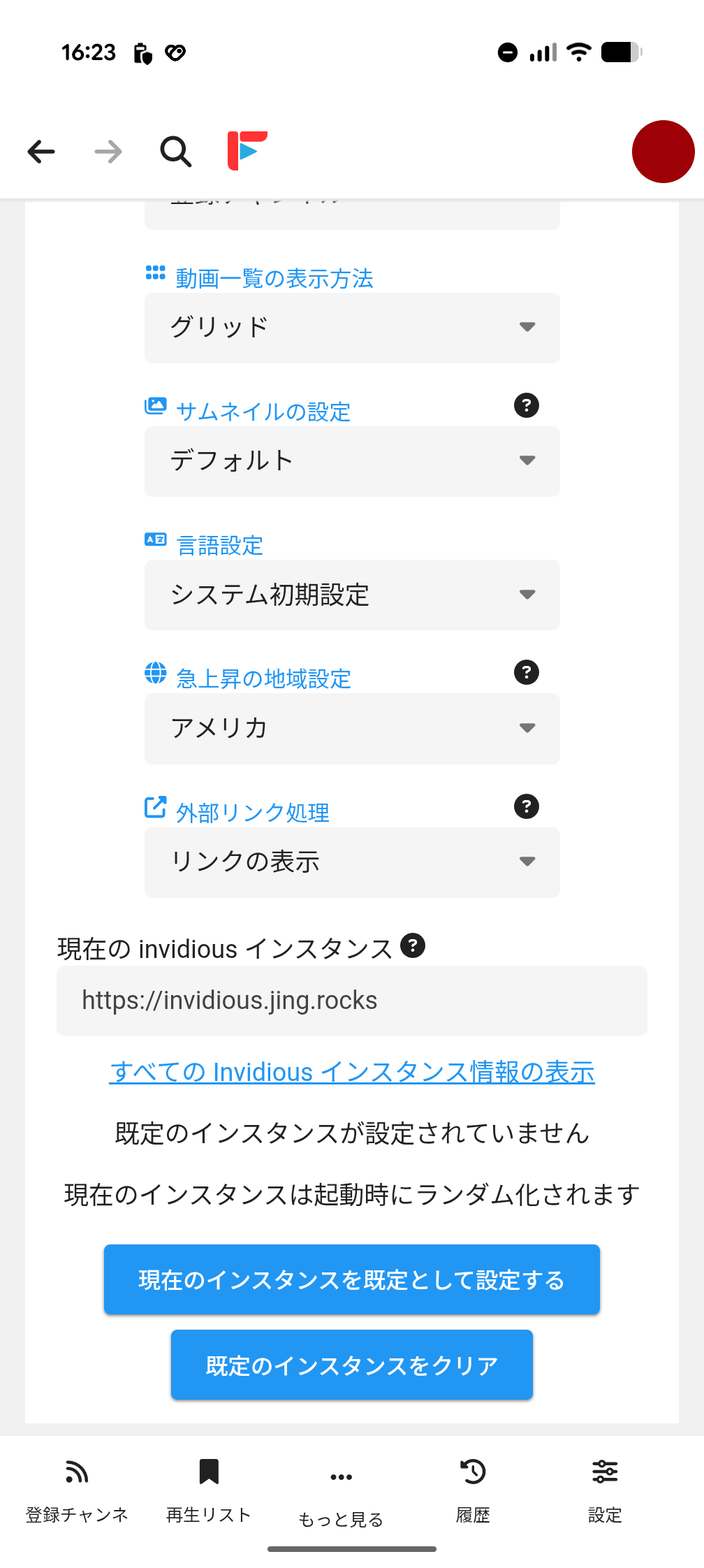
'General' settings. 'Select data acquisition method' can be selected from 'Internal API' and '
If you scroll down, you will see 'Trending Region Settings.' It would be a good idea to change this from the default 'America' to 'Japan.'
·theme
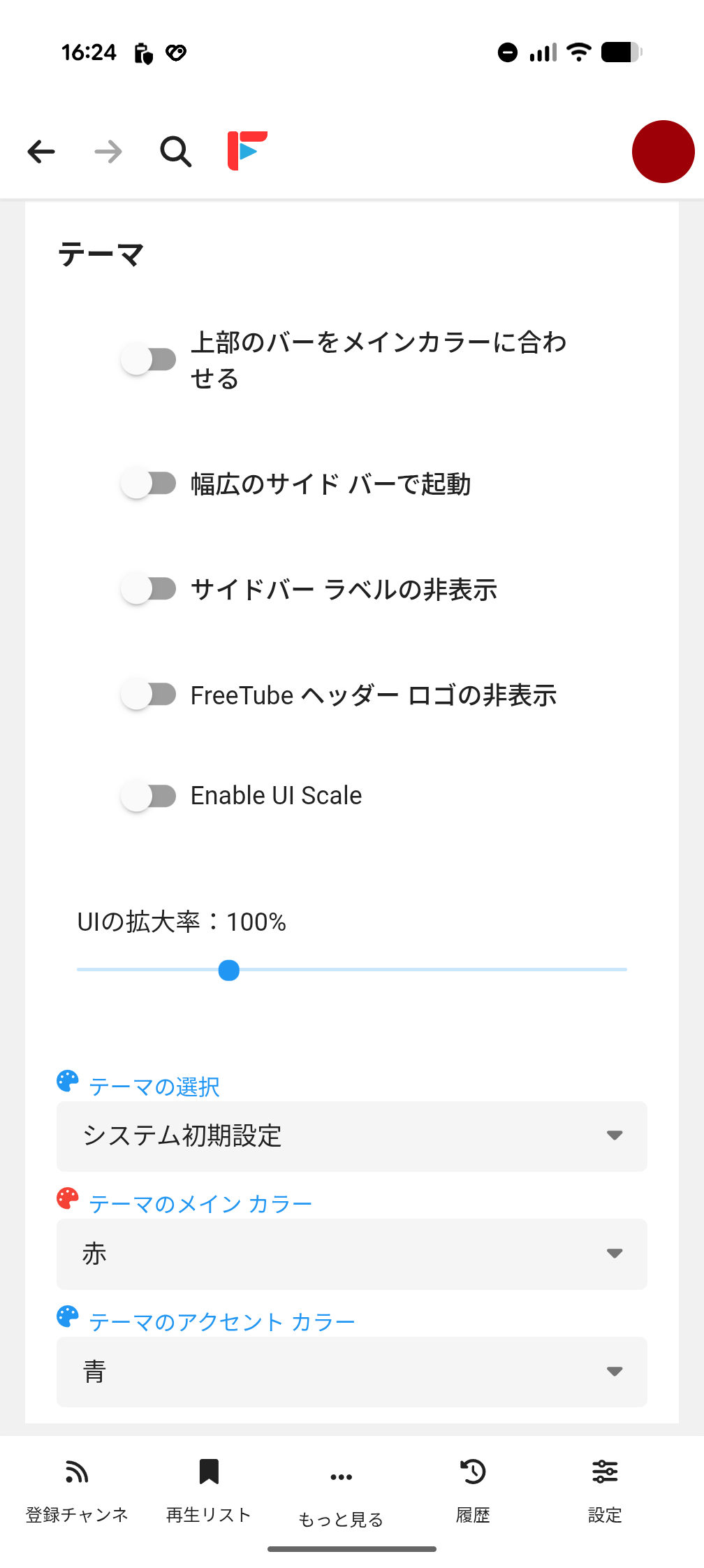
'Theme' settings. There is a high degree of freedom in customizing the appearance, so you can set it to your liking.
Player
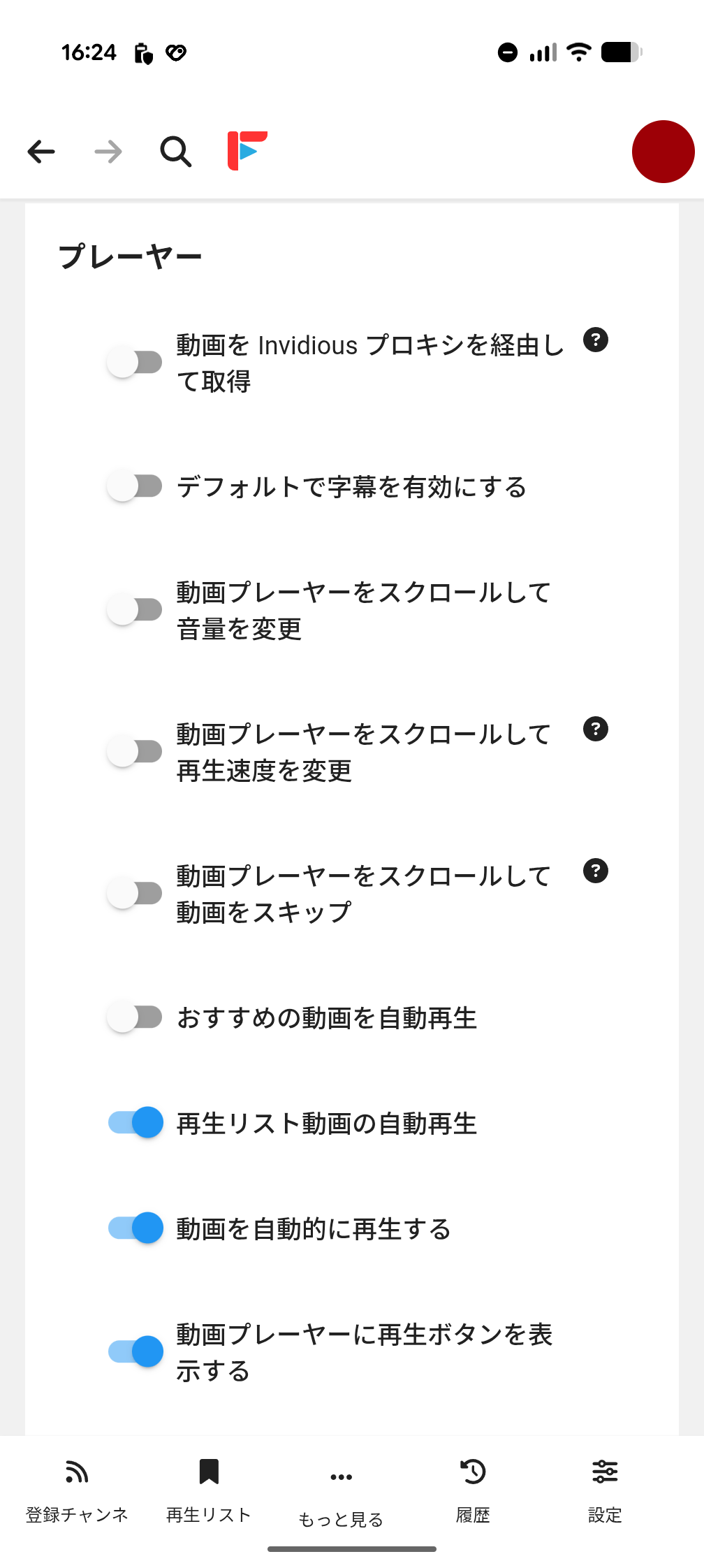
The 'Player' settings mainly relate to operation.
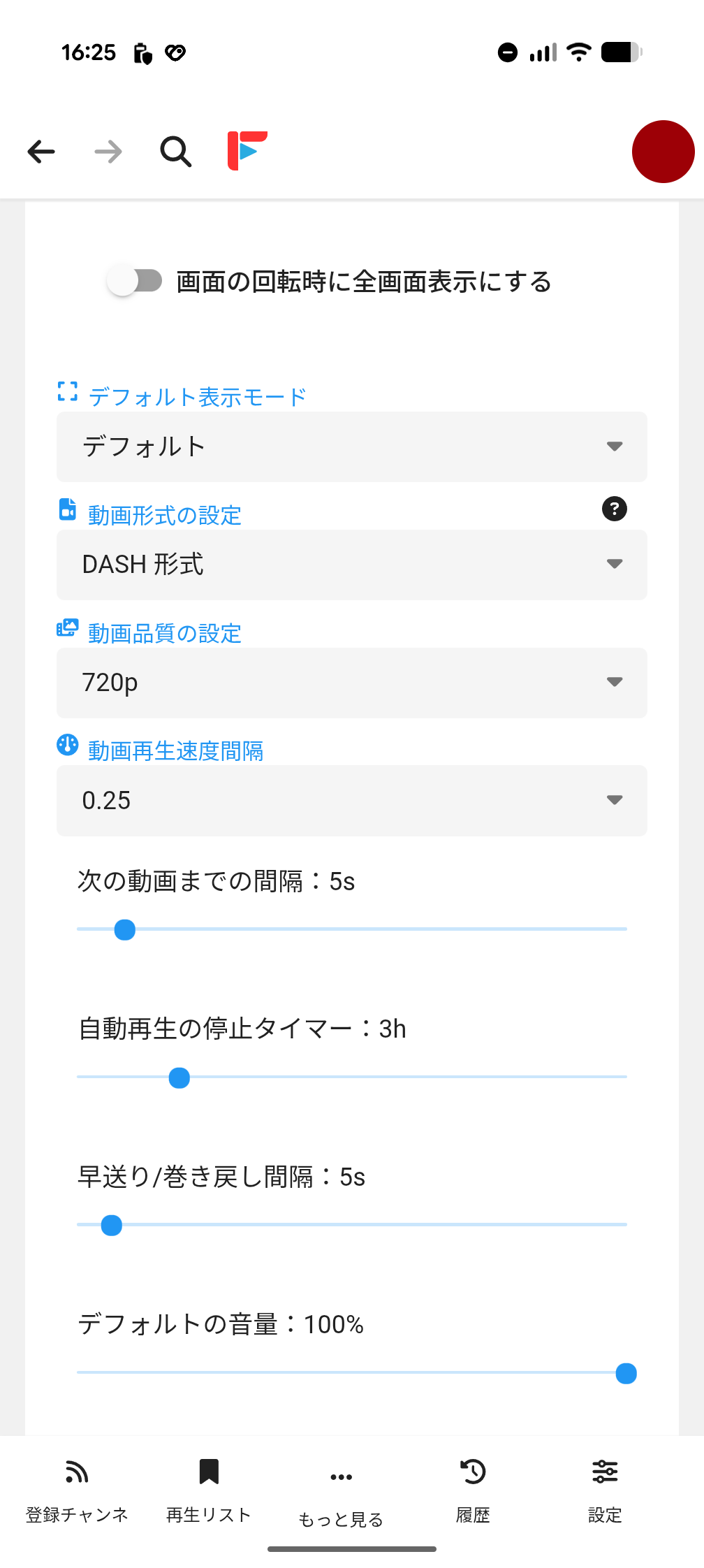
The 'default display mode' can be selected from the following:
Default
・Theater
・Full window
The options for 'Video Format Settings' are as follows:
・
・Old format
・Audio format
The options for 'Video Quality Settings' are as follows:
・4K
・1440p
・1080p
・720p
・480p
・360p
・240p
・144p
・Automatic
The options for 'Video playback speed interval' are as follows:
・0.1
・0.25
・0.5
・1.0
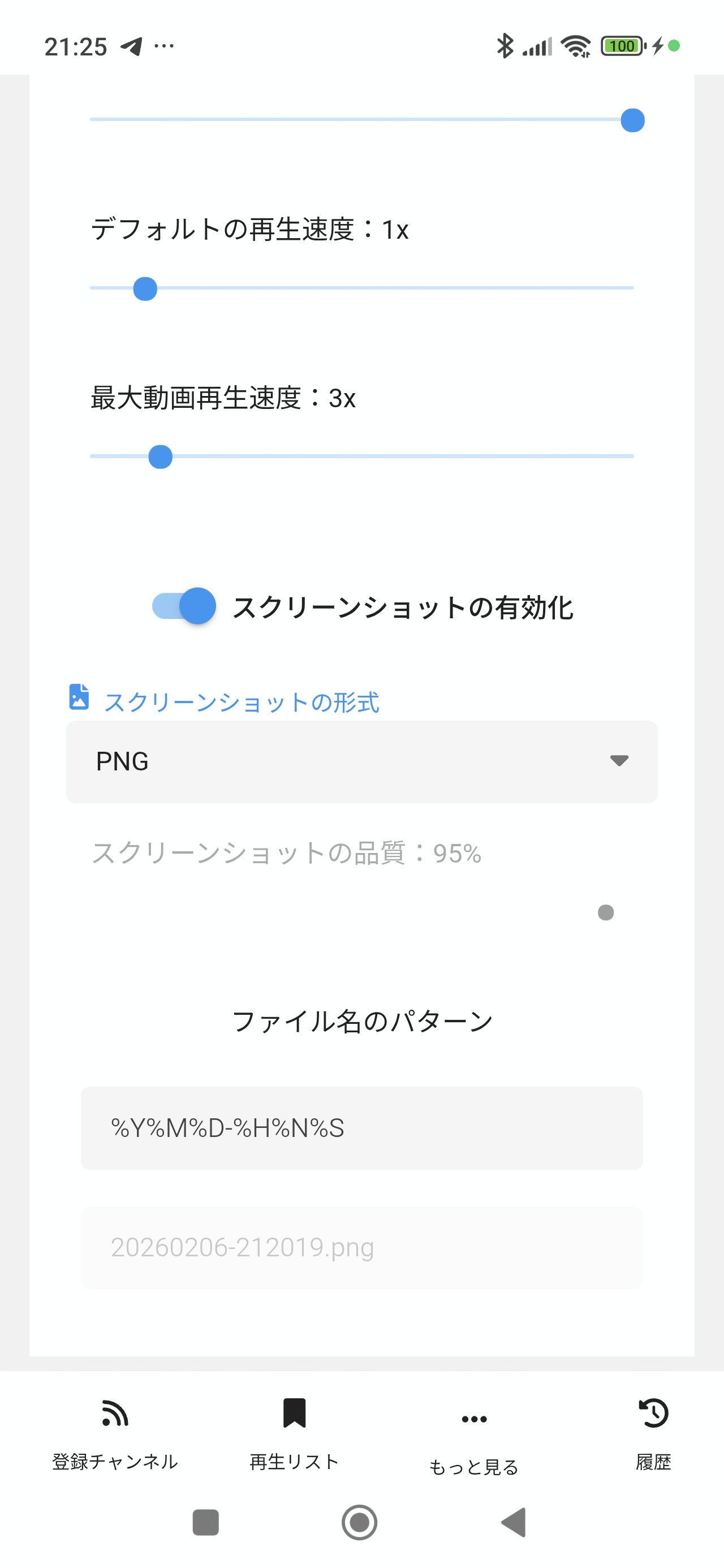
If you turn on 'Enable screenshots,' when you come across a scene you like while playing a video, you can quickly extract and save just that scene as an image from the video.
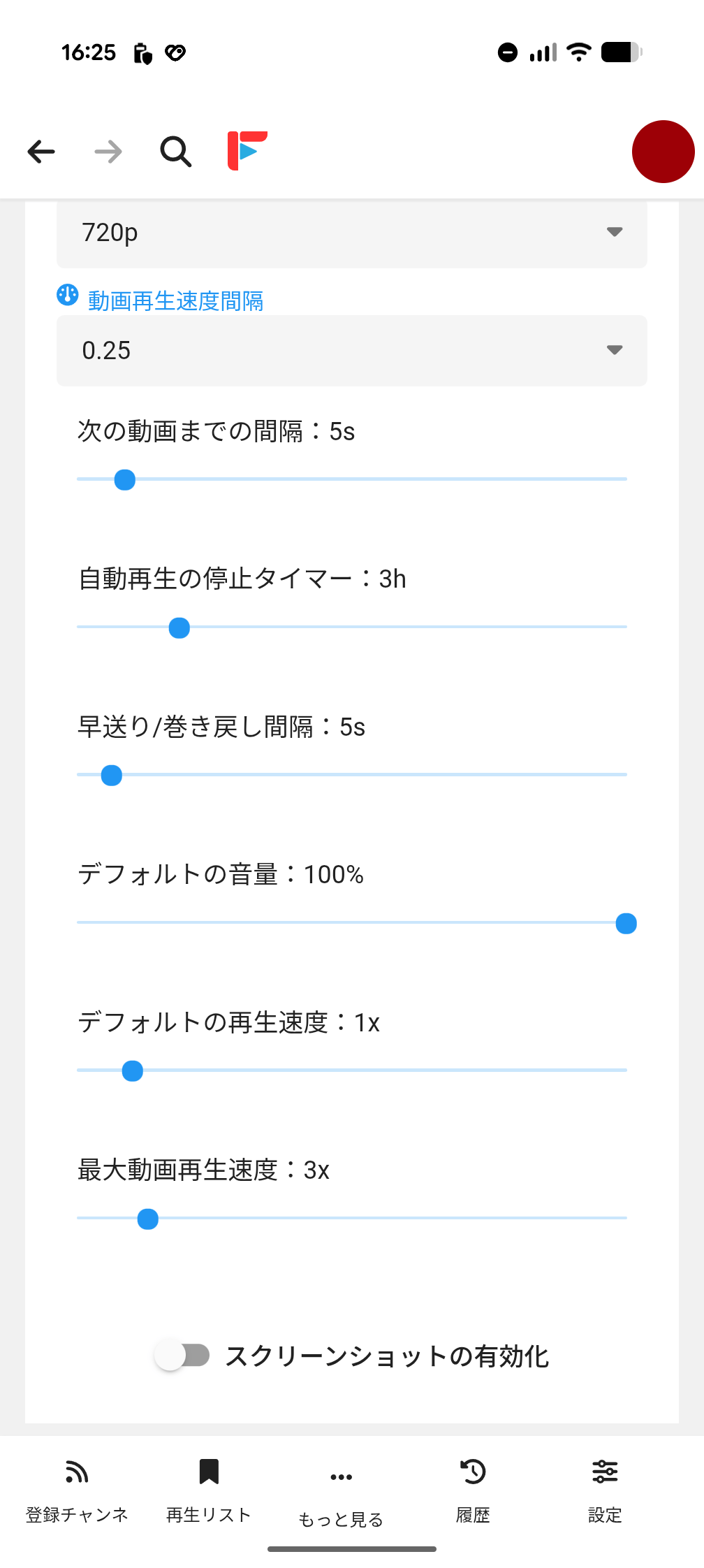
When turned on, the following additional settings will be displayed:
- Screenshot format
-Screenshot quality (only works if the screenshot format is other than PNG)
- File name pattern
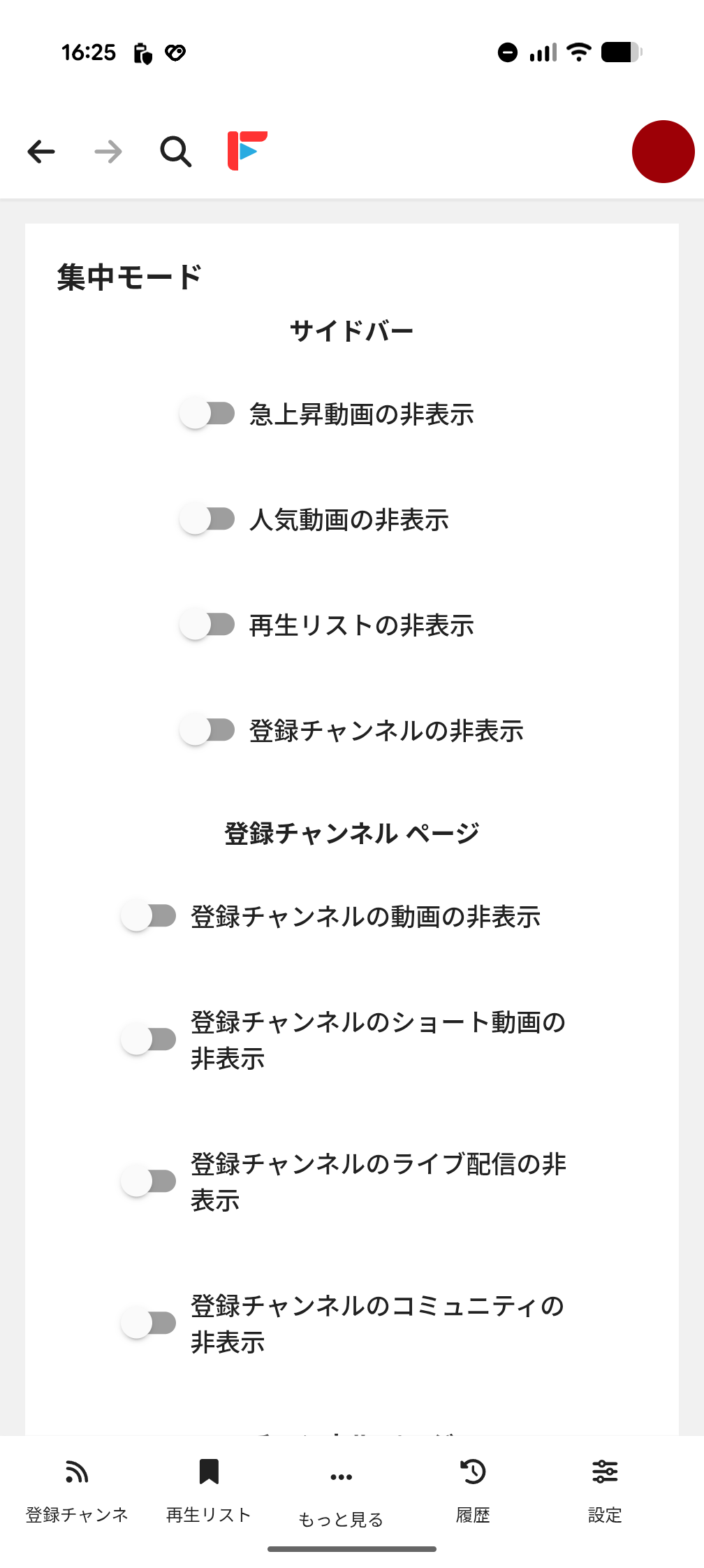
・Focus mode
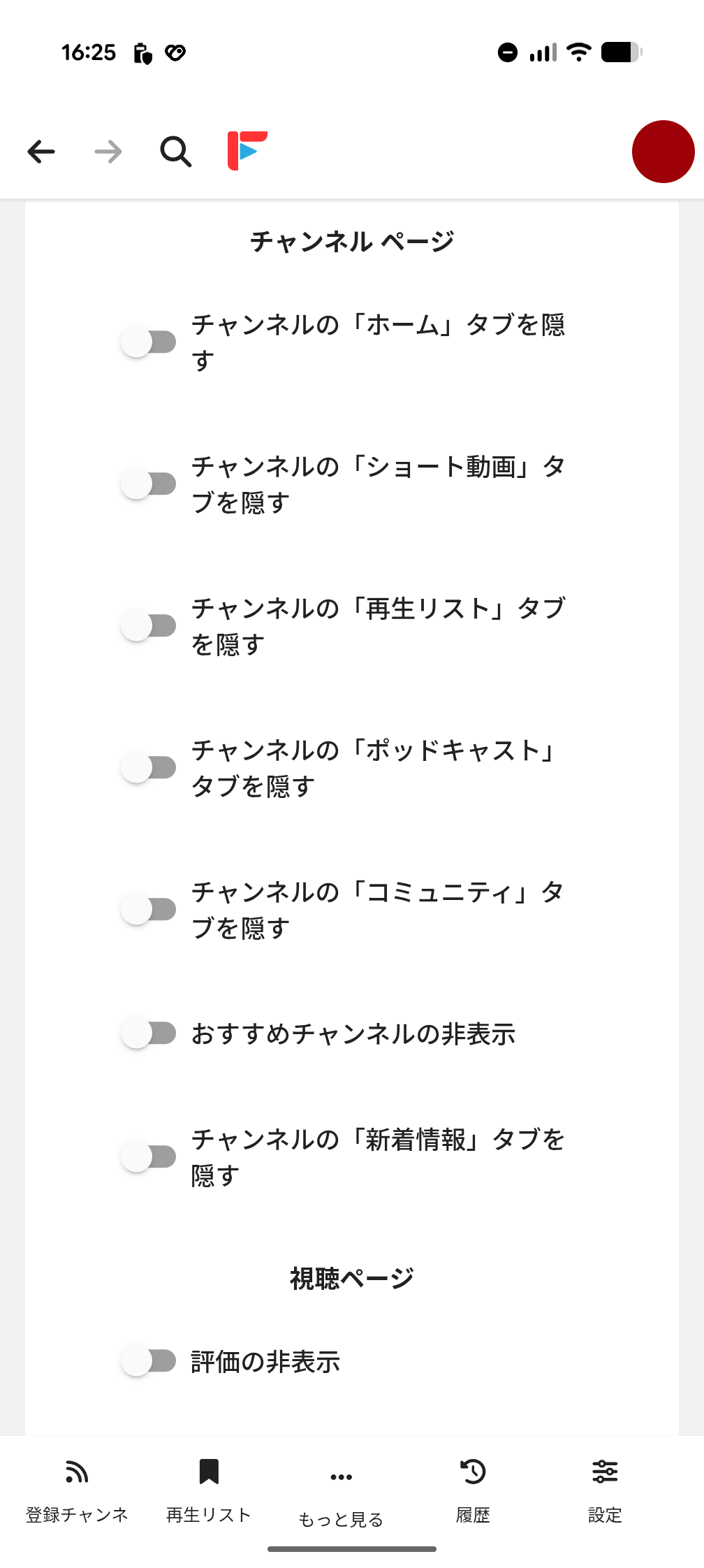
'Focus on mode' hides various UI elements so you can focus on the video. For example, you can hide 'Trending videos,' 'Popular videos,' 'Playlists,' 'Subscribed channels,' 'Short videos,' 'Live broadcasts,' and 'Community,' which is useful if you're not interested in live broadcasts on a channel and just want to watch videos.
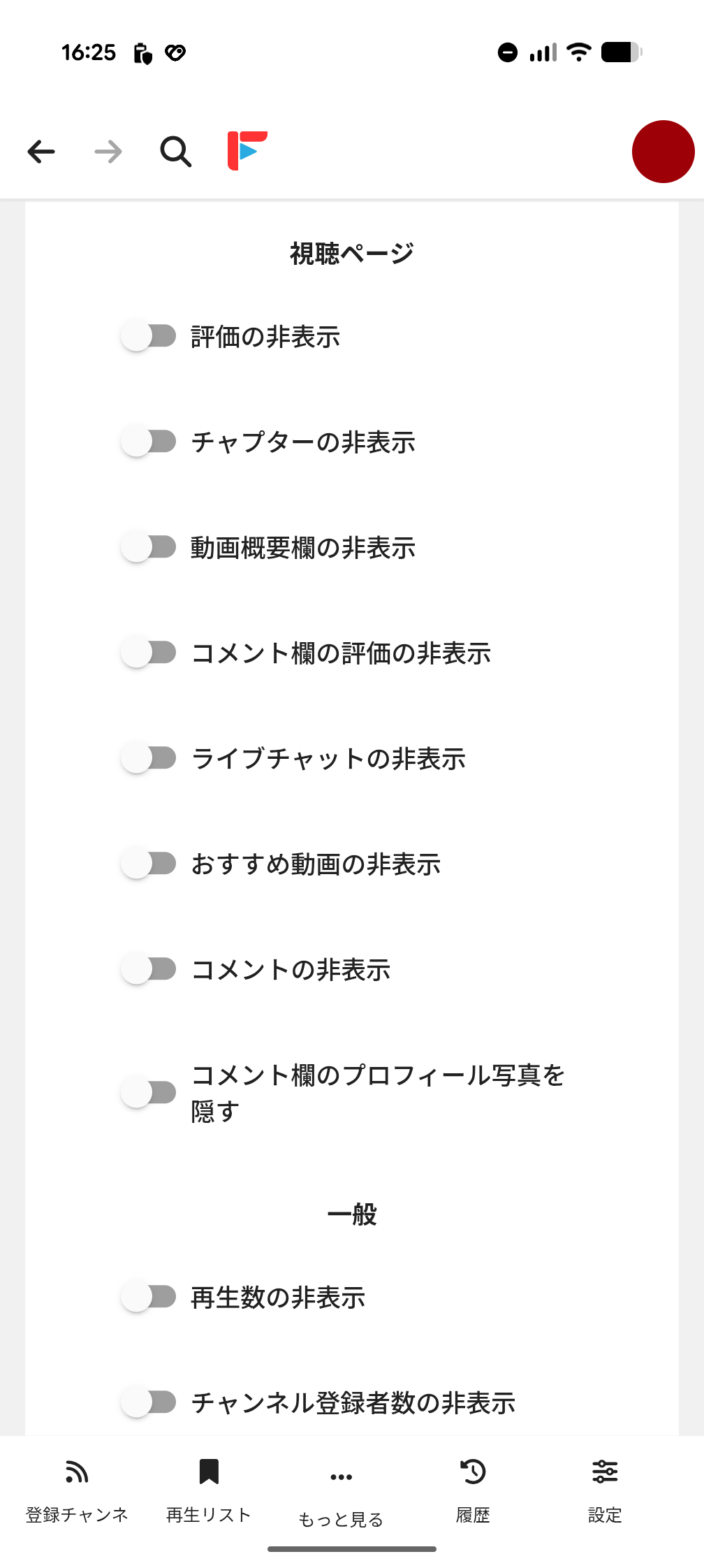
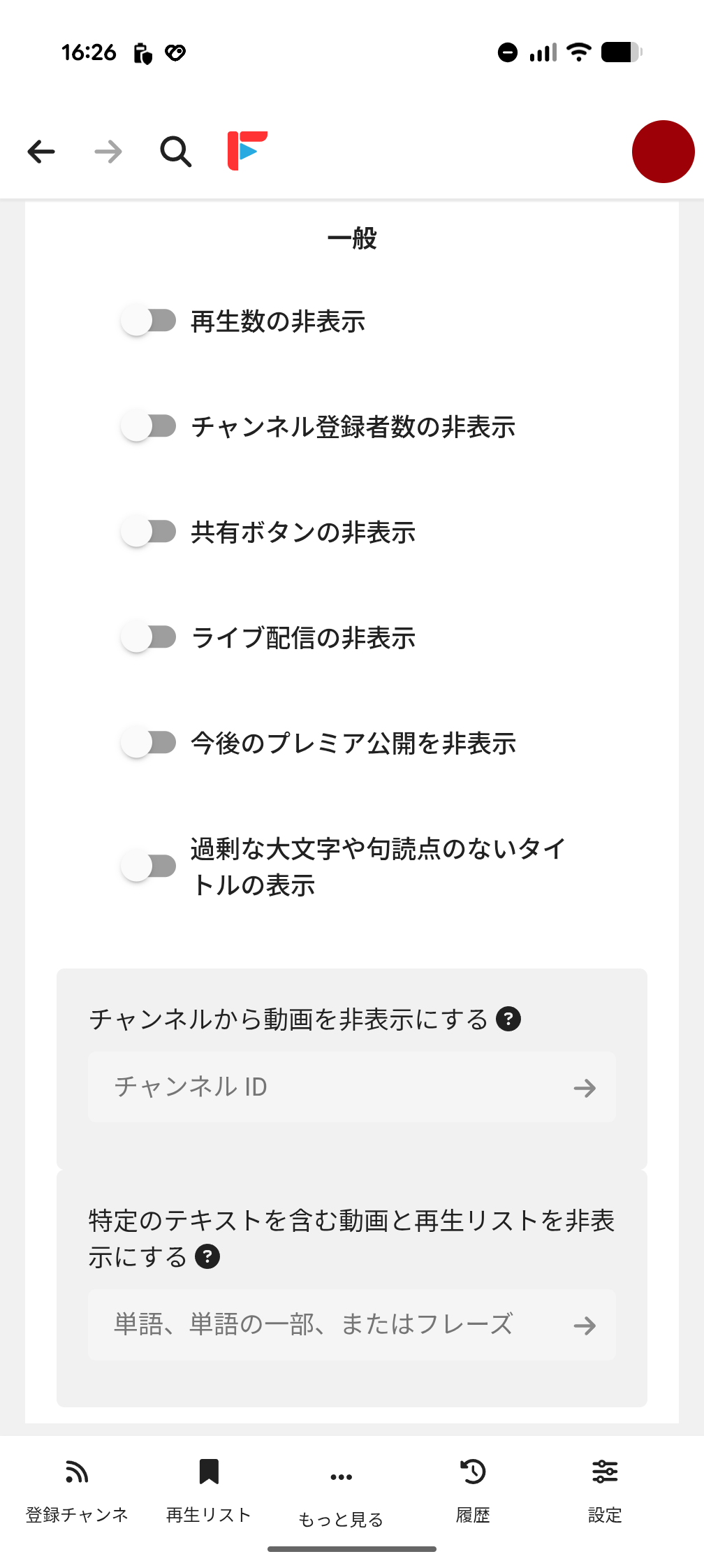
·privacy
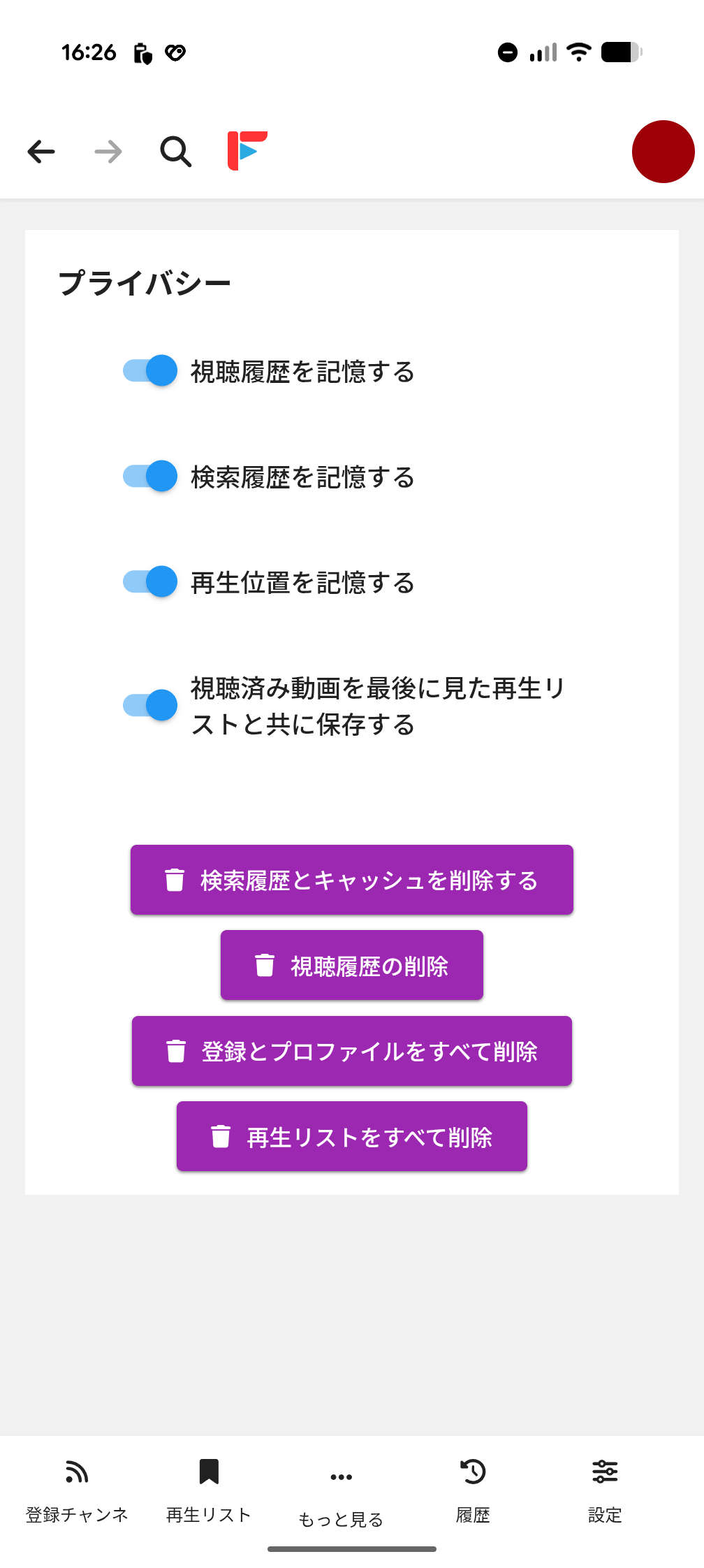
The 'Privacy' settings section. This contains a button to switch whether or not to leave traces of your usage on your smartphone, as well as to delete cache and history. This shows that the developer's approach to protecting user privacy is very important.
◆Watching videos
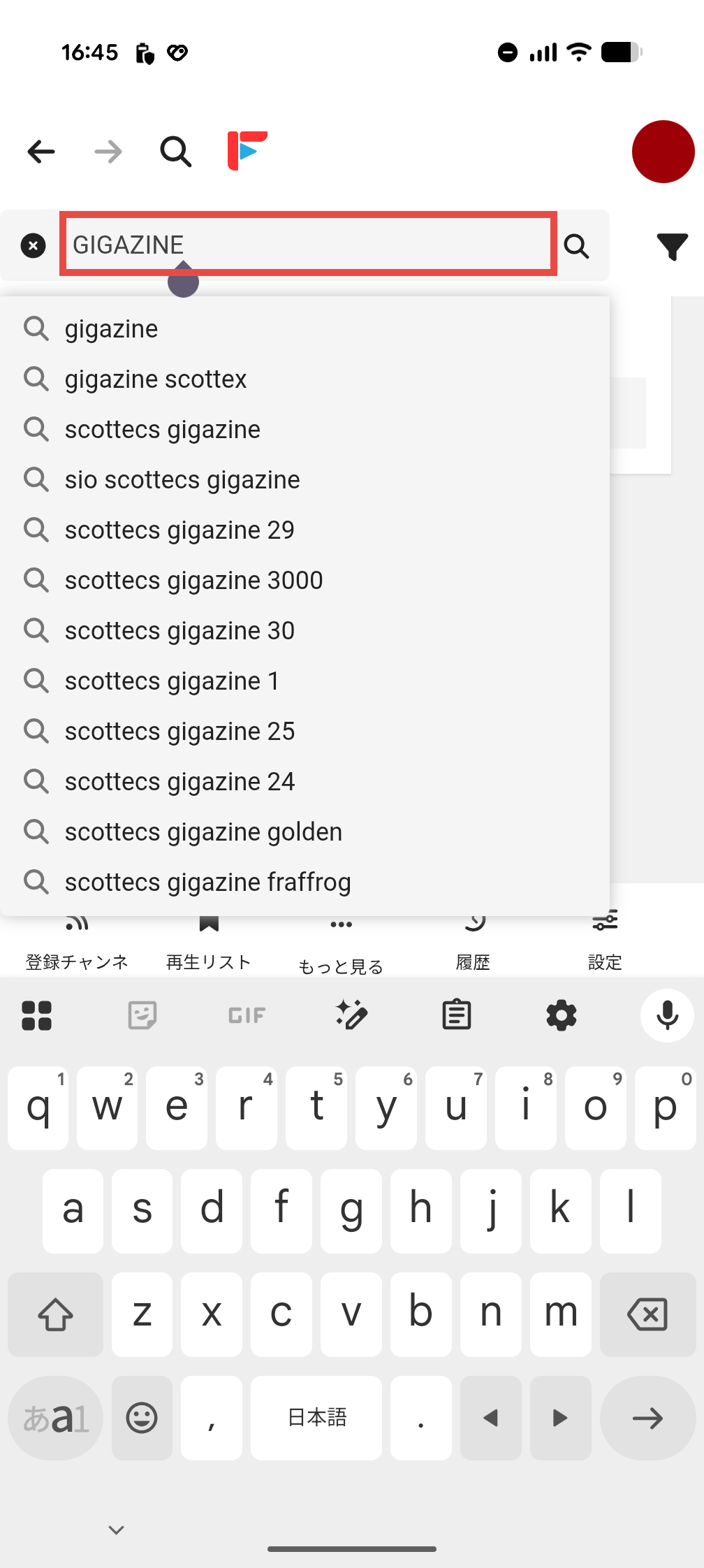
I'll use the search bar to find a video to watch. I typed 'GIGAZINE' and a few suggestions were displayed.
When I searched, GIGAZINE's channel was displayed as a 'search result.'
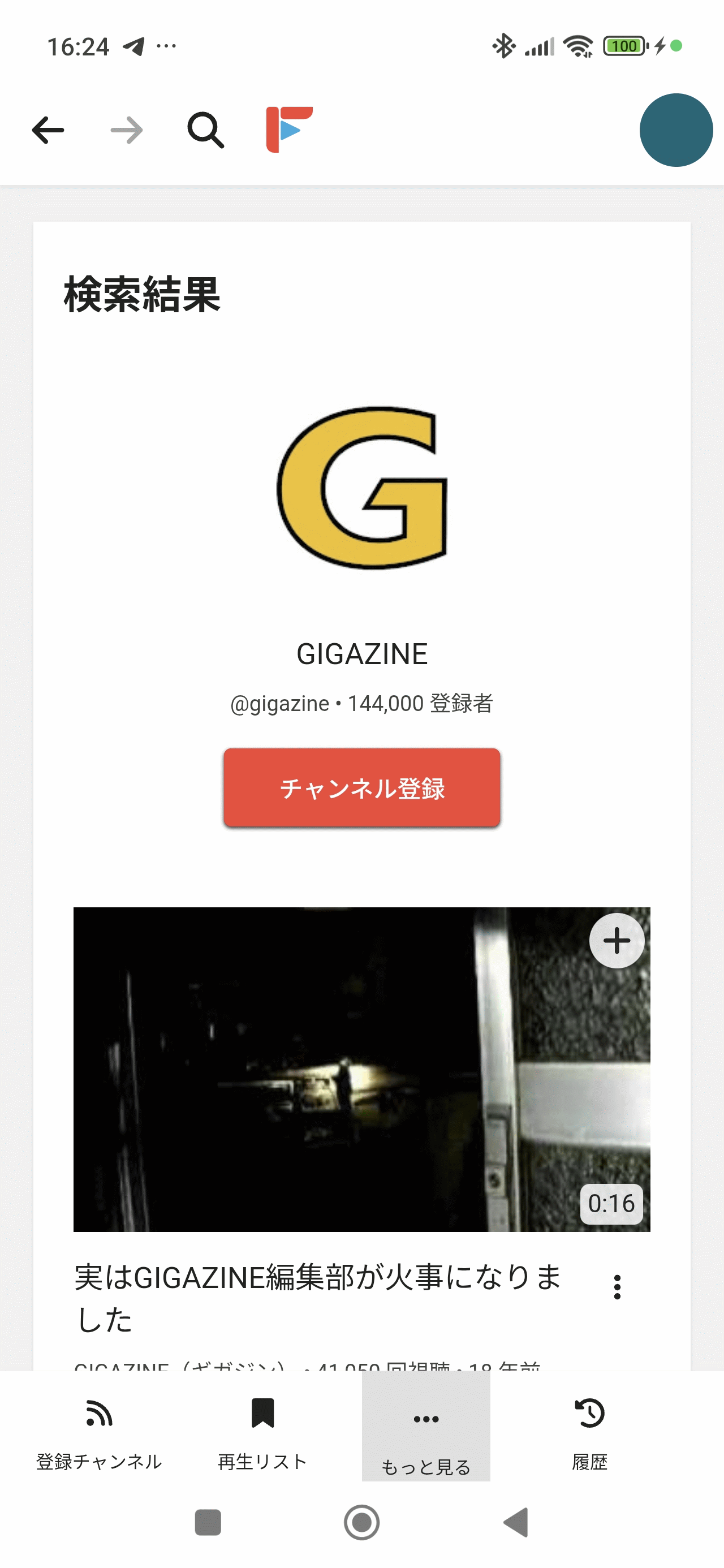
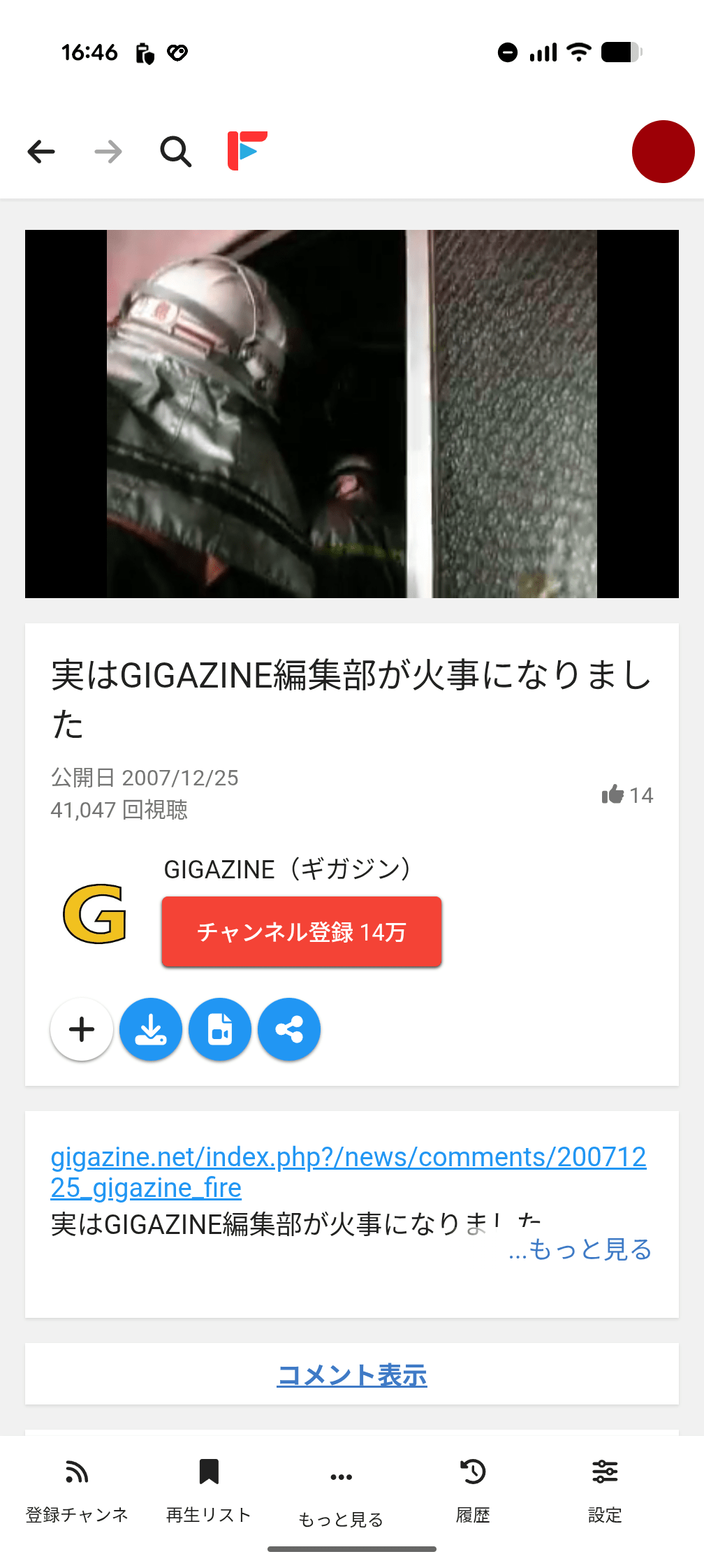
I was able to watch the videos on the channel without any issues. However, I was surprised that a video from
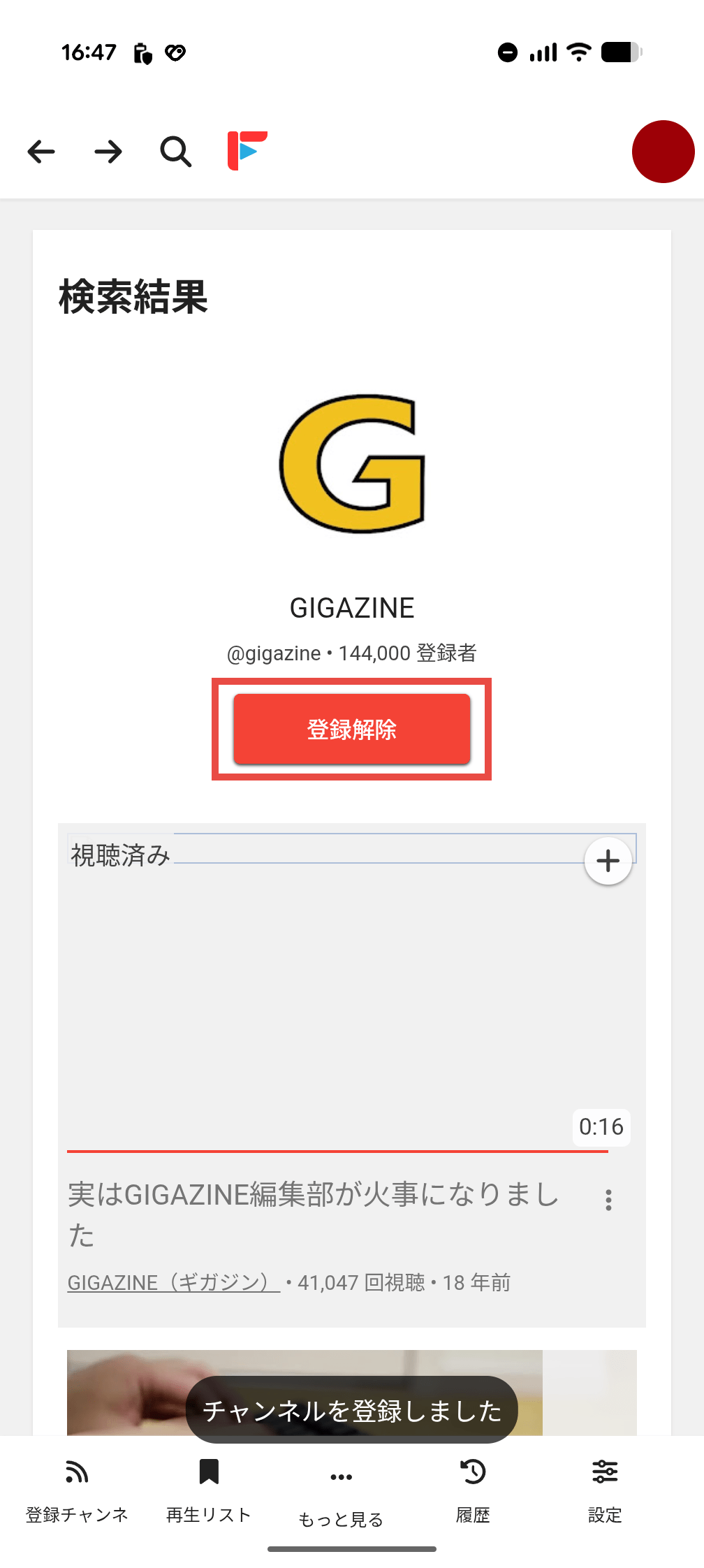
When I clicked the 'Subscribe' button, I was able to subscribe successfully. After subscribing, the button changed to 'Unsubscribe.'
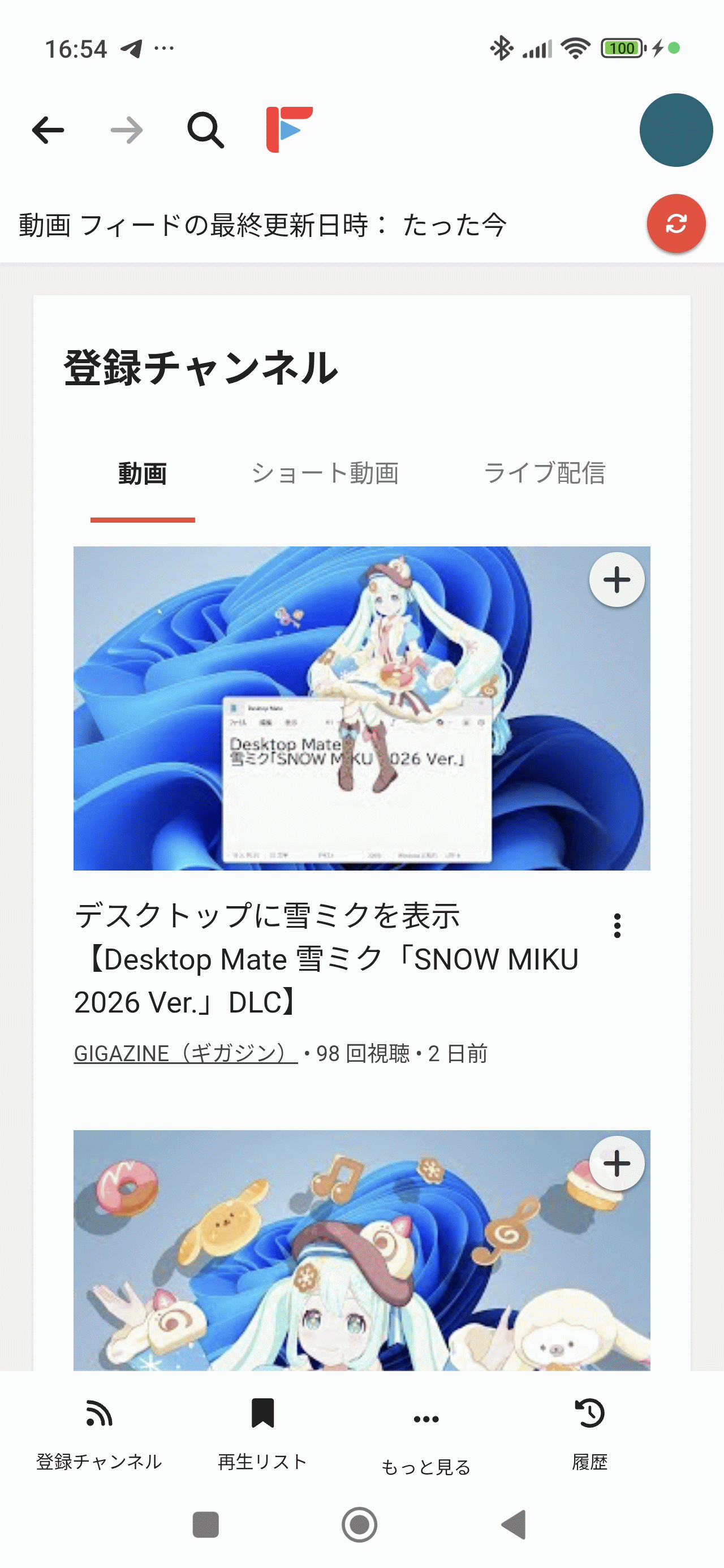
When you select 'Subscribed Channels' from the menu at the bottom of the screen, the subscribed GIGAZINE channel is displayed. The 'Video' tab displays a list of videos registered on the GIGAZINE channel.
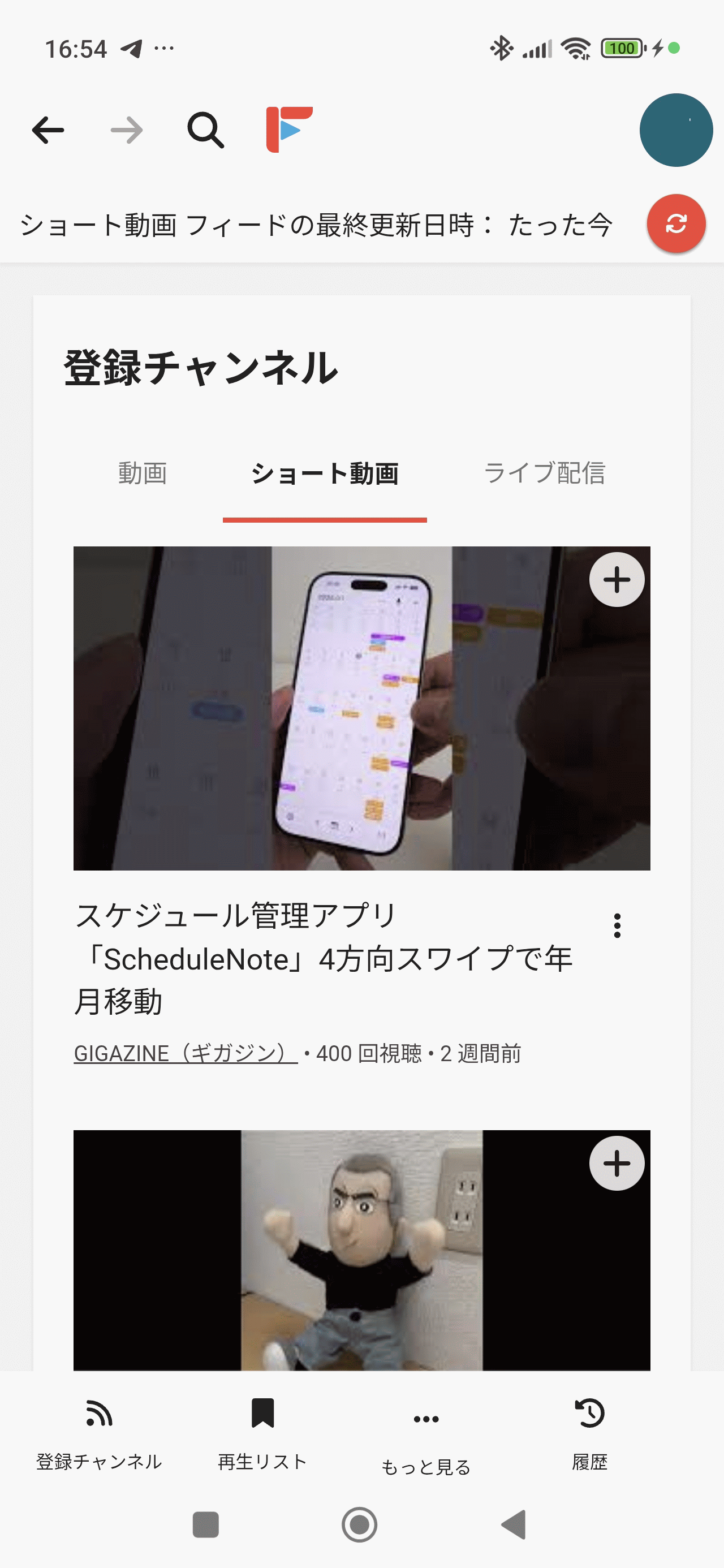
Switched to 'Short Videos'.
Summary
'FreeTube Android' allows you to watch YouTube videos without logging in to YouTube, and aims to be a highly functional app that respects privacy. It's still in beta and there are some unstable elements at the time of writing, but there are many attractive features, so if you're interested, check it out.
Related Posts:


in Software, Smartphone, Review, Posted by log1c_sh