'Web Monetization API' is an API for monetizing the web.
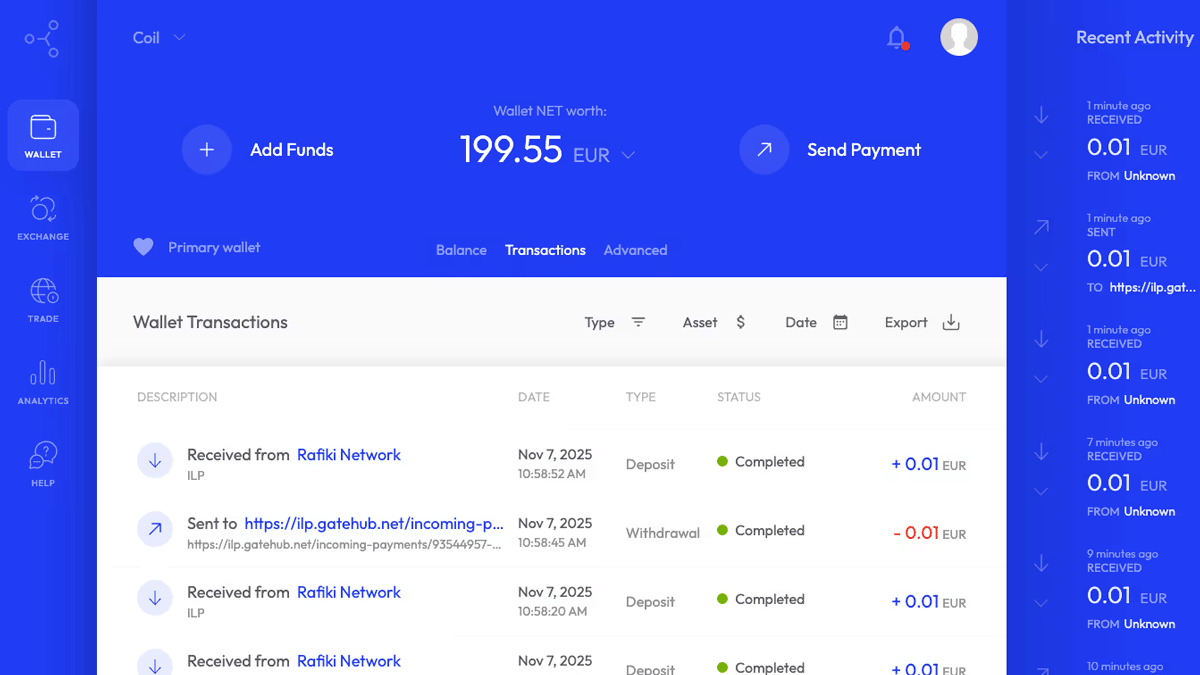
The Web Monetization API is a new way for websites to monetize their content, allowing content creators to earn revenue without relying on advertising.
Using the Web Monetization API for fun and profit
https://blog.tomayac.com/2025/11/07/using-the-web-monetization-api-for-fun-and-profit/
Web Monetization
https://webmonetization.org/
◆Web Monetization Specifications
Web Monetization allows users to automatically pay an hourly fee set by their browser or easily make temporary transfers; there is no mechanism for sites to set browsing fees or forcefully collect fees.
Steiner said he decided to try out the technology after discussing Web Monetization with members of the
◆User environment
Because Web Monetization is built on a standard that has not yet been standardized, users must install the ' Web Monetization ' extension on their browser and connect their own wallet to the extension. Note that the wallet only works with fiat currencies such as US dollars or euros, and does not work with cryptocurrencies.
◆How to use as a user
On pages that support Web Monetization, the extension will display a green check mark.
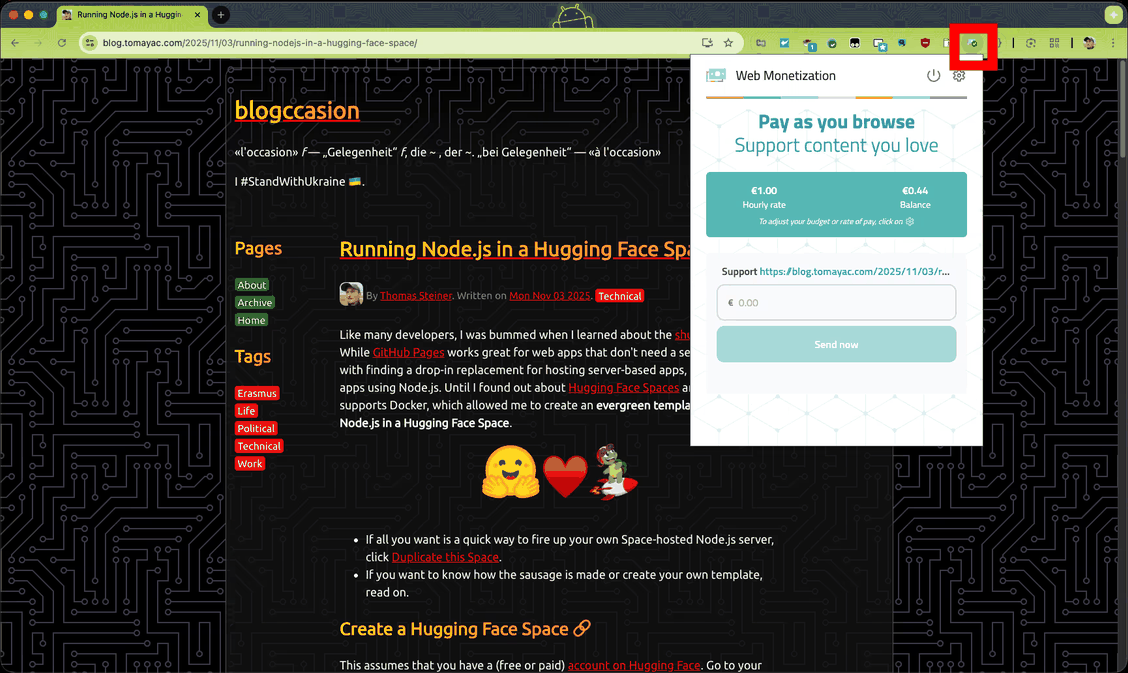
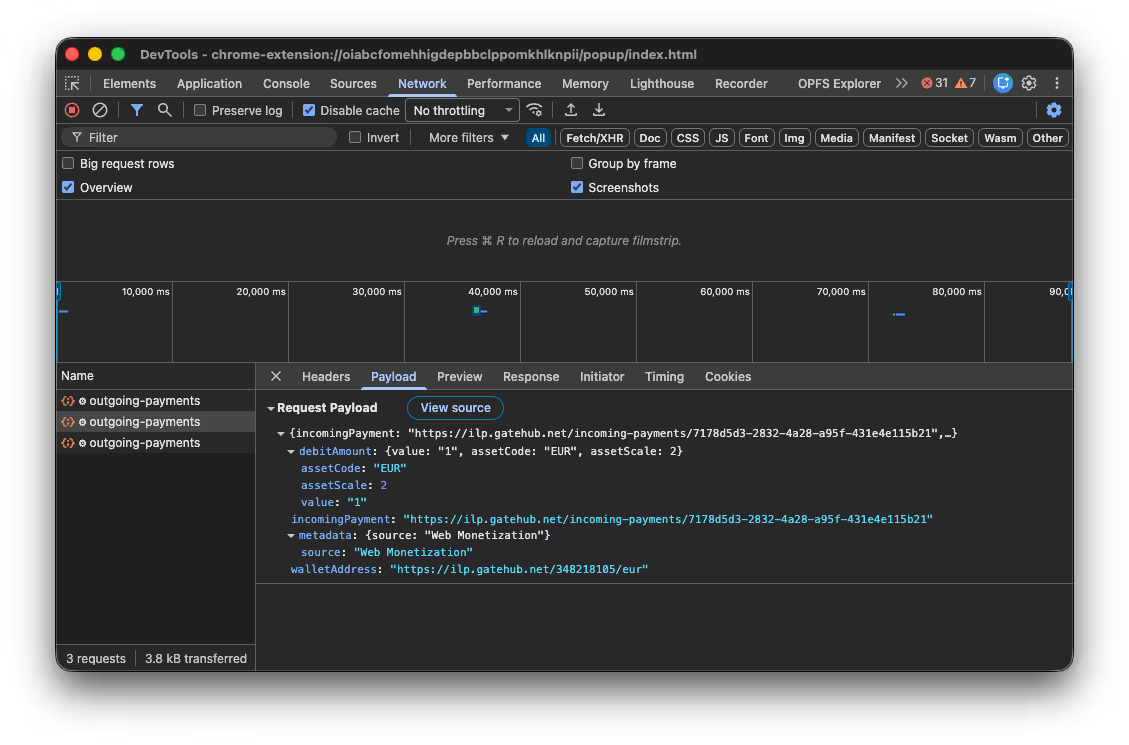
Users can adjust how much they pay sites per hour or send one-off payments, which are 'streamed' every minute and can be viewed in your browser's developer tools.
◆How to implement on the site
To implement Web Monetization on your site, add
<link rel='monetization' href='https://(walletaddress)' />
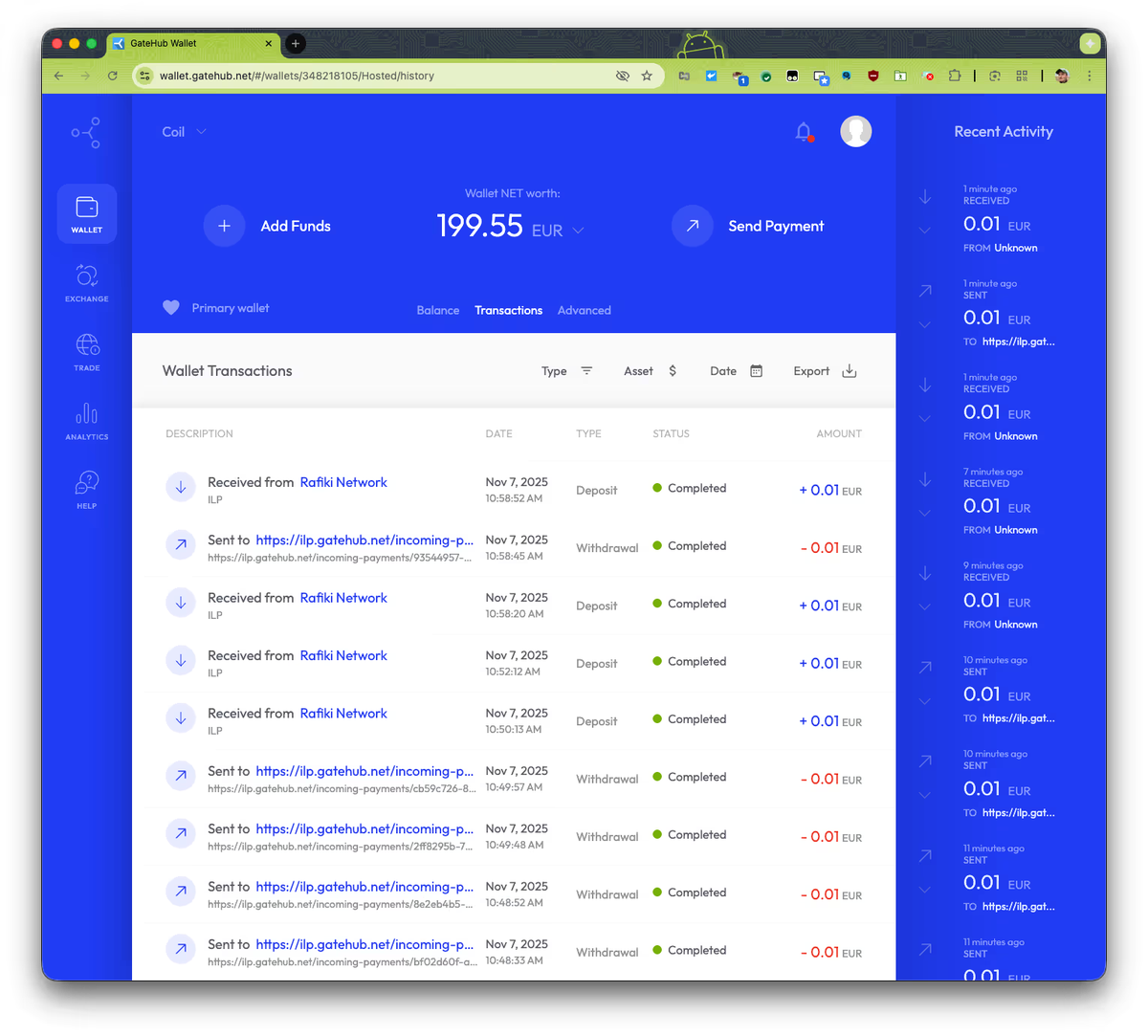
When Steiner checked his blog, he could see that payments had been sent from his GateHub wallet and received in his own wallet. He also said that he was able to send any amount, just once.
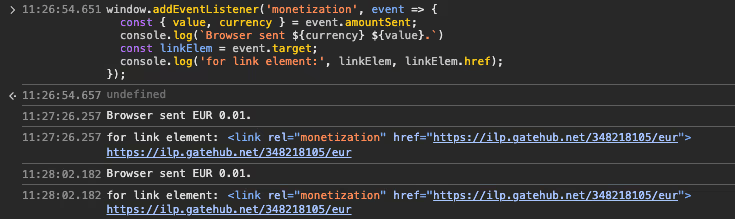
You can also use the JavaScript API to implement features such as removing ads or publishing the entire content when a payment is detected. Paste the following code as test code into the console of your browser's development tools:
 window.addEventListener('monetization', (event) => {
 const { value, currency } = event.amountSent;
 console.log(`Browser sent ${currency} ${value}.`);
 const linkElem = event.target;
 console.log('for link element:', linkElem, linkElem.href);
 });
When a payment is made, you can get the 'monetization' event that occurs and check the payment details and destination.
'We're very excited about Web Monetization and encourage others to try it out and share their experiences,' Steiner said. 'We truly believe this system can be the future of making tomorrow's web financially sustainable for creators.'
In addition, a post on Hacker News , a social news site, raised concerns that because Web Monetization is a system that charges based on the amount of time users spend browsing, users may continue to incur unintentional charges if they leave tabs open. It was reported that revenue only occurs when tabs are active in the foreground, and it was also pointed out that the system should not be confused with the existing Payment Request API .
Related Posts:



in Software, Posted by darkhorse_logmk