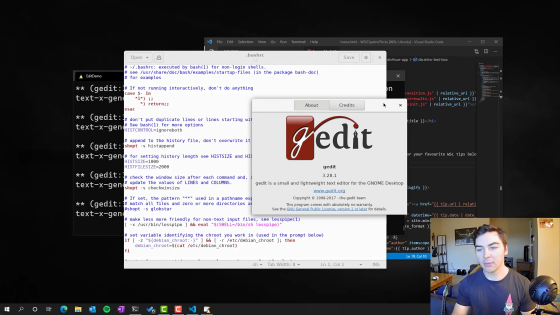
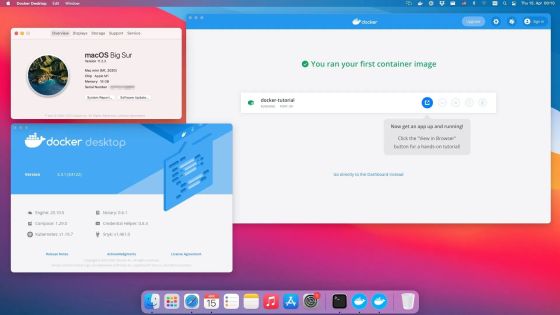
WinBoat is an open source tool that lets you seamlessly run Windows applications on Linux.
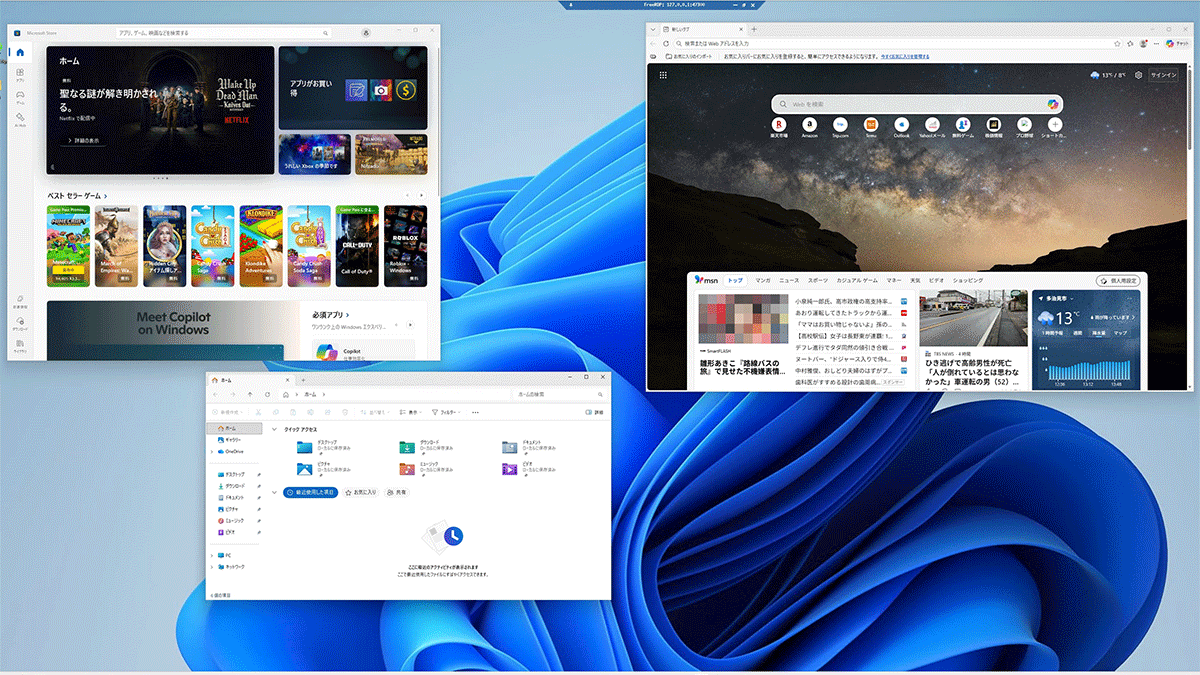
If you want to run Windows applications in a Linux environment, tools like
WinBoat - Run Windows Apps on Linux with Seamless Integration
https://www.winboat.app/
TibixDev/winboat: Run Windows apps on Linux seamlessly
https://github.com/TibixDev/winboat
install
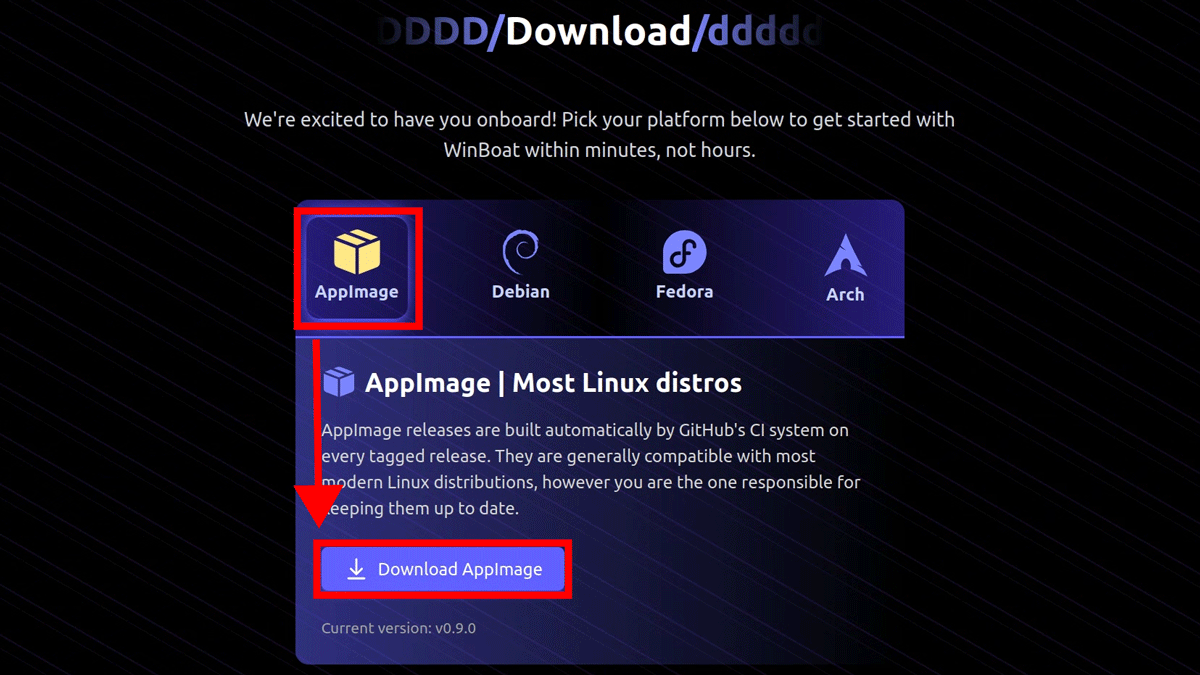
This time, we will test WinBoat on a Linux PC running Ubuntu 24.04 , with Docker and FreeRDP . On the official website , select 'AppImage' and click 'Download AppImage.'
Launch the console and grant execution permission to the downloaded file.
chmod +x winboat-0.9.0-x86_64.AppImage
Execute the start command.
./winboat-0.9.0-x86_64.AppImage --appimage-extract-and-run --no-sandbox
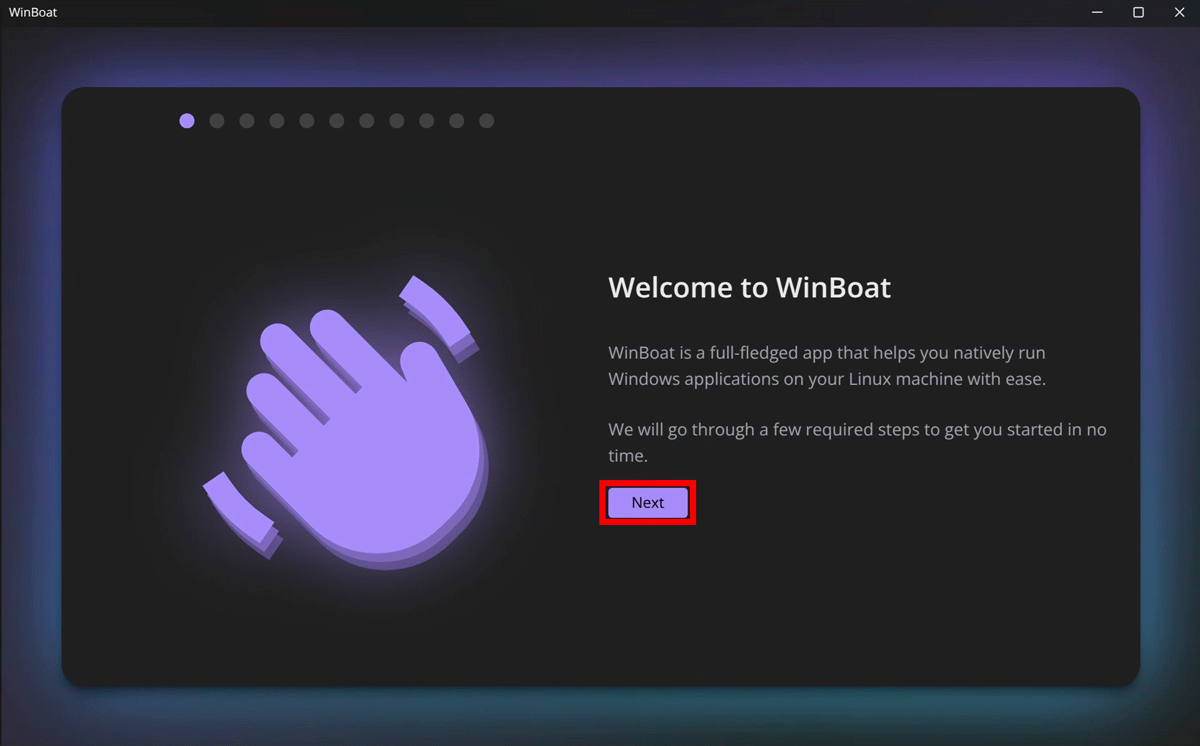
Click 'Next' from the WinBoat installation screen.
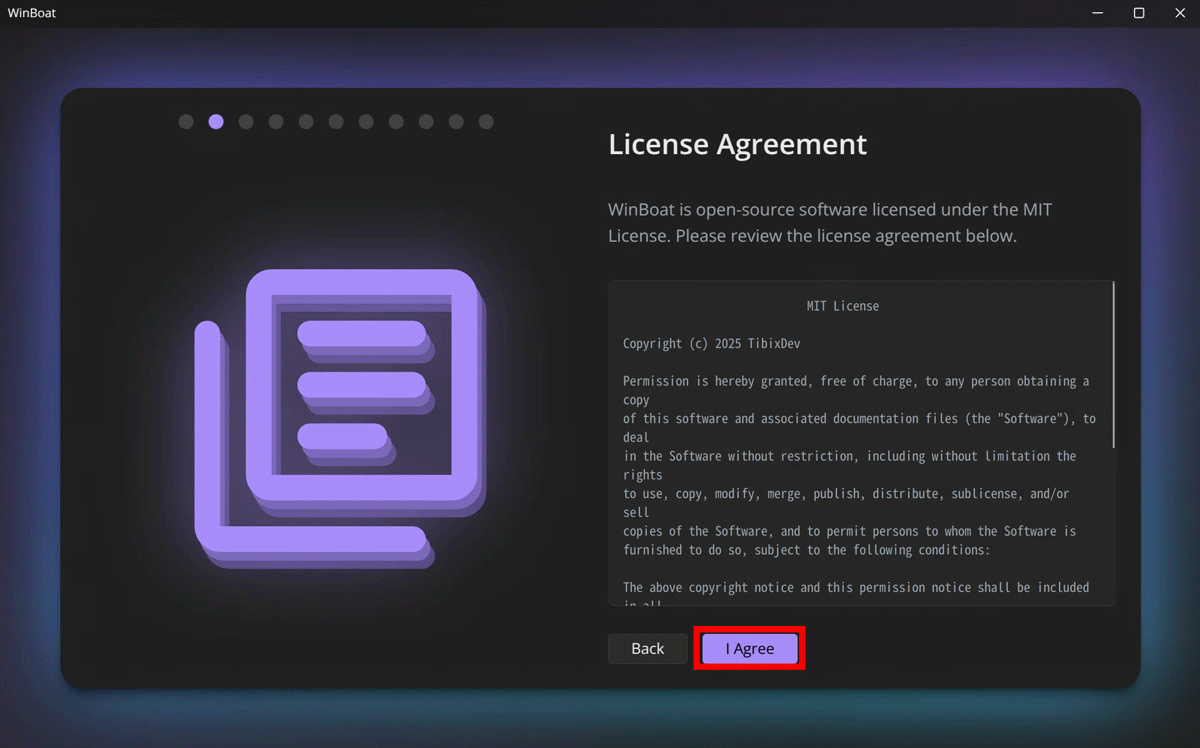
A license agreement confirmation screen will appear, so click 'I Agree'.
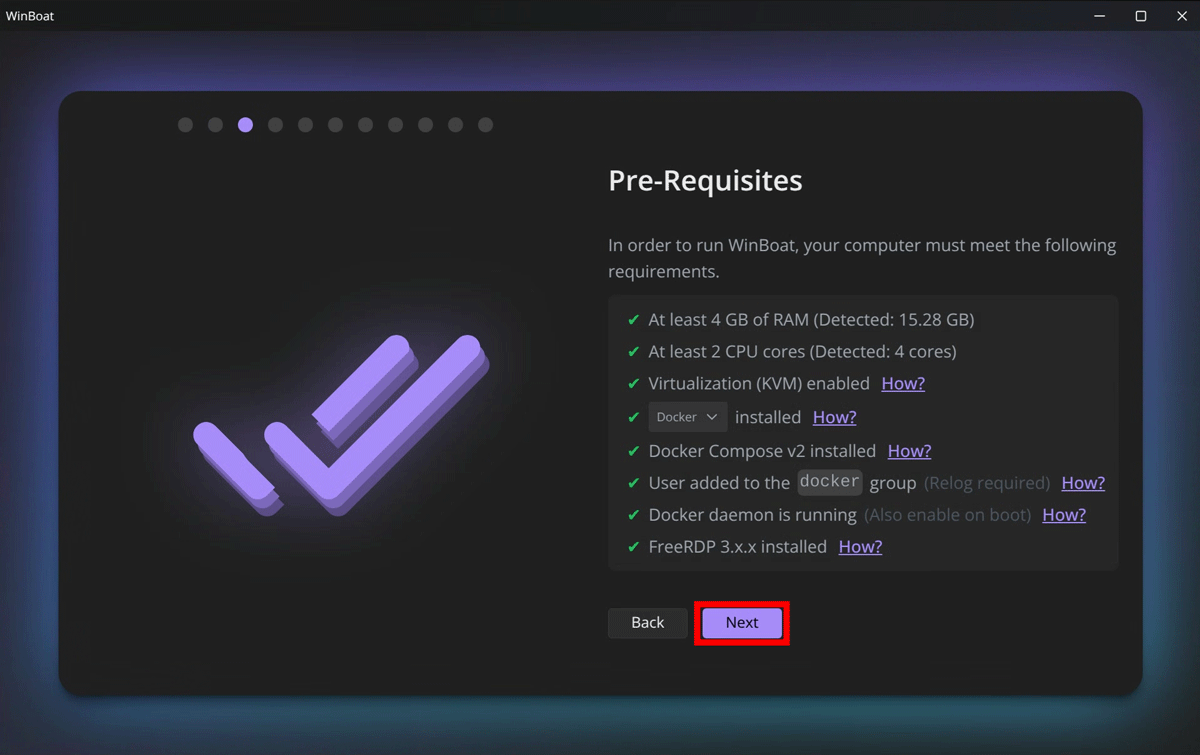
Verify that the necessary requirements are met and click 'Next.'
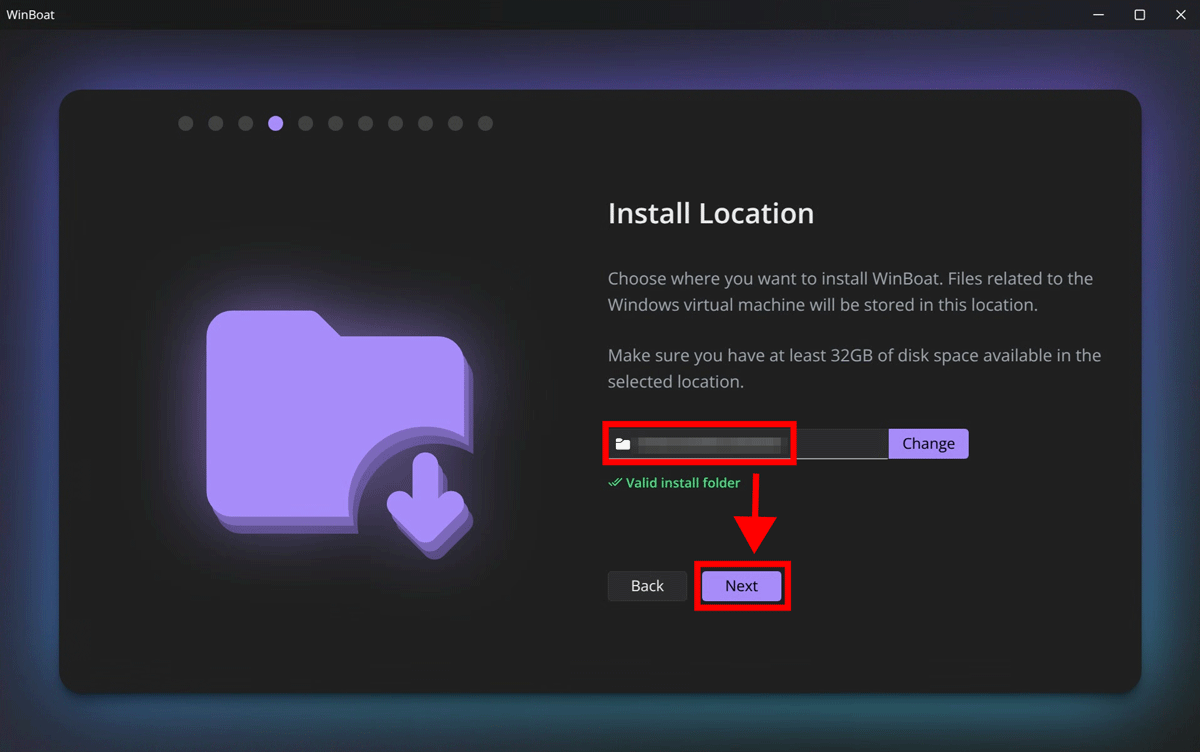
Specify the installation location and click 'Next'.
Select the version and language of Windows you want to install and click 'Next'.
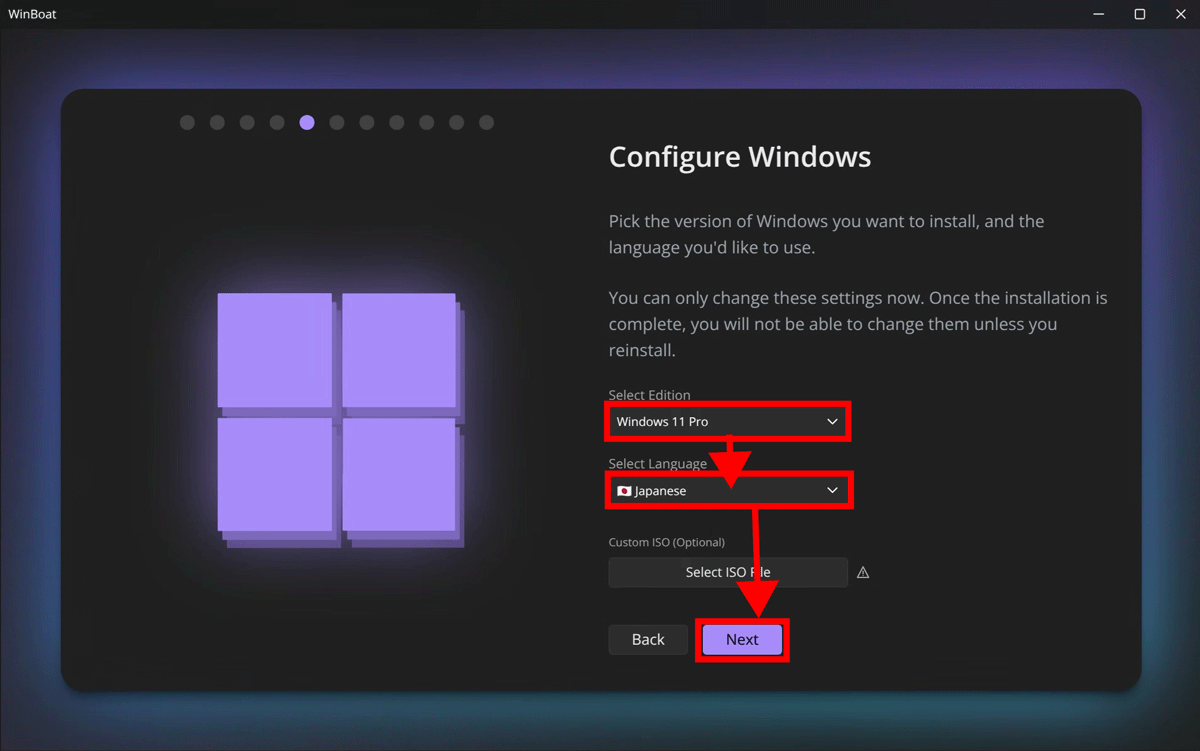
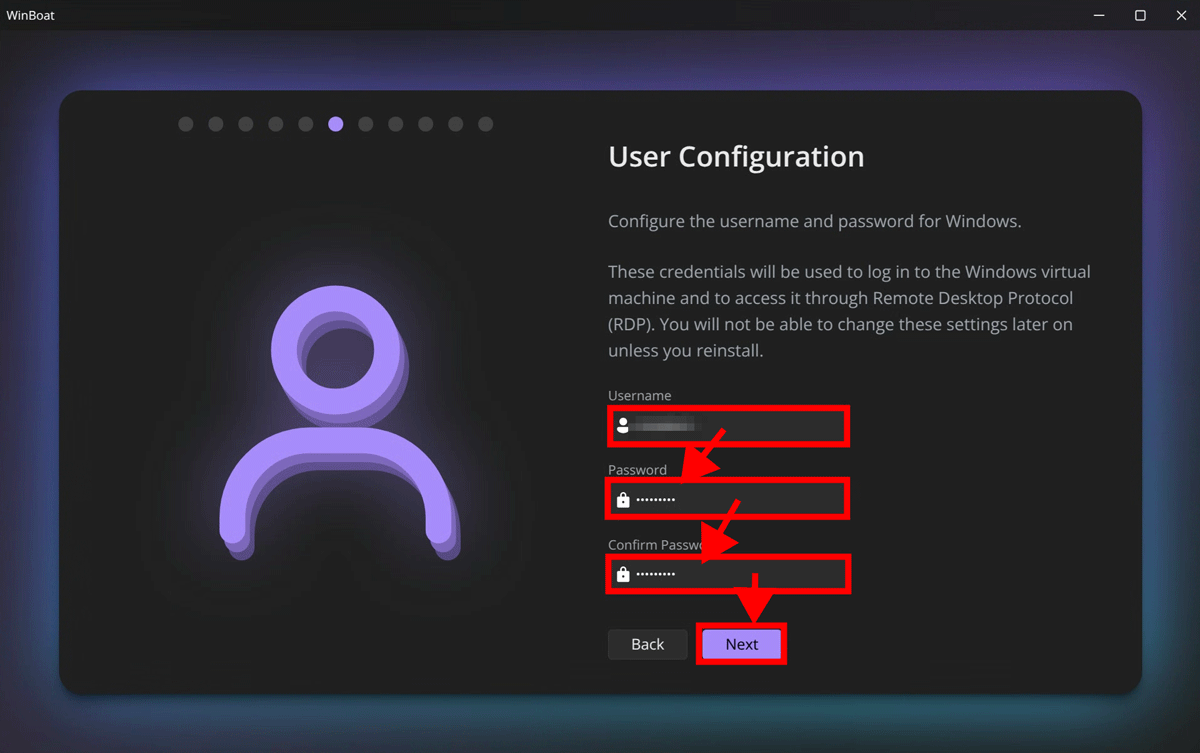
Enter the user name in 'Username', enter the password in 'Password' and 'Confirm Password', and click 'Next'.
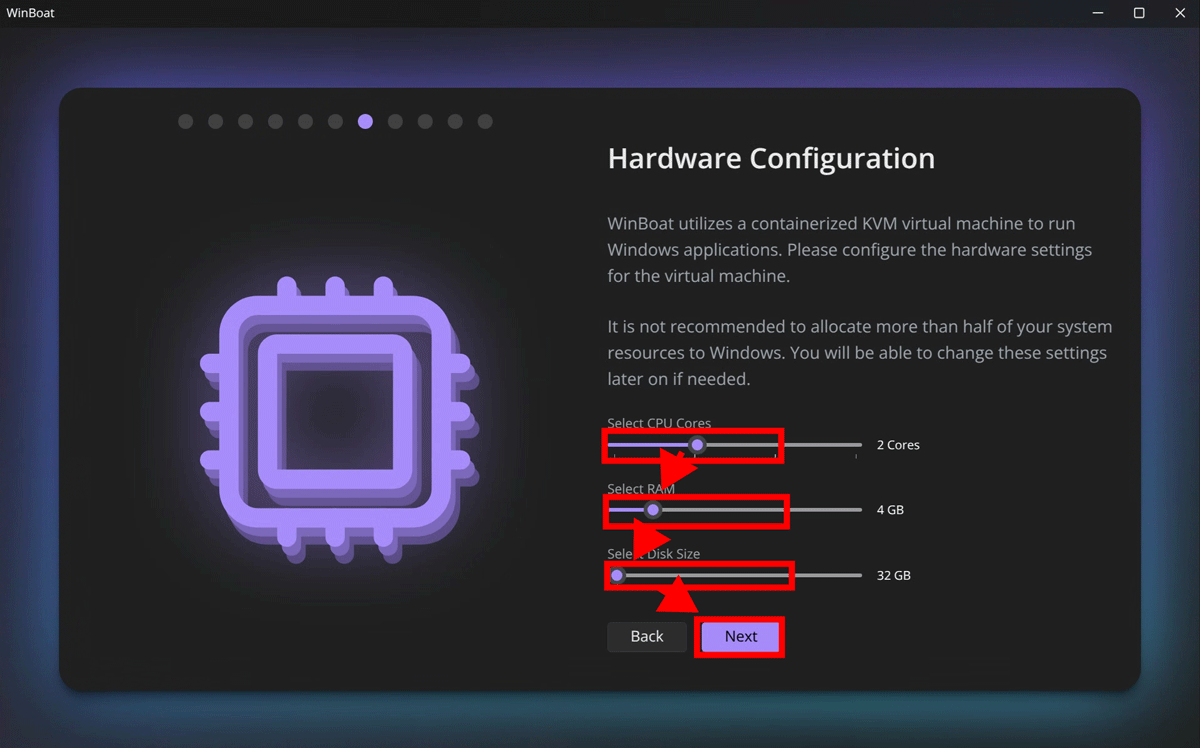
Assign the number of CPU cores, memory, and disk and click 'Next'.
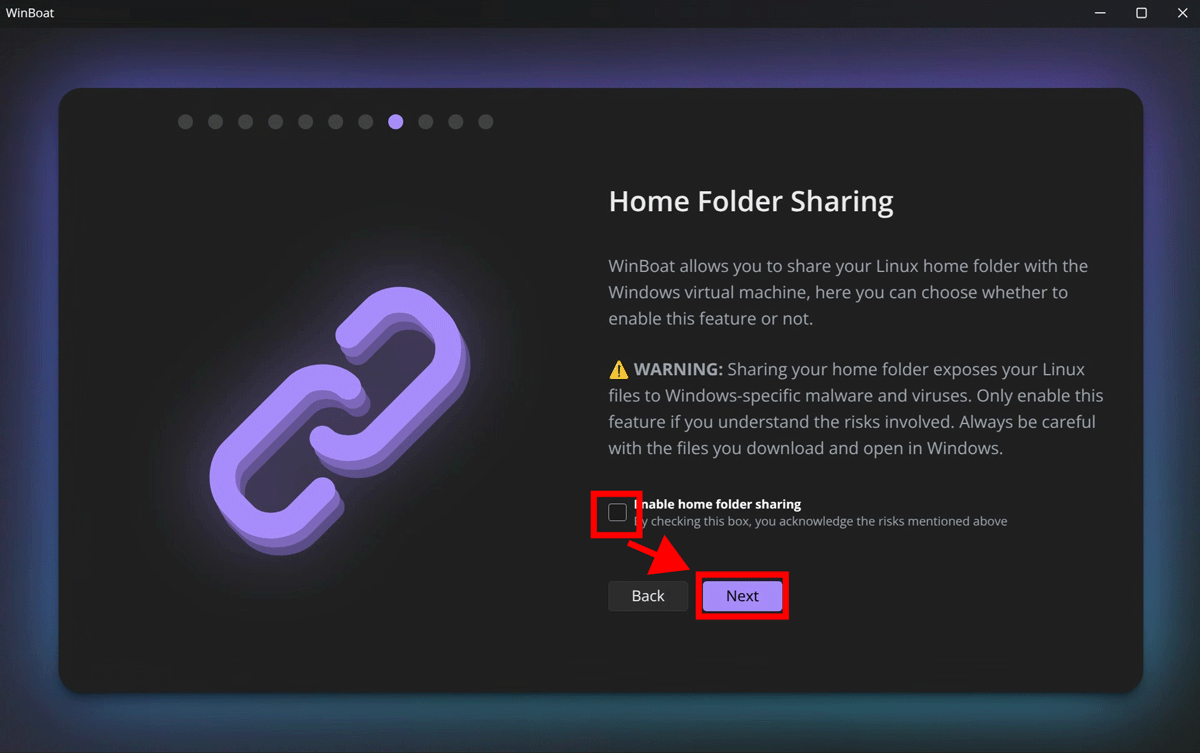
Select whether to share your home folder and click 'Next'.
Check that the settings are correct and click 'Install' to begin the installation, then wait a while.
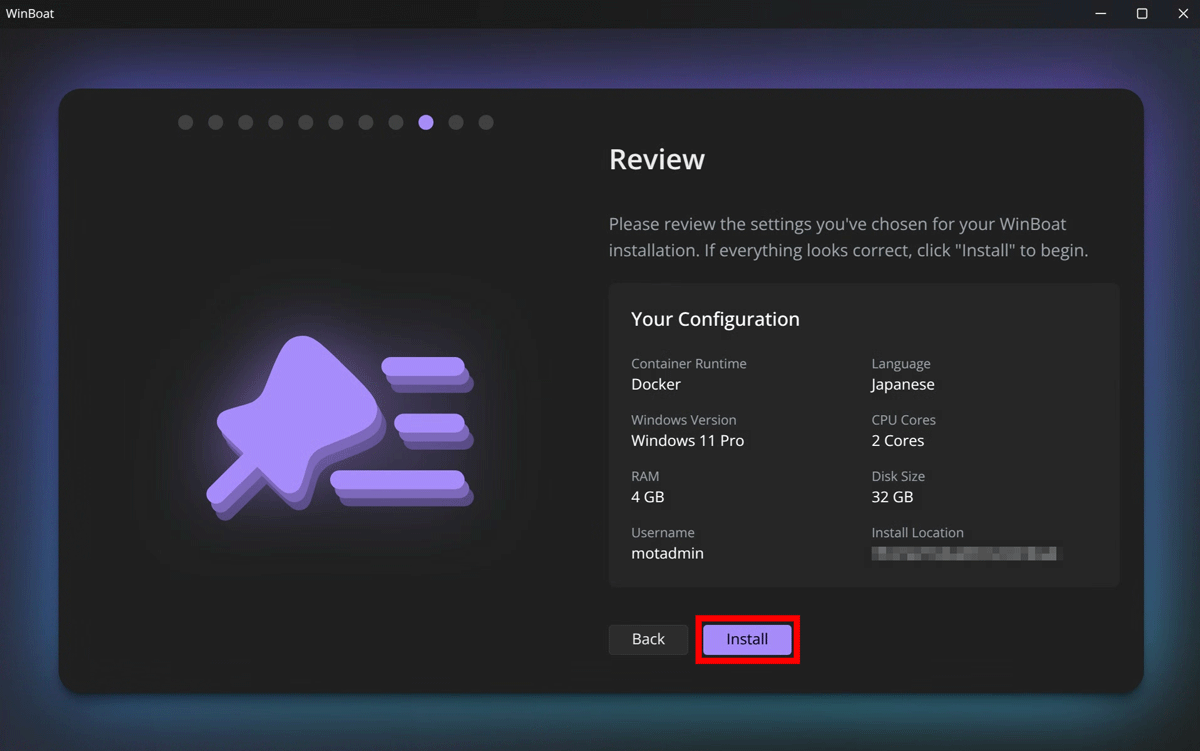
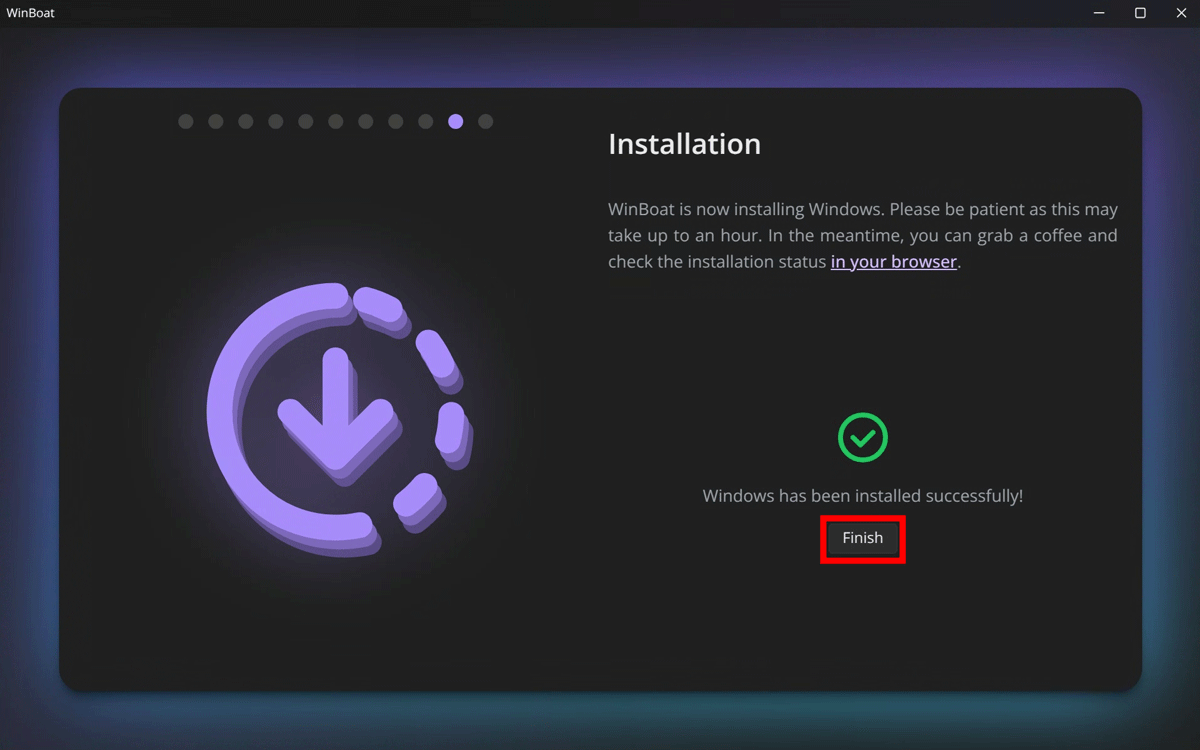
Once the installation is complete, click 'Finish'.
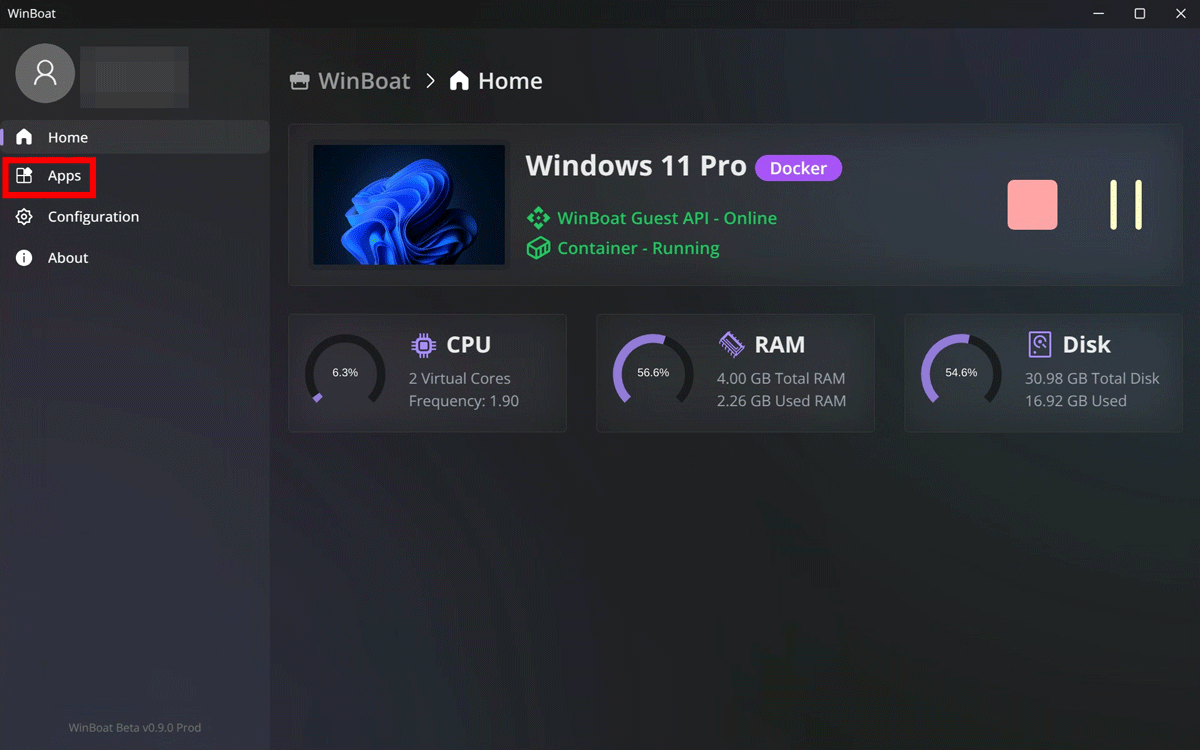
Once you are redirected to the admin screen, you will see a menu and a resource monitor. Click on “Apps” to check your apps.
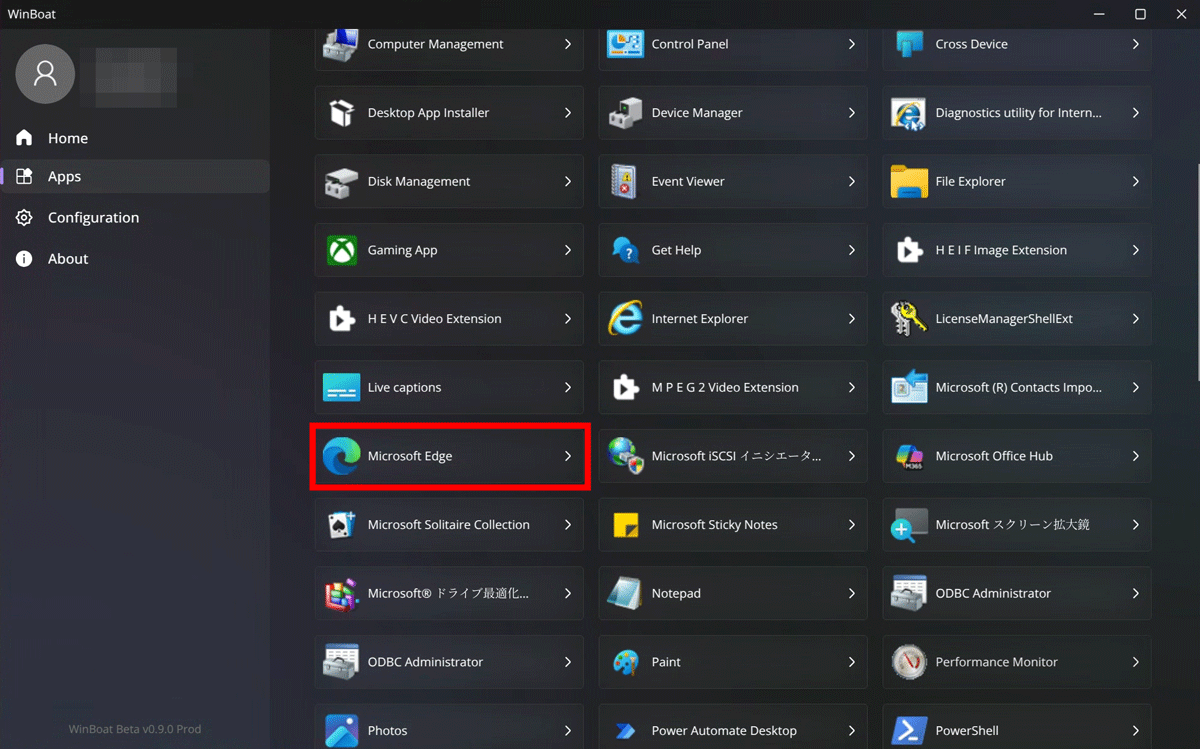
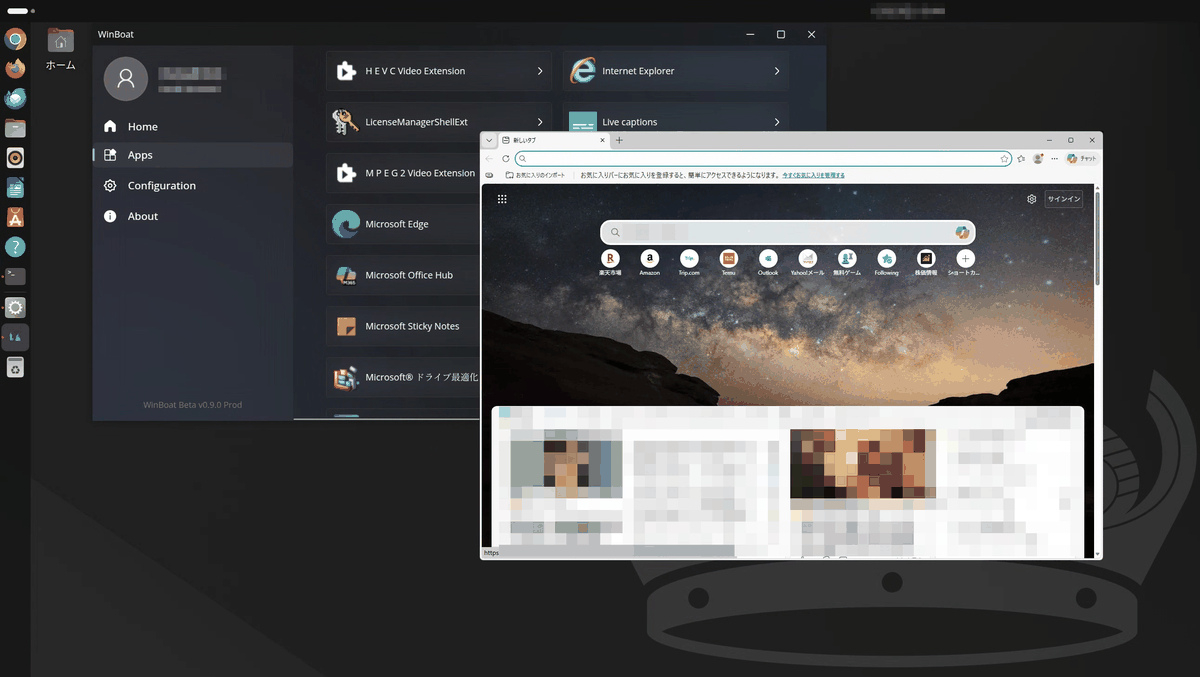
Windows applications will be displayed, so click 'Microsoft Edge' as a test.
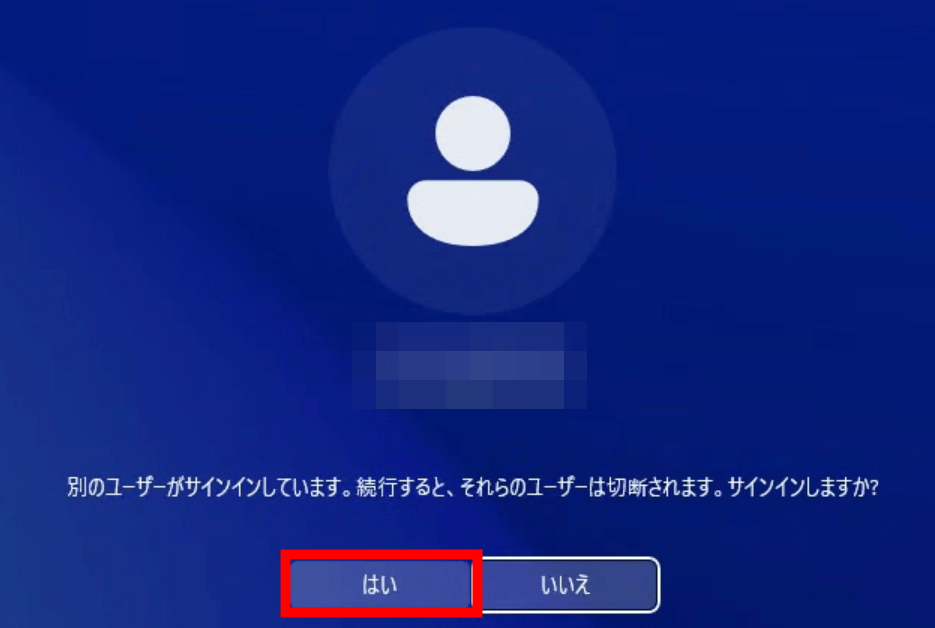
You will be prompted to sign in, so click 'Yes'.
Microsoft Edge now launches in a standalone window on your Linux desktop.
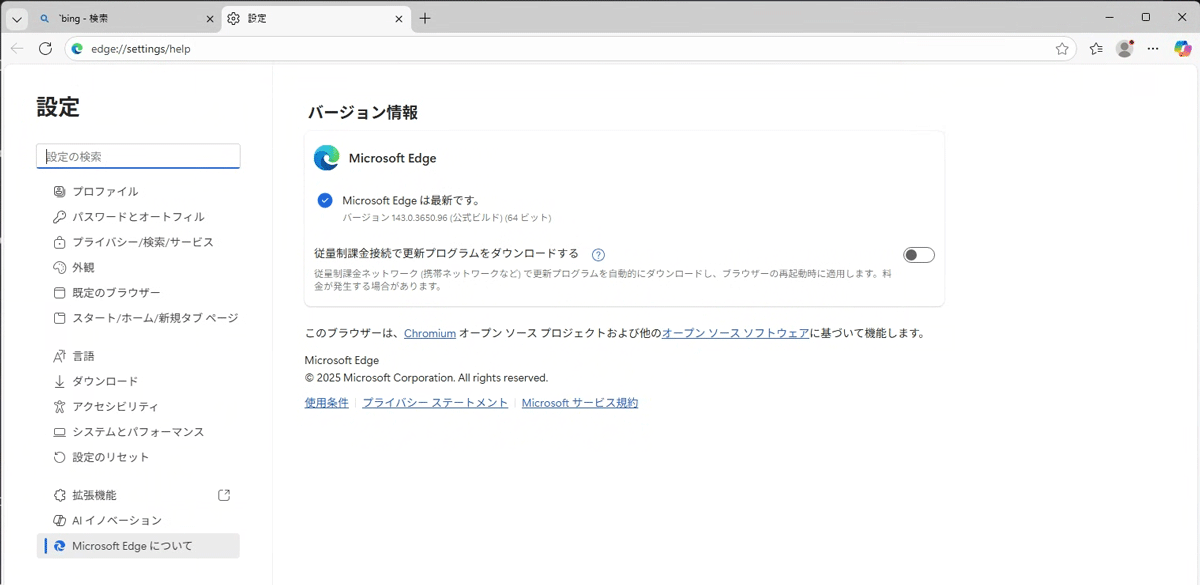
Checking the version information shows that the latest version of Edge is installed.
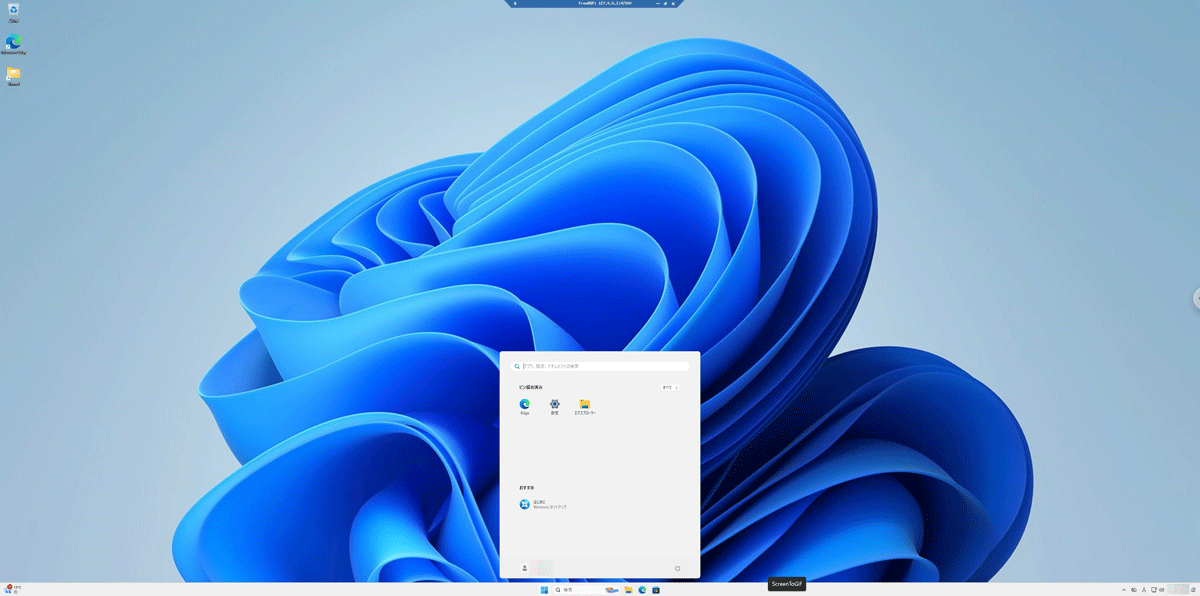
Click on 'Windows Desktop'...
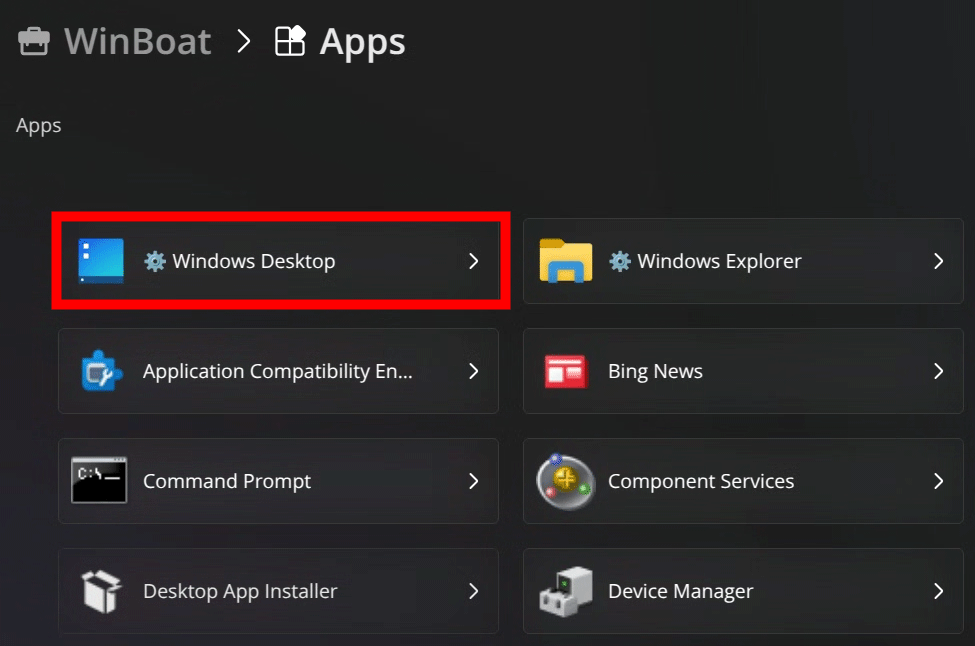
The Windows 11 desktop screen will start. You can also launch Windows apps from this desktop.
◆Features of WinBoat
・Refined interface
It seamlessly integrates into your Linux desktop environment, providing an experience that feels like a native application.
- Automatic installation function
Simply select the settings and specifications on the GUI and the setup will be completed automatically.
- Can run any app
If the application runs on Windows, it can be run on WinBoat.
・File system integration
Your Linux home directory is mounted inside Windows, allowing you to easily share files between the two systems.
・Other features
Additional features such as smart card pass-through and resource monitoring.
・Comparison with WinApps
WinApps only offers a basic TUI and taskbar widget, and a few CLI commands, requiring a lot of manual setup and no unified interface to tie it all together.
- USB pass-through support
USB-connected peripherals and hardware can be configured using Windows configuration software.
・Future developments related to GPUs
As of December 2025, it does not support GPU acceleration or passthrough, but plans are in place to implement GPU acceleration through paravirtualized drivers in the future.
・About games with anti-cheat
This cannot be done as it blocks virtualization.
・Podman support
Podman is also supported as an alternative to Docker, but does not yet support USB passthrough.
・Currently available as a beta version
As of December 2025, it is still in beta and you may encounter bugs and issues from time to time.
◆ Opinions from WinBoat users
The following comments and reports were received from posts on Hacker News :
This is just a Windows VM with additional tools, nothing new .
-Cases where Edge does not start up and freezes
- Report that a Windows license is required
Unlike Wine, which is a compatibility layer that runs Windows apps natively on Linux, WinBoat uses virtualization to provide a Windows environment, and although it can run more applications than Wine, it also has some advantages over regular virtualization software, such as ease of installation and the ability to launch individual apps as windows on the Linux desktop.
Related Posts: