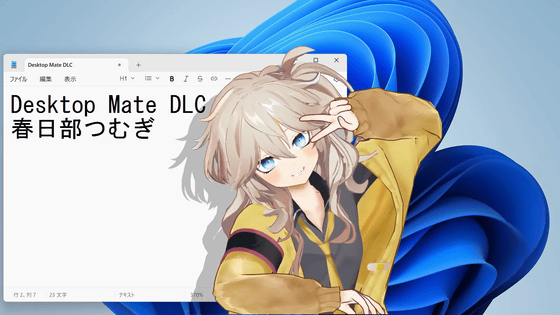
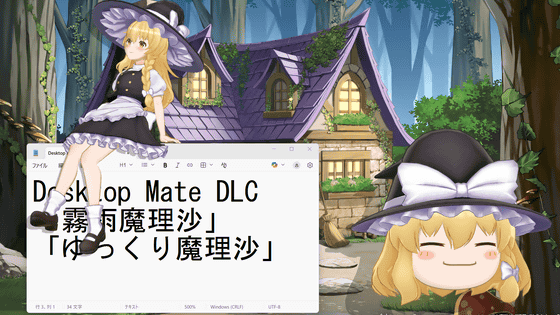
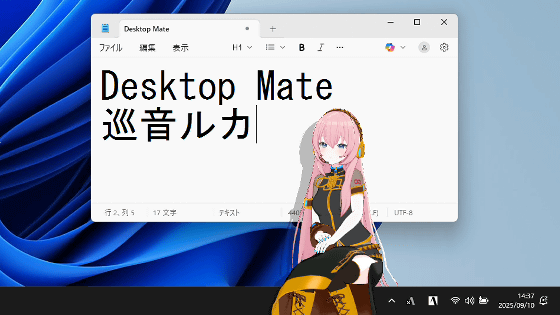
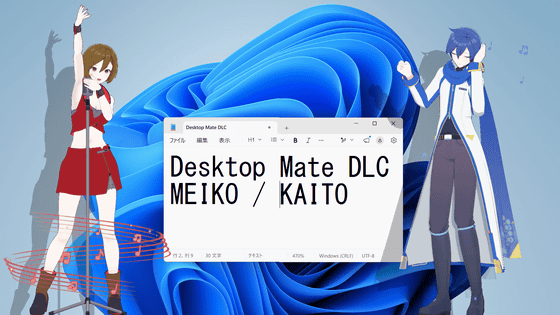
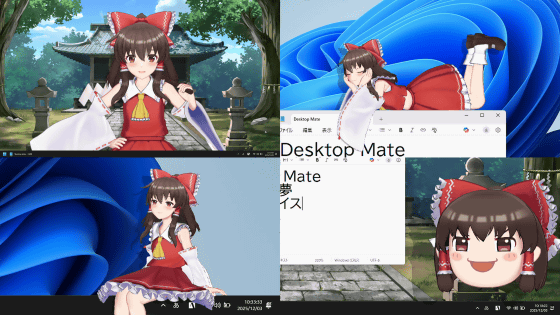
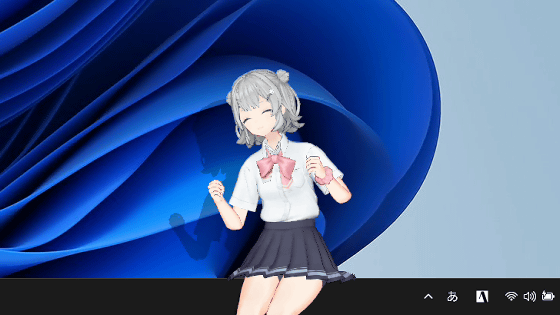
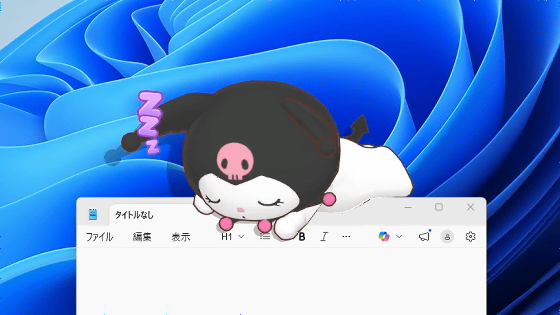
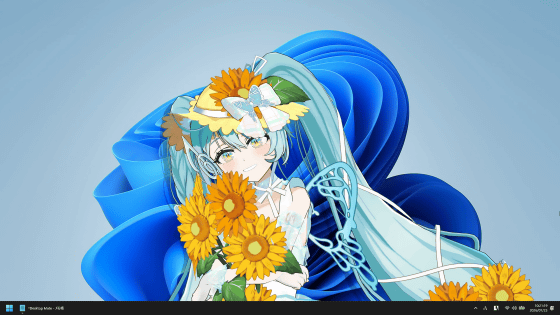
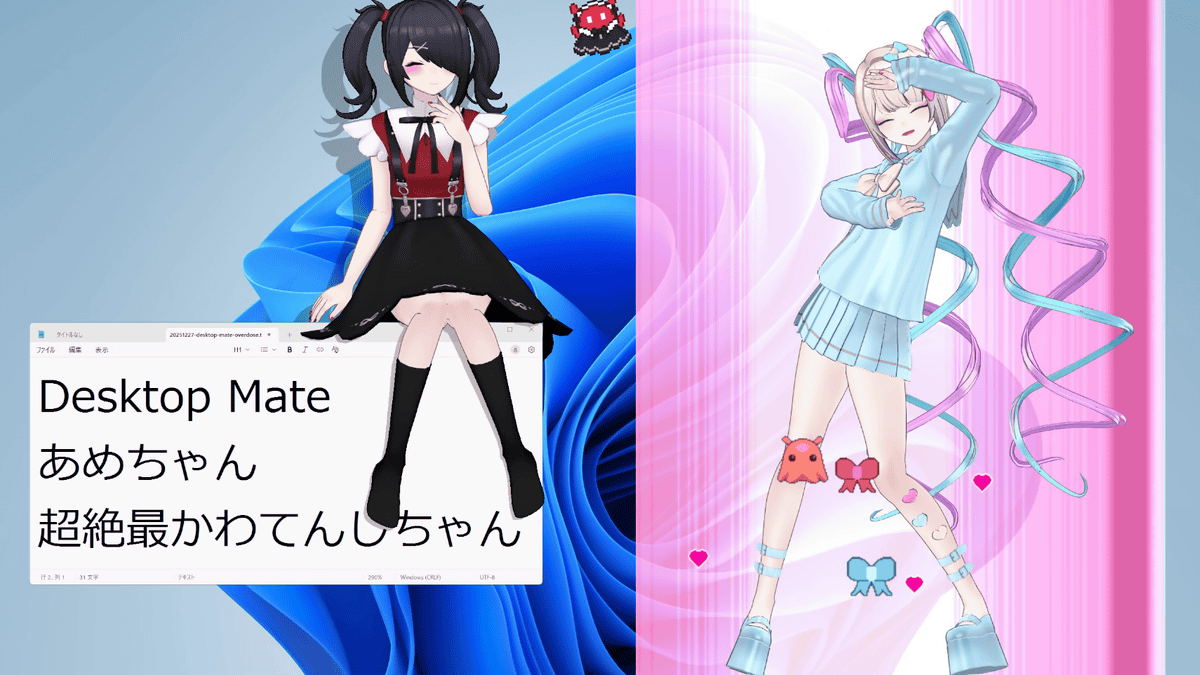
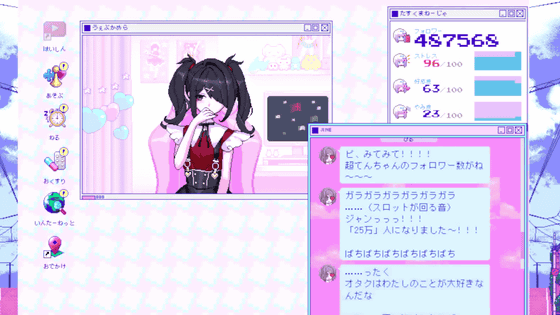
I tried using the Desktop Mate DLC, which brings the girl 'Ame-chan' who is full of love and approval desire and the strongest internet angel 'Super Kawatenshi-chan' on the screen, and when you combine the two, there is also a transformation scene
Desktop Mate NEEDY STREAMER OVERLOAD Ame-chan DLC on Steam
https://store.steampowered.com/app/3941620/Desktop_Mate_NEEDY_GIRL_OVERDOSE__DLC/
Desktop Mate NEEDY STREAMER OVERLOAD OMGkawaiiAngel DLC on Steam
https://store.steampowered.com/app/3941610/Desktop_Mate_NEEDY_GIRL_OVERDOSE__DLC/
Desktop Mate NEEDY STREAMER OVERLOAD OMGkawaiiAngel・Ame-chan DLC Bundle on Steam
https://store.steampowered.com/bundle/60226/
For more details about NEEDY GIRL OVERDOSE, please see the article below.
A review of the 'NEEDY GIRL OVERDOSE' adventure, a broadcaster training adventure aiming to become the strongest internet angel with a strong desire for approval - GIGAZINE
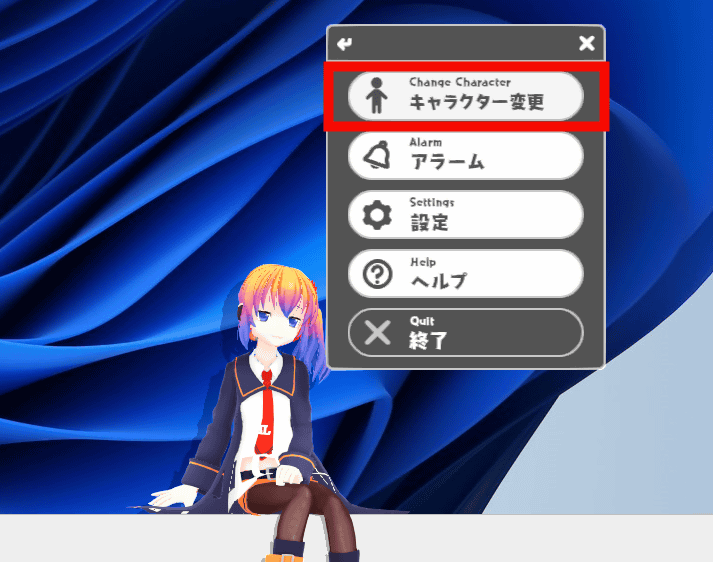
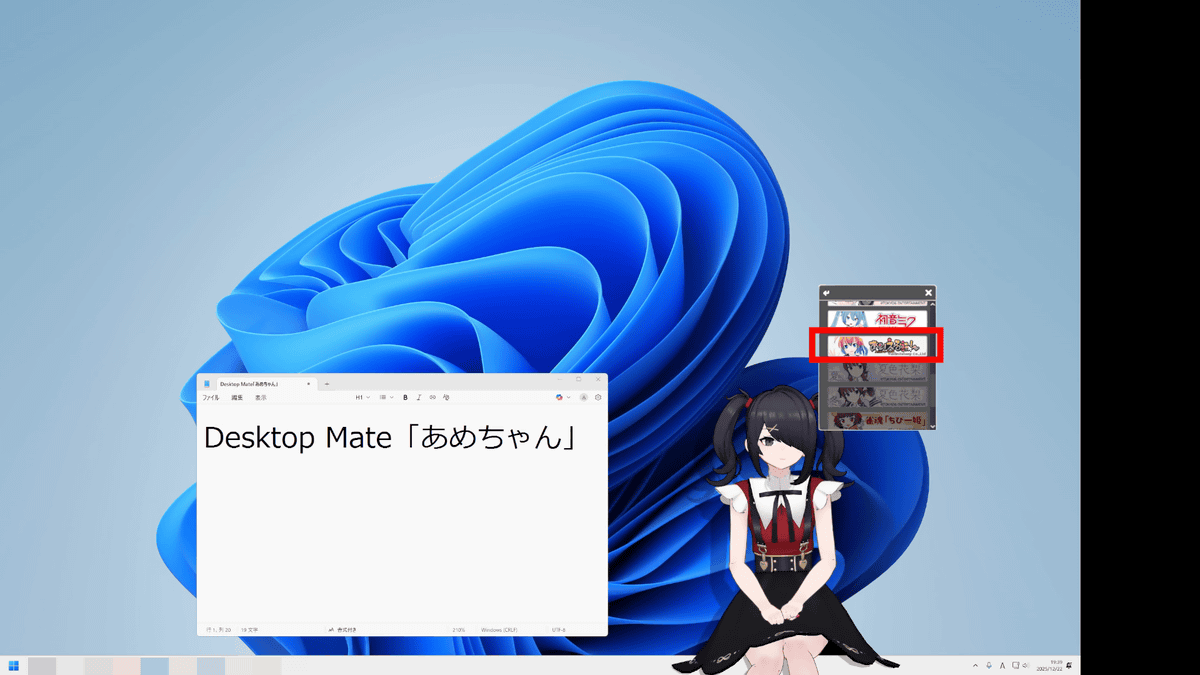
Desktop Mate is a free app, but Ame-chan and Super Cute Angel are available as paid DLC. After purchasing the DLC, launch Desktop Mate, right-click on the default character, Aiel-tan , and click 'Change Character.'
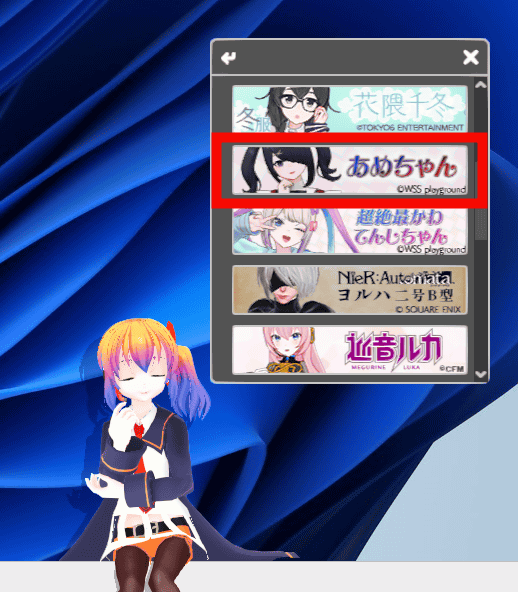
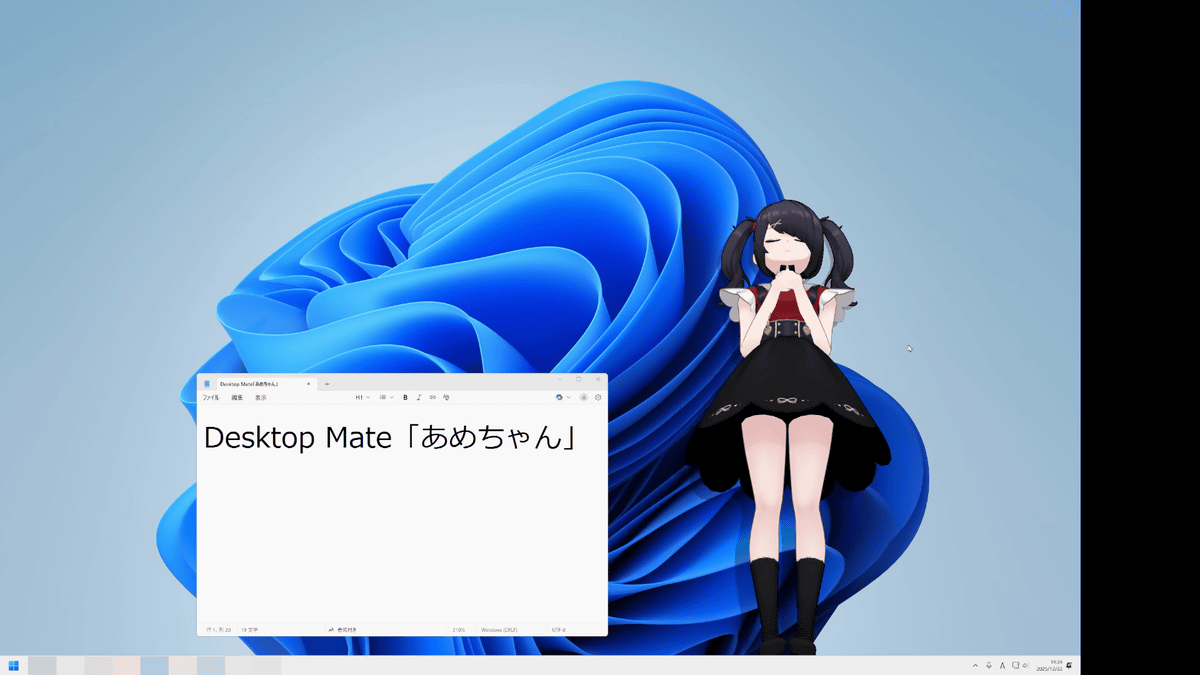
A list of purchased characters will be displayed. Select 'Ame-chan.'
A candy popped up on my desktop.
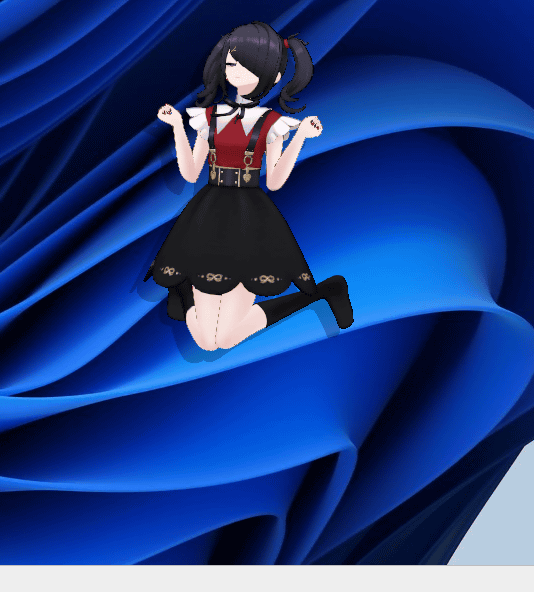
You can adjust the size in 100 steps (1 to 100) by selecting 'Settings' from the right-click menu or by hovering the mouse over the character and scrolling up and down.
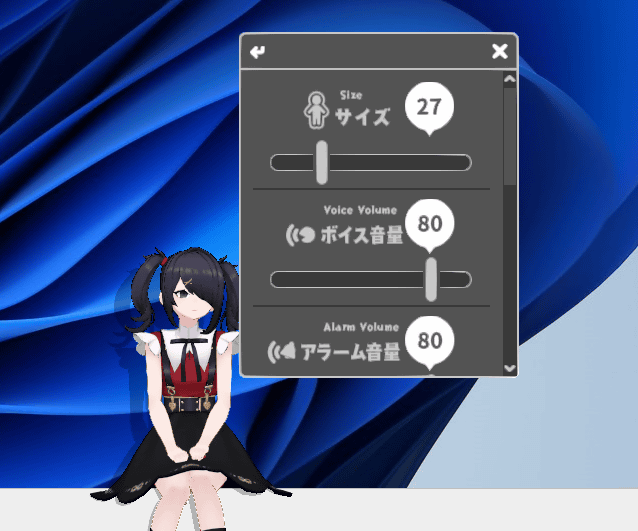
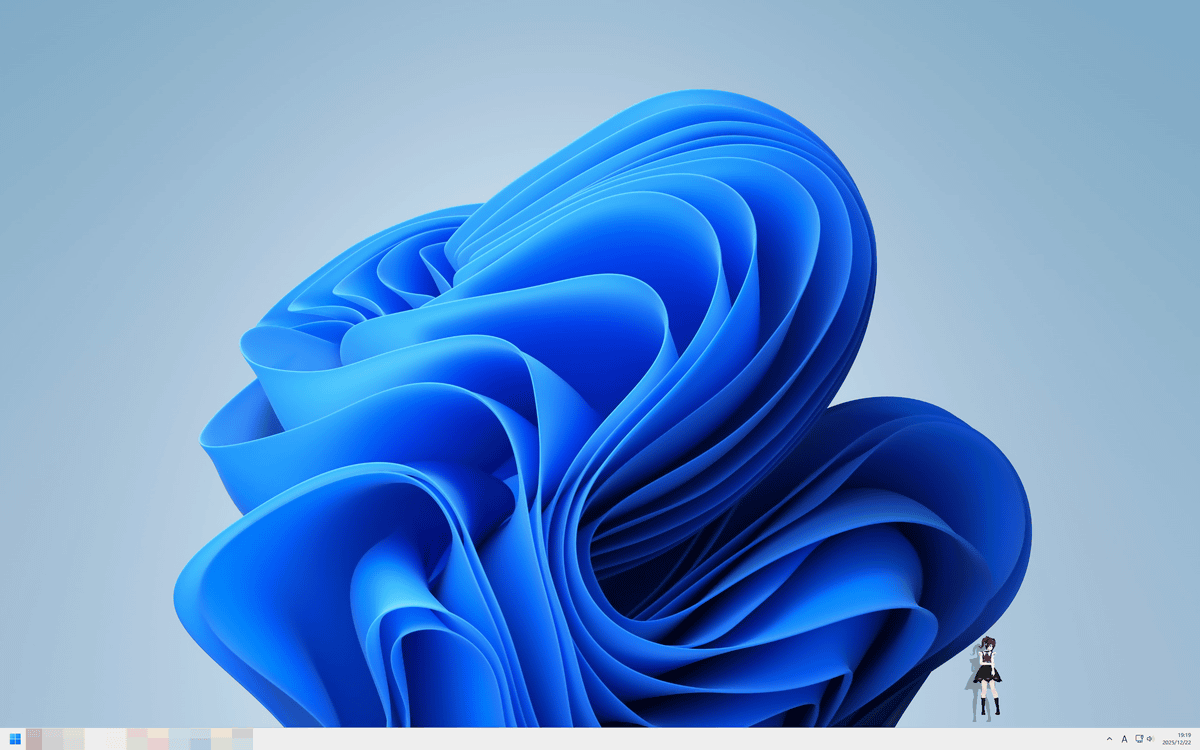
When the size is '1', the whole desktop looks like this.
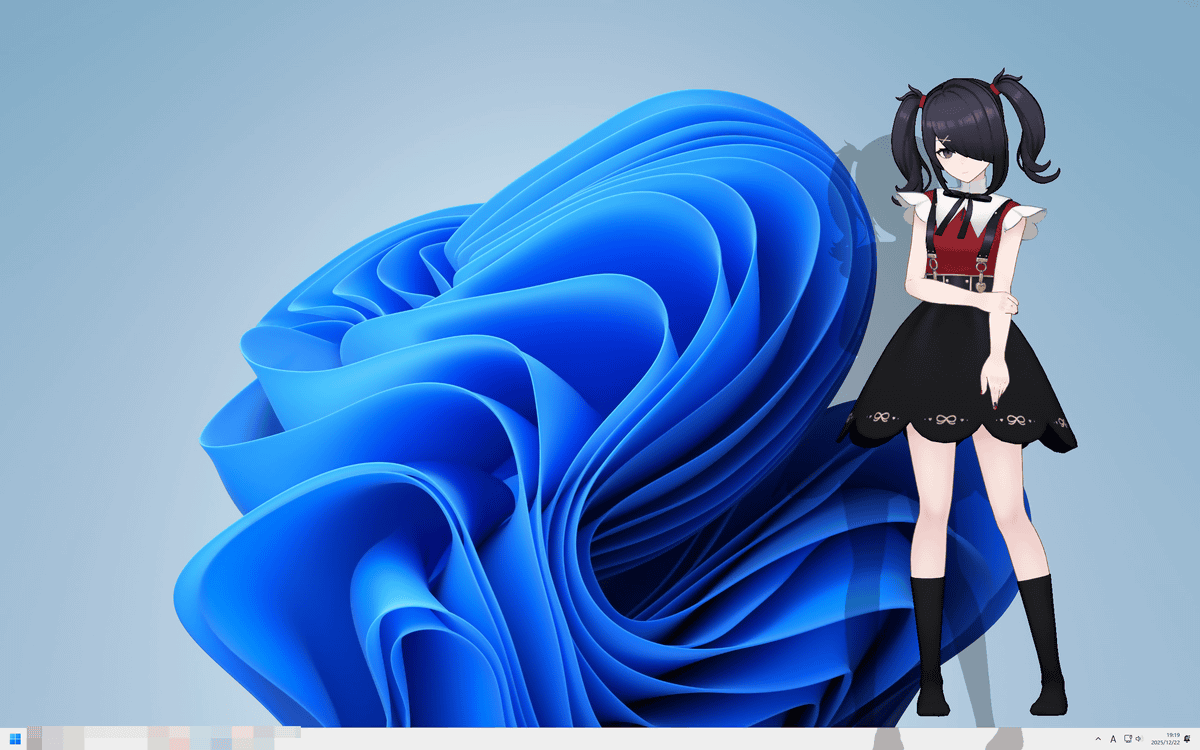
The size '100' will be displayed quite large.
I recorded a video of Ame-chan's movements and voice. If you leave her alone, she will do various movements, and if you click on her or pat her on the head, she will respond with a voice.
You can drag and drop to pinch and move.
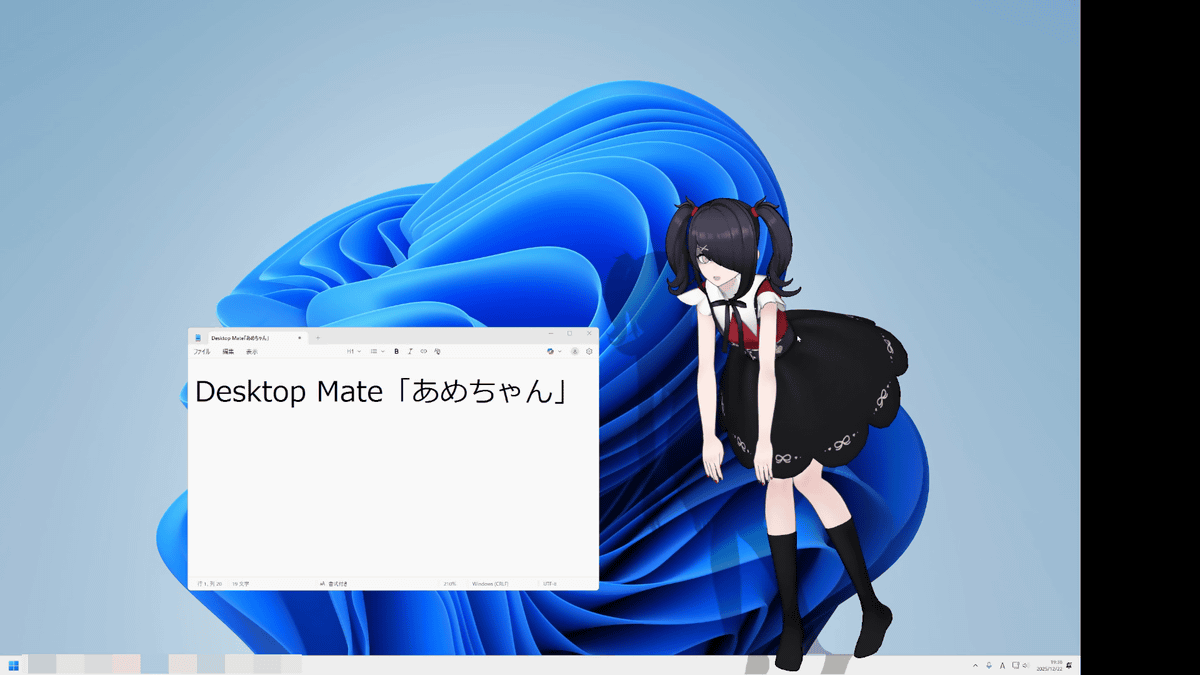
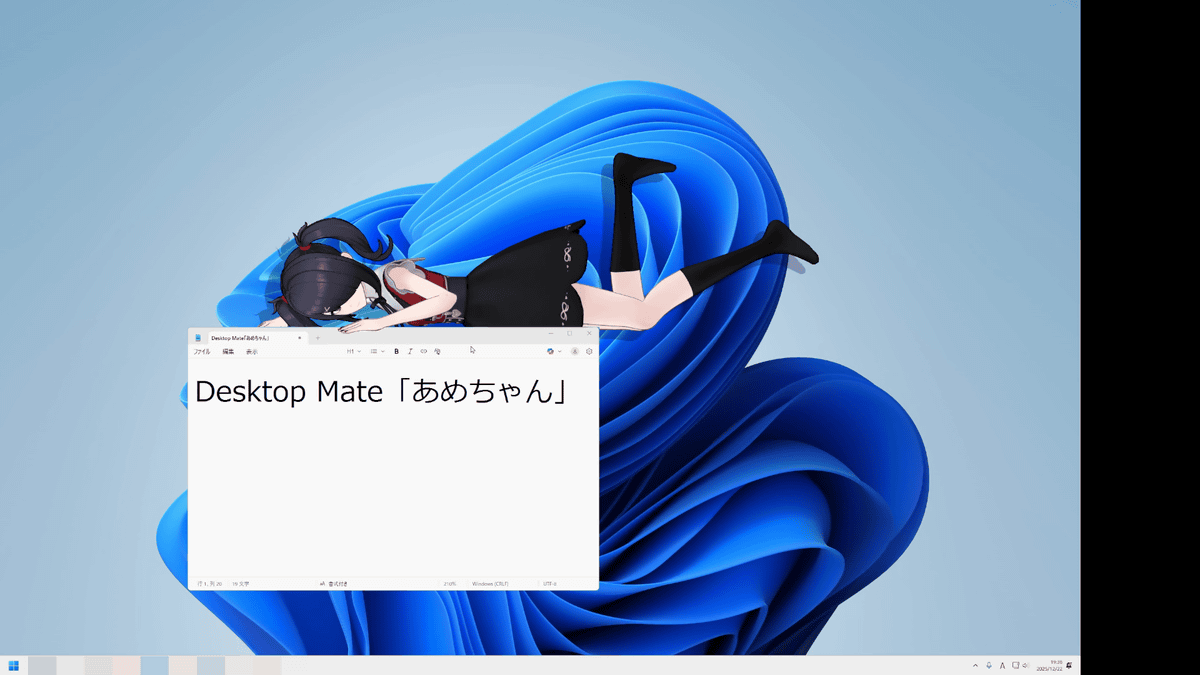
When I placed it on top of the window, he enjoyed sitting and lying down on it.
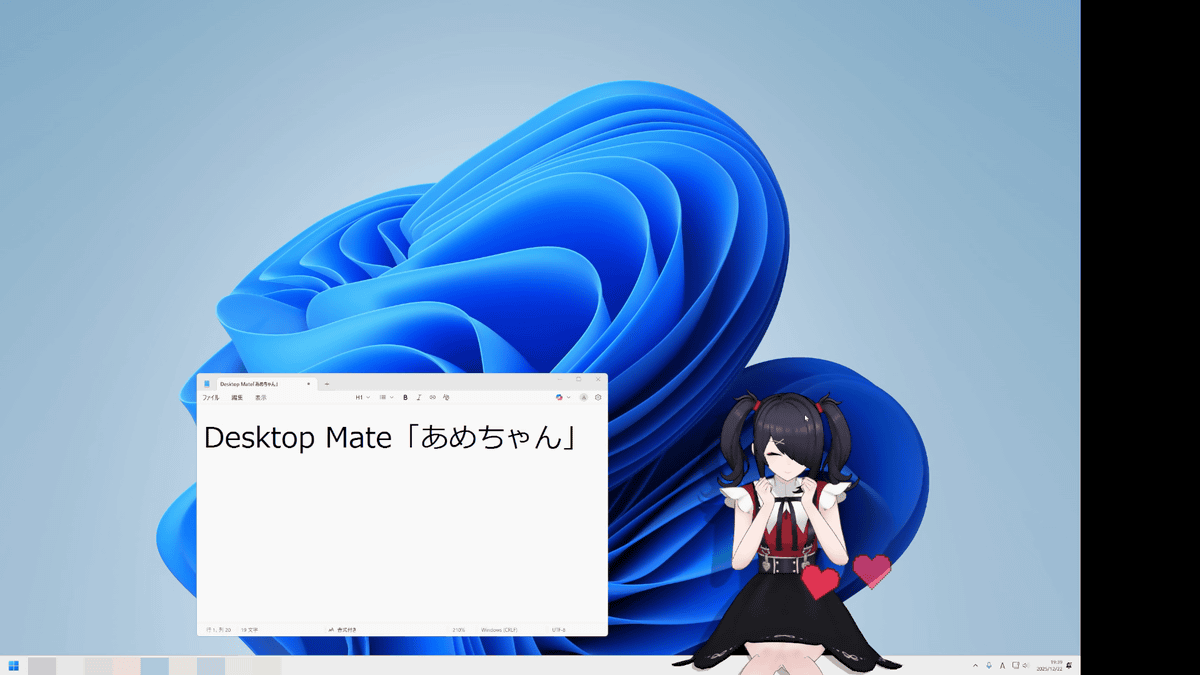
You can pet Ame-chan's head by hovering your mouse over her and moving it left and right. When I petted her head, she said happily, 'I feel safe when Pi (my boyfriend Pippi) pets me.'
Right-click to select a different character.
He fell with a regretful remark, 'Oh, I don't want to leave.'
It also has an alarm function, and when the time comes, Ame-chan will appear large on the screen to let you know.
Next, I tried summoning the super cute angel.
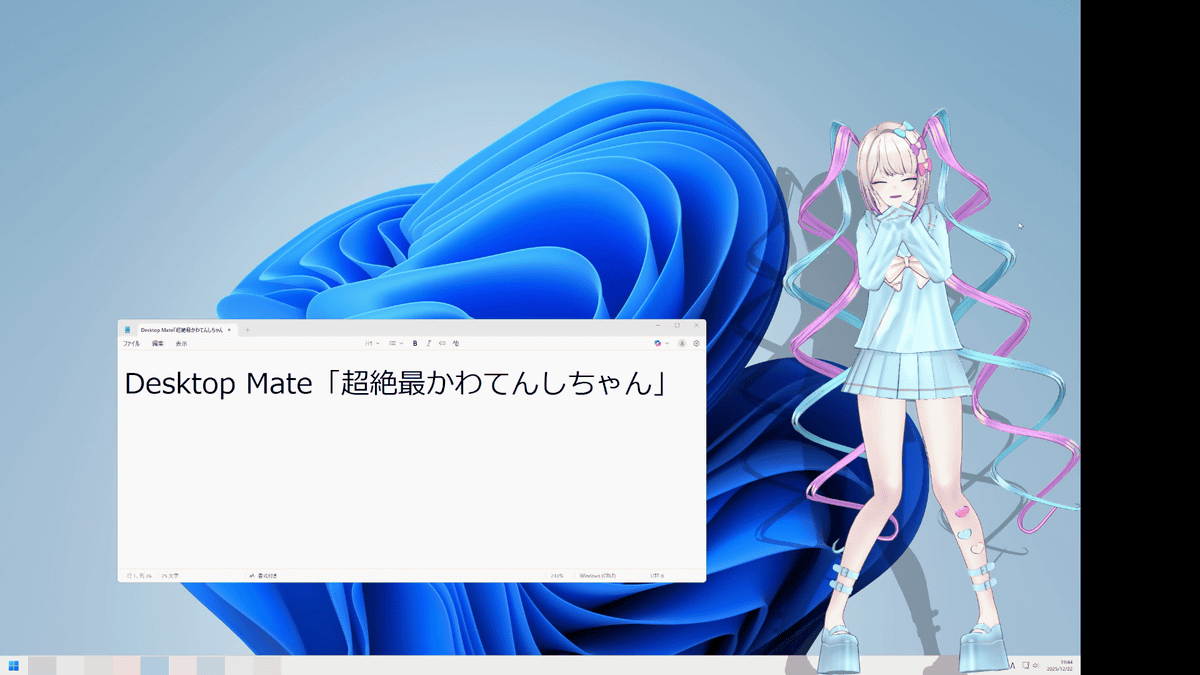
You can see how the super cutest angel is spreading her cuteness on your desktop by watching the movie below.
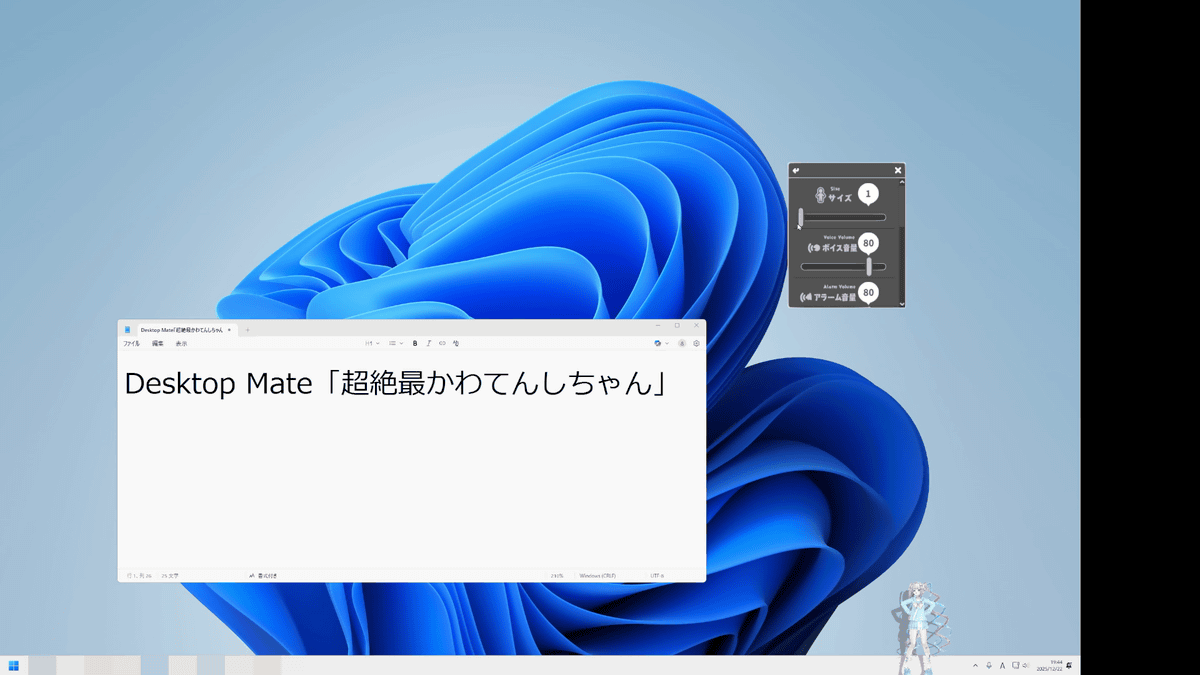
The super cute angel's size 1 looks like this:
Size 50.

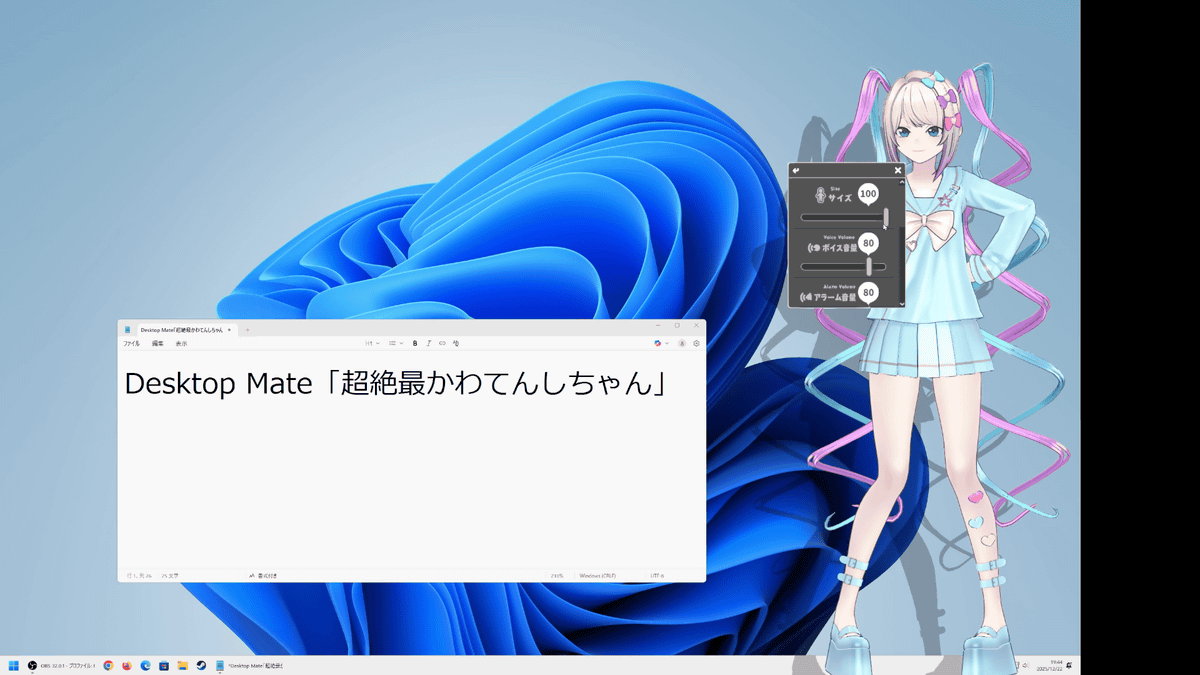
At size 100 it took up quite a bit of the screen.
The super cute angel will also tell you the time when you set an alarm.
Additionally, if you purchase both Ame-chan and Super Cute Angel-chan at the same time, you will get the special bonus of being able to see a special transformation scene. After bringing up Ame-chan on the screen, right-click and select Super Cute Angel-chan.
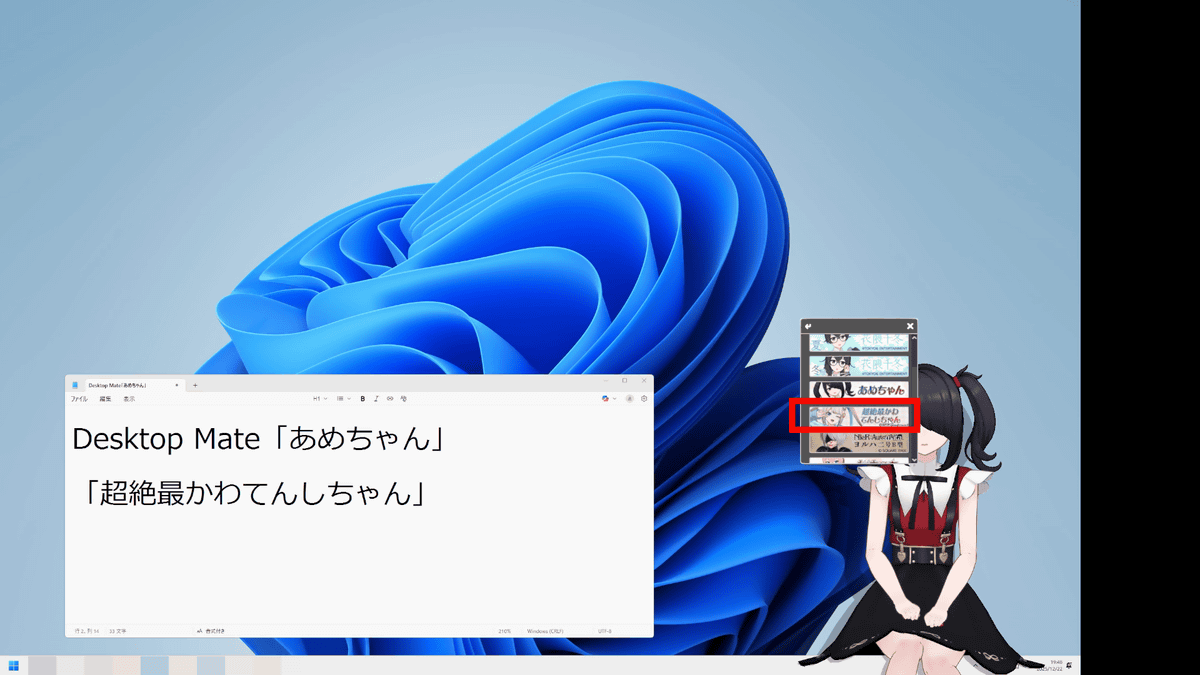
Then, after chanting 'Let's do it...transform!' in a cool voice, I was enveloped in light and background music.
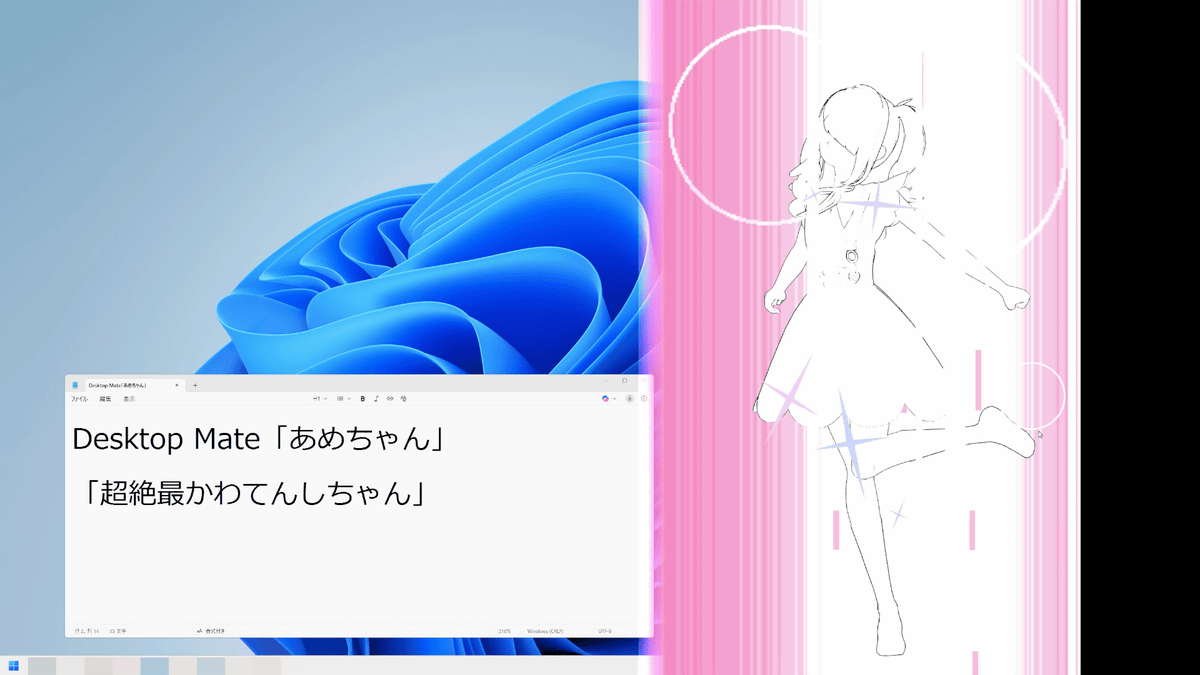
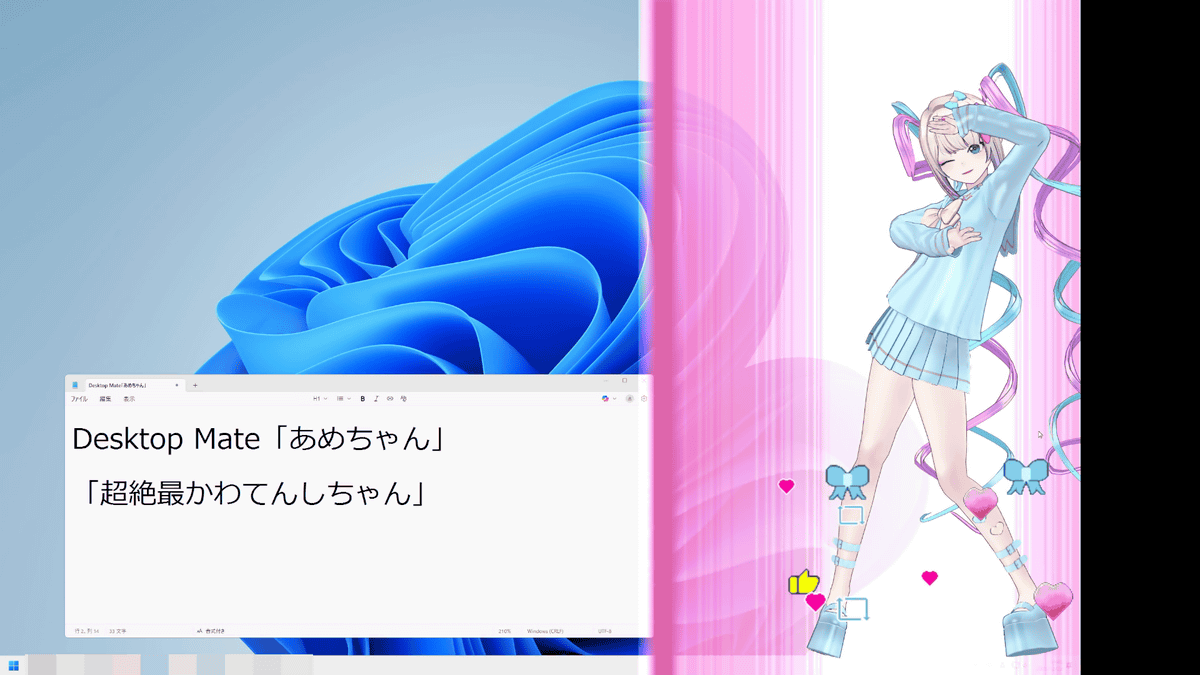
After a transformation scene, the super cute angel appears.
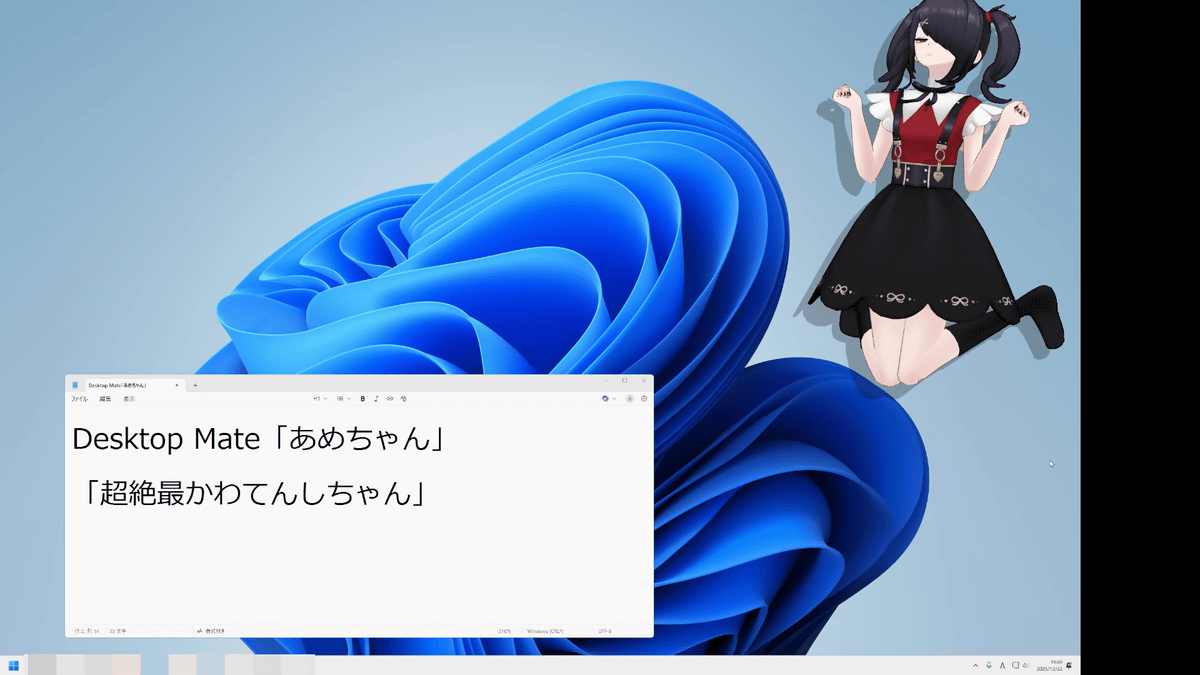
To change from the super cute angel to candy, just pop it from the bottom as usual.
You can see how Ame-chan transforms into the most amazing angel in the movie below.
A girl with a strong desire for approval transforms into the strongest internet angel [Desktop Mate] - YouTube
' Desktop Mate NEEDY GIRL OVERDOSE Ame-chan DLC ' and ' Desktop Mate NEEDY GIRL OVERDOSE Super Cute Angel DLC ' are both 2,200 yen (tax included), and the ' Desktop Mate NEEDY GIRL OVERDOSE Super Cute Angel & Ame-chan DLC Set,' which includes Ame-chan and Super Cute Angel, is 3,960 yen.
You can also get the 'Super Cute Angel DLC' from the gift article below.
GIGAZINE Winter gift release project 'Answer the questionnaire and take them all!' - GIGAZINE
Related Posts: