The download link on the official EmEditor website may have been altered, and there is a risk that the installer may have been replaced with another one.
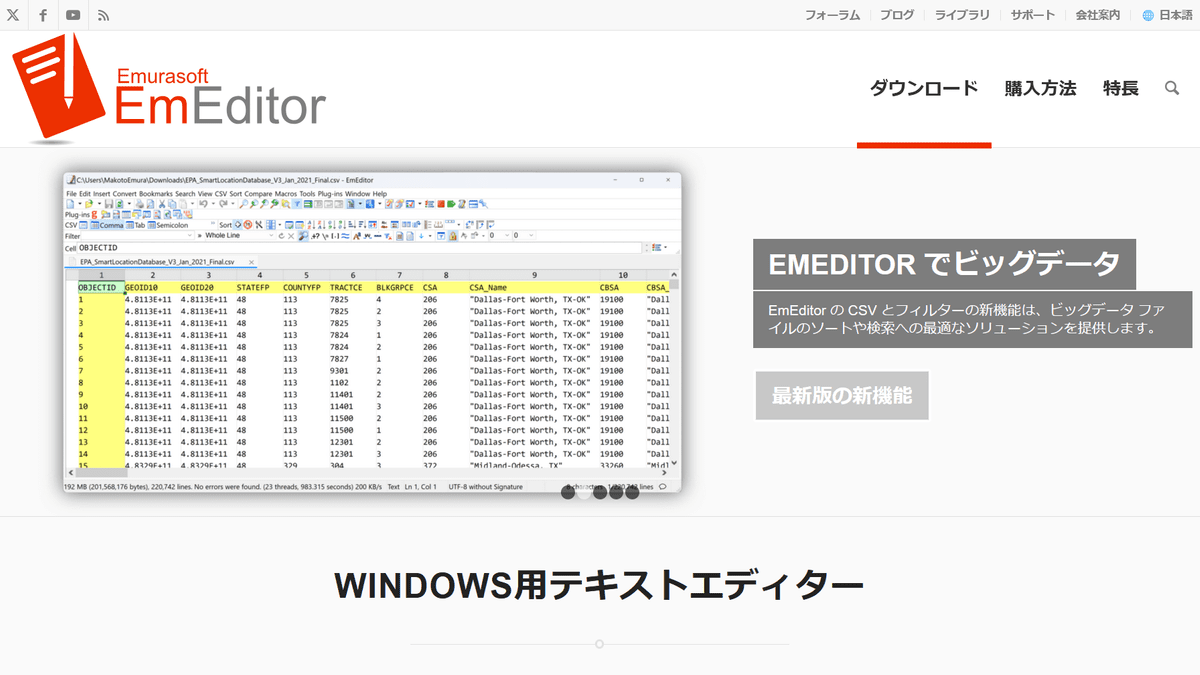
It has been discovered that the button for downloading the installer on the official website of EmEditor, a text editor developed by Emurasoft, has been suspected to have been tampered with by a third party.
[Important] Notice of a security incident regarding the download path for the EmEditor installer – EmEditor (Text Editor)
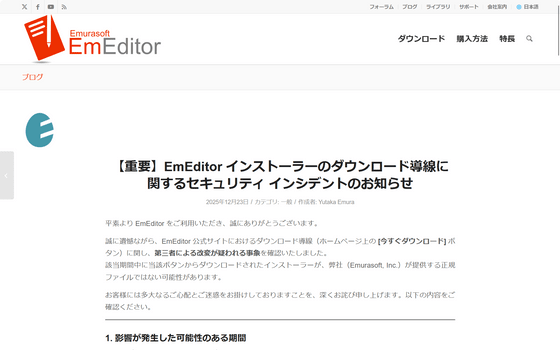
According to an announcement made by Emurasoft on December 23, 2025, they have confirmed that the 'Download Now' button on the download link on the official EmEditor website has been tampered with by a third party.
The period during which the impact may have occurred is from 11:39 on December 20, 2025 to 5:50 on December 23, 2025. Installers downloaded from the affected button during this period may have been non-genuine files that were not digitally signed by Emurasoft. Emurasoft has stated that it has made a broad estimate of the period, and that the actual period may have been shorter.
The 'Download Now' button on the website usually links to 'https://support.emeditor.com/ja/downloads/latest/installer/64'.
The URL is set to redirect users to download the necessary installers as needed, but it is suspected that the redirection settings were altered by a third party during the period in question, resulting in users being redirected to a different URL, 'https://www.emeditor[.]com/wp-content/uploads/filebase/emeditor-core/emed64_25.4.3.msi.'
When the file is launched, it runs a command to retrieve and execute a file from emeditorjp[.]com. However, this domain is not managed by Emurasoft, and Emurasoft urges users to 'never run this file.'
It has been confirmed that the file downloaded when this command is executed has a digital signature from another organization, 'WALSHAM INVESTMENTS LIMITED.'
At the time of this announcement, the only affected file is 'emed64_25.4.3.msi.' There are also differences in file size, as shown below.
| Correct file | Problematic files | |
|---|---|---|
| File name | emed64_25.4.3.msi | emed64_25.4.3.msi |
| size | 80,376,832 bytes | 80,380,416 bytes |
| Digital Signature | Emurasoft, Inc. | WALSHAM INVESTMENTS LIMITED |
| SHA-256 | e5f9c1e9b586b59712cefa834b67f829ccbed183c6855040e6d42f0c0c3fcb3e | - |
However, if the following conditions are met, you will not be affected by this issue.
- If you update using the EmEditor update checker
- When EmEditor performs an automatic update
- If you downloaded directly from download.emeditor.info (e.g. https://download.emeditor.info/emed64_25.4.3.msi)
- Files other than emed64_25.4.3.msi
・Portable version
・Store app version
・If you installed/updated using winget
- If you have downloaded the file in question but have not executed it
Emurasoft is urging customers who may have obtained the installer from 'Download Now' during the affected period to 'check the digital signature and SHA-256 of the downloaded emed64_25.4.3.msi.'
You can find the digital signature by opening the properties of the downloaded file and checking the 'Digital Signature' tab. If the digital signature is 'Emurasoft, Inc.', there is no problem. In some cases, the 'Digital Signature' tab is not displayed. In that case, delete the file without running it.

To check the SHA-256 hash value, open PowerShell in the directory where the installer is located, run the following command, and confirm that the output value is 'e5f9c1e9b586b59712cefa834b67f829ccbed183c6855040e6d42f0c0c3fcb3e'.
[code]Get-FileHash .\emed64_25.4.3.msi -Algorithm SHA256[/code]
If the digital signature is 'WALSHAM INVESTMENTS LIMITED' instead of 'Emurasoft, Inc.', or if the SHA-256 hash value does not match, it is possible that the file has been tampered with and may contain malware. Emurasoft has urged potentially affected customers to take the following actions:
- Immediately disconnect the computer from the network
- Conduct a full malware scan of your computer
Depending on the situation, consider refreshing/rebuilding the environment, including the OS, if possible.
・Consider the possibility that information used or stored on the device may have been leaked, and consider changing passwords for various services and enabling multi-factor authentication if necessary.
Emurasoft stated, 'We are currently continuing to confirm the facts and investigate the scope of the impact. We will promptly report any progress on this page as soon as it is made. We take this incident very seriously and will take the necessary measures to determine the cause and prevent recurrence. We would like to once again offer our deepest apologies for the great inconvenience and concern caused to everyone. We hope you will continue to use EmEditor.'
Related Posts: