A review of 'Desktop Mate Work Cat DLC,' which allows you to place a work cat on your PC screen that will say 'Yosh!' when you save over the existing file, featuring new and experienced voices.
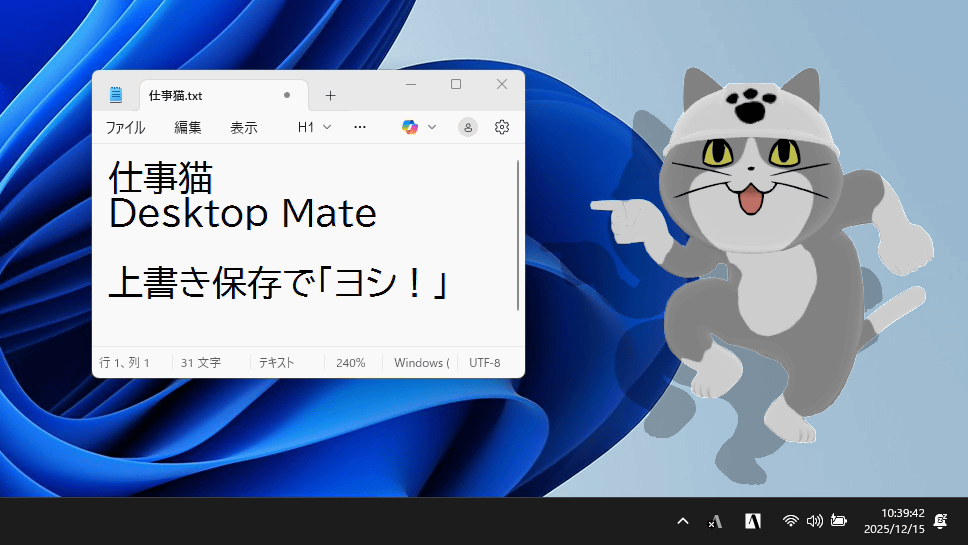
' Desktop Mate Shigoto Neko DLC ' was released on Monday, December 15, 2025, and allows you to summon
Steam: Desktop Mate Work Cat DLC
https://store.steampowered.com/app/4145010/Desktop_Mate__DLC/
The Desktop Mate Shigoto Neko DLC is distributed as paid DLC for the character display app ' Desktop Mate ' available on Steam, and can be used by purchasing the DLC at the link above.
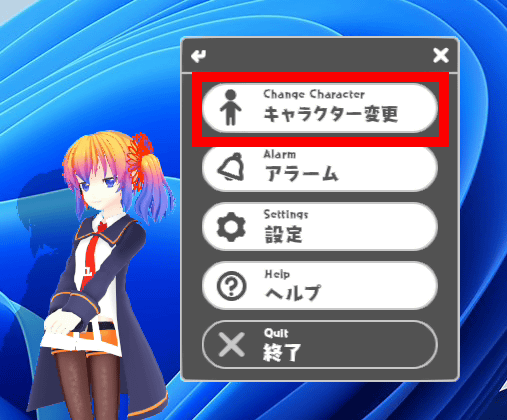
After purchasing the DLC, when you start Desktop Mate, the default character, Aiel-tan, will be displayed. Right-click Aiel-tan and click 'Change Character.'
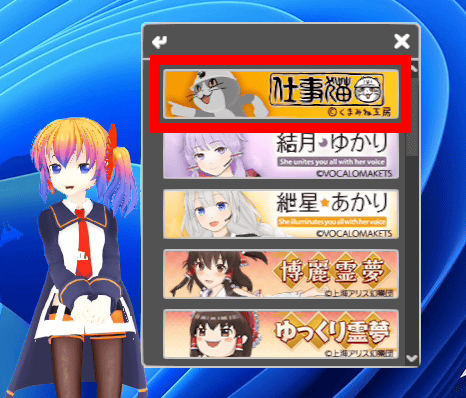
Click on Work Cat in the list of available characters.
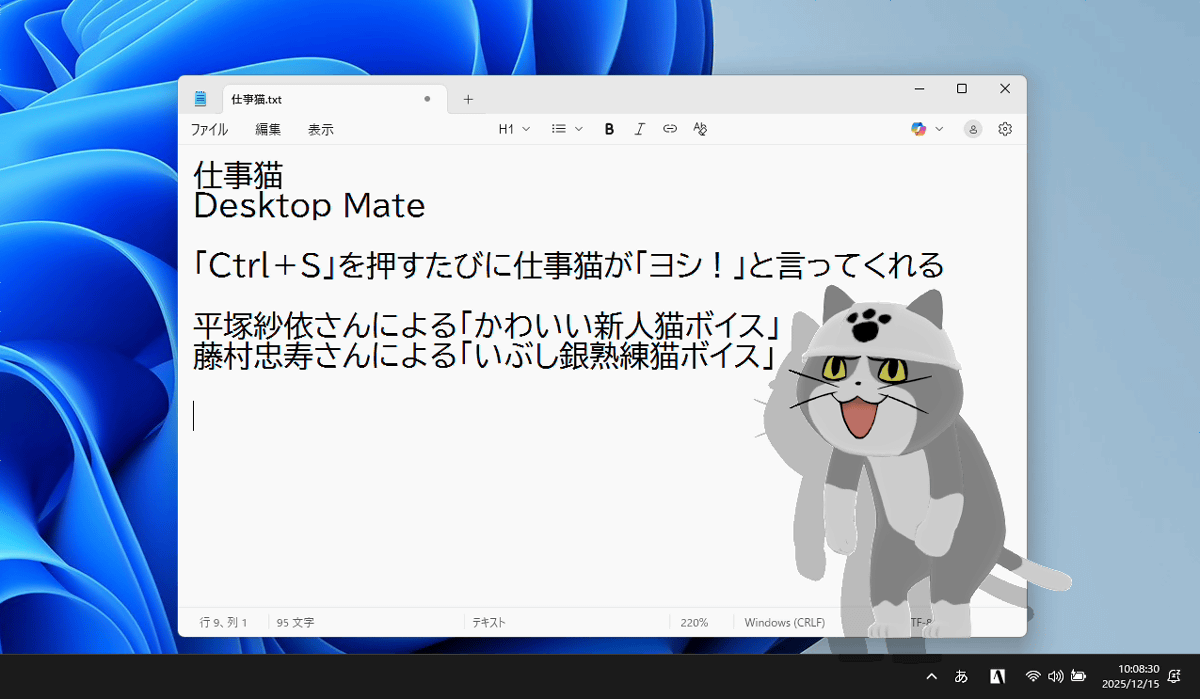
A work cat appeared on the screen.
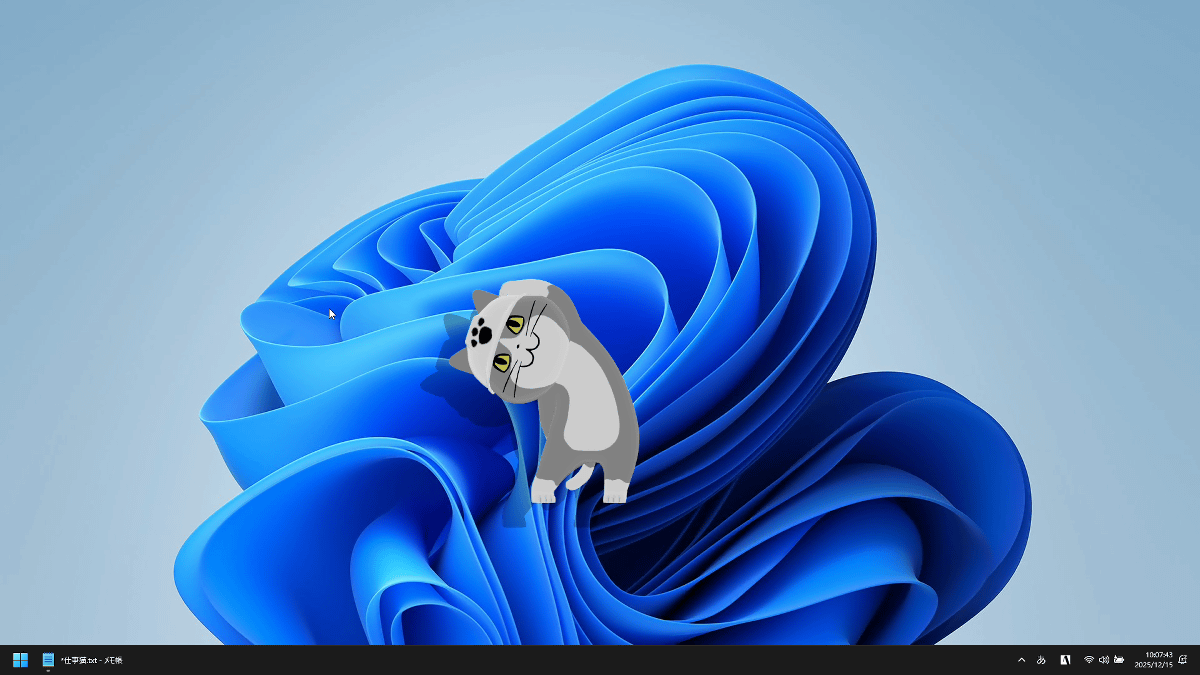
Work Cat is placed at the front of the screen and always appears in front of other apps. You can change the display position by dragging the mouse.
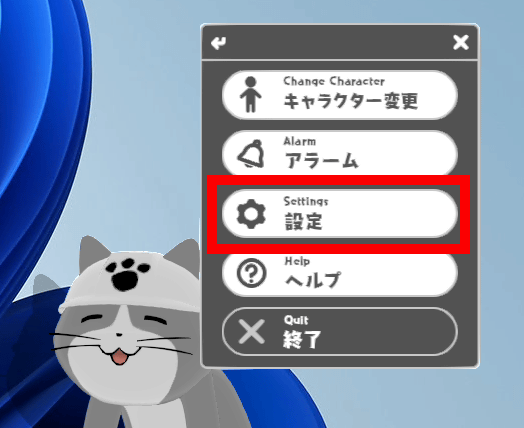
The size can be changed from the 'Settings' menu in the right-click menu.
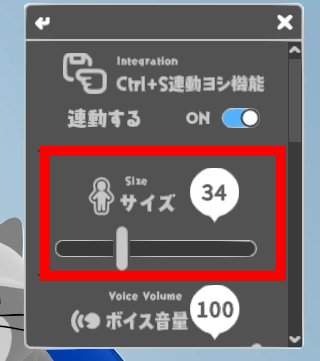
You can adjust the size in 100 steps from 1 to 100 by moving the 'Size' slider left and right.
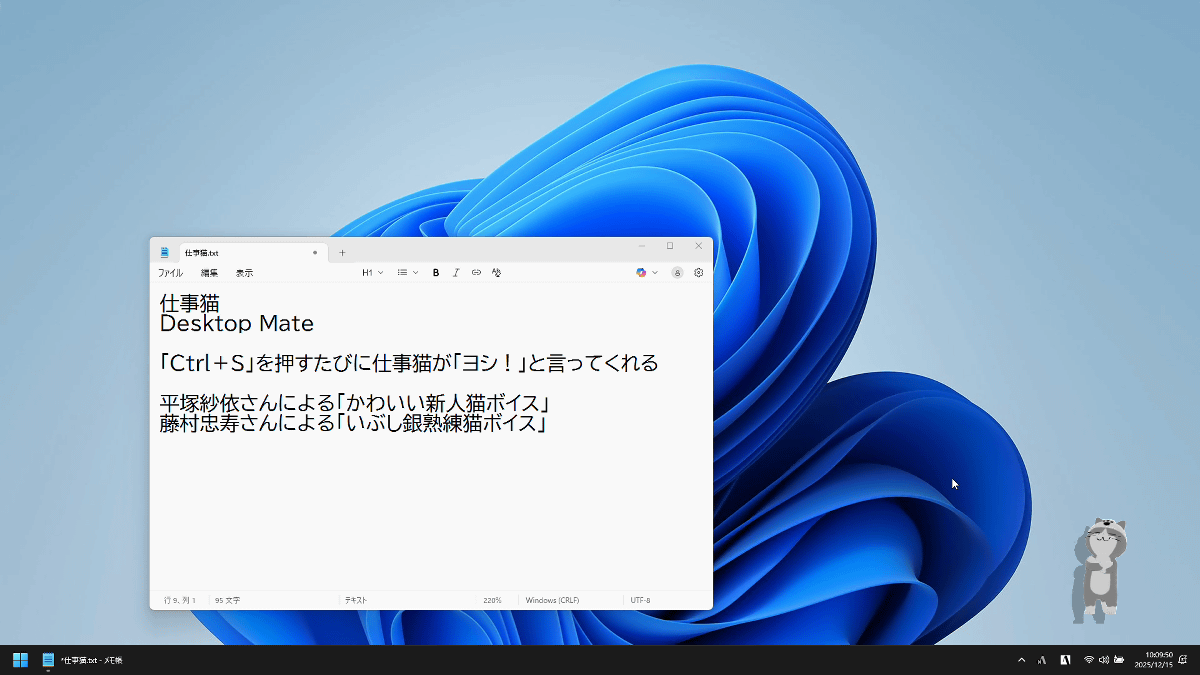
This is what it looks like in size 1. It looks small in the bottom right.
Size 50.
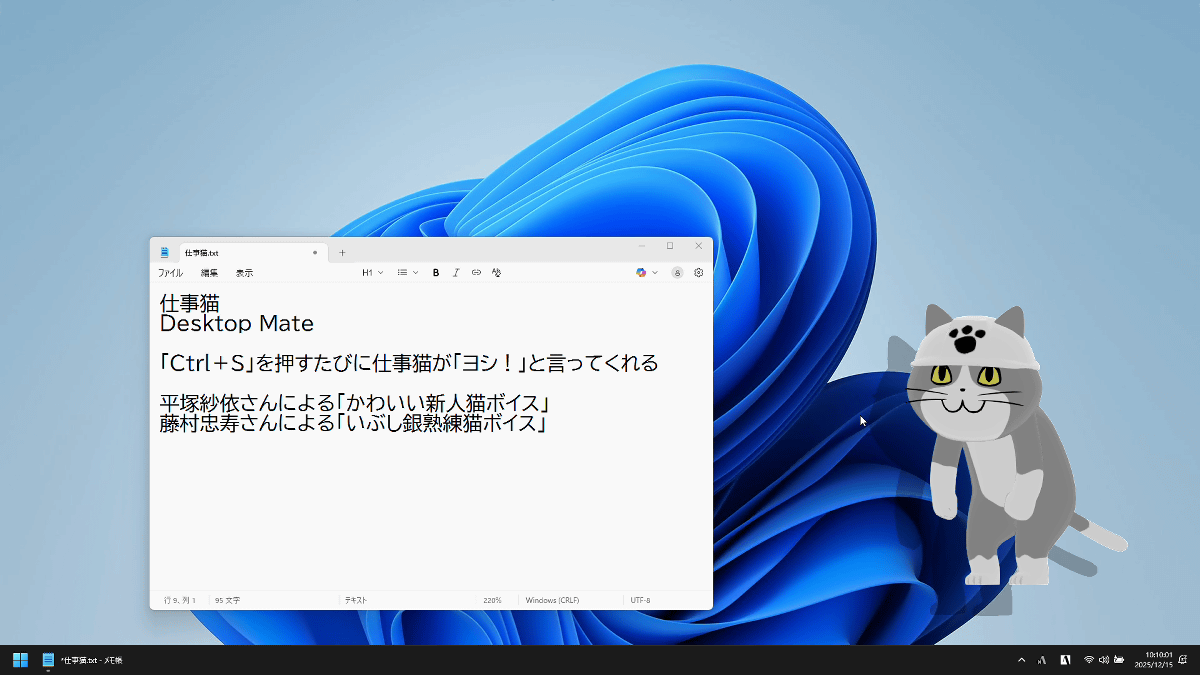
Size 100 is quite large.
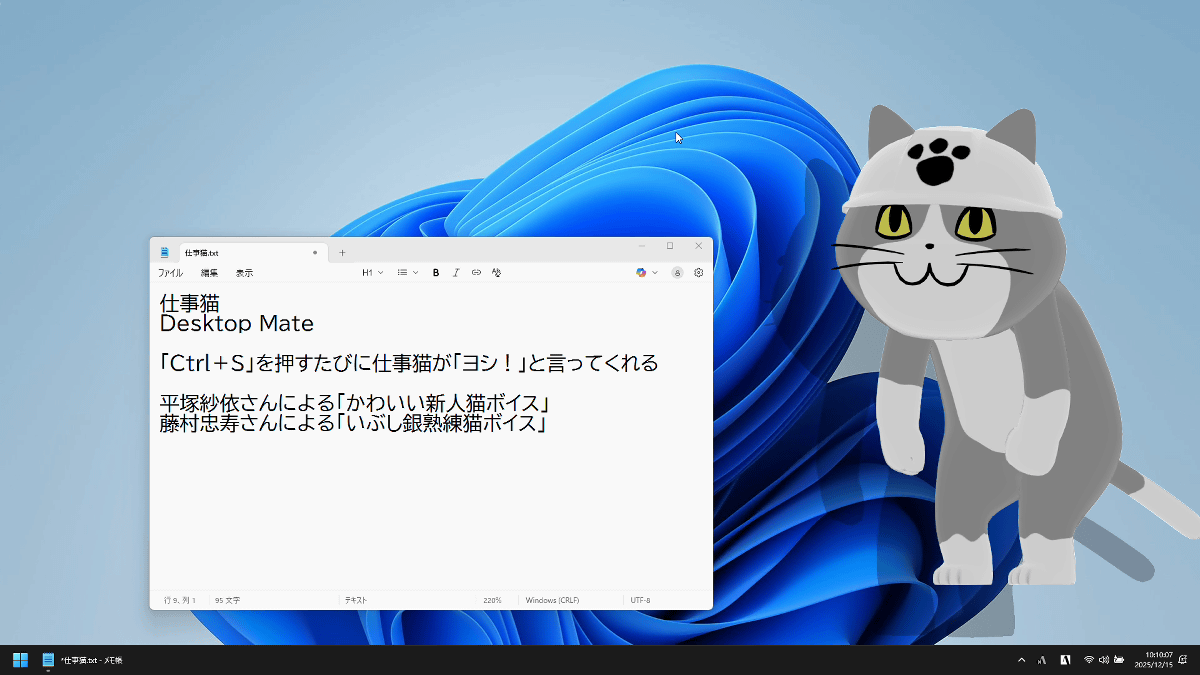
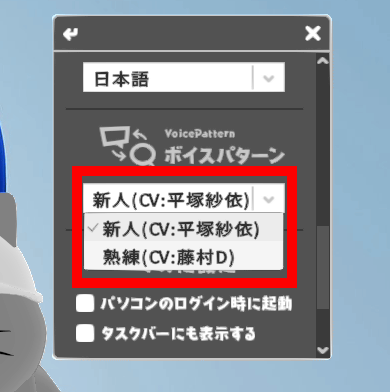
If you press 'Ctrl' and 'S' simultaneously while Work Cat is displayed, it will point and say 'OK!' Two voices are included: a 'cute new cat voice' by voice actress Sai Hiratsuka, and a 'seasoned, experienced cat voice' by Tadatsugu Fujimura, known as the chief director of 'Wednesday Downtown.' You can choose from the voice patterns on the settings screen.
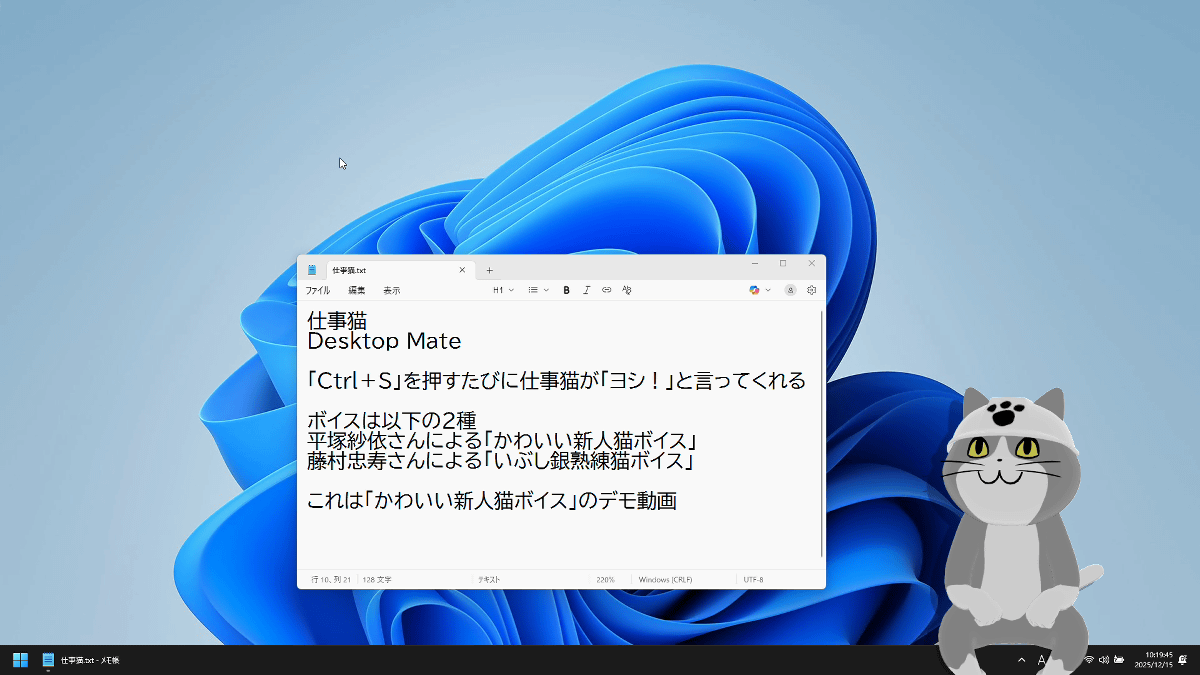
I recorded an example of 'OK!'. 'Ctrl+S' is registered as a shortcut key for overwriting in most apps, so it may be useful as a confirmation function for overwriting. However, Shigoto Neko only detects 'Ctrl+S' and says 'OK!', so it doesn't necessarily mean that the app you're working in is correctly overwriting and saving.
Work Cat responds to clicks and mouse drags with motions and voices. You can also have it sit on the taskbar or window title bar as shown below.
We recorded his reactions to the 'cute new cat voice.' When you pat him on the head, he repeatedly says 'Good! Good! Good! Good!' There are many other voices not included in the video, so please play around and find them.
This is what it sounds like with the 'seasoned, experienced cat voice.' It completely changes the impression.
Call the work cat to your PC! (Experienced cat voice) [Desktop Mate] - YouTube
It also has an alarm function, and when the set time comes, the working cat will appear, covering the entire screen, and let you know the time with motions and voice. The 'Cute New Cat Voice' alarm looks like this. There are multiple alarm reactions, some of which are listed below.
Work cat tells you the time (cute new cat voice) [Desktop Mate] - YouTube
The alarms with the 'seasoned, experienced cat voice' are as follows:
Work cat tells you the time (skilled cat voice) [Desktop Mate] - YouTube
Since Shigoto Neko constantly draws 3D models, it places a considerable load on the GPU. For reference, on a laptop equipped with an Intel Core i7-1065G7 , Desktop Mate's GPU usage was around 68%. It runs smoothly on a PC with a graphics card, but on a PC with only an iGPU, it may affect other tasks.

Desktop Mate itself is free, but the Desktop Mate Shigoto Neko DLC costs 2,200 yen.
Related Posts: