A video demonstrating in slow motion that an iPhone keyboard bug can't be typed properly has been viewed over 1.3 million times
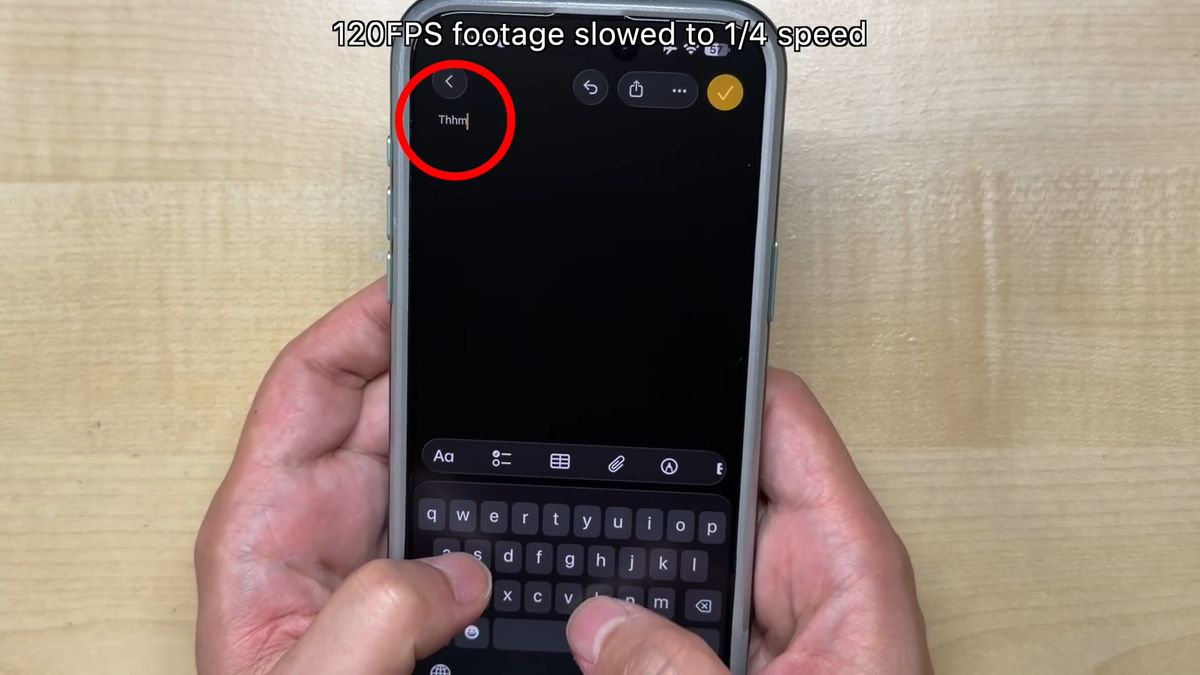
While iPhones allow users to type the alphabet using the keyboard, some users have reported an increase in typos after an iOS update in late 2025. A video demonstrating this behavior in slow motion was posted to YouTube, and has garnered over 1.3 million views at the time of writing.
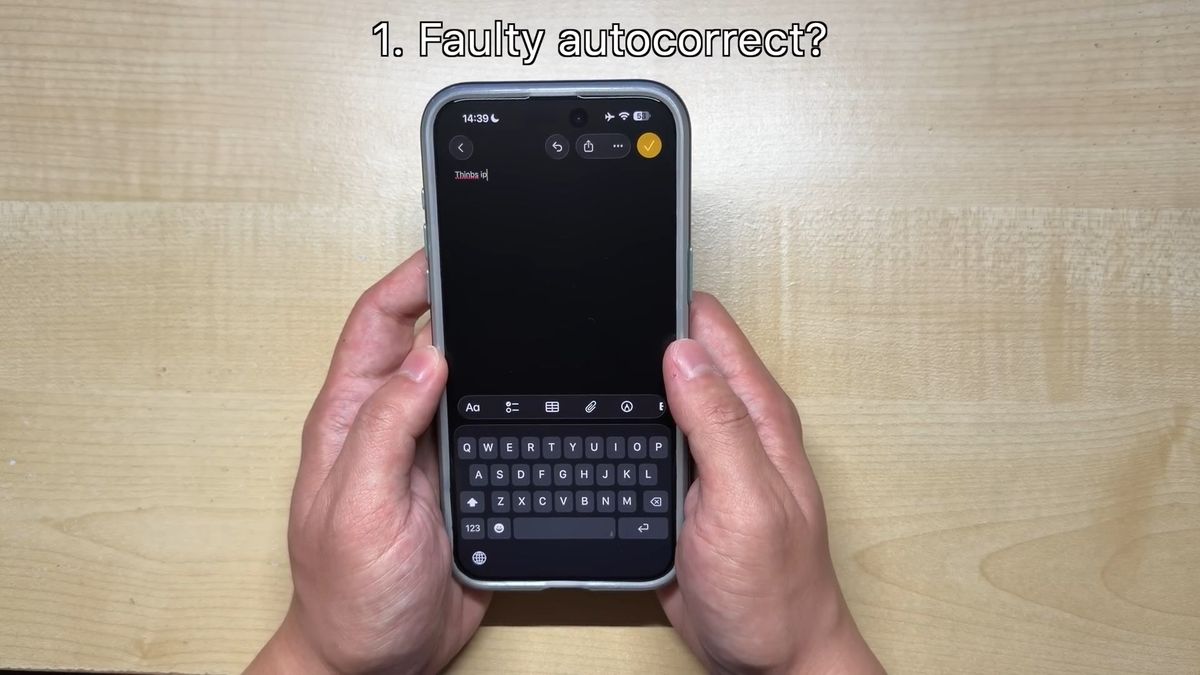
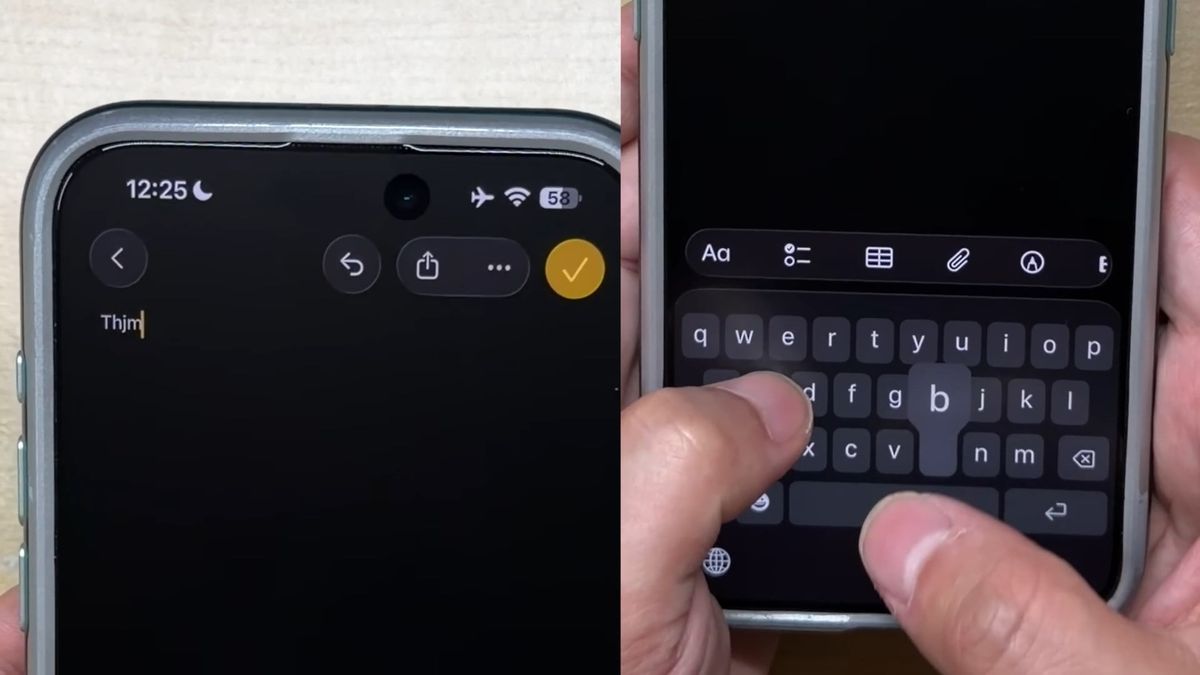
Some iPhone users are noticing an increase in typos after the recent iOS 26 update. Video creator Michi NekoMichi tried typing the word 'Thumbs up' several times, and each time he made a spelling mistake.
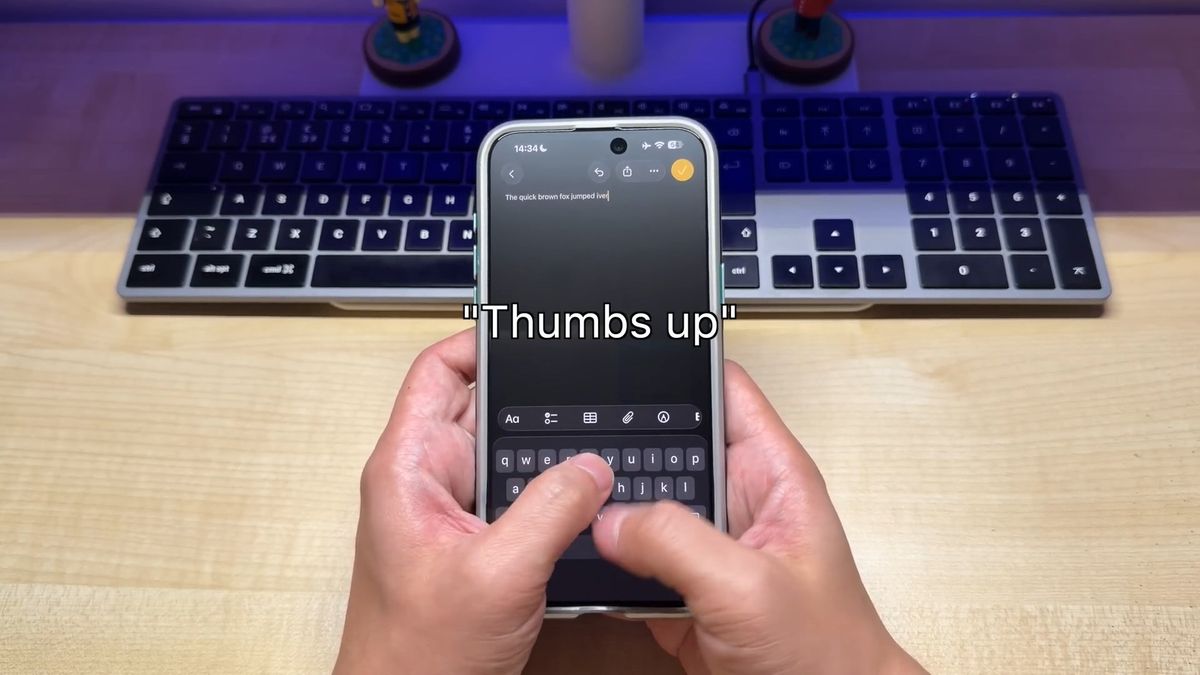
So Michi decided to film himself typing in slow motion to see what bugs were occurring. The slow motion video was recorded at 120 FPS and played back at a quarter speed.
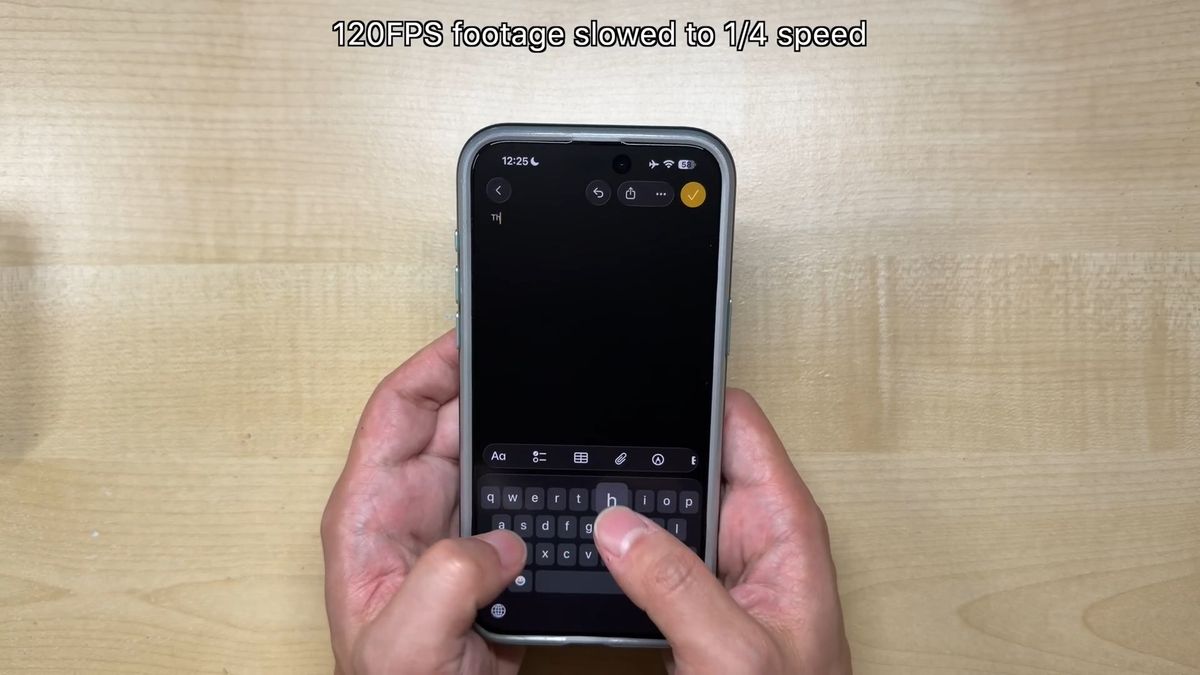
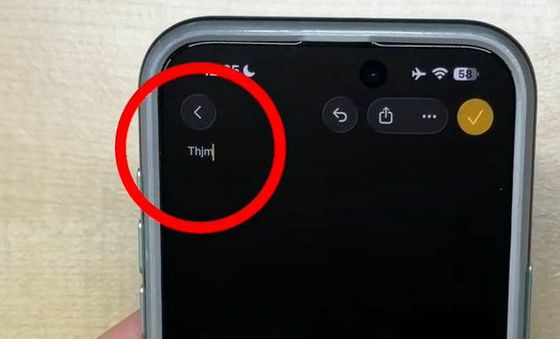
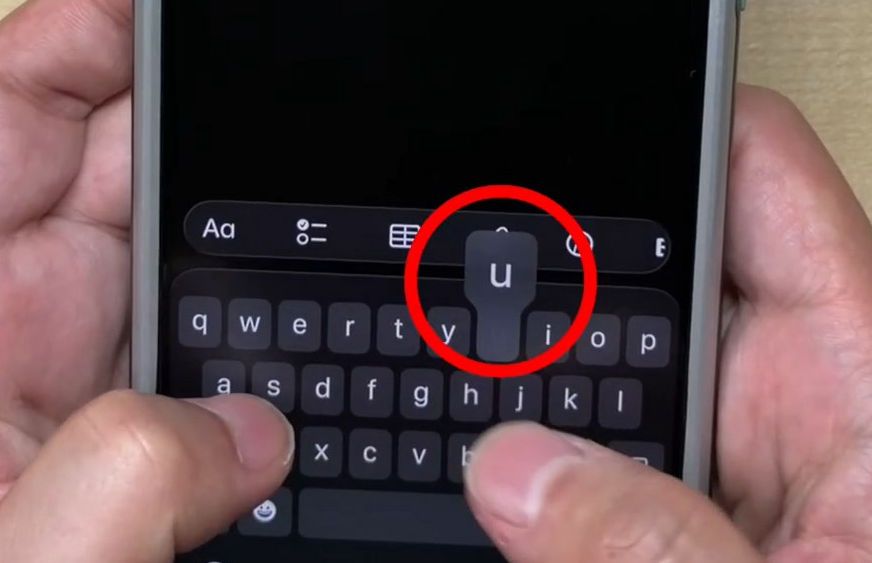
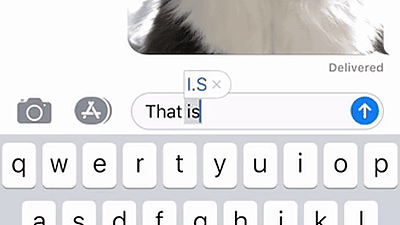
The first two letters, 'Th,' were entered correctly, but the problem occurred when I typed the third letter, 'u.' The 'u' was highlighted on the keyboard, and it appeared as if the input was recognized normally.
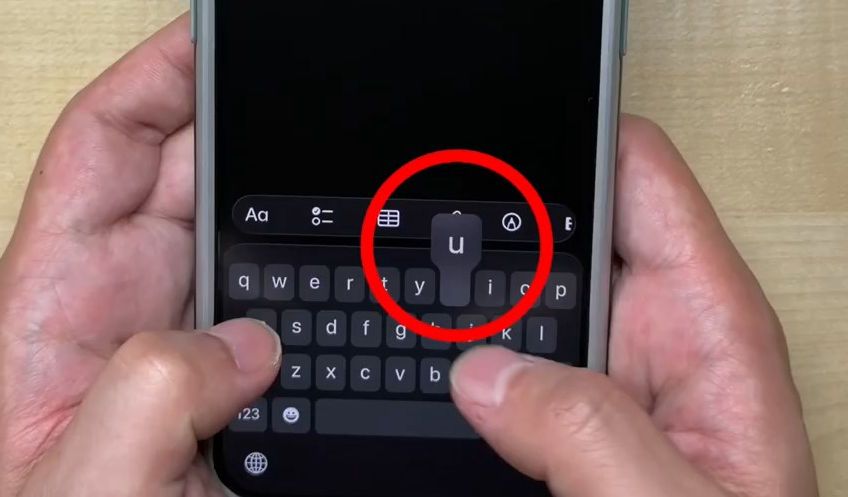
However, the final character entered was 'j' instead of 'u.' This type of typo occurs frequently on iOS keyboards.
Another way to type this is to highlight the 'u' on the keyboard.
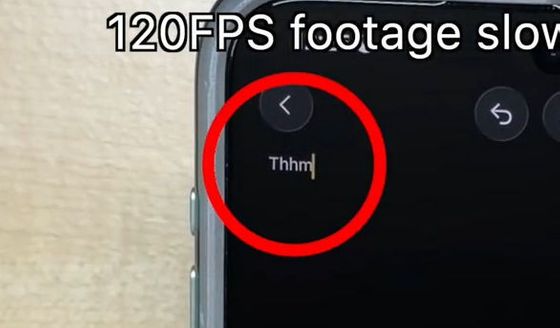
However, what was actually typed was an 'h' instead of a 'u.'
Also, I've had issues with typing 'n' even though 'm' is clearly highlighted on the keyboard.
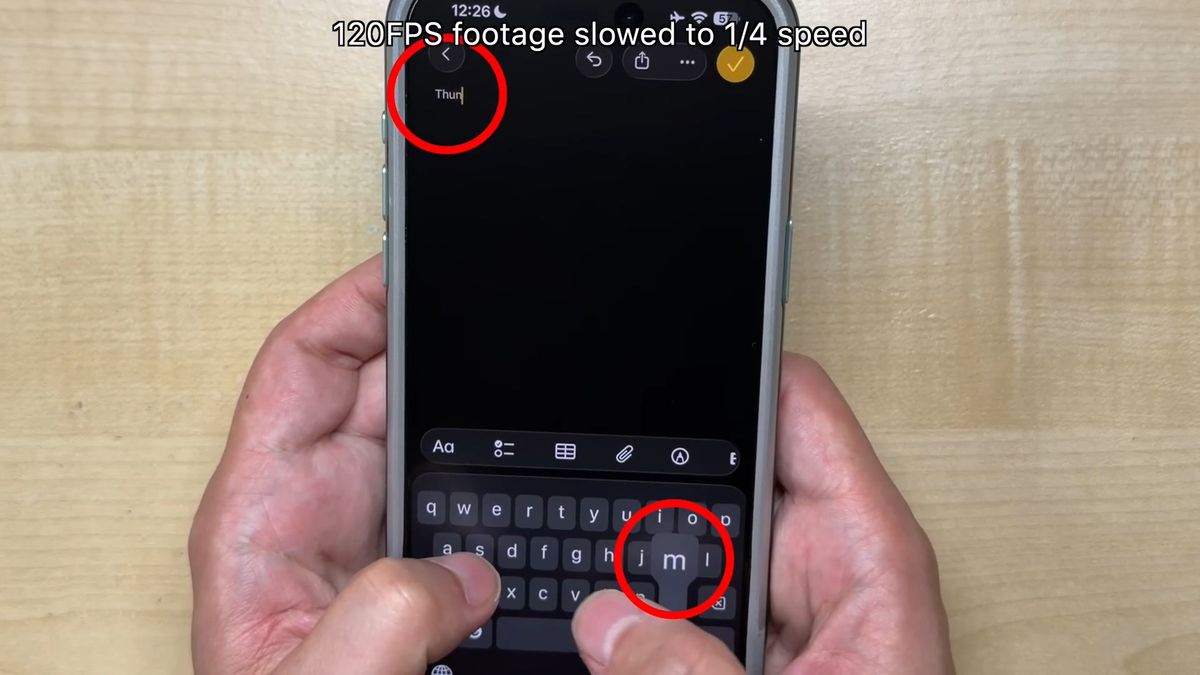
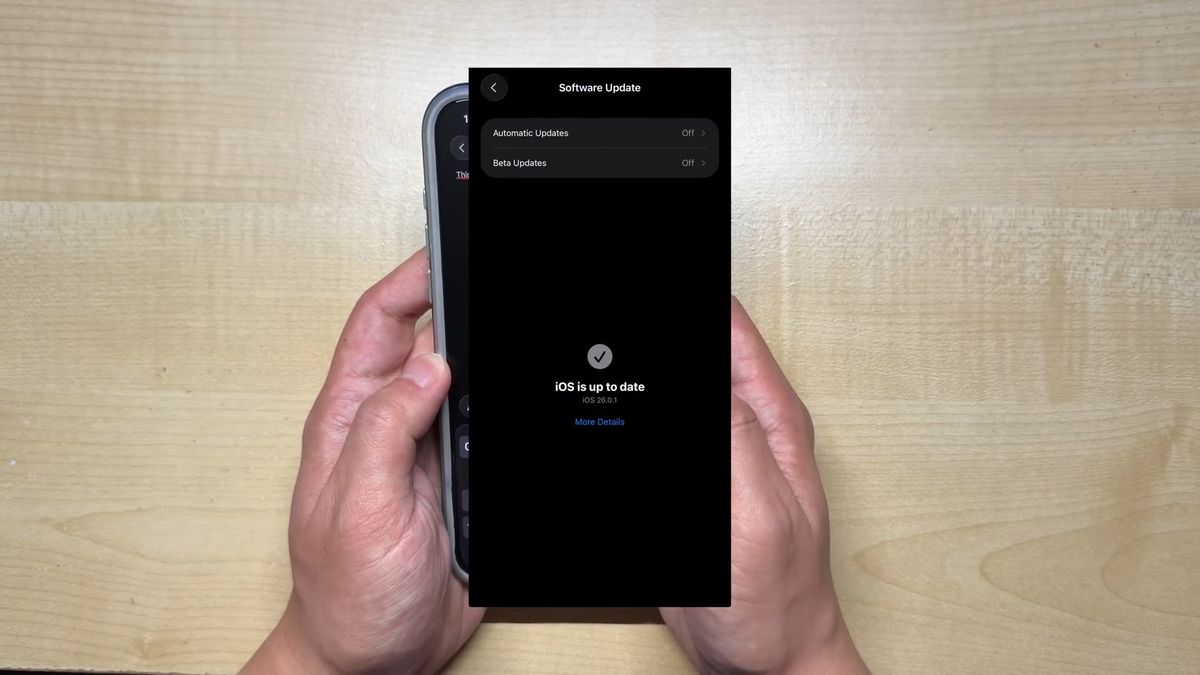
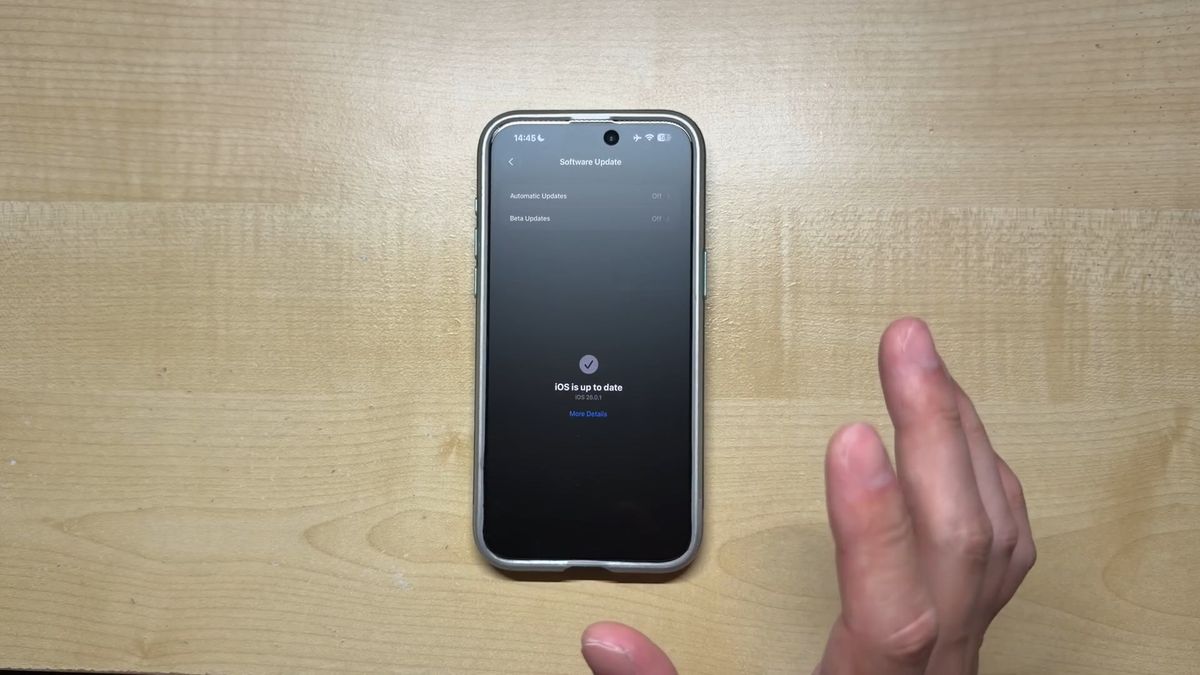
This issue is not device-specific and can be reproduced on multiple iPhones running iOS 26, and has also been reported in the past on iOS 18.
There are two theories as to why these iOS keyboard typos occur. The first is that there is a problem with the auto-correction feature in iOS.
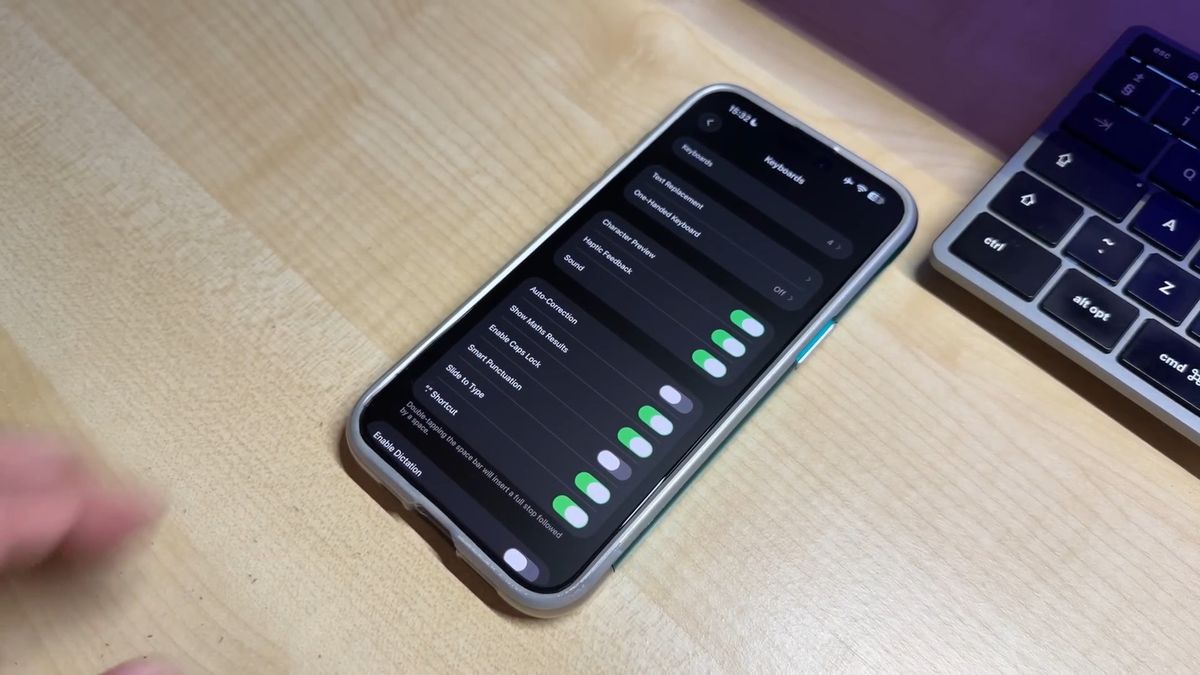
However, Michi points out that this theory is unlikely because typos still occur even when the autocorrect feature is turned off, and the autocorrect feature only works when you press the space bar after typing a word.
The second theory is that there is a problem with the keyboard's hit detection.
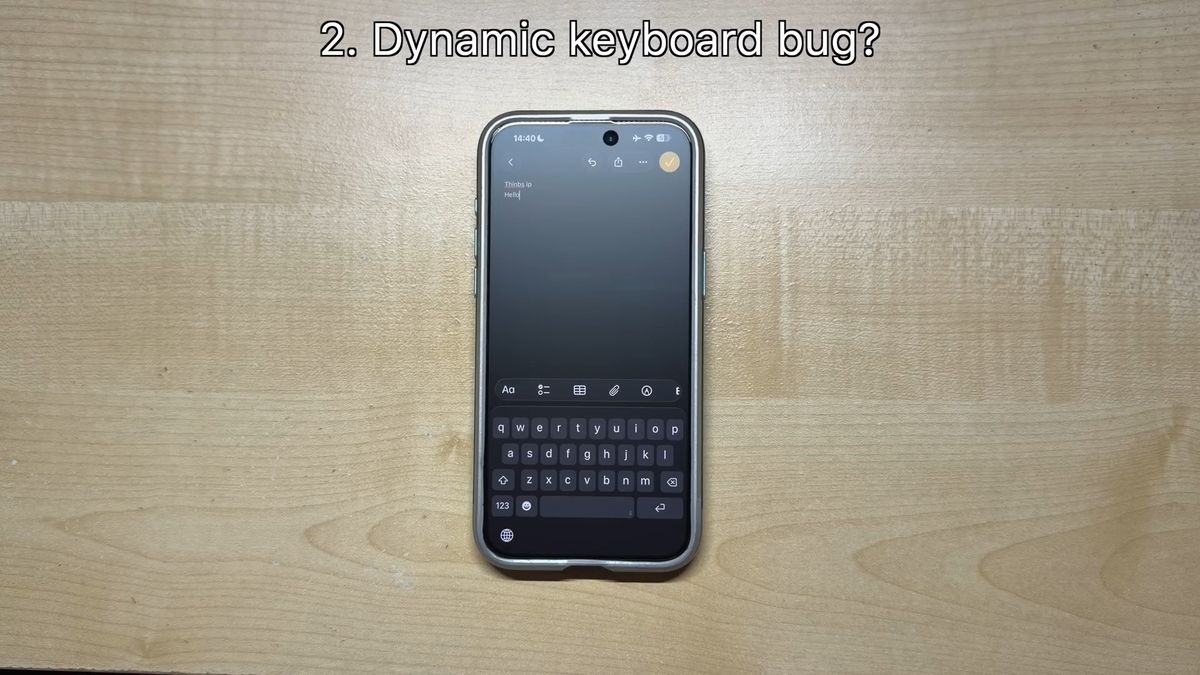
iOS dynamically adjusts the hit detection for each key on the keyboard, and there are issues with this feature that could lead to typos.
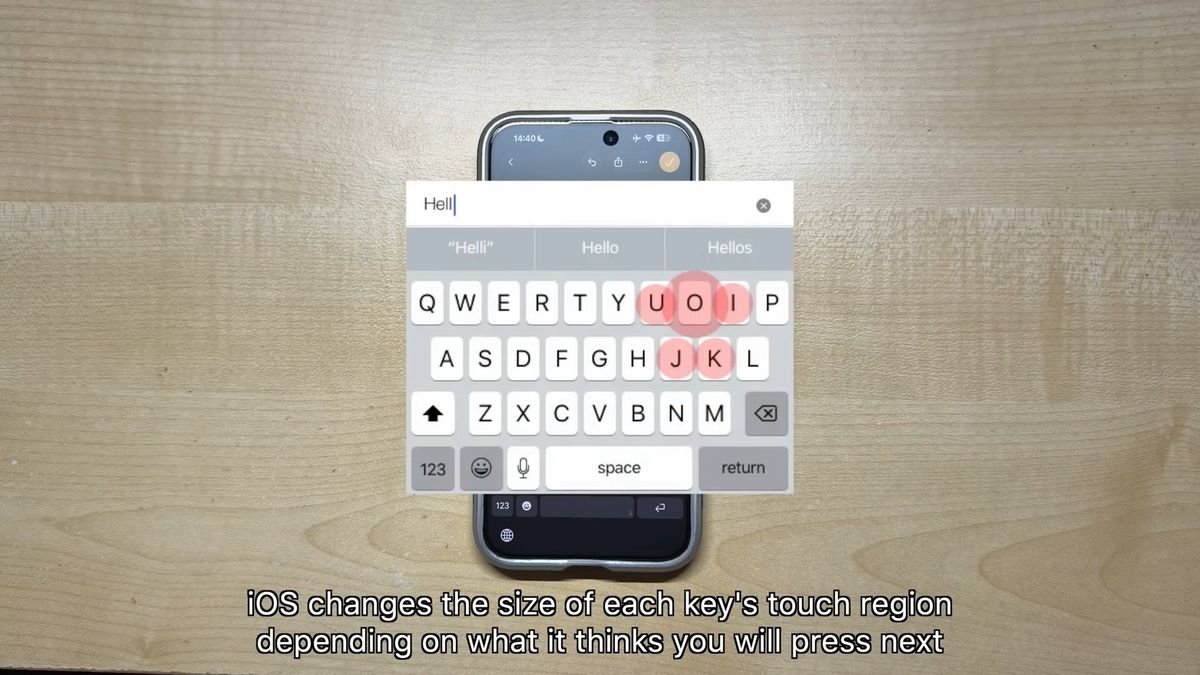
However, as we saw in slow motion, the on-screen UI animation shows that the correct keys are being recognized, yet the characters being typed are different, suggesting that the problem isn't with the key's hit detection.
Michi pointed out that the iPhone keyboard issue is likely due to iOS itself, so users are unlikely to be able to fix it by adjusting the settings. 'So it's not your fault if you say the wrong words,' he said.
Related Posts:




in Video, Software, Smartphone, Posted by log1h_ik