Microsoft has removed the command to create a local account when installing Windows 11, making a Microsoft account and internet connection mandatory from now on
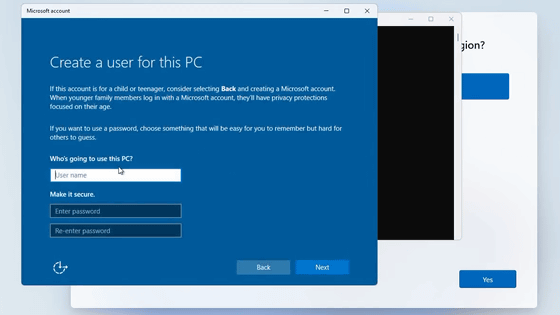
Microsoft has announced the release of Windows 11 Insider Preview Build 26120.6772 (KB5065797) to the Windows Insider Beta Channel. It has been revealed that this build will remove the command that allows you to create a local account during Windows 11 installation.
Announcing Windows 11 Insider Preview Build 26120.6772 (Beta Channel) | Windows Insider Blog
https://blogs.windows.com/windows-insider/2025/10/06/announcing-windows-11-insider-preview-build-26120-6772-beta-channel/
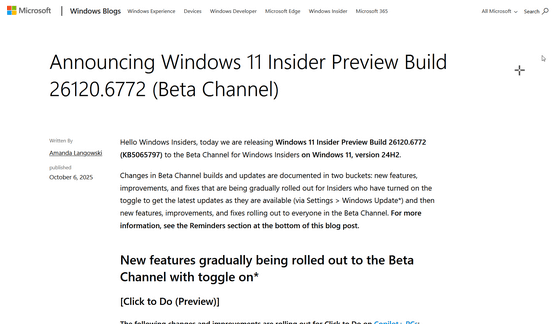
Microsoft is plugging more holes that let you use Windows 11 without an online account | The Verge
https://www.theverge.com/news/793579/microsoft-windows-11-local-account-bypass-workaround-changes
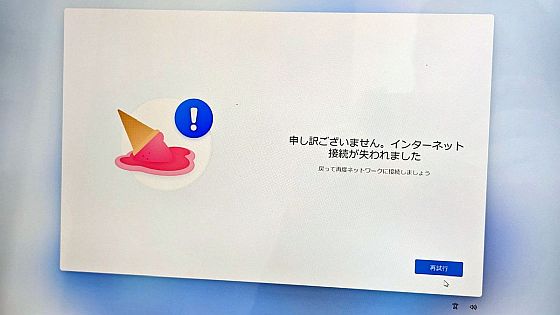
When setting up a new version of Windows 11 , you must be connected to the Internet and sign in to a Microsoft account. However, there have been many attempts to circumvent this and set up a local account, and the game of cat and mouse has continued.
A trick to skip creating a Microsoft account during Windows 11 setup has been fixed, but there's another workaround - GIGAZINE
In March 2025, a trick was discovered that allowed users to set up the computer without signing in to a Microsoft account by entering 'start ms-cxh:localonly' in the command prompt on the setup screen, which would open a dialog box for creating a local account.
Improved bypass for Windows 11 OOBE:
— WitherOrNot (@witherornot1337) March 29, 2025
1. Shift-F10
2. start ms-cxh:localonly
Only required on Home and Pro editions. pic.twitter.com/ZUa89ZPBI3
However, with this build, you will no longer be able to use 'start ms-cxh:localonly' to skip the Microsoft account sign-in.
'We are removing known mechanisms for creating local accounts during the Windows Setup Experience (OOBE). These mechanisms were commonly used to circumvent Microsoft account setup, but could also inadvertently skip important setup screens, potentially causing users to exit OOBE without a fully configured device,' Microsoft said. 'To ensure their device is set up properly, users must complete OOBE with an internet connection and a Microsoft account.'
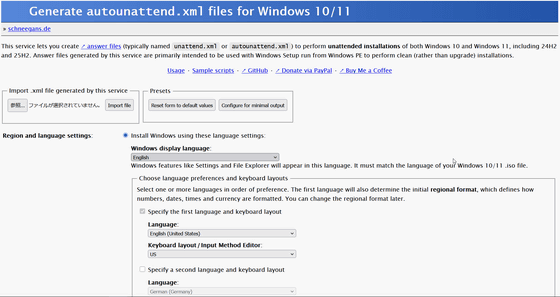
For a clean installation, instead of entering commands, you can create an installation USB drive in the correct way and then place the answer file autounattend.xml, which is used to perform an unattended installation, directly on the USB drive to avoid having to sign in to a Microsoft account. You can customize autounattend.xml at the following website.
Generate autounattend.xml files for Windows 10/11
https://schneegans.de/windows/unattend-generator/
Related Posts: