'NitroQR' lets you embed an entire image into a QR code for free
NitroQR - Free Embedded Image QR Generation | Branded QR Codes
https://nitroqr.com/
Beyond the Logo: How We're Weaving Full Images Inside QR Codes
https://blog.nitroqr.com/beyond-the-logo-how-were-weaving-full-images-inside-qr-codes
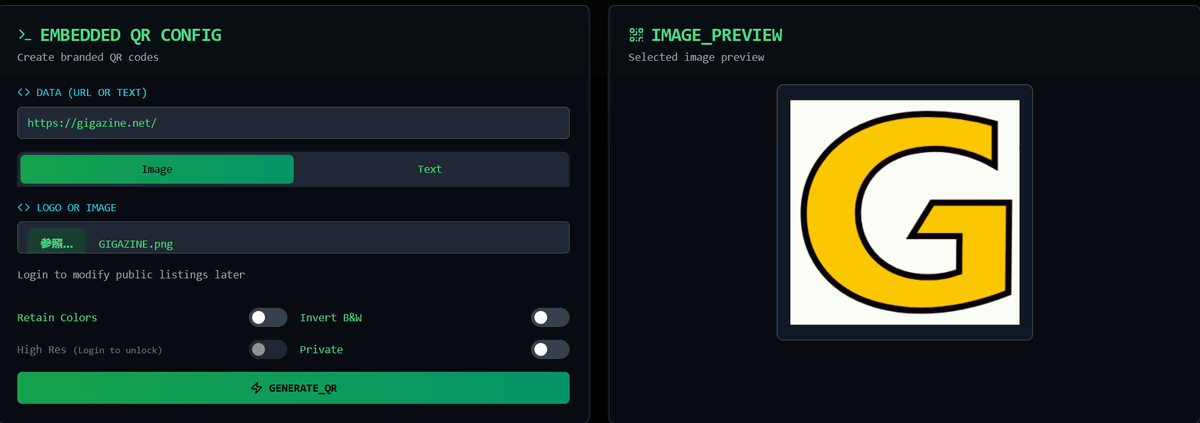
Once you access NitroQR, first enter the URL you want to turn into a QR code.
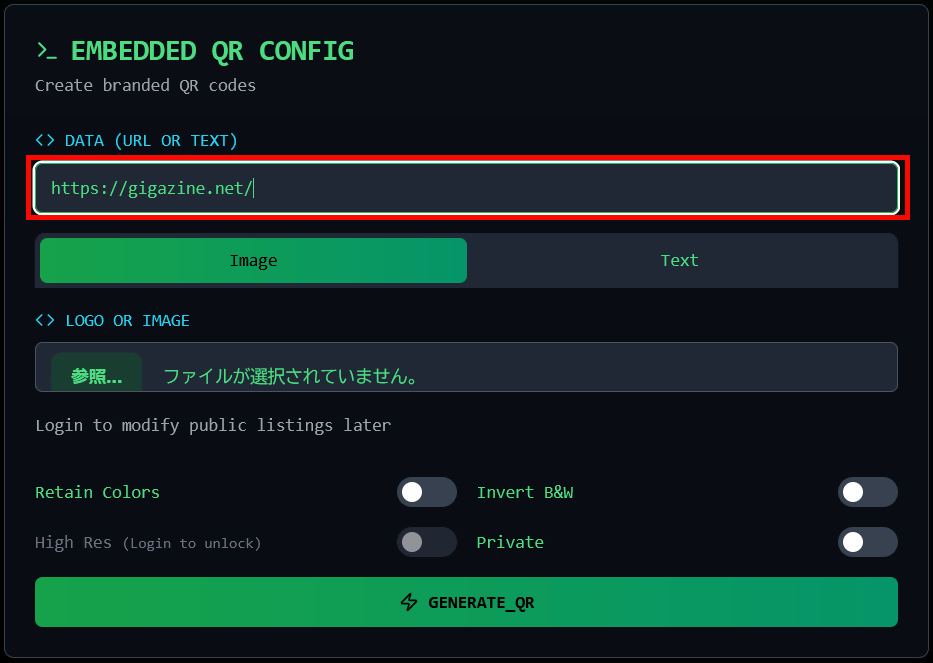
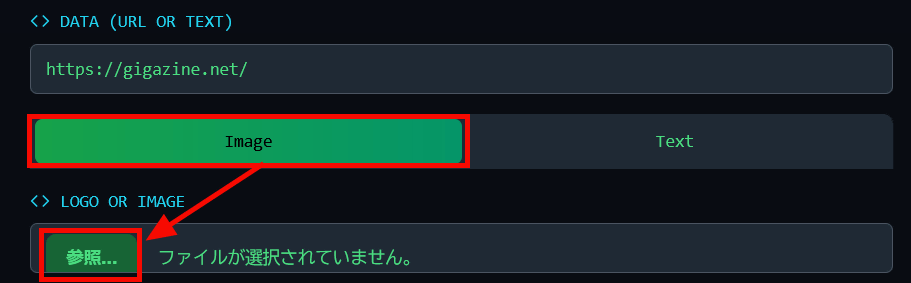
Select 'Image' and click 'Browse'.
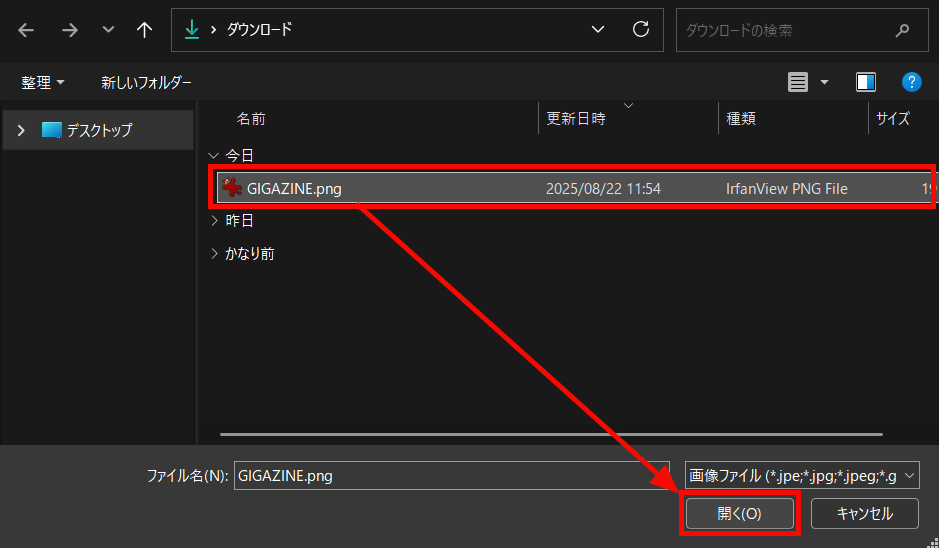
Select the image and click 'Open.'
The image has been added to the preview on the right.
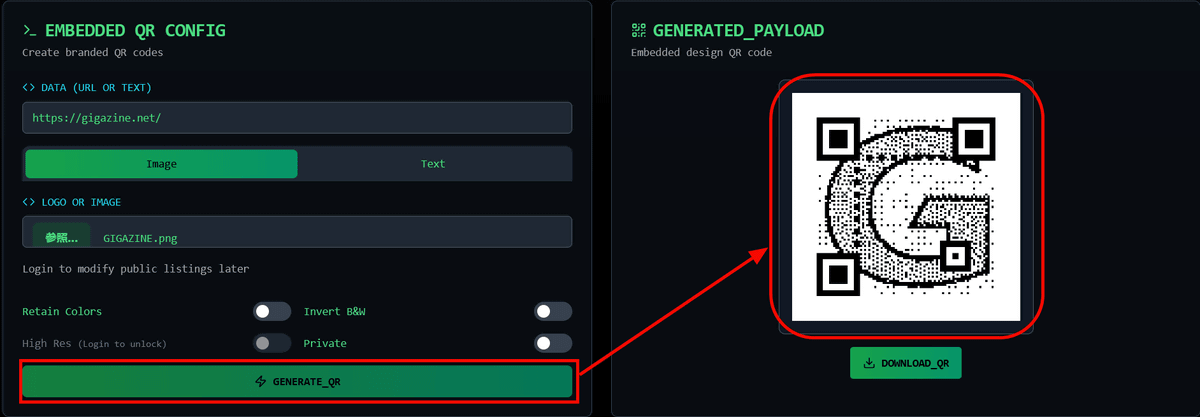
Clicking 'GENERATE_QR' generates a code that combines the uploaded image and QR code.
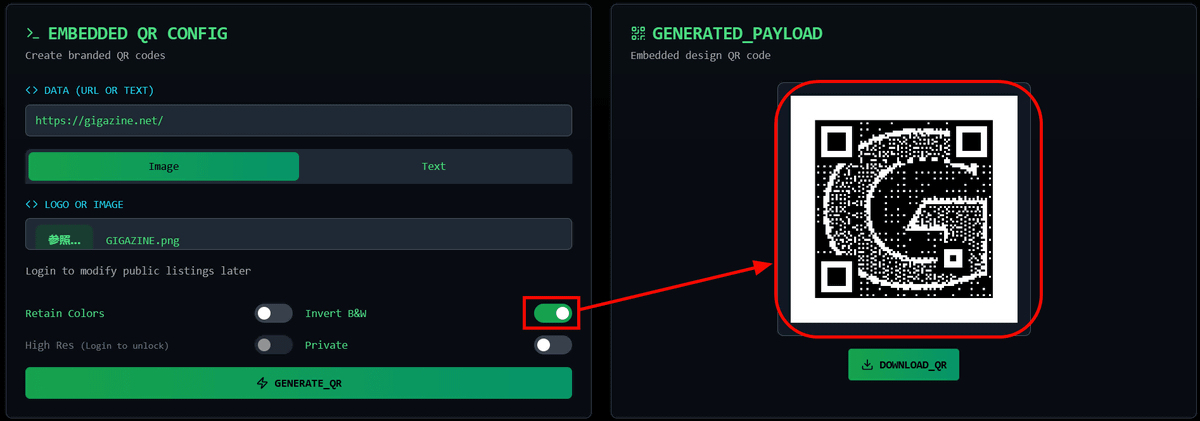
Click the 'Invert B&W' toggle switch to invert black and white.
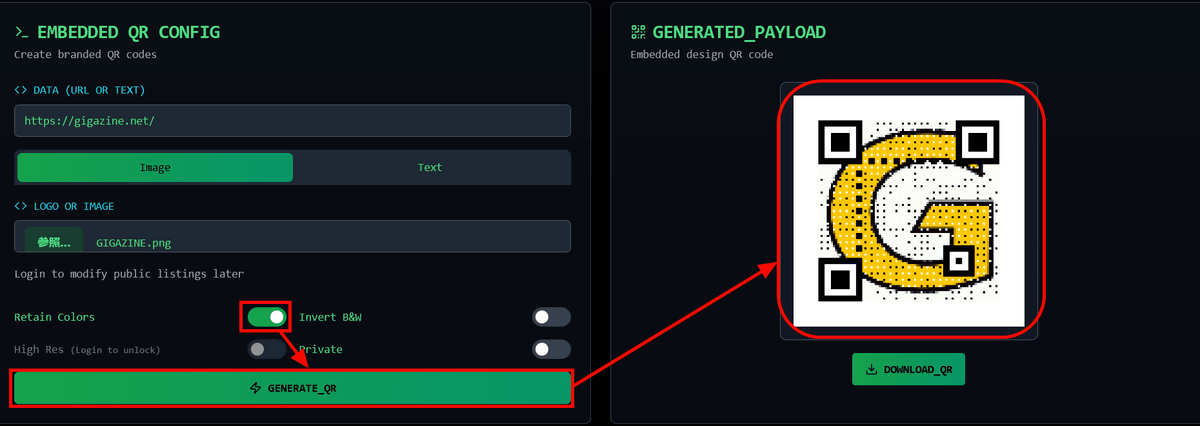
Toggle on 'Retain Colors' and click 'GENERATE_QR' to change the QR code from monochrome to color.
Click 'DOWNLOAD_QR' to save the QR code.
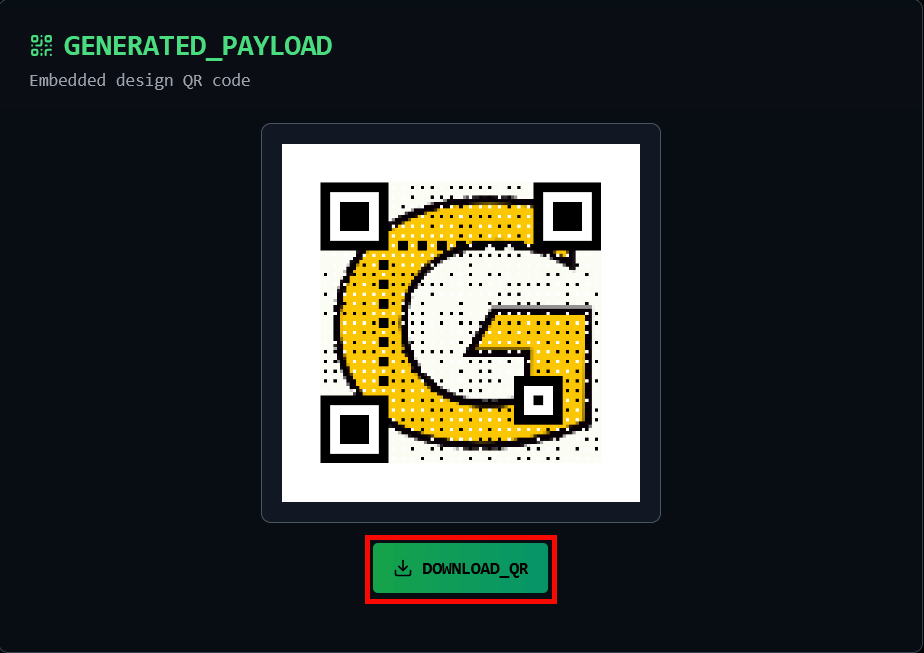
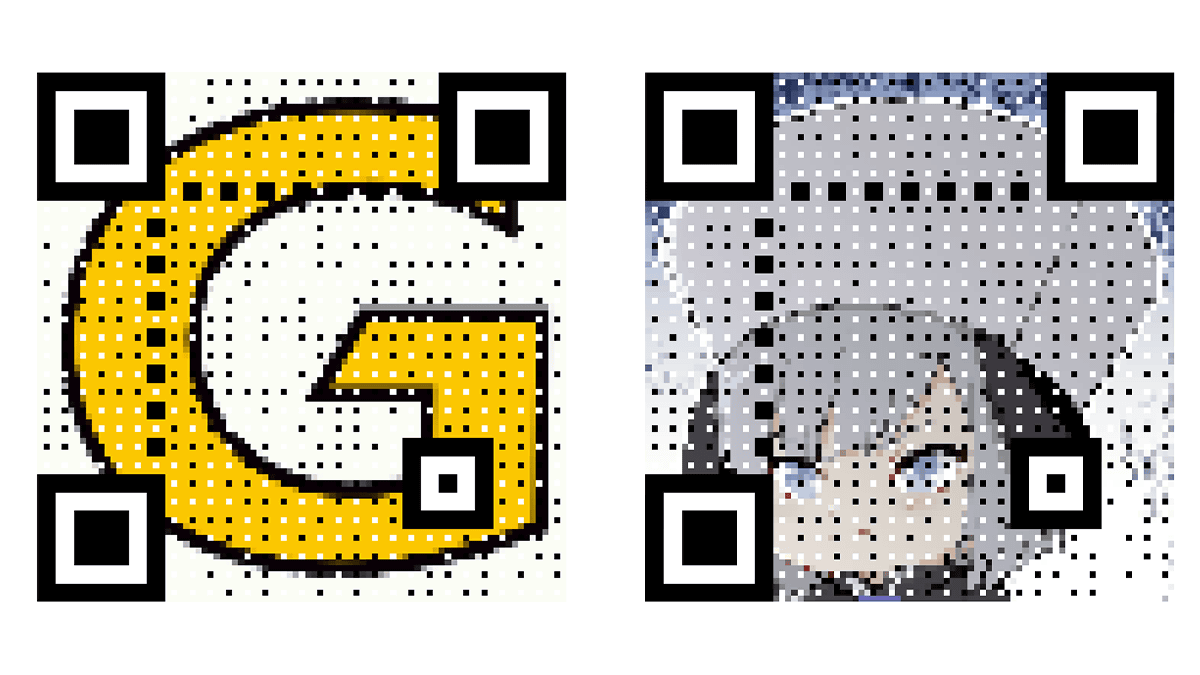
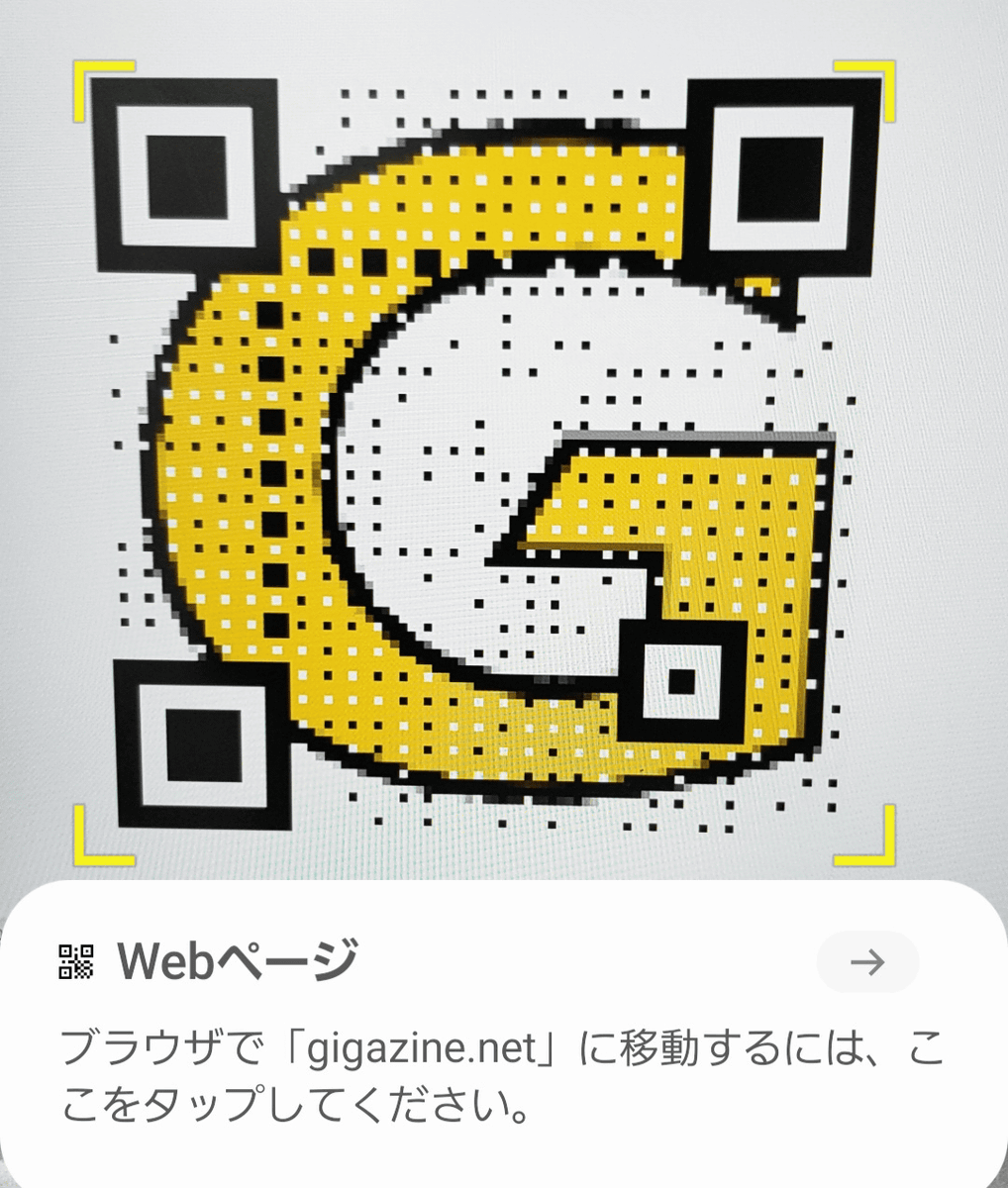
When I actually scanned the QR code with my smartphone, I was able to access the URL without any problems.
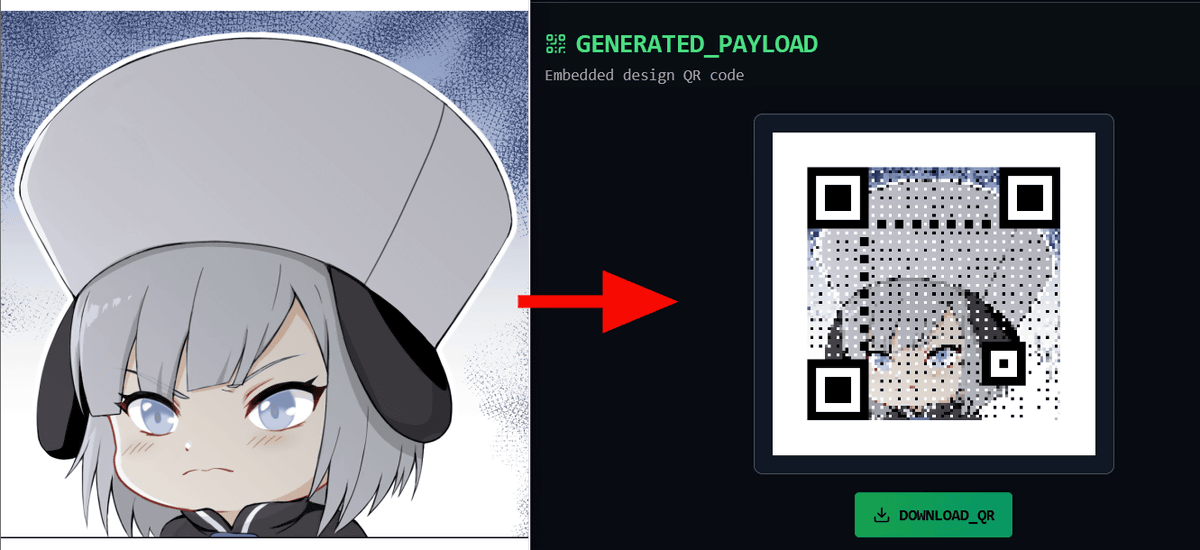
I also tried creating a QR code using a character image instead of a logo, and it looked like this:
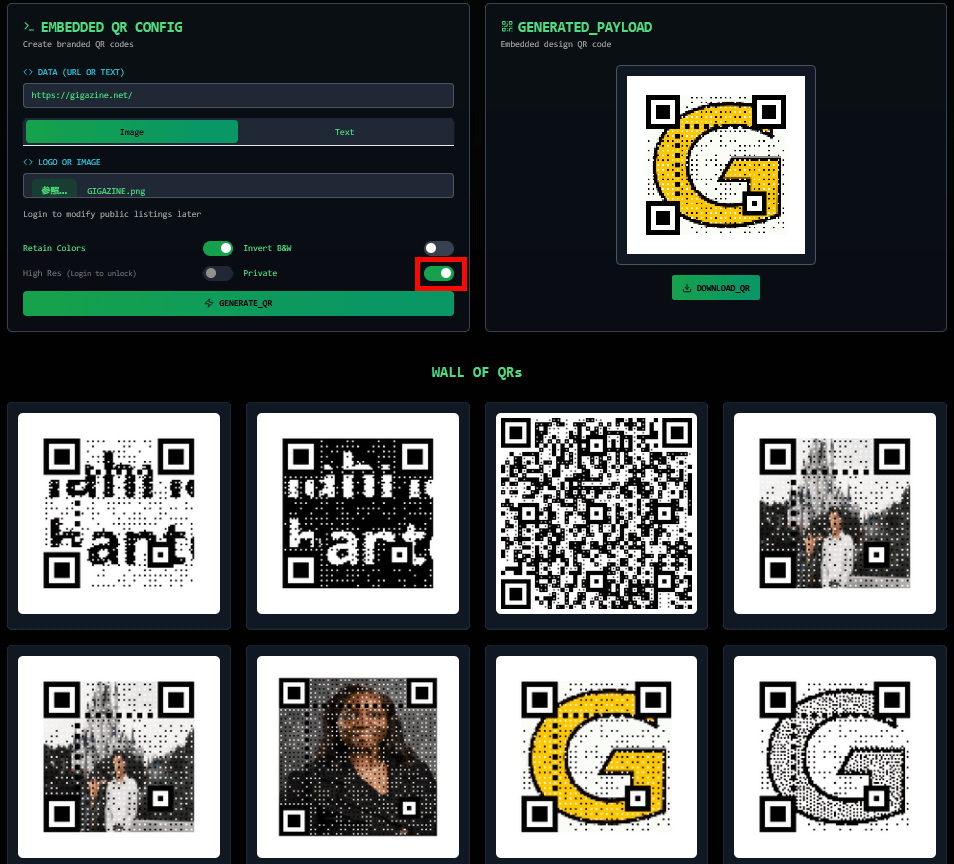
The QR code you create will be shared on the NitroQR website. If you turn on the 'Private' toggle switch, you can create a QR code without sharing it.
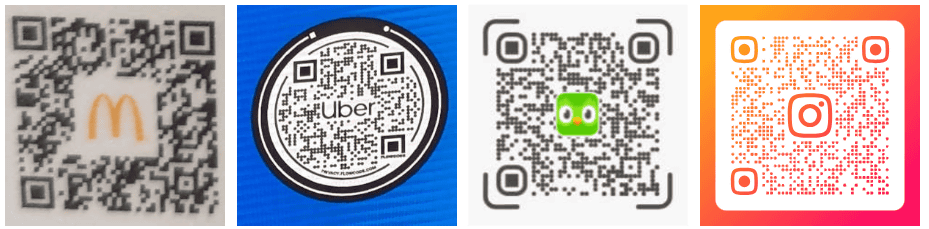
According to Anant Bhasin, who created NitroQR, by incorporating images into the structure of the QR code's data module itself, the image is not simply behind the QR code, but is incorporated as an integral part of the QR code's structure. By creating a unique QR code design, it is expected to have the effect of visually arranging the design of the entire advertisement or portfolio, and increasing its appeal by incorporating images tailored to marketing.
According to programmer
QR codes have three large square 'finder patterns' in three of their four corners, an 'alignment pattern' in the remaining corners that is used to correct distortion, a 'timing pattern' in the form of alternating strips of black and white pixels, and 'format information' that contains information about the mask pattern and error correction rate used by the QR code. The following article summarizes how these work.
How to read QR codes manually - GIGAZINE
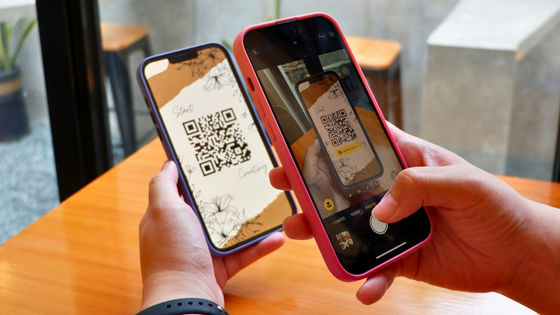
By using this QR code mechanism, you can not only incorporate images into QR codes, but also create codes that do not look like QR codes at first glance.
Related Posts:
in Web Service, Review, Posted by log1e_dh