'Time Station Emulator' allows you to synchronize radio clocks on your smartphone or tablet for free
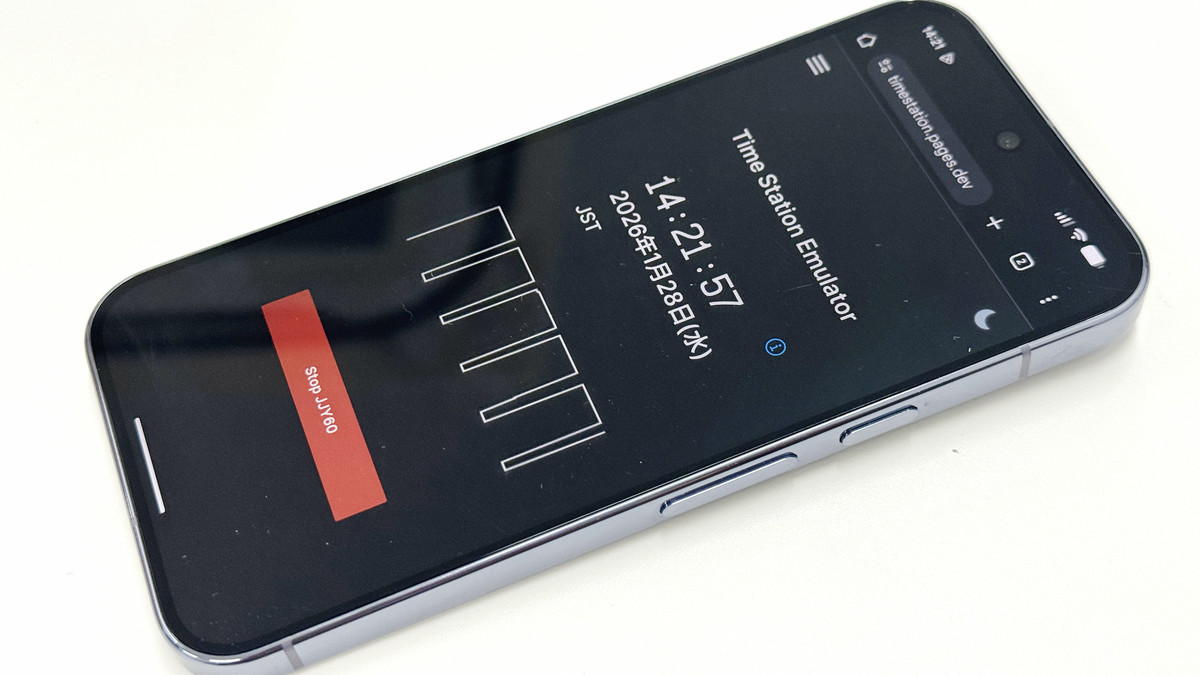
Radio-controlled clocks can automatically adjust the time and calendar by receiving standard radio waves. However, radio-controlled clocks do not always receive radio waves, and depending on the environment, they may not be able to receive standard radio waves, leaving them unable to be adjusted. Time Station Emulator is a web app that allows you to set such clocks even in places or situations where an appropriate signal is not available.
kangtastic/timestation: Synchronize most radio-controlled ('atomic') clocks and watches using almost any phone or tablet
Time Station Emulator uses a Network Time Protocol (NTP)-like algorithm to obtain the current time from the network. It emulates Japan's standard time signal JYY , as well as WWVB (USA), DCF77 (Germany), MSF (UK), and BPC (China). WWVB, DCF77, and MSF can also transmit daylight saving time information and support leap seconds. Time Station Emulator runs entirely within your browser, requiring no installation or user registration. No data is collected.
The Time Station Emulator is hosted on the following page and is available for free. However, please note that it does not work on Safari for iOS or Firefox for Android.
Time Station Emulator
https://timestation.pages.dev/
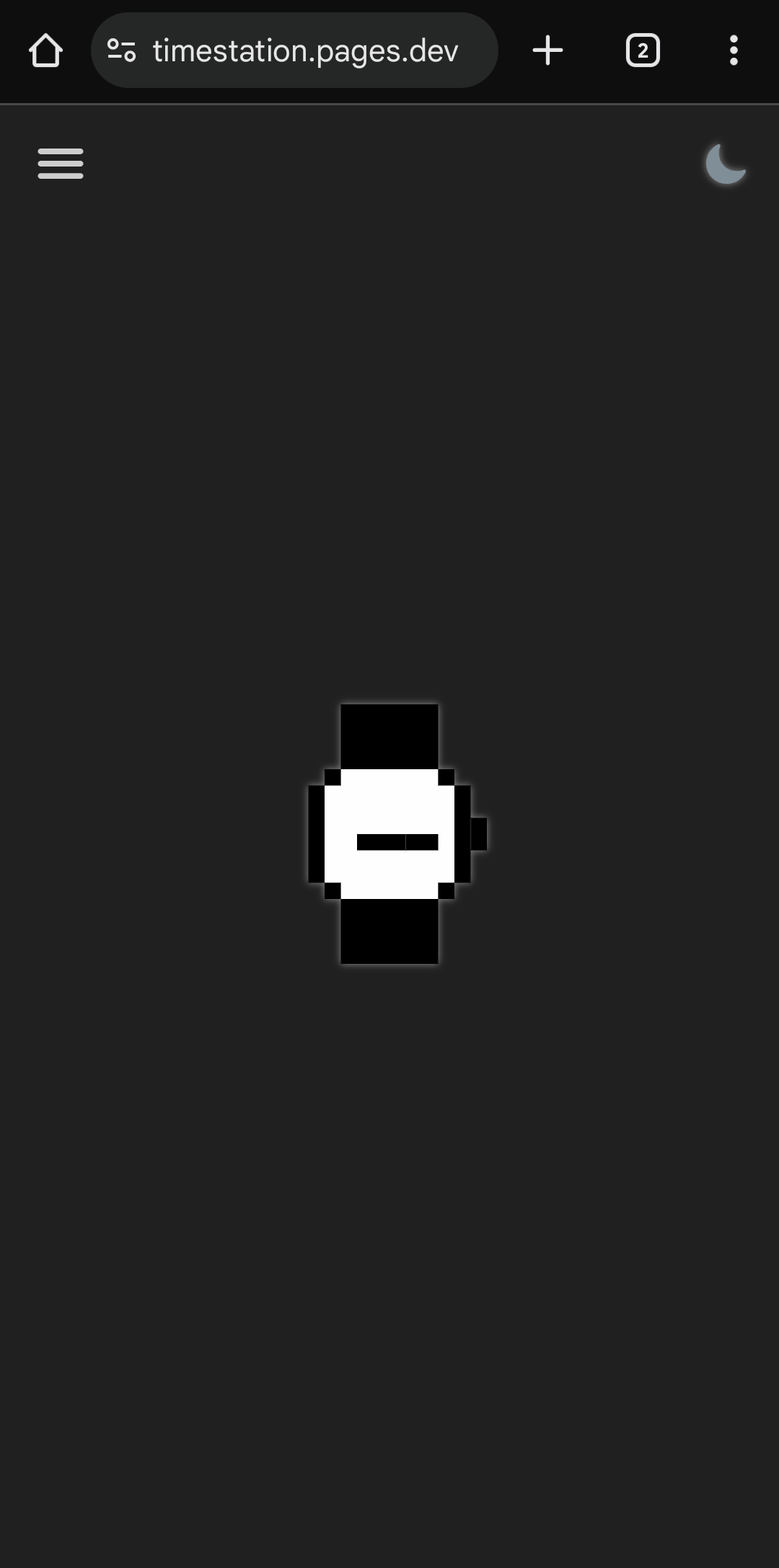
This time I tried accessing it from Chrome on Android. A clock icon appears and loading begins.
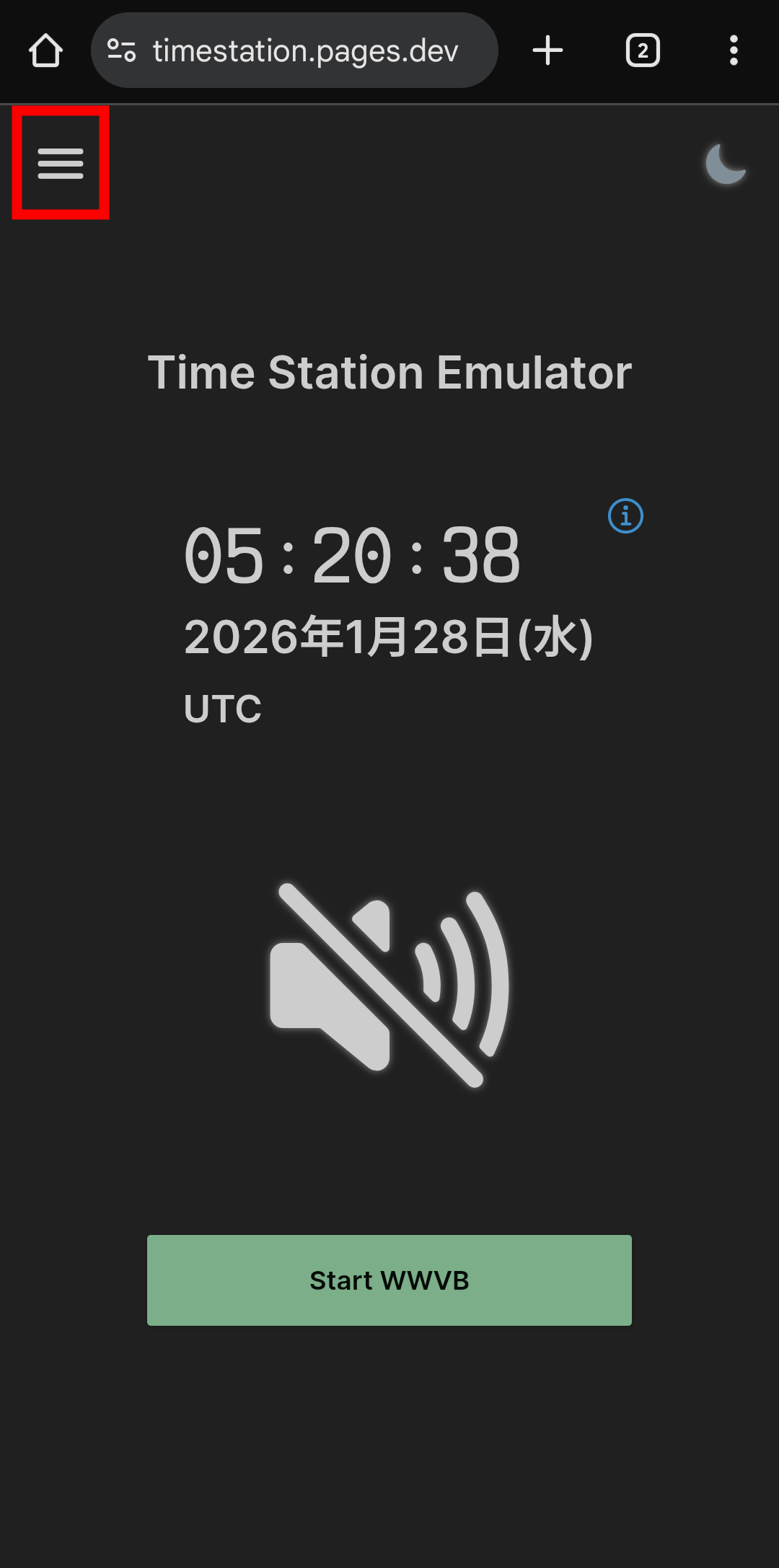
The time synchronization is complete. However, by default it is set to UTC (Coordinated Universal Time), so you need to change it to Japan time. Tap the hamburger icon in the upper left.
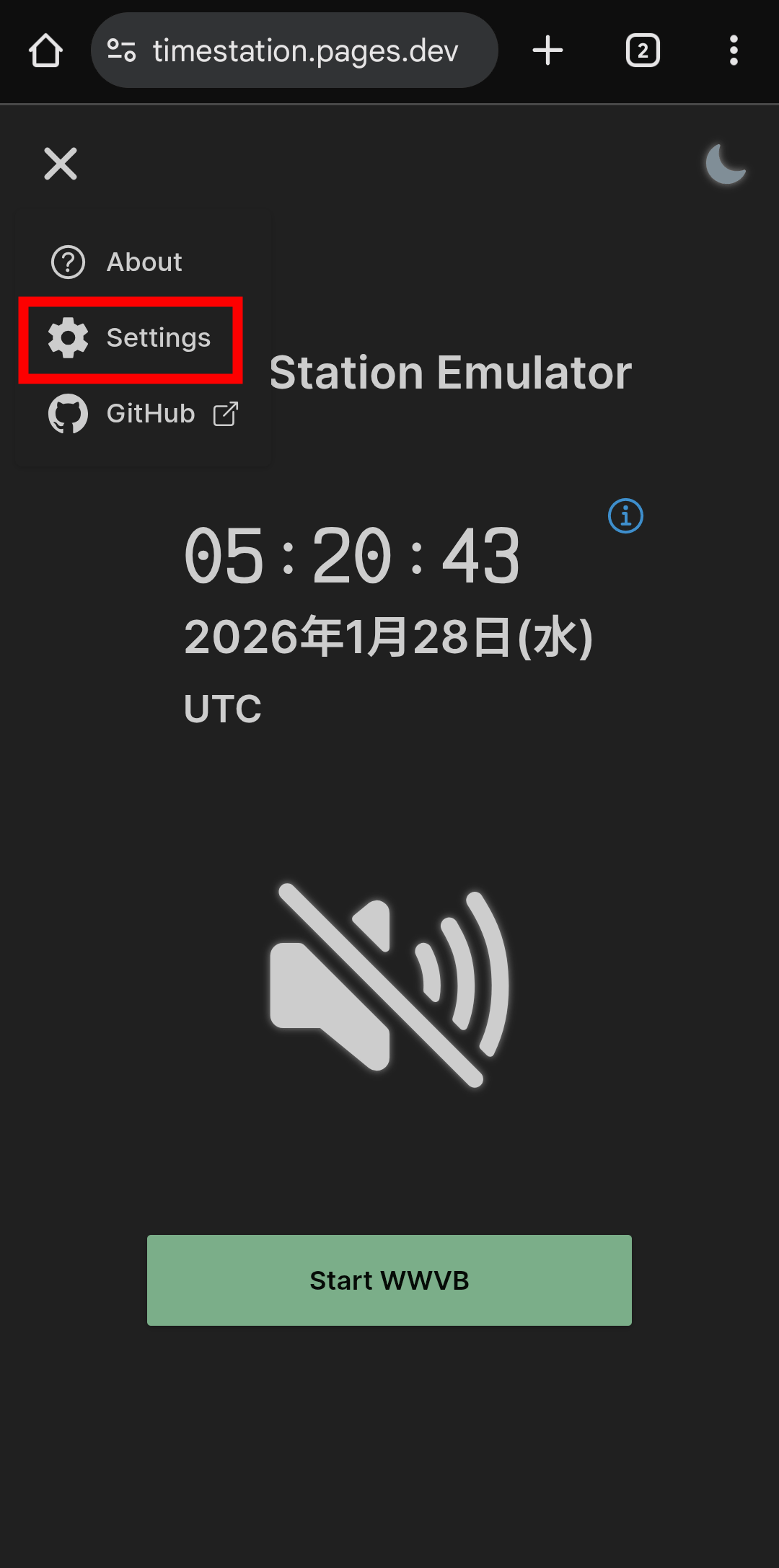
Select 'Settings'.
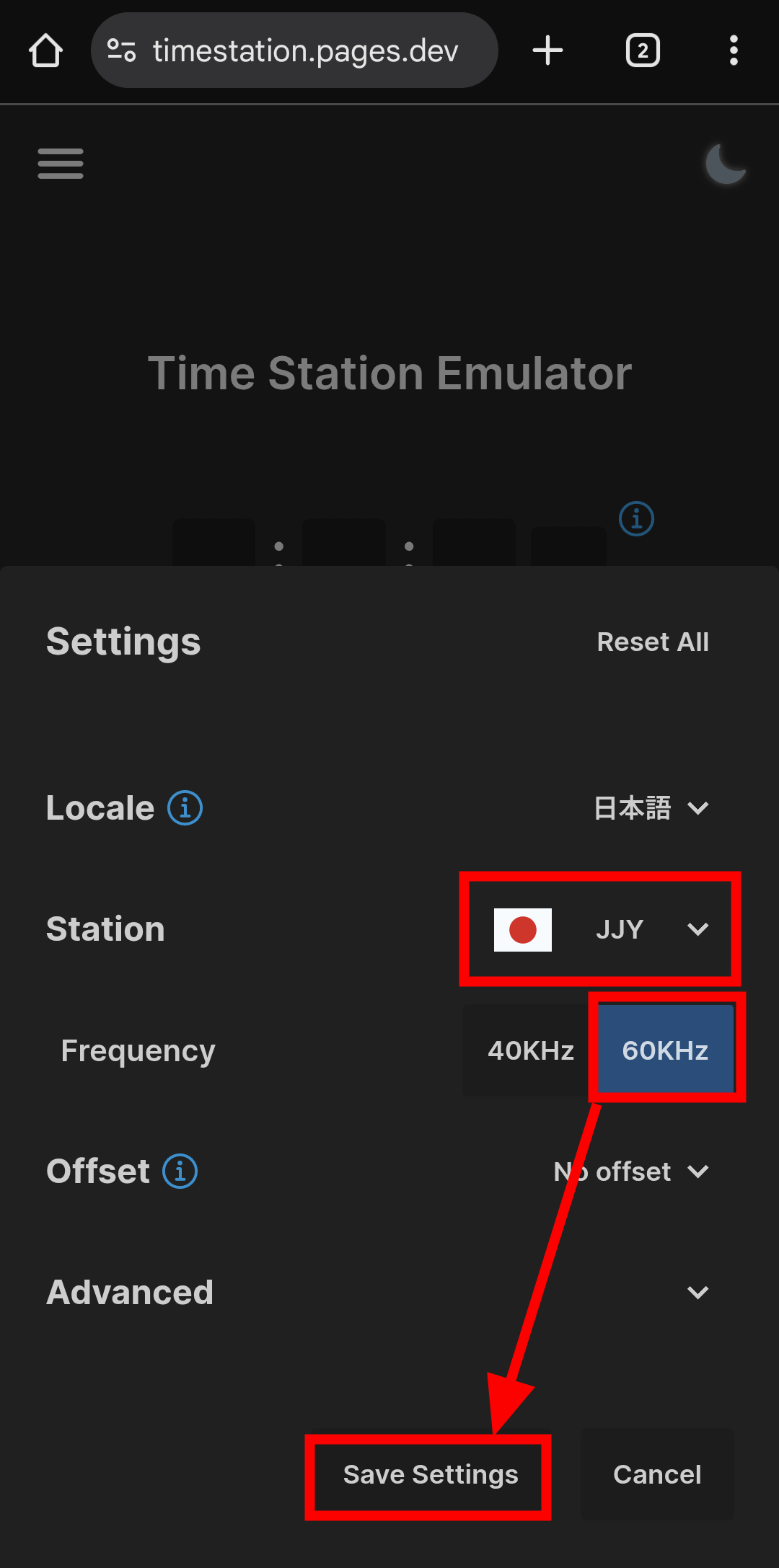
Select 'JJY' for Station. You can choose from two frequencies: 40kHz from the Otakadoyama Standard Time Radio Wave Transmitter and 60kHz from the Haganeyama Standard Time Radio Wave Transmitter. This time, select 60kHz and tap 'Save Settings.'
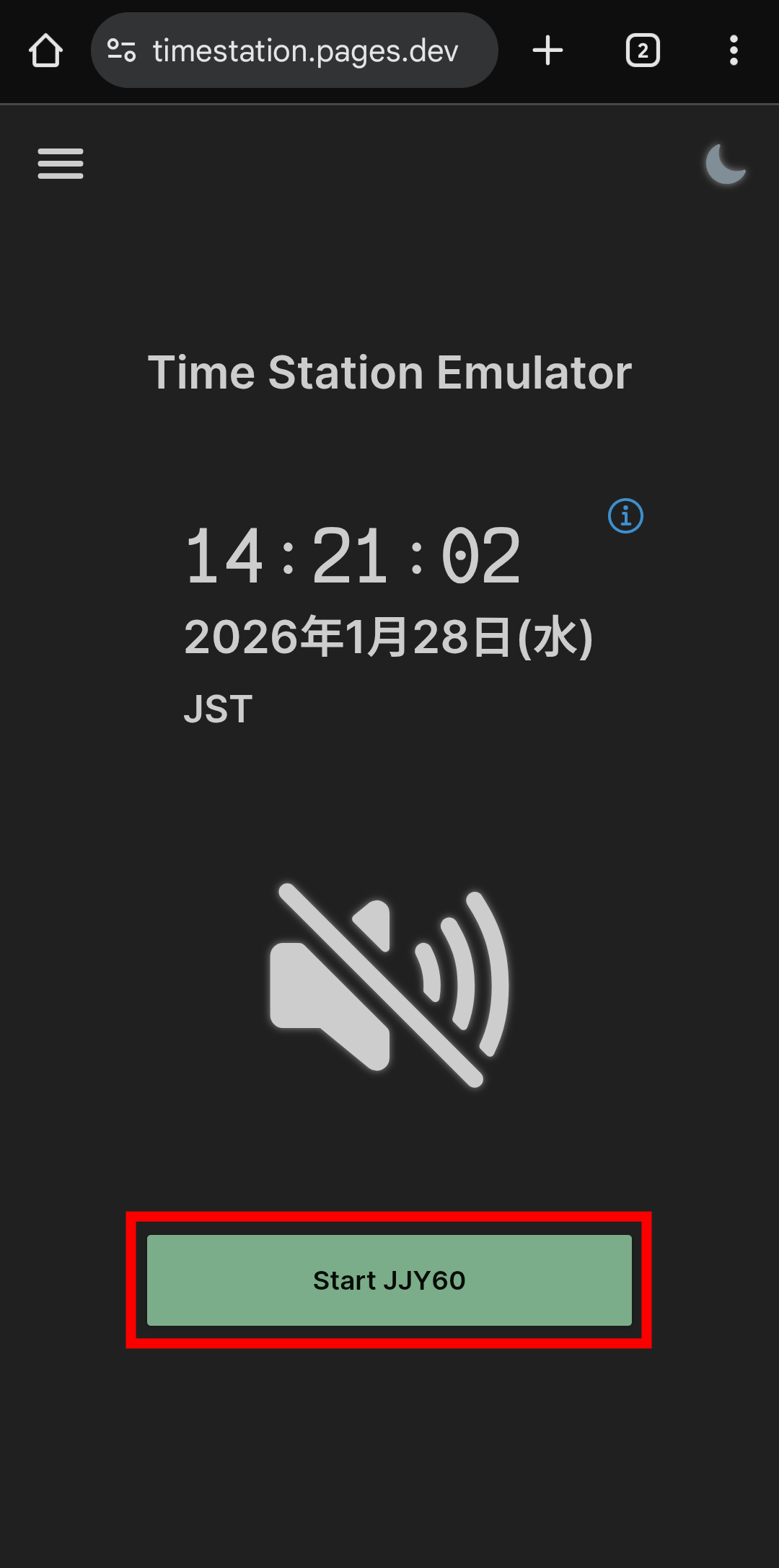
Tap 'Start JJY60'.
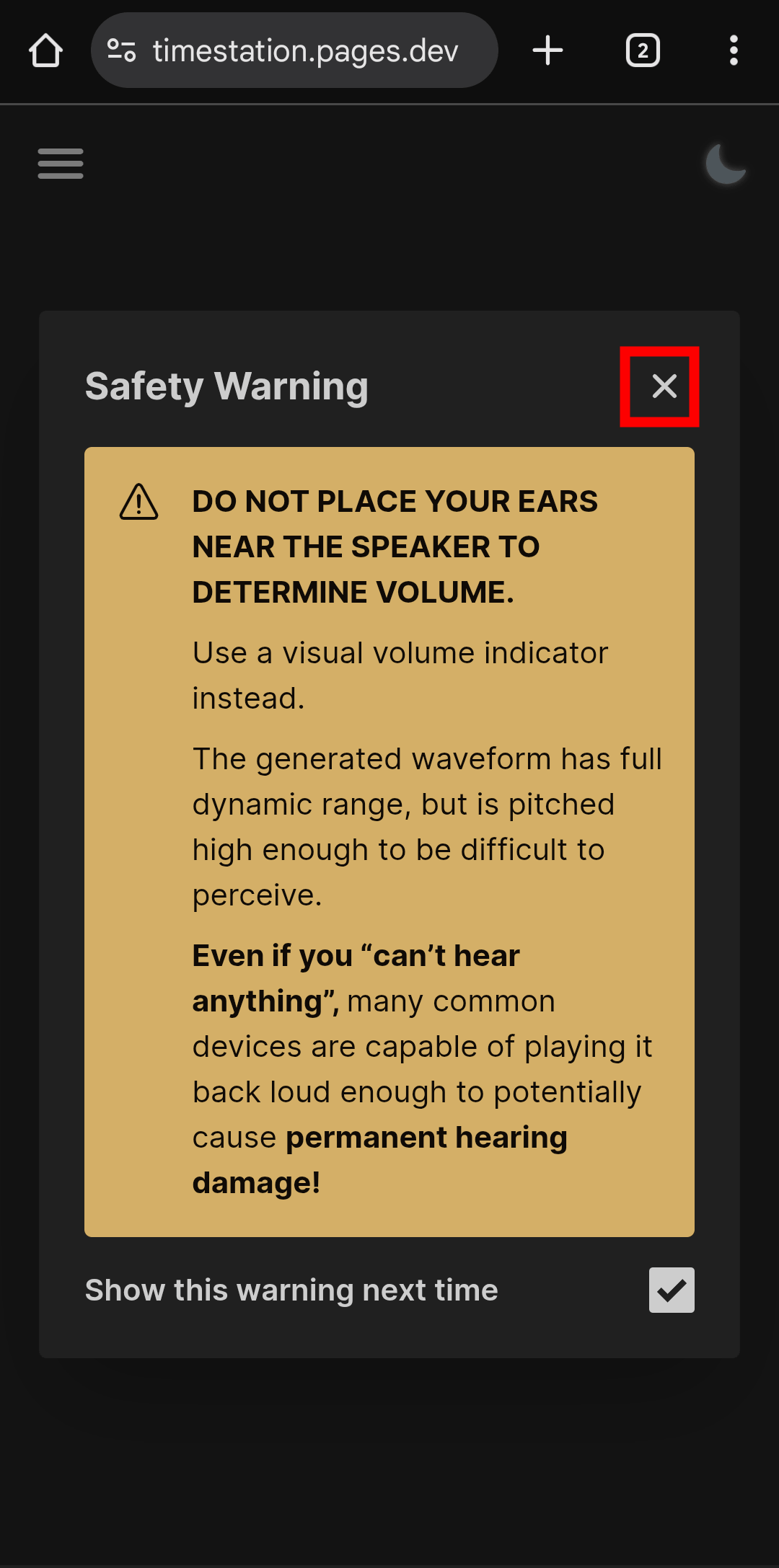
A safety warning will appear saying, 'When emulating standard time radio waves, high-pitched sounds will be played from the speaker of your smartphone or tablet, so holding your ear close to it may cause hearing loss. Even if you can't hear anything, it will have a negative effect on your ears.' Tap 'X.'
A high-pitched beep will be played periodically. Just put the radio-controlled clock in reception mode and place it near the smartphone running the Time Station Emulator.
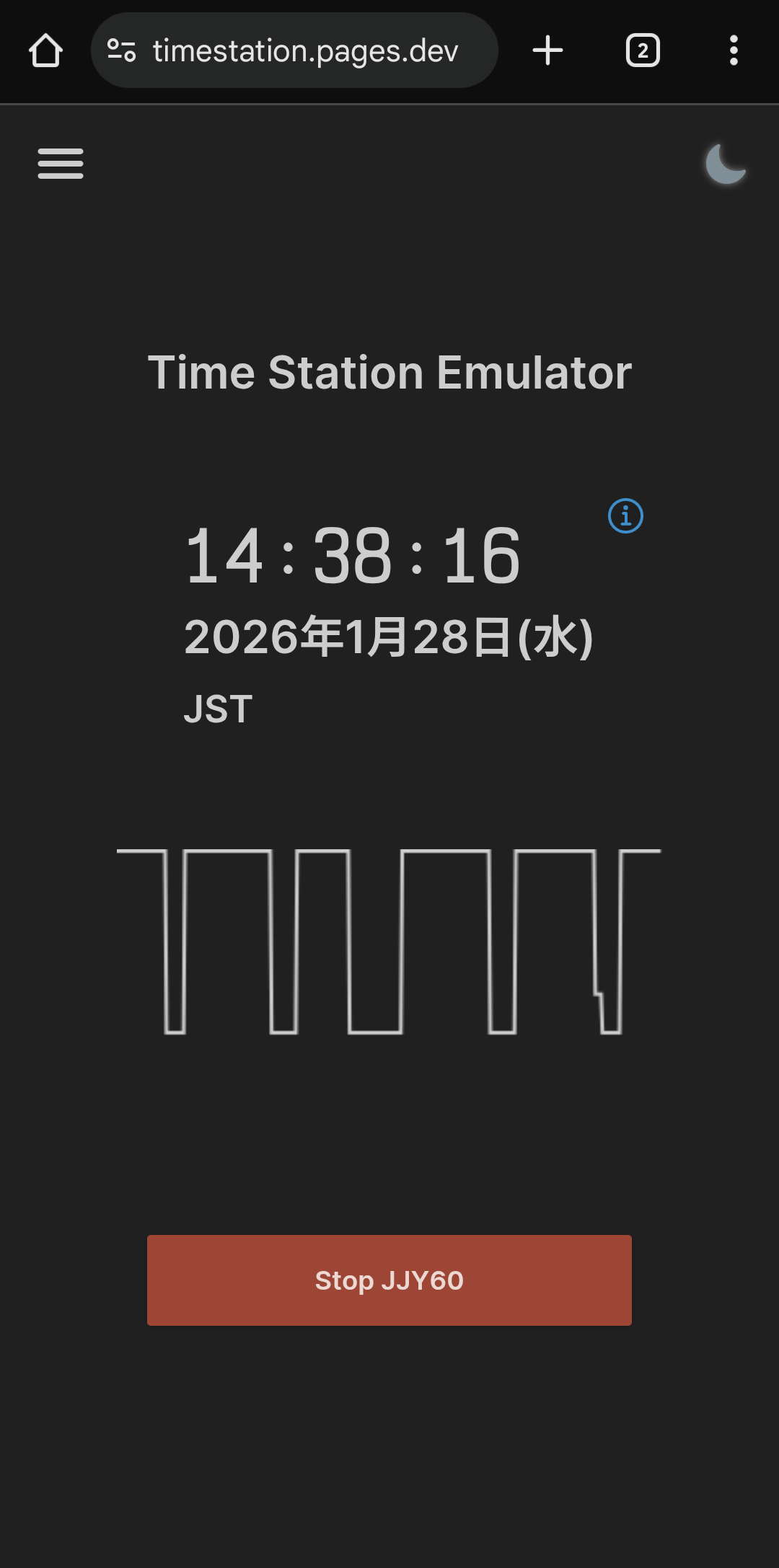
The Time Station Emulator generates an audio waveform that intentionally generates high-frequency noise that can be mistaken for a radio-controlled clock broadcast when played on a standard audio device. Specifically, it generates and modulates the fundamental carrier frequency used by the actual broadcasting station with the highest odd-order subharmonic below the Nyquist frequency of the general sampling frequency.
The Time Station Emulator works by integrating the fundamental frequency into the harmonics that are inevitably generated during playback, so it's most effective when using the built-in speakers of a smartphone or tablet. While it may work with wired headphones or earphones in some cases, high-frequency harmonics are considered noise beyond the human audible range and are therefore suppressed by common audio compression algorithms and high-performance audio equipment. Therefore, it tends to work poorly on Bluetooth devices and high-end audio equipment, so caution is advised.
Related Posts:




in Review, Web Application, Posted by log1i_yk