Project NOMAD is a free offline knowledge retrieval tool that allows you to search Wikipedia, textbooks, and offline maps without an internet connection, and also features an AI assistant.
While an internet connection is essential for researching on Wikipedia or checking maps, accessing necessary information becomes difficult in areas without internet access or during disasters. To address such situations, Project NOMAD is a free, open-source knowledge search tool that allows you to save Wikipedia, textbooks, ebooks, medical information, and offline maps all in one place on your PC , and even provides an AI assistant that works without an internet connection.
Project NOMAD - Offline Knowledge & AI Server
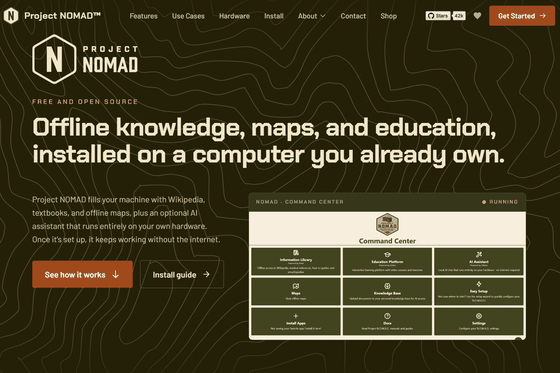
Crosstalk-Solutions/project-nomad: Project NOMAD is an offline-first knowledge and education server. Wikipedia, thousands of books, courses, maps, and optional local AI, all running on hardware you own with no internet required.
◆Project NOMAD Features
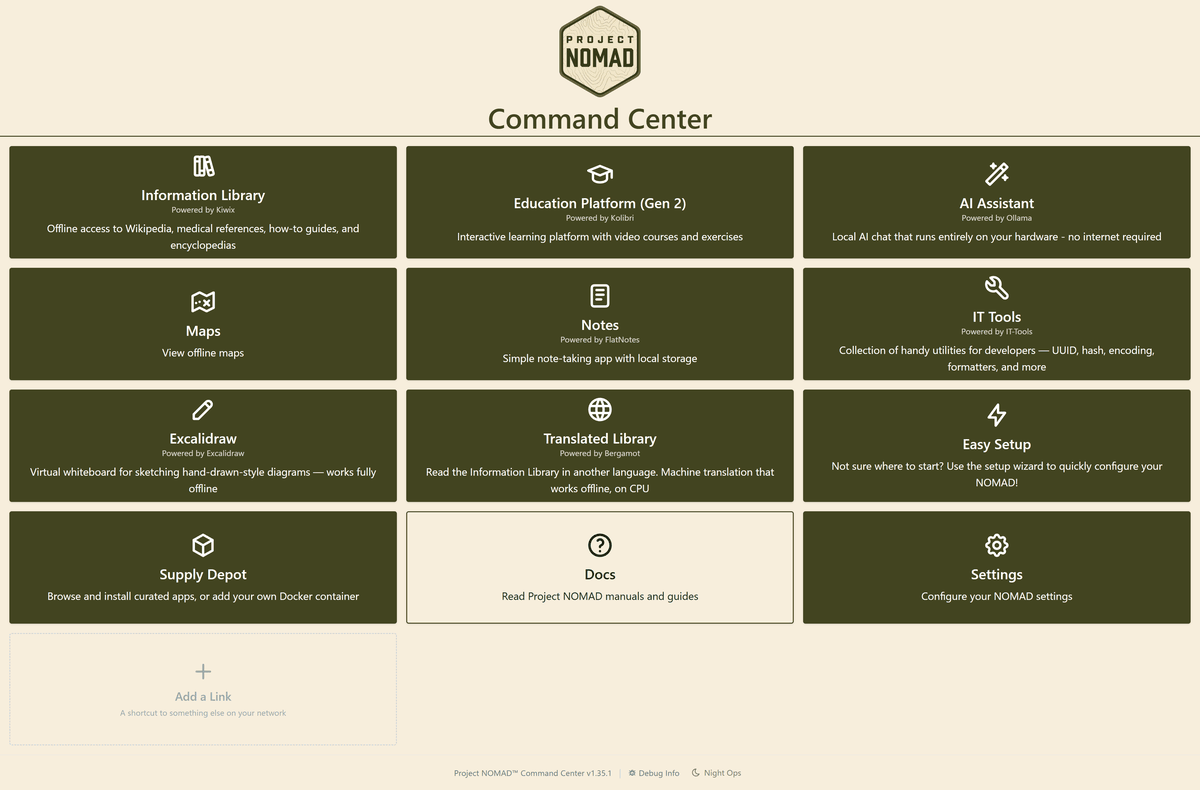
After completing the installation of Project NOMAD using the installation method described in the latter half of this article , accessing 'http://localhost:8080' in your browser will display the 'Command Center' administration screen, where you can configure and launch various functions directly from your browser.
- Save Wikipedia and reference materials
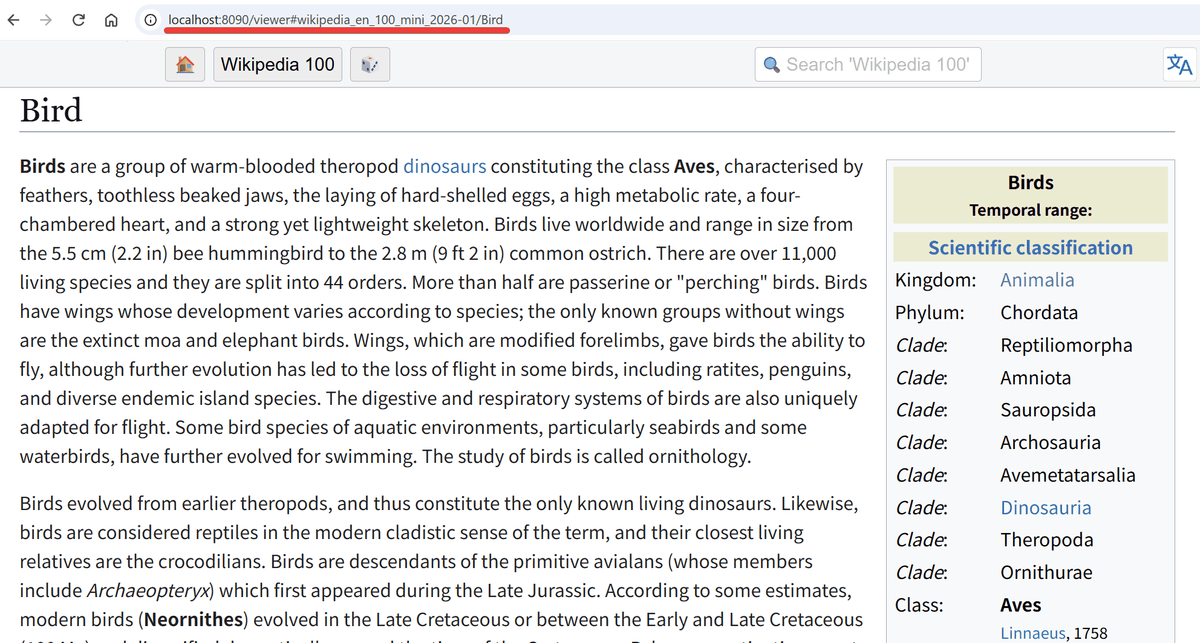
'Information Library' is a feature that allows you to view Wikipedia and other sources without an internet connection.
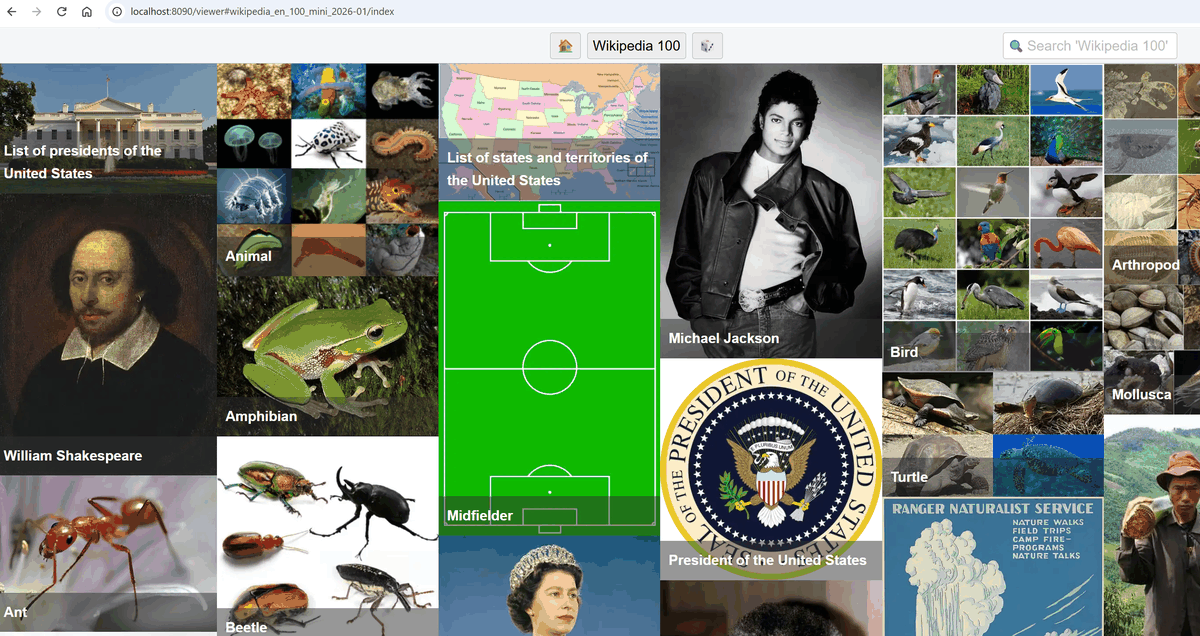
When you open an entry within Wikipedia, a screen similar to a regular webpage is displayed, and you can search for articles and navigate to links.

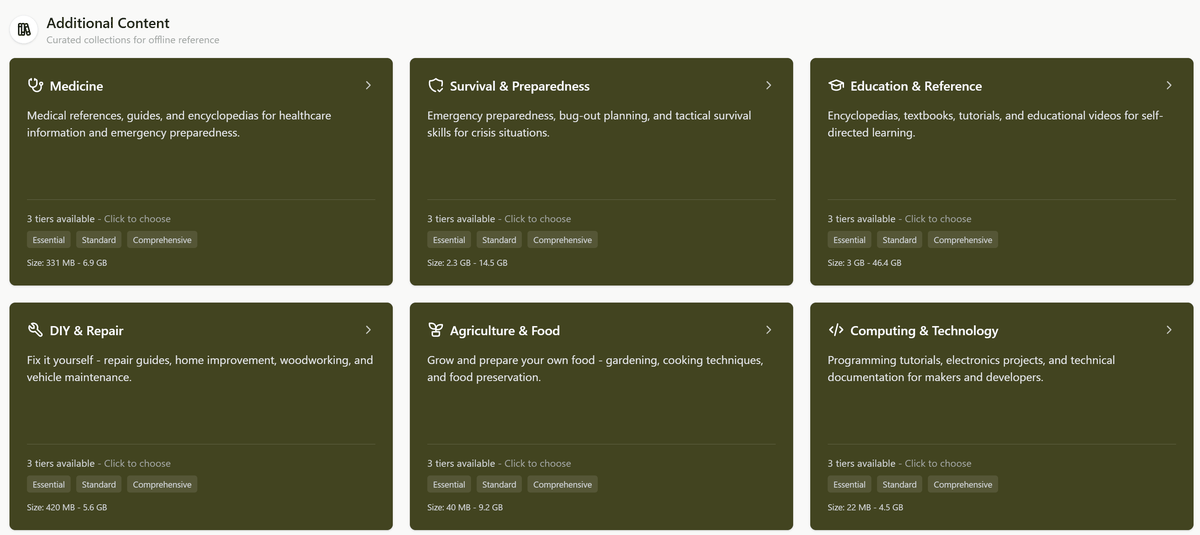
Content Explorer allows you to search Wikipedia entries by language and data size, and select which data to save based on factors such as the presence of images.
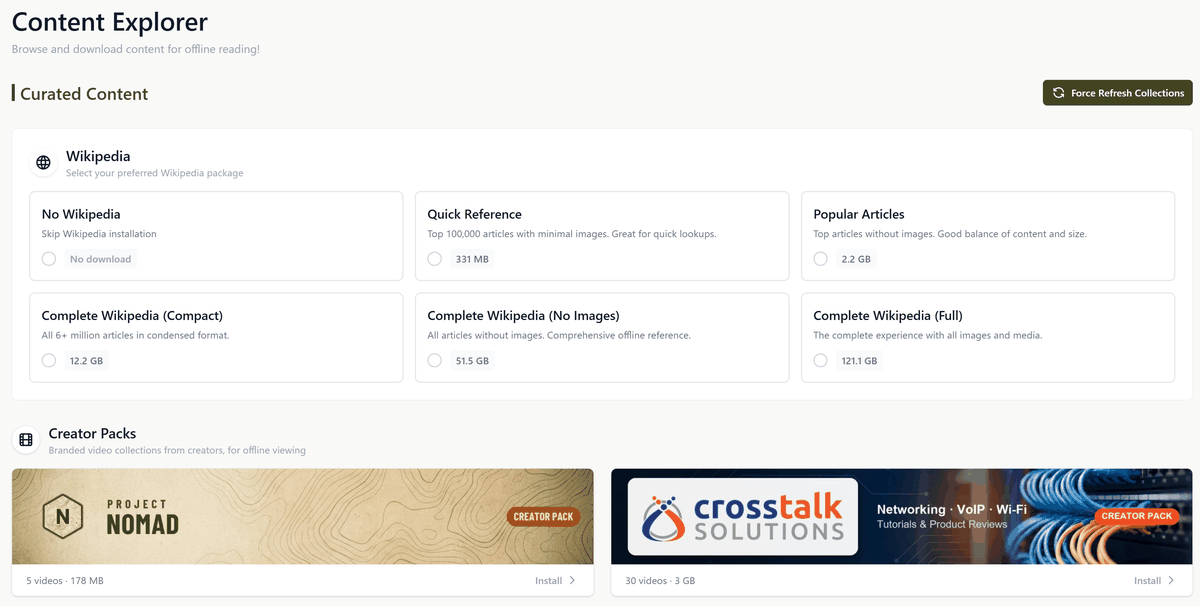
Since medical materials and ebooks can also be added, information other than Wikipedia can be compiled into the same library.
Offline viewing
By downloading the necessary documents in advance, you can access the information even in areas with communication problems or where internet access is unavailable.
Use offline maps
'Offline Maps' is a feature that allows you to download maps based on 'OpenStreetMap' by region and display them offline.
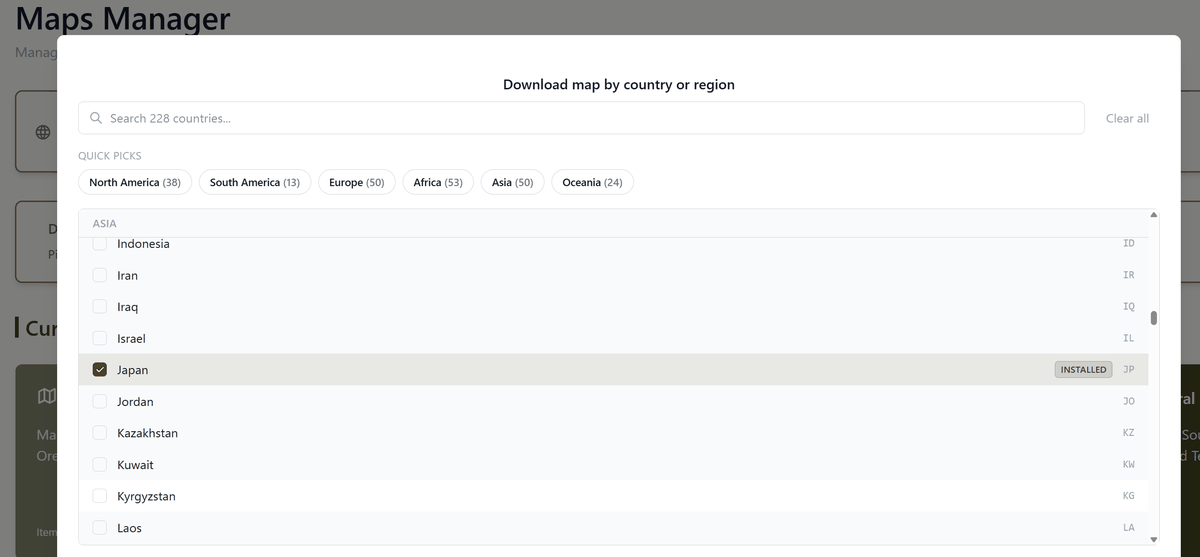
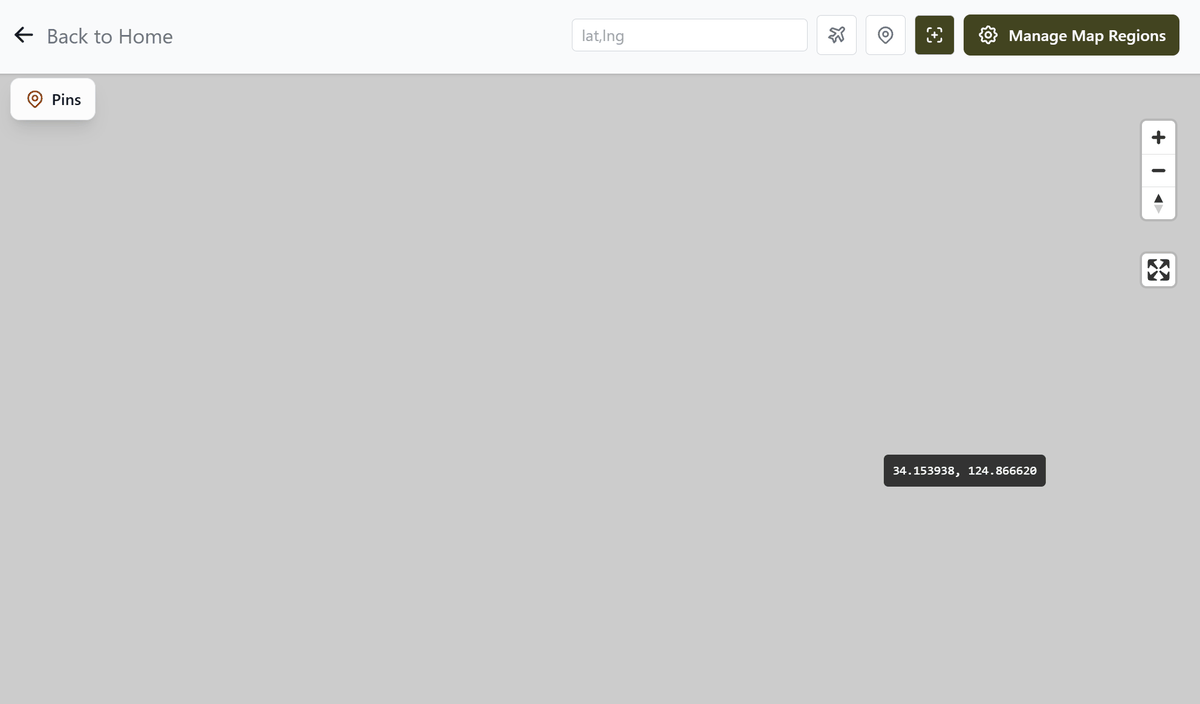
This time, we were able to confirm that approximately 2.5GB of Japanese map data could be saved, but the map did not display.
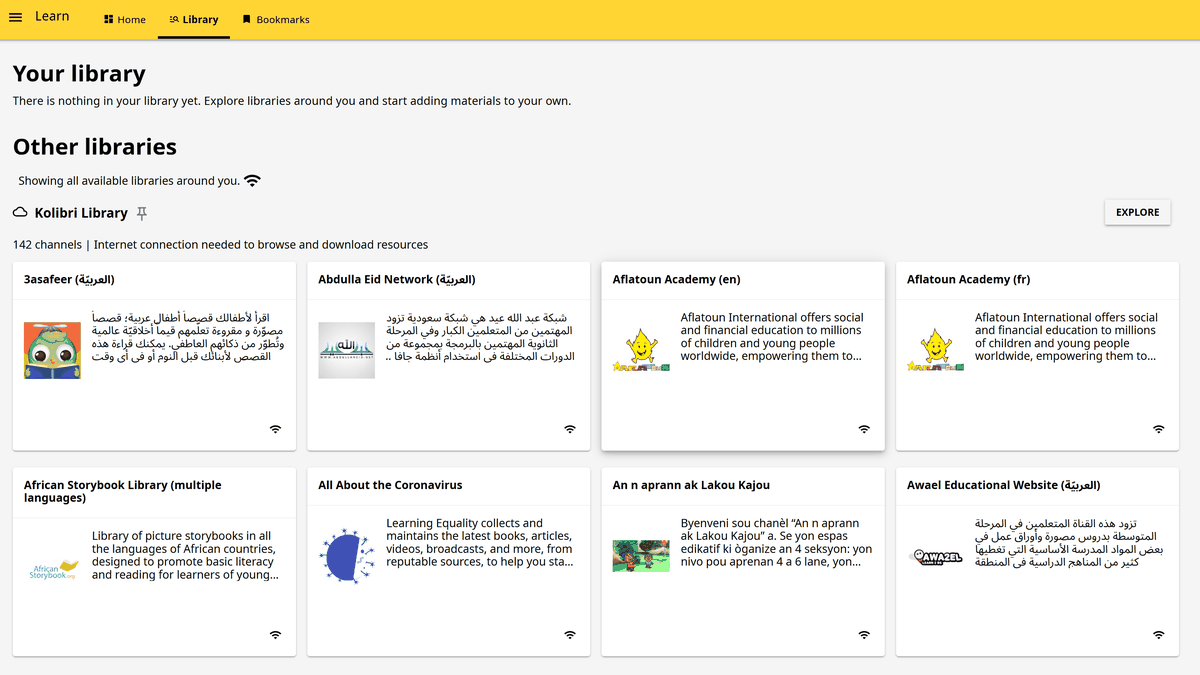
Learn using textbooks and video materials.
The 'Education Platform' includes the learning software 'Kolibri,' which provides access to educational materials in subjects such as mathematics and science. Japanese language materials are not included.
Use a local AI assistant
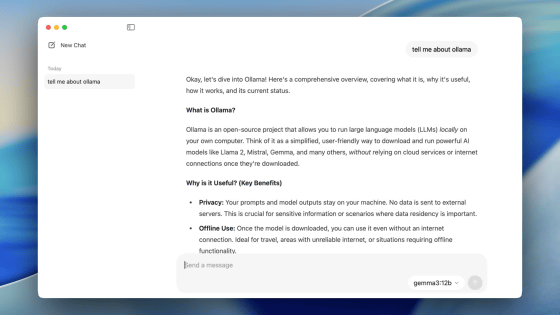
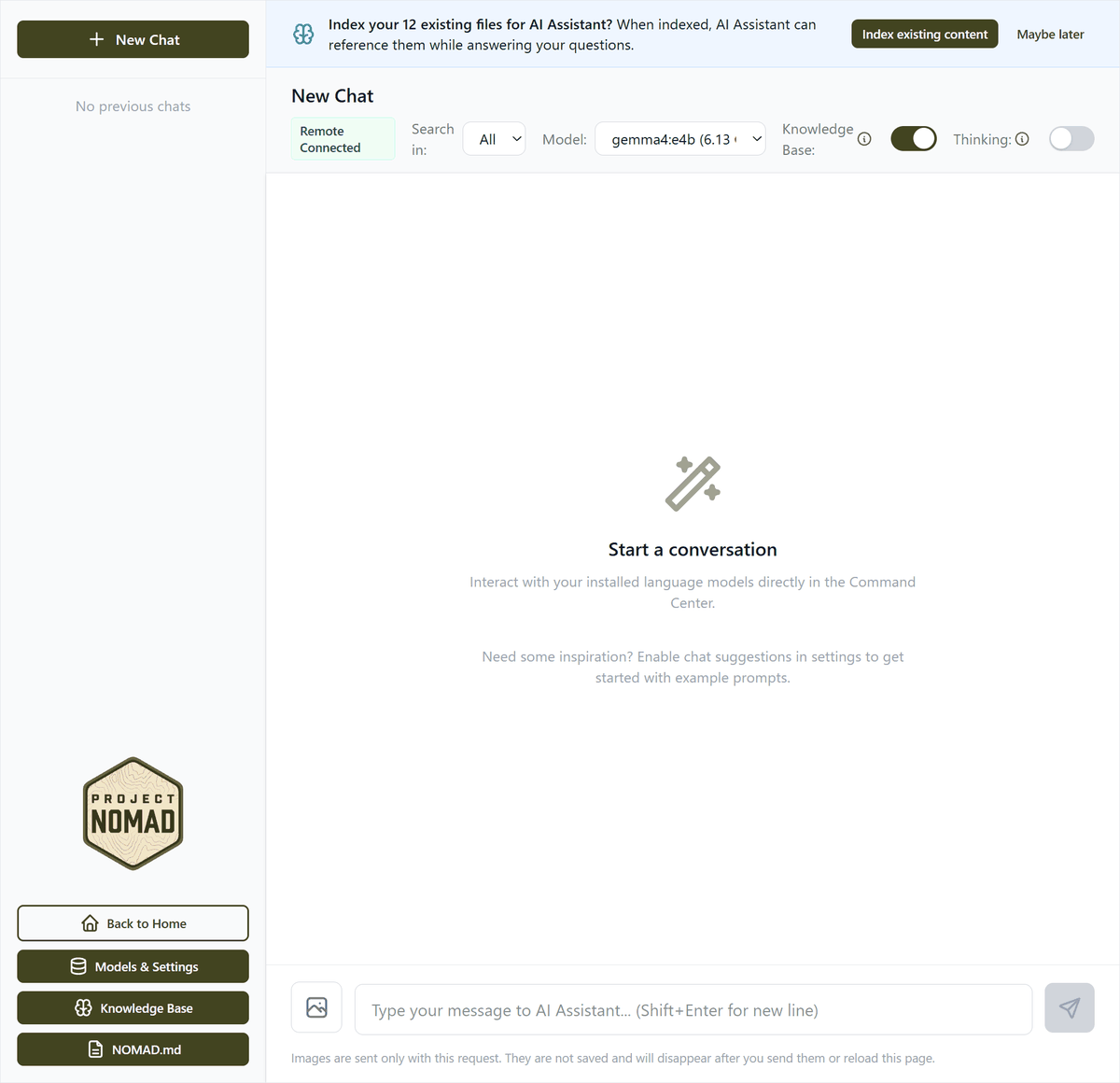
'AI Assistant' supports integration with 'Ollama,' which runs AI models locally, as well as 'LM Studio,' allowing you to chat with AI without an internet connection. This time, we used it by connecting to Ollama running on Windows.
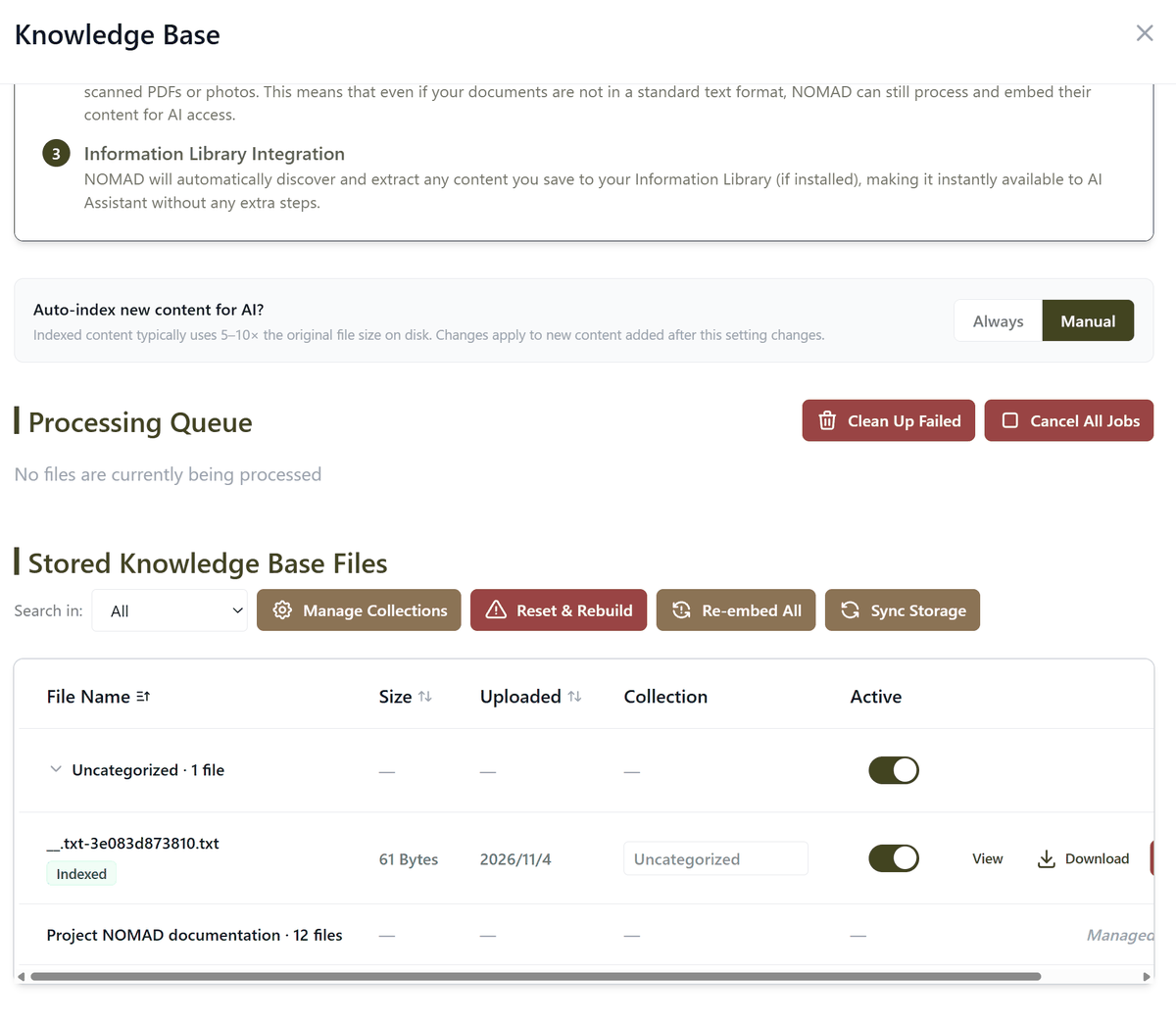
'Knowledge Base' allows you to upload documents such as PDFs, and you can also use 'RAG,' which searches for related texts and incorporates them into the AI's responses.
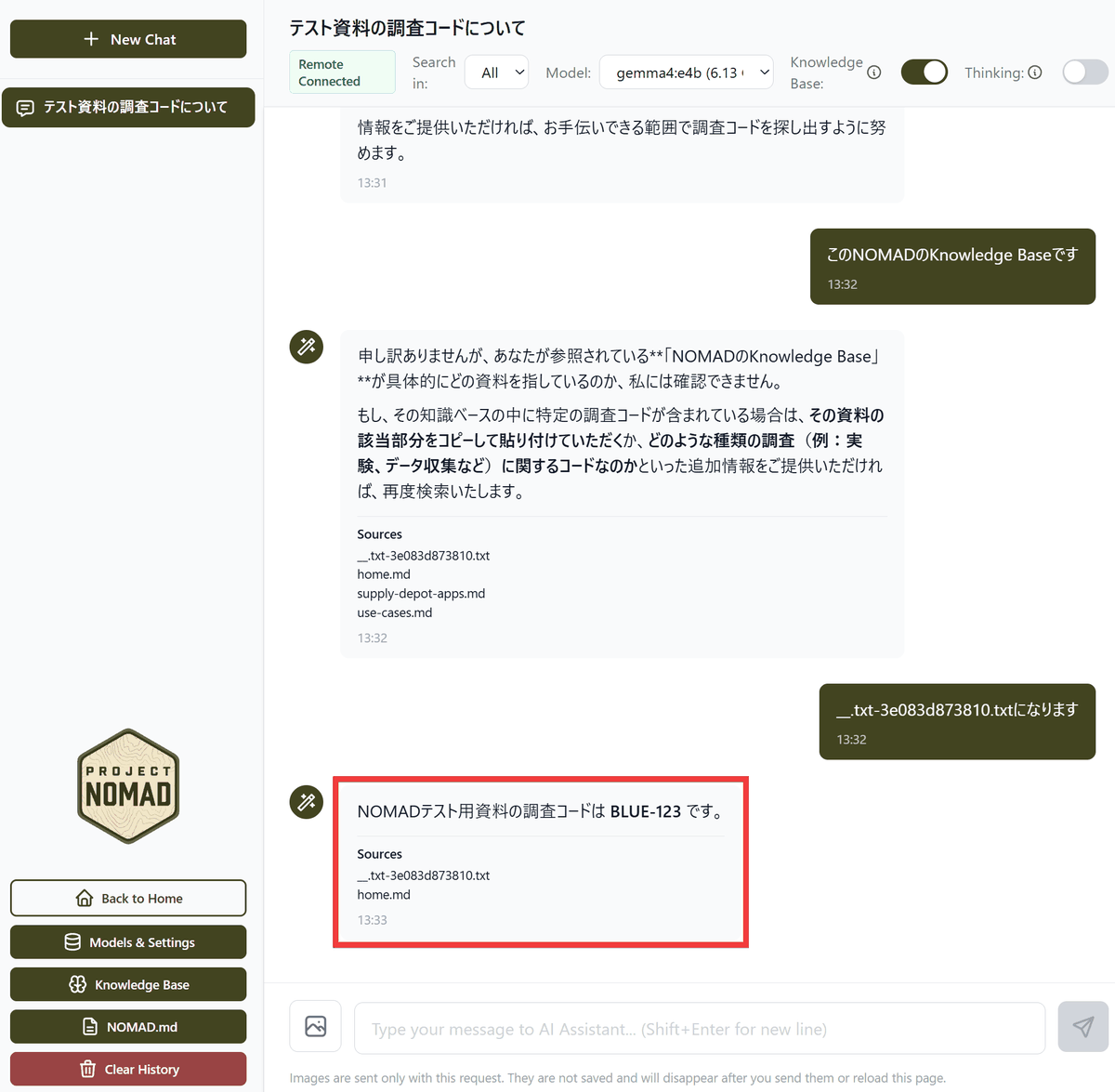
When I asked in the chat, 'Please tell me the research code written in the test document registered in the Knowledge Base,' after several exchanges, I received the answer 'BLUE-123' which was written in the document. The accuracy of the answer and the necessary exchanges will vary depending on the AI model used.
Other features
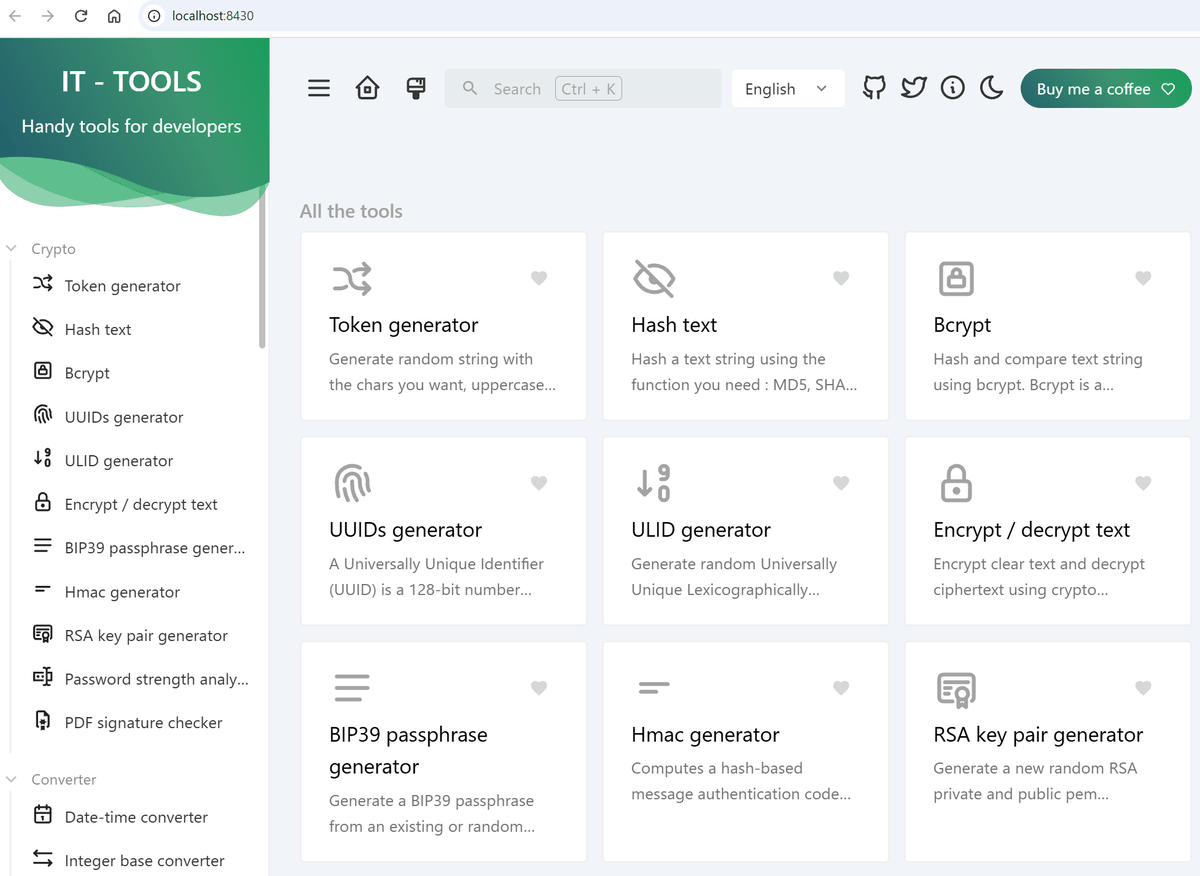
In addition, you can add various functions using 'Supply Depot,' which manages additional apps such as the IT tool 'IT Tools' and the simple note-taking app 'Notes.'
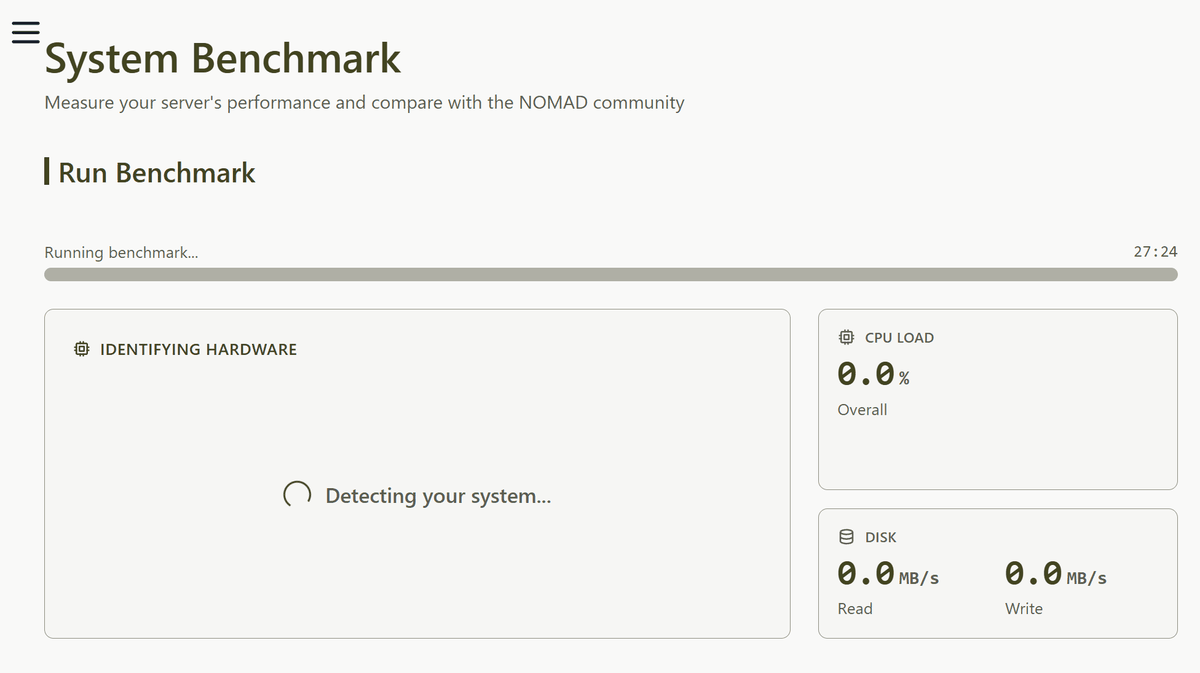
Furthermore, it includes update and benchmarking functions, which can be used for content update management and performance verification of the execution environment. However, in this environment, the process did not complete even after more than 30 minutes had passed since the benchmark started, and we were unable to check the measurement results.
◆ How to build Project NOMAD
This time, we will install it on
[code]curl -fsSL https://raw.githubusercontent.com/Crosstalk-Solutions/project-nomad/refs/heads/main/install/install_nomad.sh -o install_nomad.sh[/code]
Apply the changes to the verification process for Docker Desktop according to the official guide .
[code]sed -i 's|systemctl is-active --quiet docker|docker info \&> /dev/null|g' install_nomad.sh[/code]
Run the installation.
[code]sudo bash install_nomad.sh[/code]
Once the installation is complete, the container will start automatically. Open 'http://localhost:8080' in your browser, and if the 'Command Center' management screen is displayed, the setup is complete.
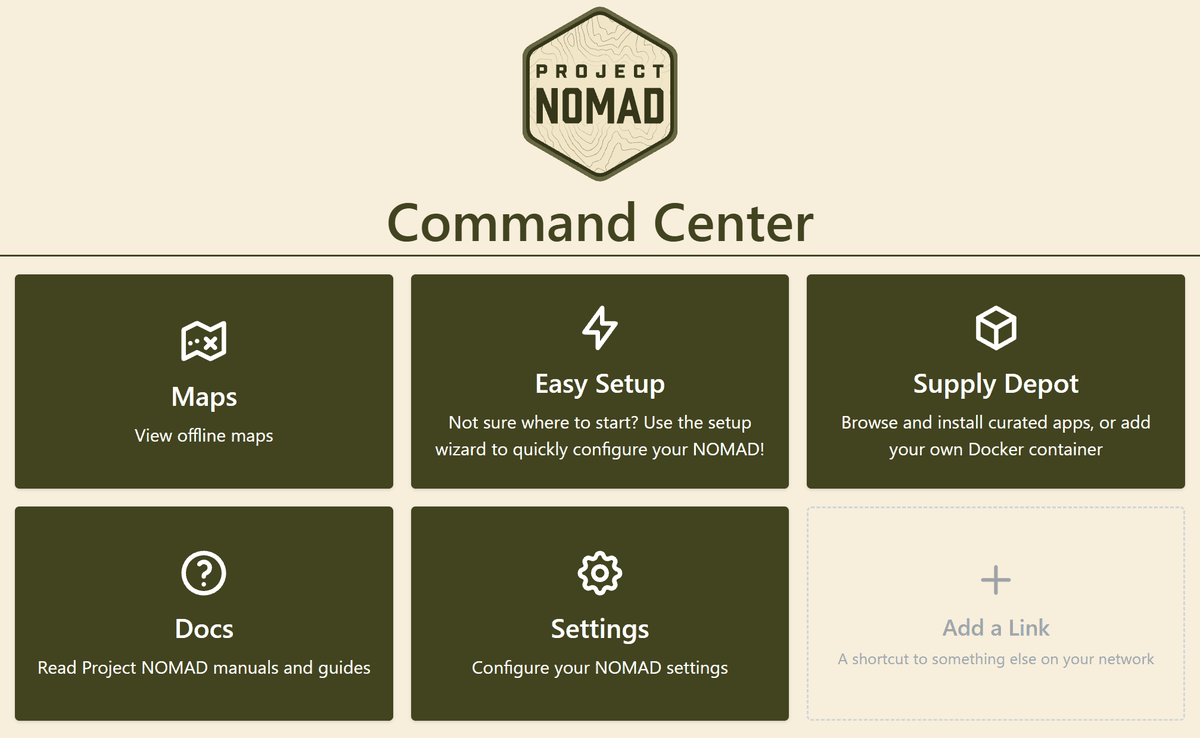
Please note that the administration panel does not have standard login authentication, and direct exposure outside the local network is not recommended.
Related Posts: