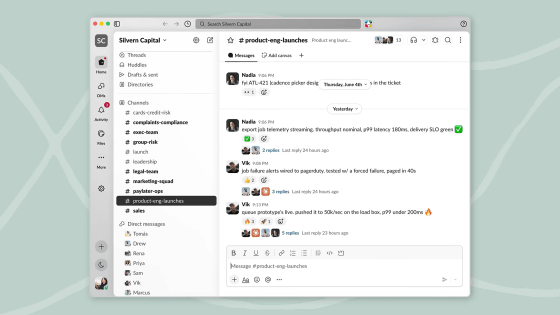
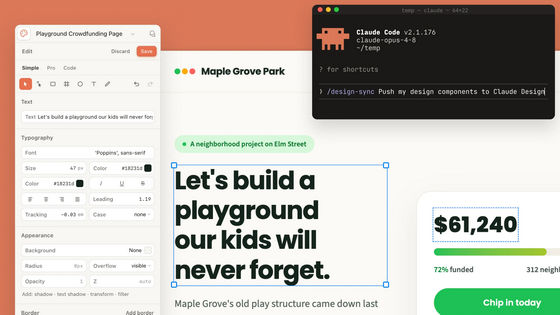
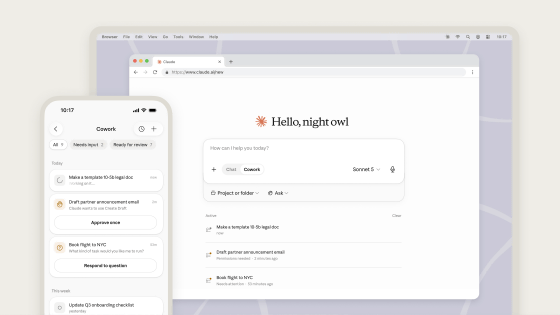
A modding feature has been added that allows you to customize Claude Code to your liking.
Claude Code, the AI coding agent, has added a modding feature that allows users to customize its behavior and UI to their liking. Mods can be written in TypeScript, and you can even request Claude Code itself to create a mod for you.
Claude Code mods / claude.dev Blog
Customize Claude Code with mods in TypeScript | Claude by Anthropic
https://claude.com/blog/claude-code-mods
You can now mod Claude Code:
— ClaudeDevs (@ClaudeDevs) October 1, 2026
- Change how it behaves
- Customize the UI
- Swap in your own features
Write one with a few lines of TypeScript, or have Claude build it for you. Mods ship inside plugins, so you install them with /plugin in the CLI or desktop app.
A few examples: pic.twitter.com/qMtzV8AeId
Mod functions as a module that monitors all events occurring in Claude Code in real time, and can also draw its own buttons and UI elements. It also works with both the CLI and desktop versions of Claude Code.
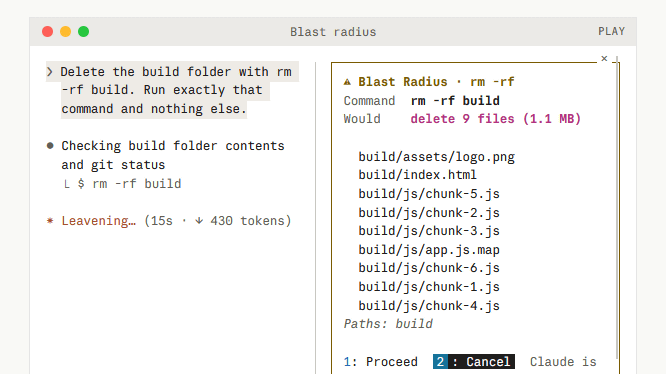
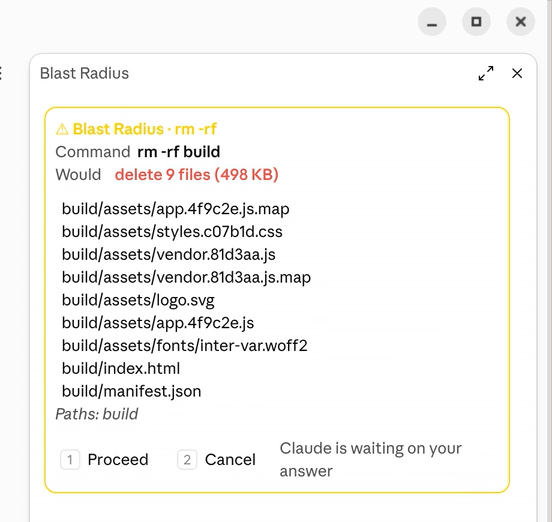
The following is an example of how the sample mod 'Blast Radius,' developed by Anthropic, works. When Claude attempts to execute high-risk commands such as 'rm -rf,' a description of the command is displayed on the right side of the screen.
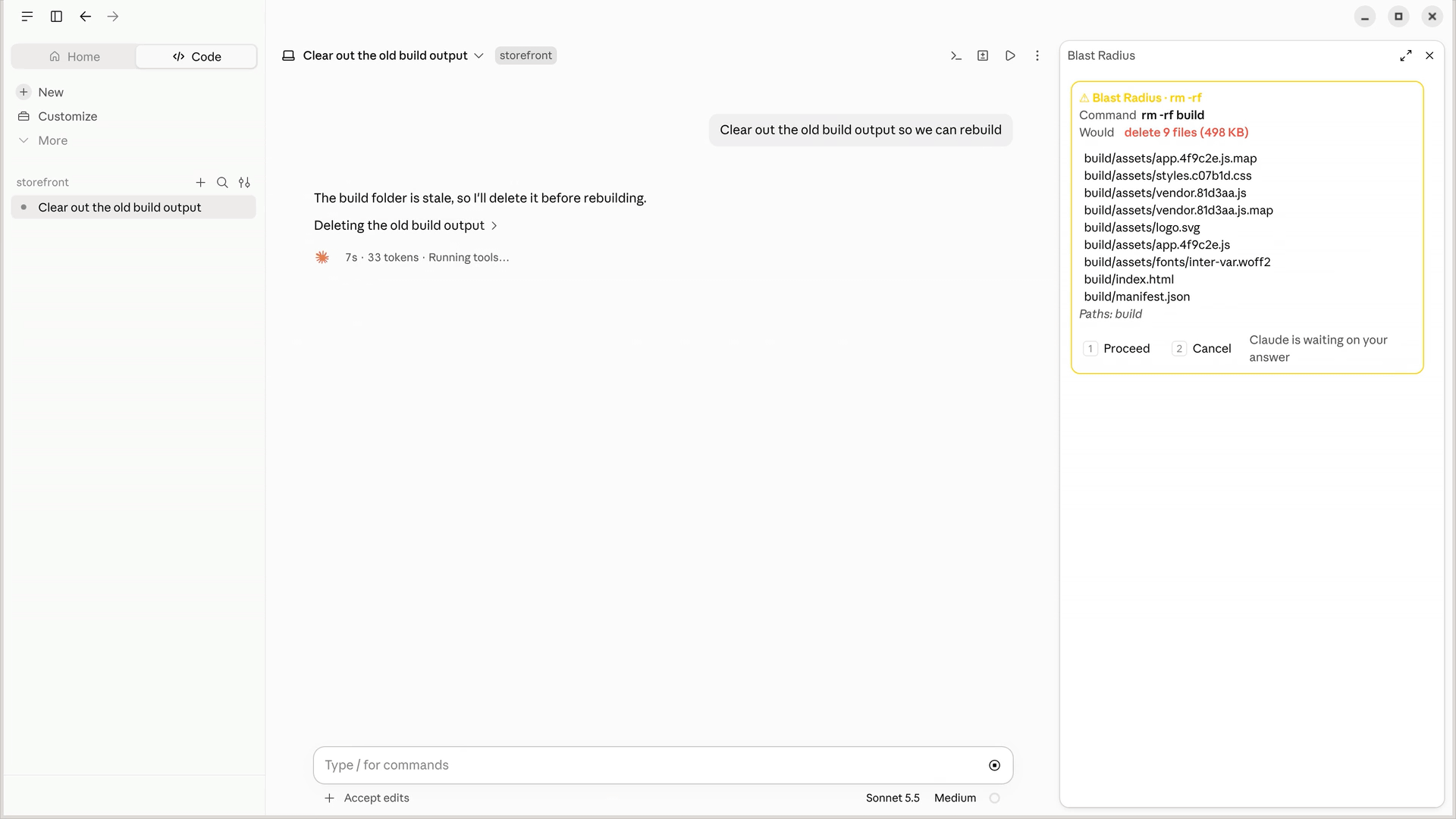
The description field lists the command name along with the affected files.
A sample mod called 'Replay Theater,' which records file operations performed by Claude and displays the differences, has also been released, demonstrating its functionality.
Replay Theater records every file edit Claude makes in a turn. Run /replay to step through the diffs one at a time in a docked pane. pic.twitter.com/hHnPYAOaJu
— ClaudeDevs (@ClaudeDevs) October 1, 2026
Mods can also be registered in Claude's plugin directory and made widely available. A guide for creating mods can be found at the following link.
Getting started with Claude Code mods / claude.dev Blog
https://claude.dev/blog/getting-started-with-claude-code-mods/
Related Posts: