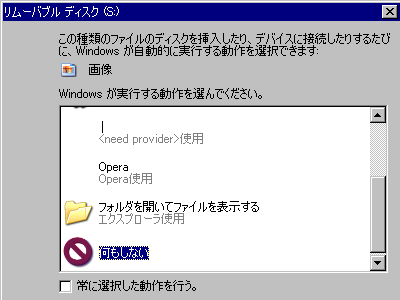
Reports indicate that old 'Video CDs' can corrupt Windows Explorer.
It has been reported that when copying the contents of a video CD to a PC via File Explorer on Windows, the transfer speed may drop to 0 and stop, and afterwards, the Windows UI and File Explorer may not function properly. This issue has been confirmed in Windows 10 and Windows 11, and according to the reporter's testing, it started occurring after the Windows Update in the first half of 2023.
Video CDs break Windows Explorer
https://clydesnotes.blogspot.com/2026/08/video-cds-break-windows-explorer.html
A Video CD (VCD) is a format for recording video and audio onto a CD. While folders and files appear in Windows Explorer just like on a regular data CD, it has a different structure than a typical data CD. VCDs use information that looks like an ISO 9660 file system, but some of the file information is not the actual data itself, but rather functions as an entry point for reading the video data on the disc.
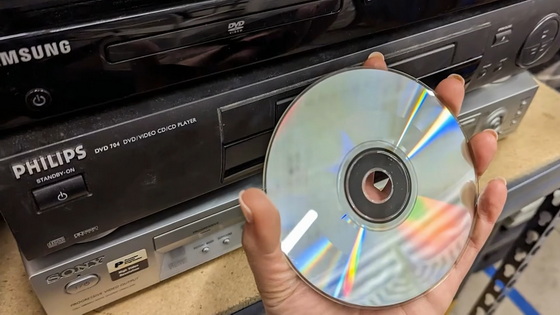
The problem being reported occurs when inserting a VCD into a PC's drive and copying its contents using Windows Explorer. Even when copying only the 'MPEGAV' folder containing large multimedia files from the VCD, the copy speed may drop to zero midway through the process, causing it to freeze.
When a problem occurs, even closing the copy screen and removing the VCD will not fully restore Windows to its original state. Newly created files and folders may not appear until manually refreshed, parts of the Windows UI may display incorrectly, and the Explorer process may become impossible to restart. Performing a normal 'restart' may get stuck on the 'restarting' screen, in which case it is necessary to restart using the PC's reset button or power button.
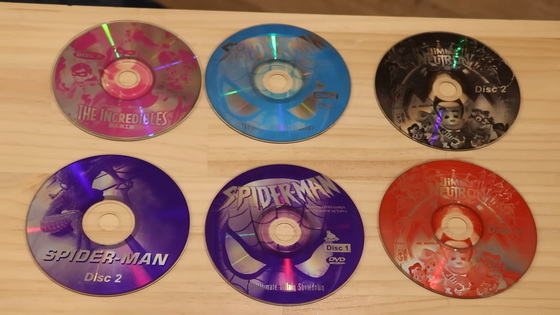
The discoverer of the problem investigated using a virtual machine and found that the issue began occurring in environments where the March 2023 monthly update 'KB5023706' was applied to Windows 11, and the April 2023 update 'KB5025221' was applied to Windows 10. On the other hand, the problem could not be observed in a clean, un-updated state of Windows 10 or Windows 11 22H2.
Furthermore, it has been reported that the problem can sometimes be reproduced not only with physical CDs, but also when a VCD disk image is mounted as a virtual CD drive. However, it is easier to reproduce with physical CDs, and the discoverer suggests that 'the longer copying time may increase the chances of the problem occurring.' It should be noted that this problem does not always occur, and although it has been confirmed in multiple environments, the reproducibility varies.
On the other hand, simply playing the VCD with Windows Media Player does not cause any problems. Problems also did not occur when extracting the contents with dedicated software like VCDGear, or when copying with certain third-party software such as FastCopy or TeraCopy. This suggests that the problem may not be with the VCD itself, but rather with its interaction with Windows' standard file copying process.
The reason these problems occur with VCDs is that they store video data in a different way than regular data CDs. Even though the video data appears as a large DAT file in Windows, it is treated differently from typical files, and Windows reads the data on the disk using a special method. Therefore, copying it from Explorer in the same way as a regular file is not a suitable method for saving the contents of a VCD.
According to the discoverer, copying the same DAT file several times sometimes resulted in files with inconsistent content. If you want to save video from a VCD, it is best to either extract the video using dedicated software like VCDGear, or save the entire disc as a BIN+CUE image.
The discoverer reported this issue to Microsoft at the end of 2025, but as of the article's publication in August 2026, there had been no response or fix. While directly copying VCDs using Explorer has never been ideal, it worked without major problems in previous versions of Windows, leading to speculation that Windows Update processes since the first half of 2023 may have affected the overall operation of Windows.
Related Posts: