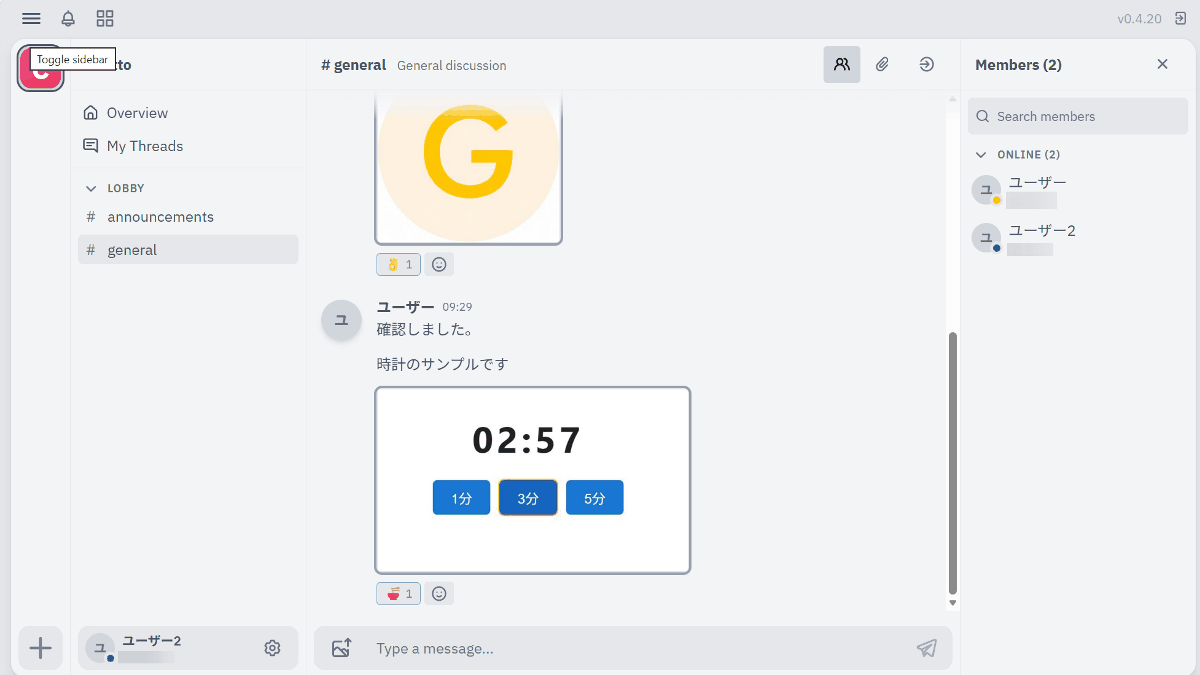
Chatto is a free self-hosting chat server similar to Discord, characterized by its extremely low resource consumption, smooth operation, and encrypted chat data.
While chat services like
Chatto — Self-hostable team chat
https://chatto.run/

chattocorp/chatto: A fully-featured team and group chat application that you can easily selfhost.
◆How to use Chatto
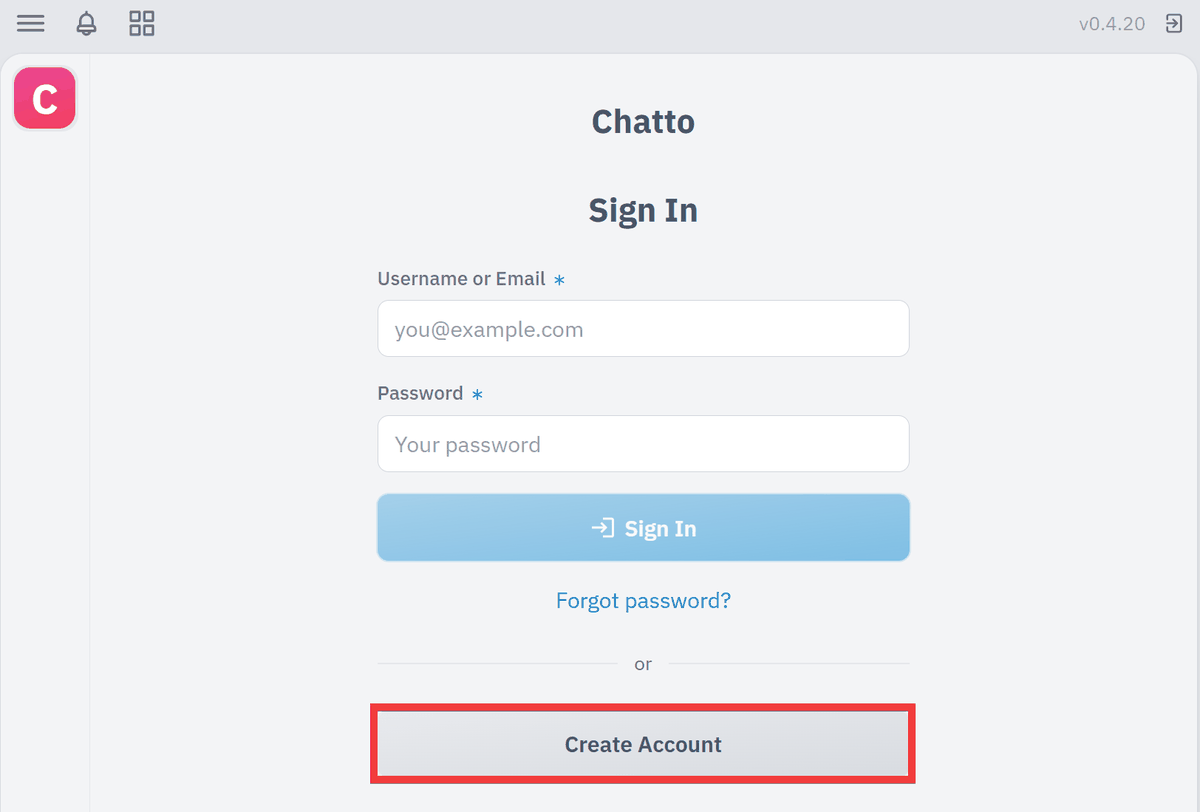
Connect to the Chatto server by entering the URL in a desktop client or browser for Windows, macOS, or Linux. Click 'Create Account' to create an administrator account.
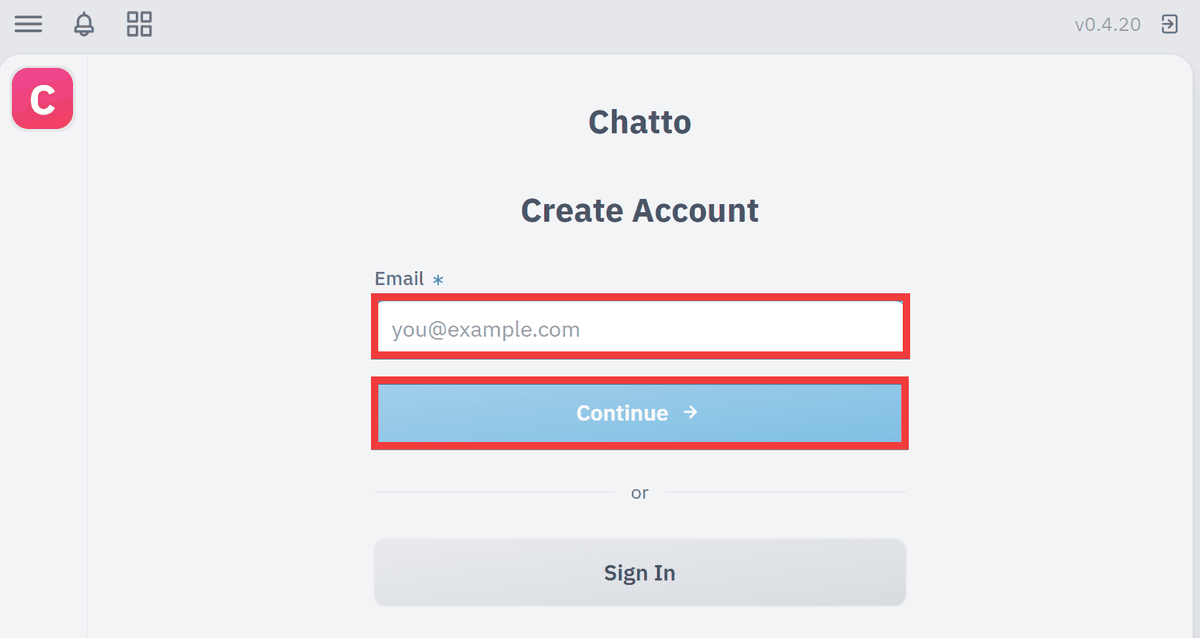
Enter your email address in the 'Email' field and click 'Continue'.
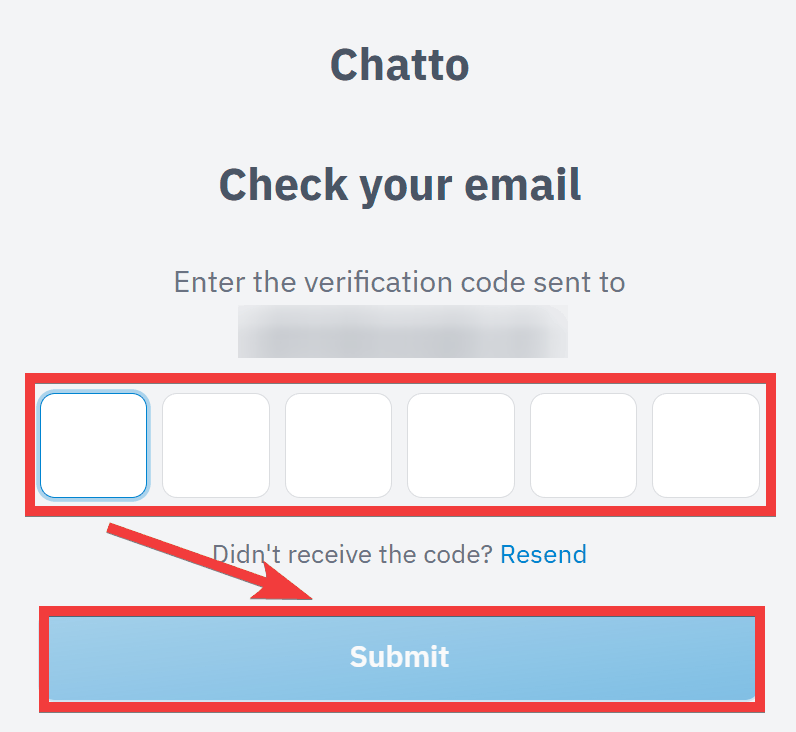
A verification code will be sent to your email address. Enter it and click 'Submit'.
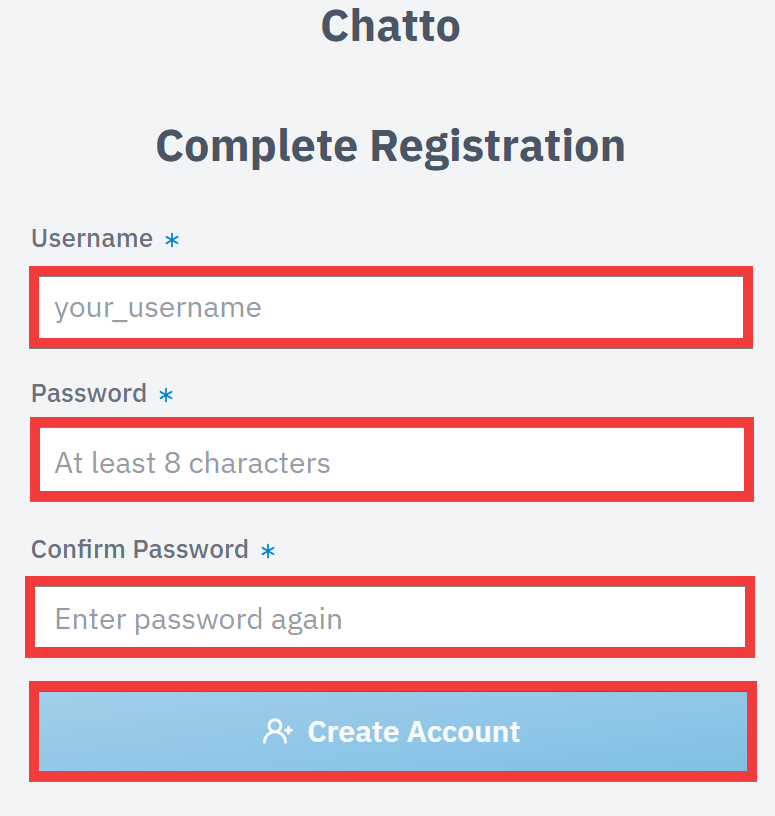
A registration form will appear. Enter your username in the 'Username' field, your password in the 'Password' and 'Confirm Password' fields, and then click 'Create Account'.
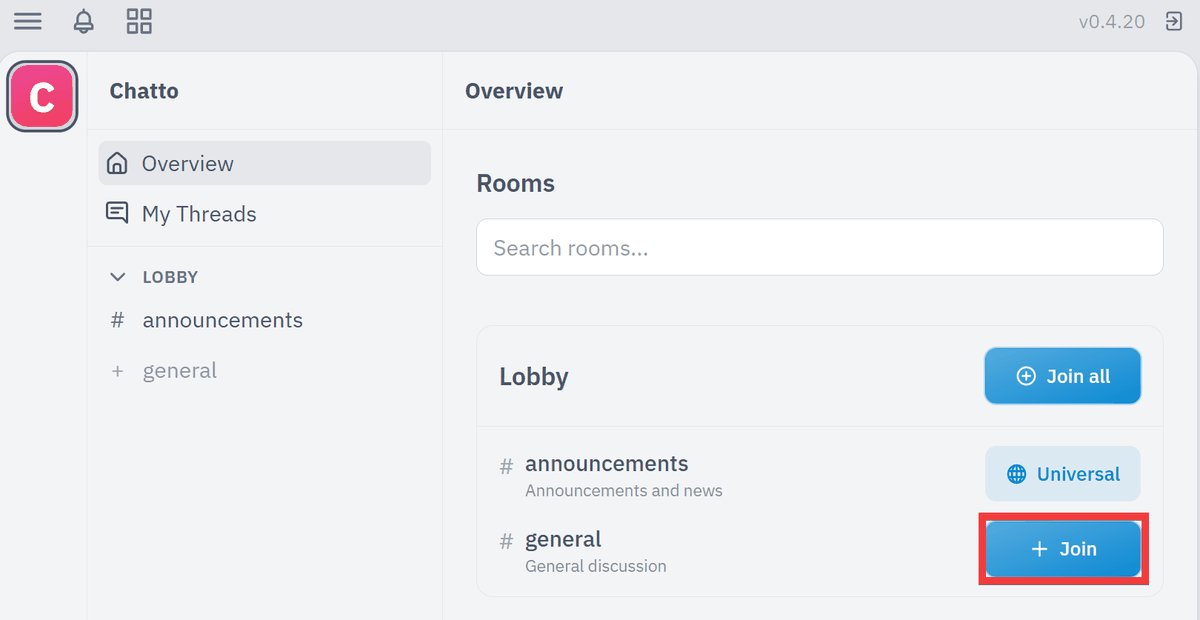
After the registration process is complete, the initial screen will be displayed, so click the 'Join' button for the Lobby you wish to join.
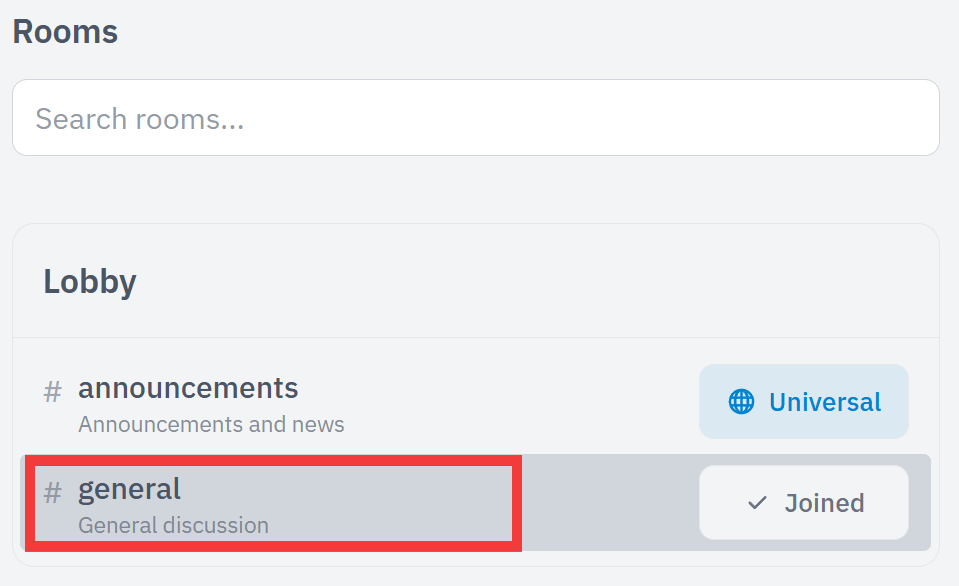
Once it displays 'Joined,' click the Lobby label.
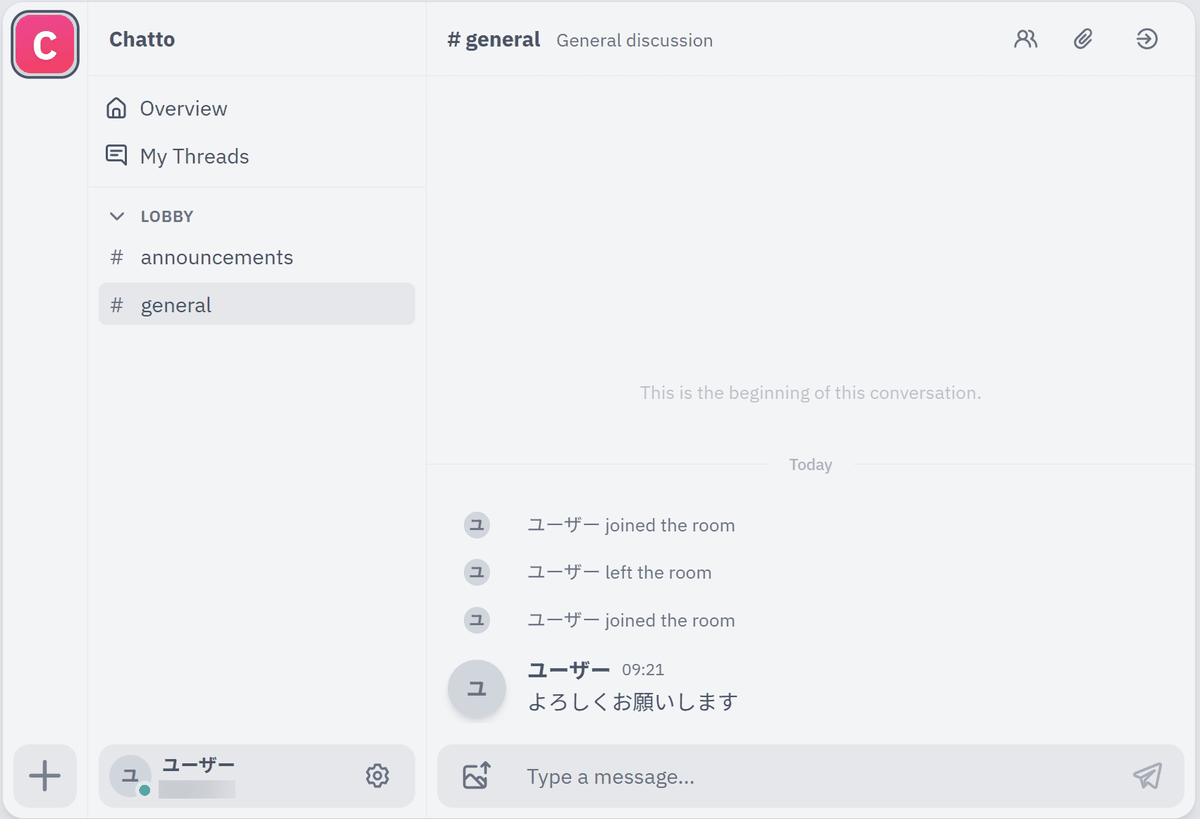
You can join the chat and start a conversation.
◆Features of Chatto
• Consumes fewer resources
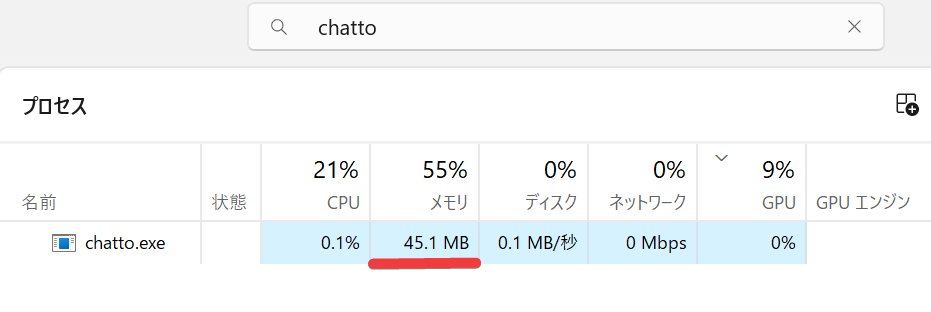
Checking Chatto's memory usage in Task Manager shows it's at 45.1MB, indicating it's running with minimal memory usage.
- Encrypts message body and other data when saving.
Messages and other data are encrypted and stored using '
- Assign an encryption key to each user.
Each user is assigned an encryption key, and when an account is deleted, a ' Crypto Shredding ' process is performed, which destroys the encryption key and makes it impossible to decrypt encrypted data. As a result, even if encrypted message bodies remain in backups or history, the content cannot be decrypted because the corresponding key is lost.
◆Other Chatto features
・Screen sharing
Full - text search
· notification
PWA
· backup
Role and permission management
You can use roles such as Owner, Admin, and Moderator to finely configure operational permissions for each user and room.
SSO
It integrates with external authentication services such as OIDC , GitHub , Google , and Discord, allowing you to log in using your existing account.
• Voice and video calls
It supports voice and video calls using LiveKit , allowing you to start a conversation directly from the chat room.
GraphQL API
The GraphQL API allows you to access Chatto's features and data, which can be used for integration with external tools and for developing custom features.
NATS API
It features integration capabilities via NATS used internally, allowing it to be combined with event-driven external systems.
◆Chatto's evaluation
On the social news site Hacker News , Chatto has been the subject of much discussion , and it has been praised as a good example of AI agent-dependent development, with the argument that 'Vibe Coding and Aggressive Engineering, where experienced developers make design decisions while leaving implementation to AI, are two different things.' There have also been many requests for a mobile app, to which the creator responded , 'For now, we are fully focused on providing an excellent PWA experience, but we plan to offer it as a PWA wrapper in the future.'
◆How to install the Chatto server
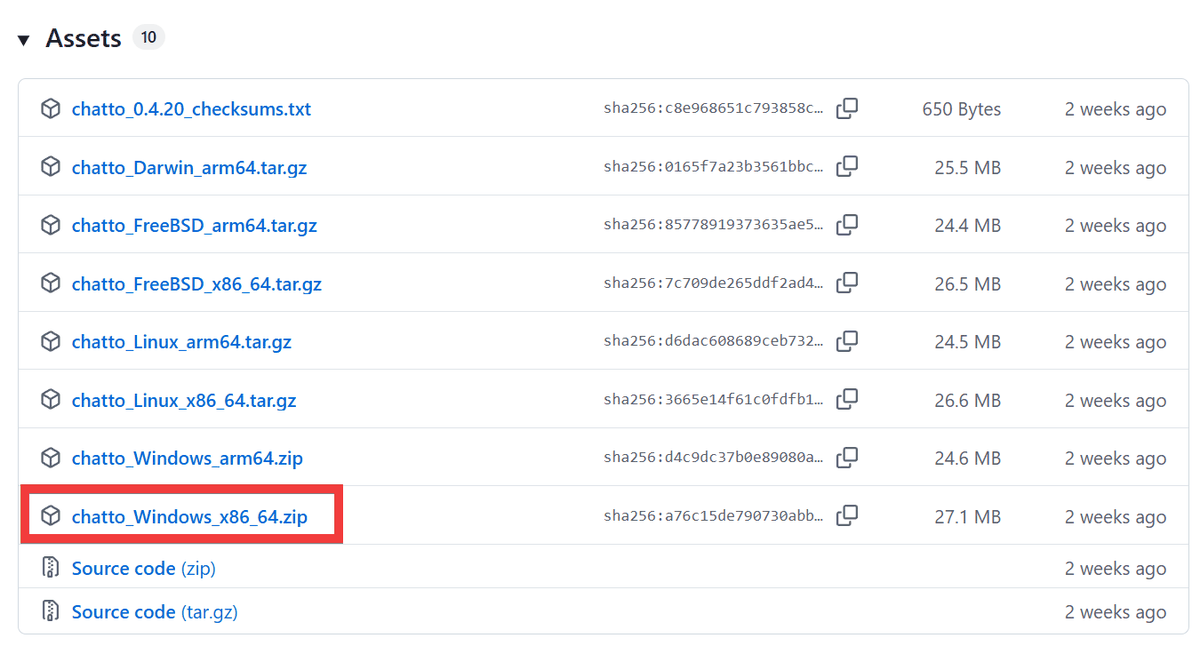
This time, we will install the Windows version binary. Download and save 'chatto_Windows_x86_64.zip' from the repository's Releases page .
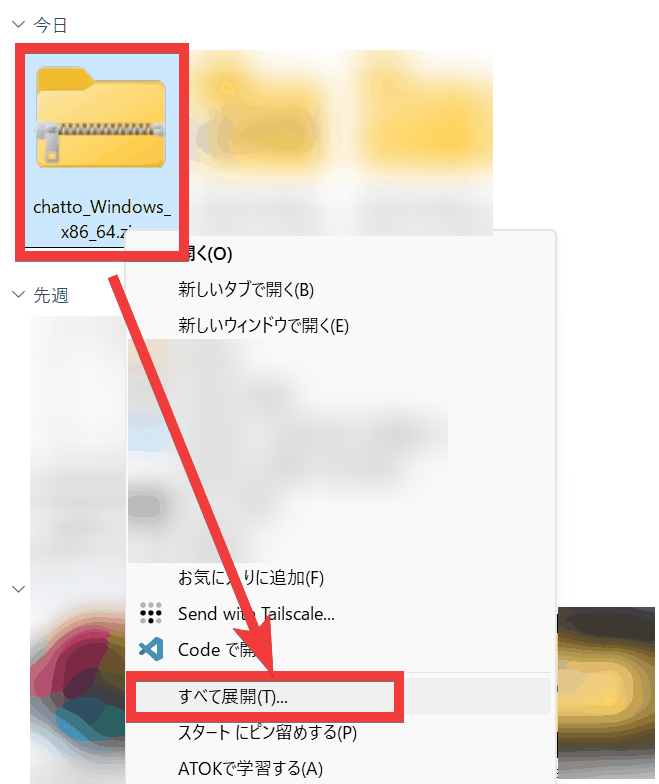
Right-click the saved ZIP file and select 'Extract All' to extract it to your desired folder.
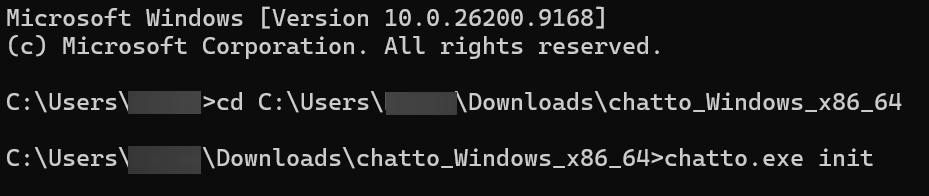
Open the command prompt, navigate to the folder, and execute the initialization command 'chatto.exe init'.
Since account creation requires authentication via a verification code sent by email, enter the information of your email server in the 'smtp' block within the 'chatto.toml' file.
 [smtp]
 enabled = true
 host = [SMTP server]
 port = [SMTP port]
 tls = [TLS method]
 from = [Sender's address]
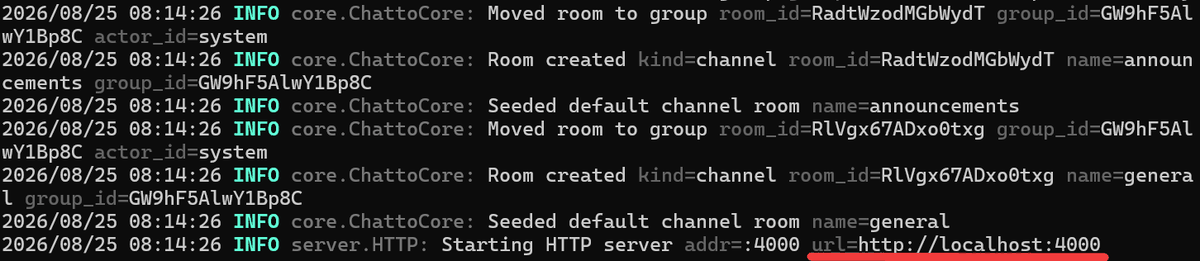
Execute the server startup command 'chatto.exe run'.
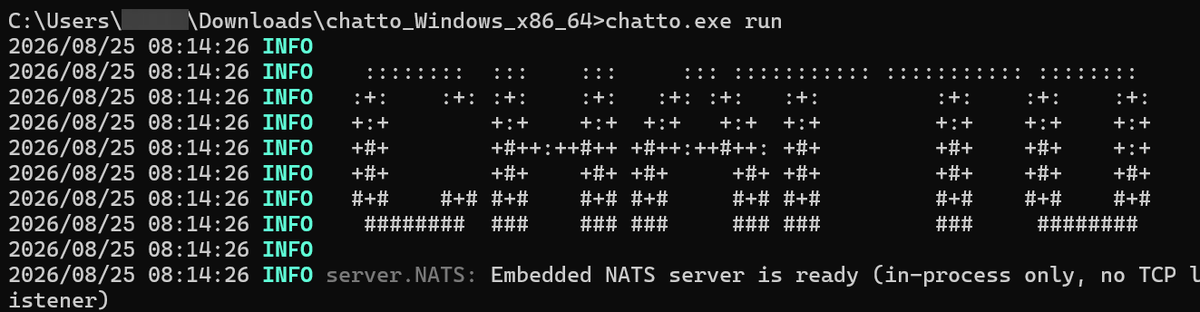
If the destination URL is displayed in the log, the server has started successfully.
◆How to install the Chatto client
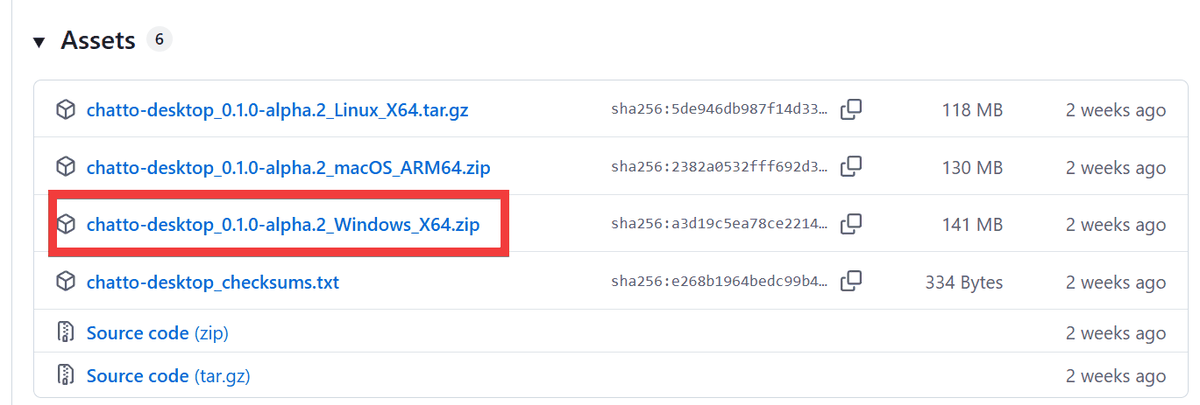
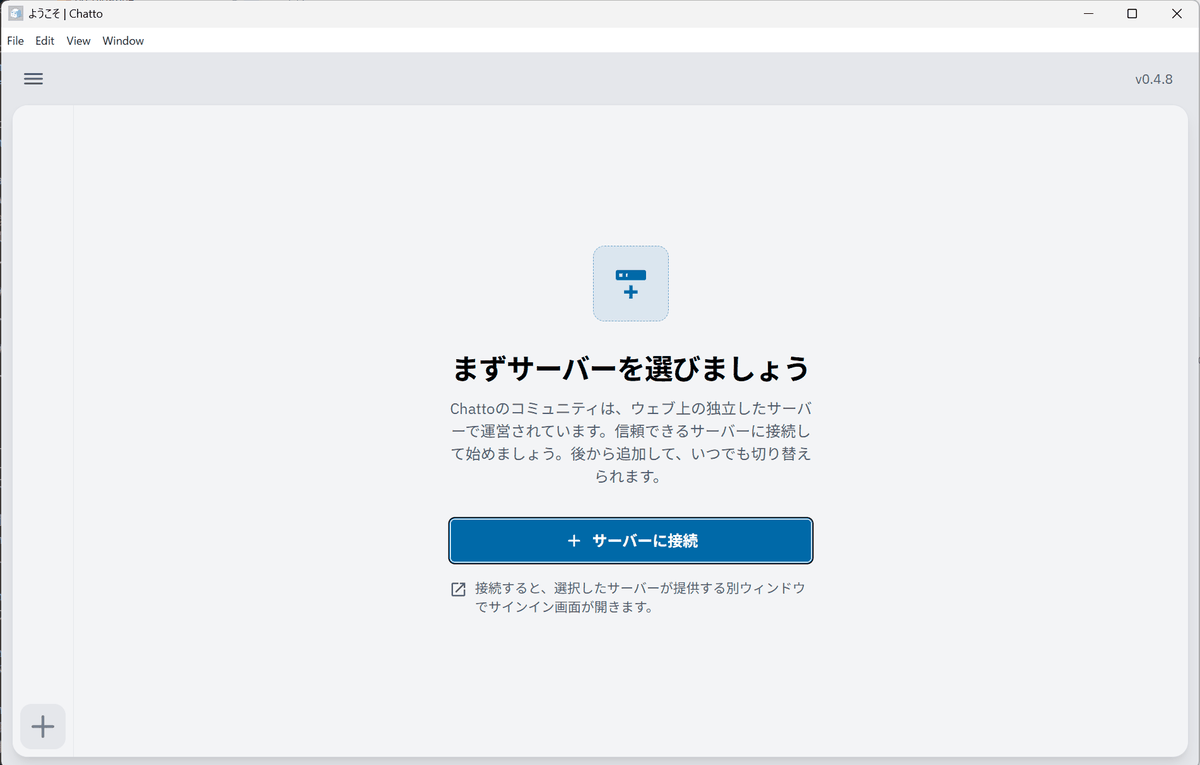
This time, we will install the Windows version binary. Download and save 'chatto-desktop_【latest version】_Windows_X64.zip' from the repository's
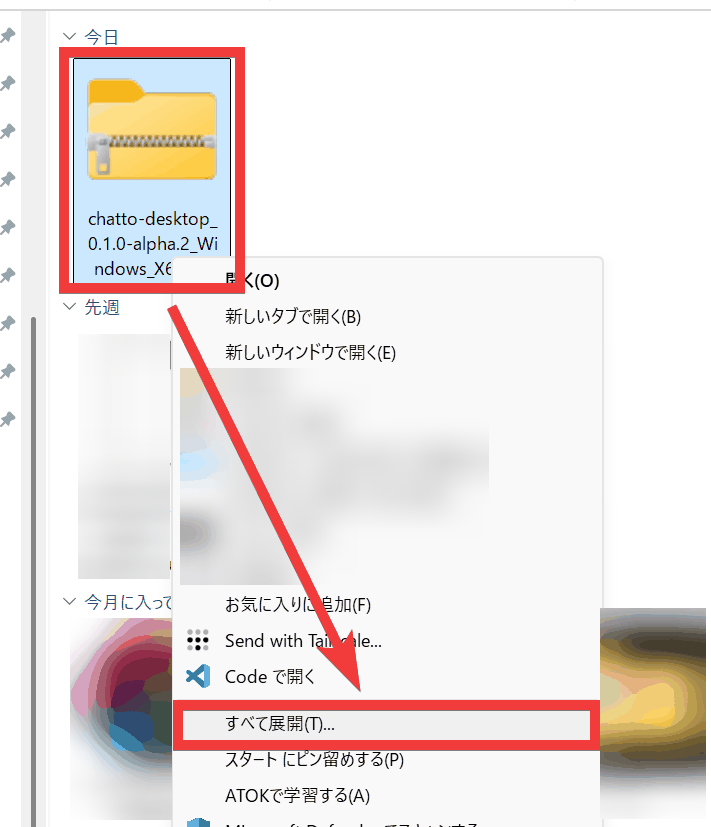
Right-click the saved ZIP file and select 'Extract All' to extract it to your desired folder.
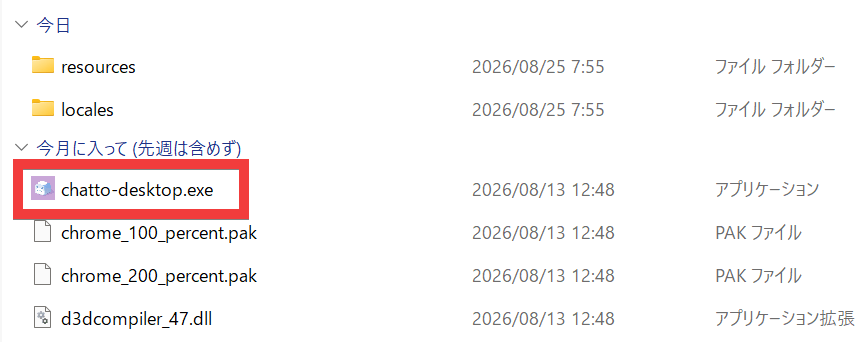
Double-click 'chatto-desktop.exe' in the extracted folder to launch it.
The installation is complete once the client starts up.
While the Windows binary version is sufficient for testing within a LAN or VPN, the Docker version is recommended for internet exposure. It allows for the separate management of custom domains, HTTPS, NATS, and LiveKit, and facilitates the implementation of necessary network settings and security measures for external access.
Related Posts: