Reports indicate that the 10GbE module in the 'Framework Laptop,' a modular notebook PC with interchangeable parts, overheats.
Framework, an American laptop manufacturer, is developing modular laptops where all parts, such as the battery, screen, and keyboard, can be replaced, just like a custom-built PC. Gadget YouTuber Jeff Gearing has reviewed the
Framework's 10G Ethernet module exposes USB-C's complexity - Jeff Geerling
https://www.jeffgeerling.com/blog/2026/framework-10g-ethernet-module-usb-c-complexity/
Is 10 Gbps too hot for a laptop? - YouTube
The Framework laptop that Gearing is holding features interchangeable, modular ports.
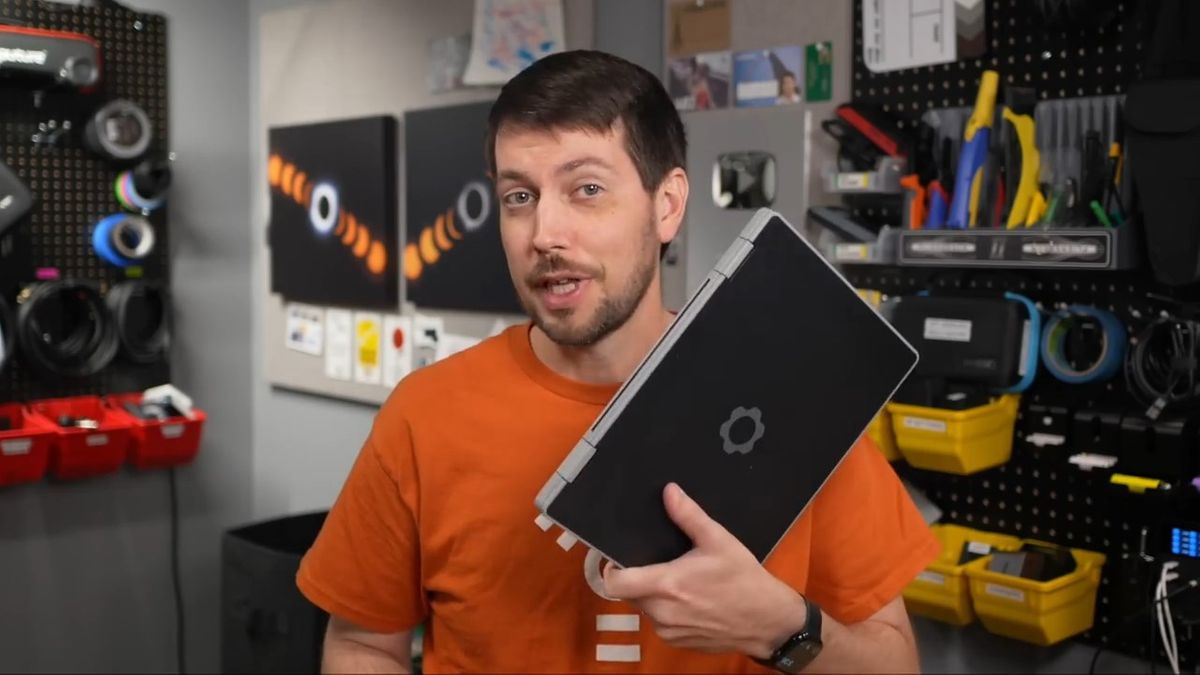
It has a USB Type-C connector inside, and you can connect HDMI, USB Type-C/A, a microSD card reader, and a full-size Ethernet port.
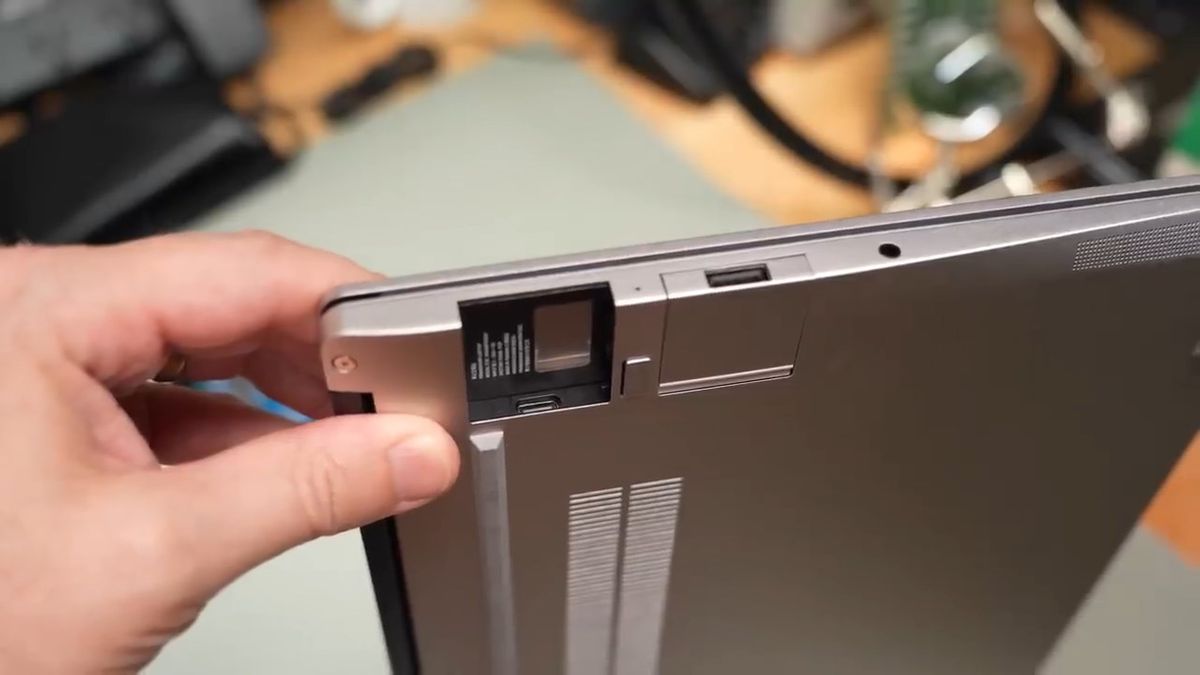
In this review, Gearing will be reviewing
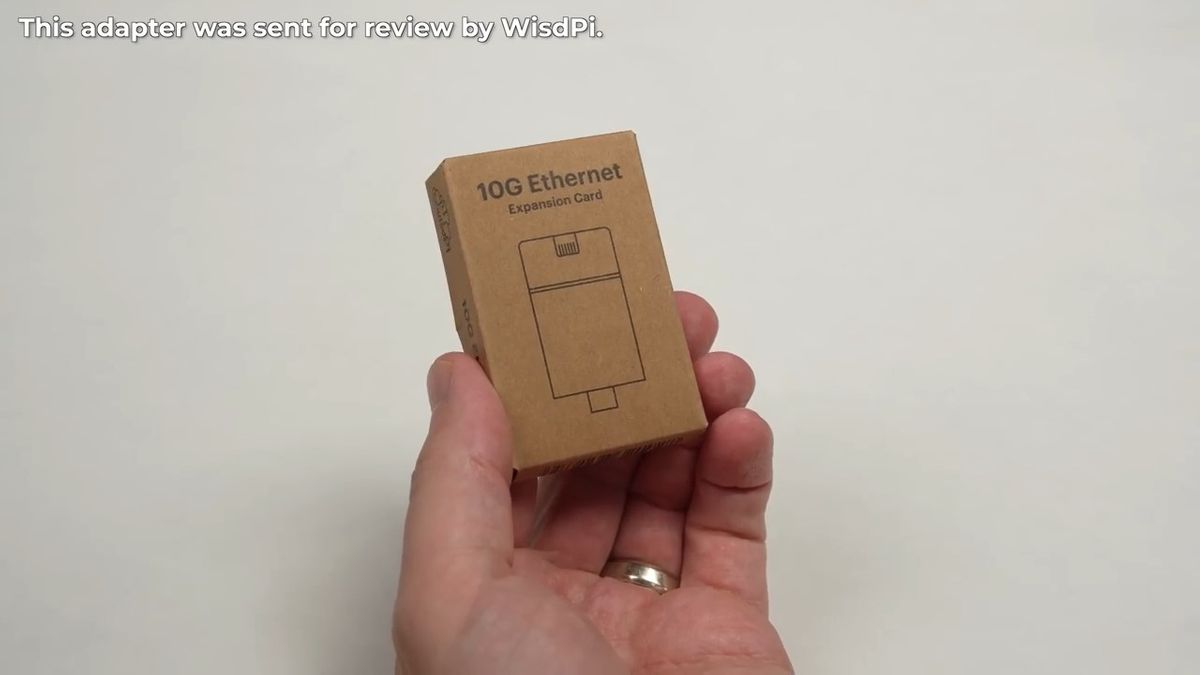
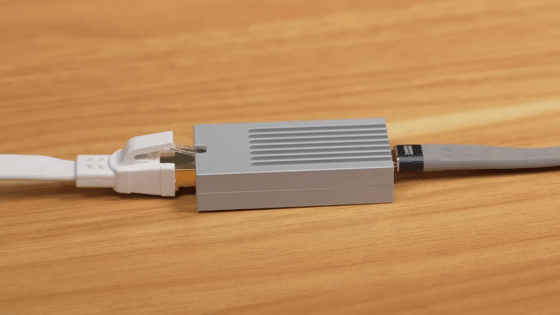
The price has not been announced as of the time of writing, but it is likely to be under $100 (approximately 16,000 yen). One side has a USB Type-C port, and the other side has an Ethernet jack.
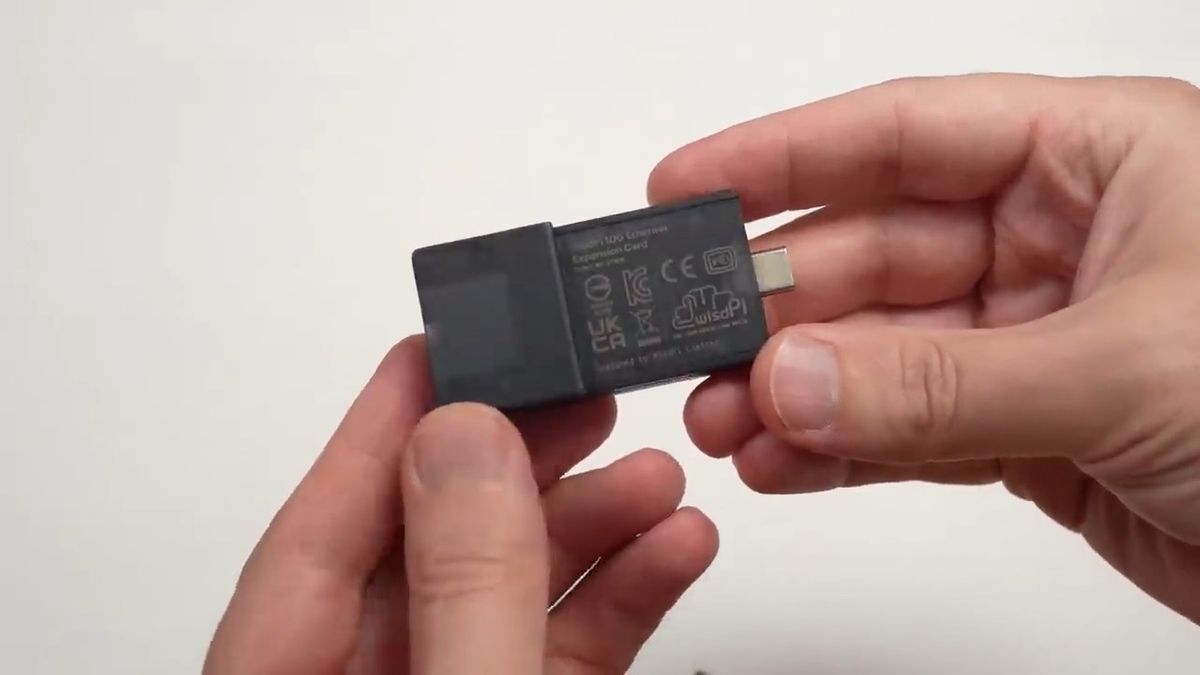
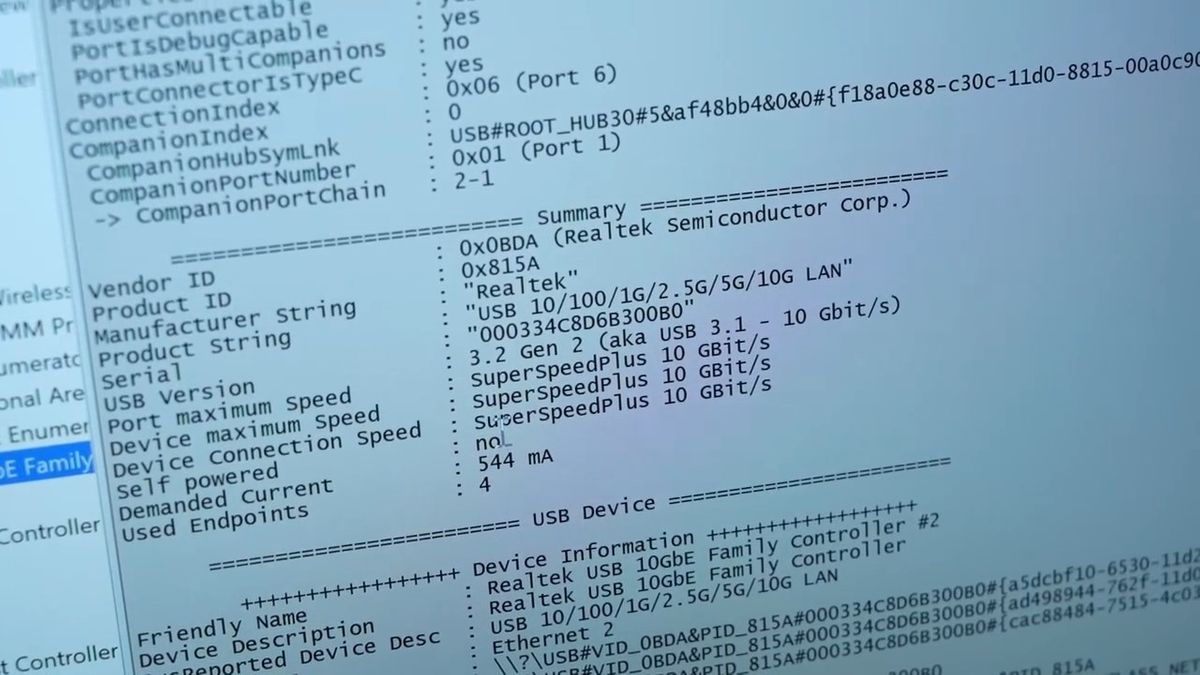
It features a 10Gbps-compatible Realtek RTL8159 chipset internally.
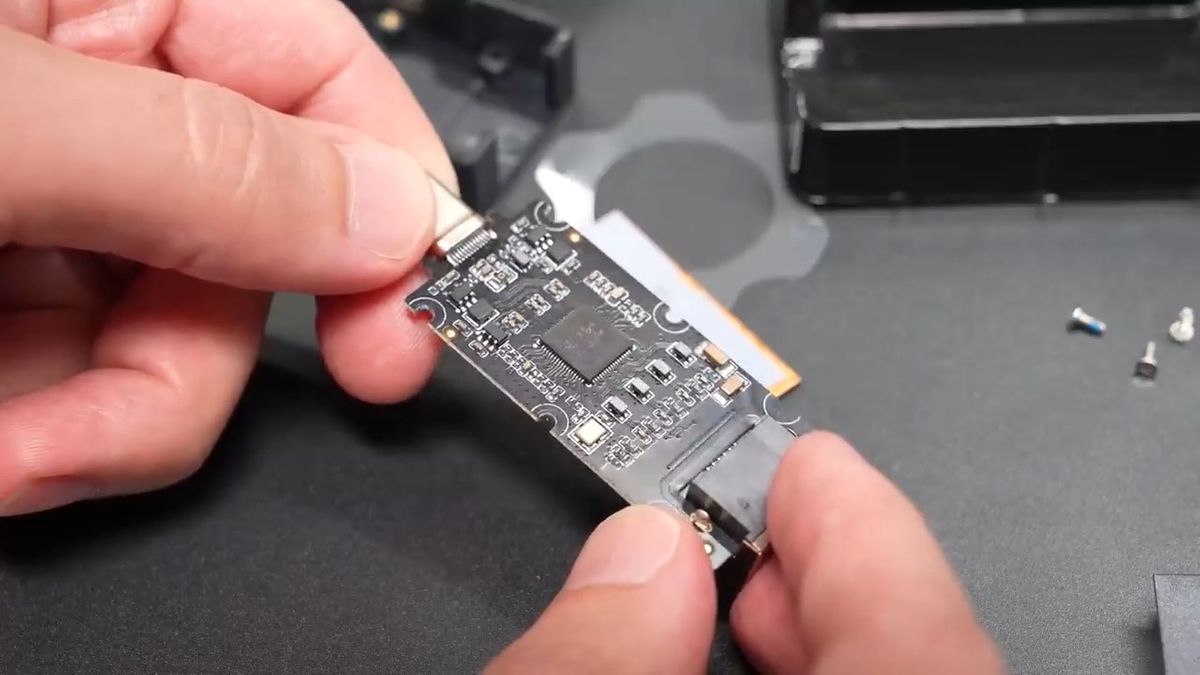
Just like with other modules, simply insert it until you hear a click, and installation is complete.
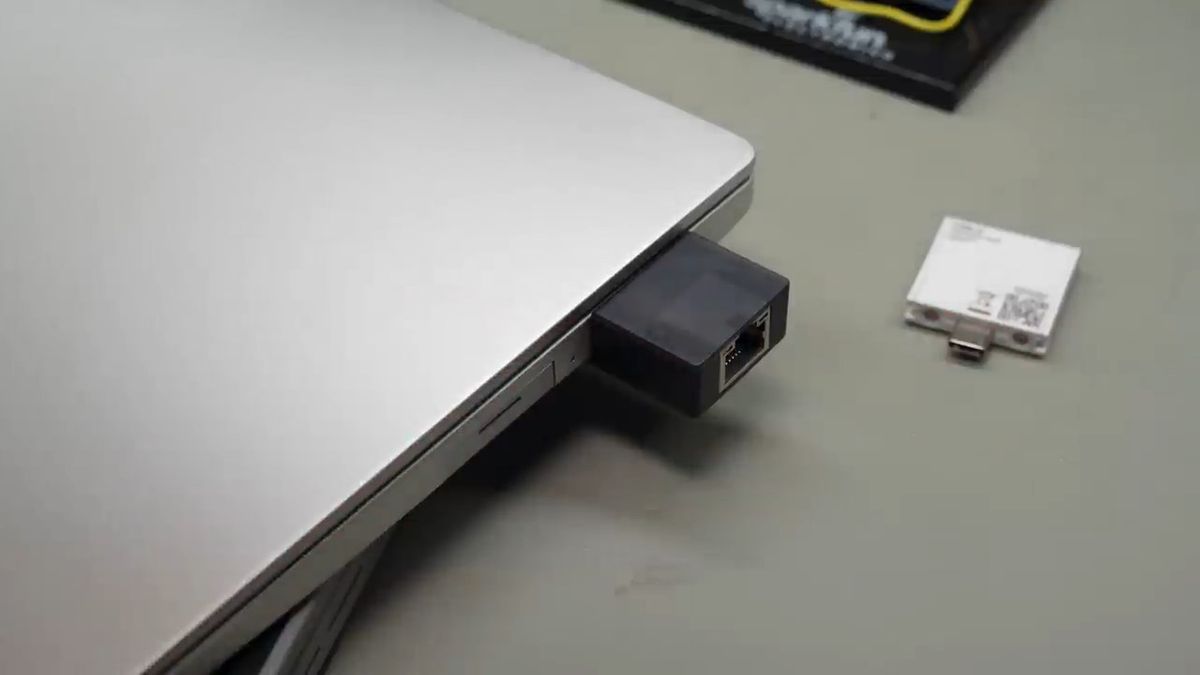
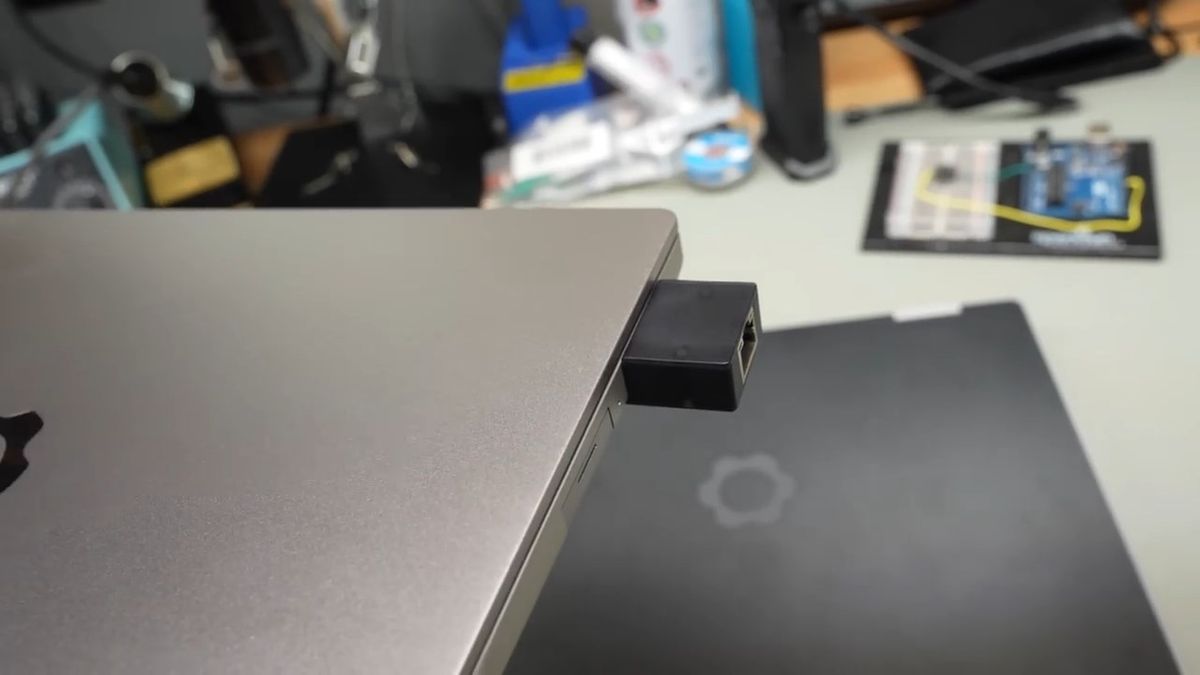
This is what a Framework notebook PC looks like with a 10GbE expansion card installed.
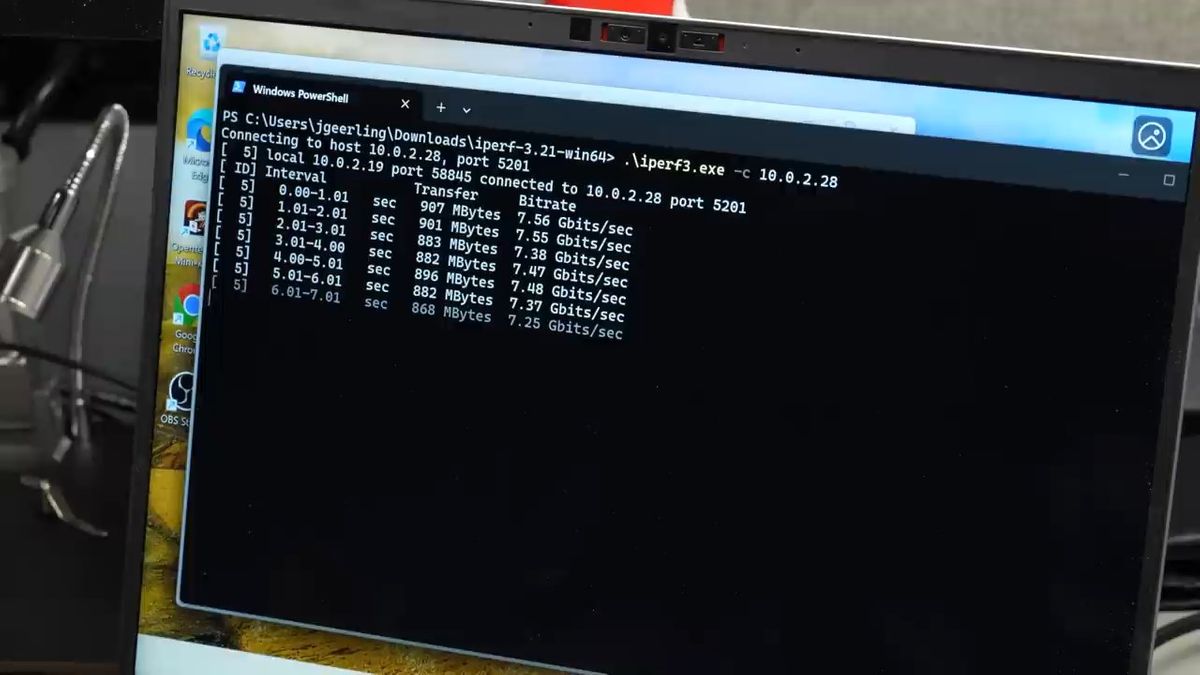
When tested with
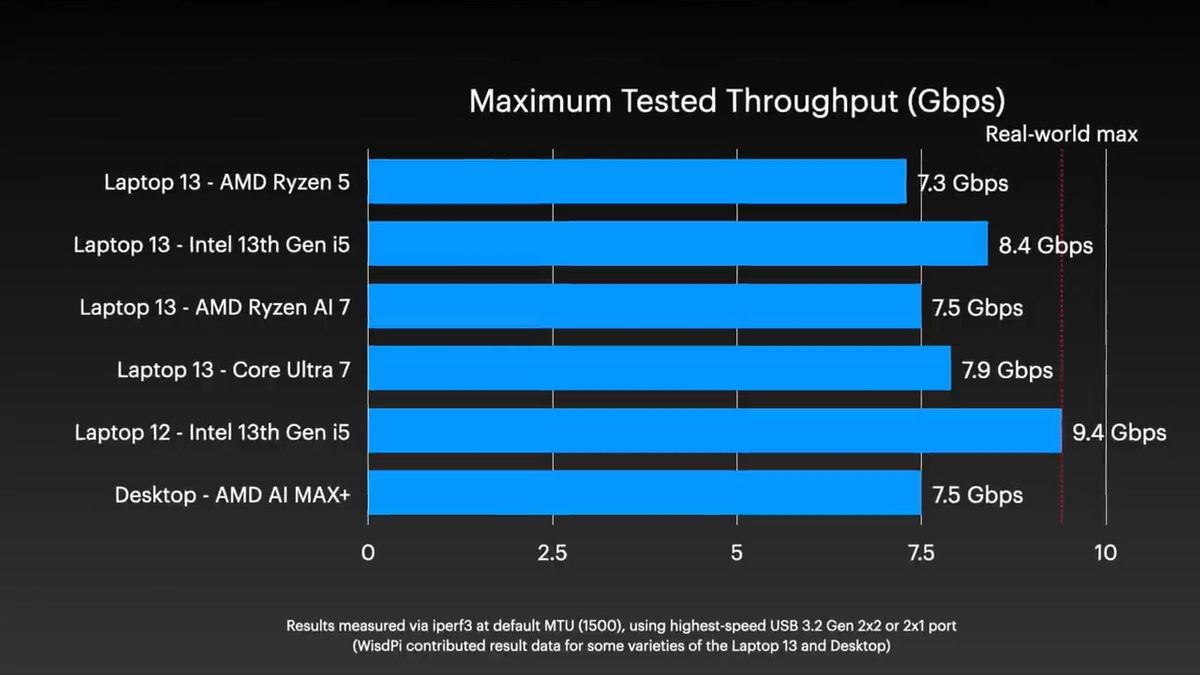
Our investigation revealed that the modular ports in Framework 13 can only utilize '
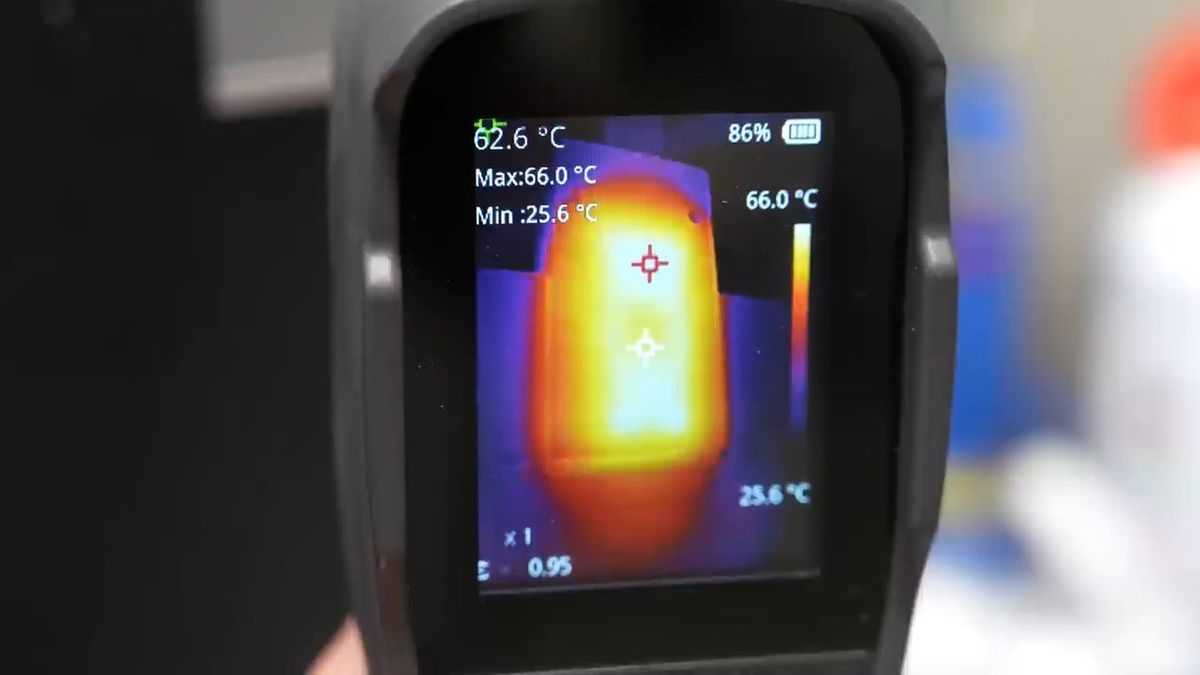
Furthermore, the bottom of the 10GbE expansion card became quite hot, recording a temperature of 52°C when measured with an infrared camera.
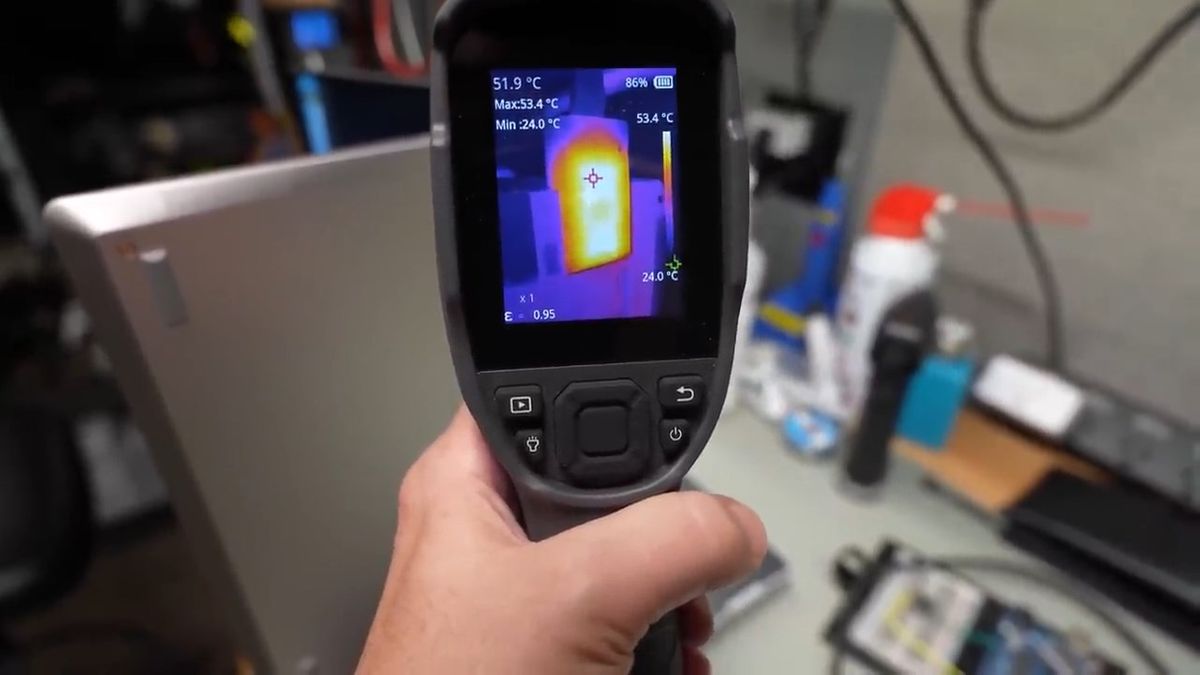
Gearing then tested with Framework 12, which features an Intel mobile CPU that supports 'USB 3.2 Gen 2x2' (though it's a generation older), but still achieved speeds below 8Gbps on Linux. He downloaded the Realtek driver, but it couldn't be compiled, possibly because the Linux kernel of his distribution was too new.
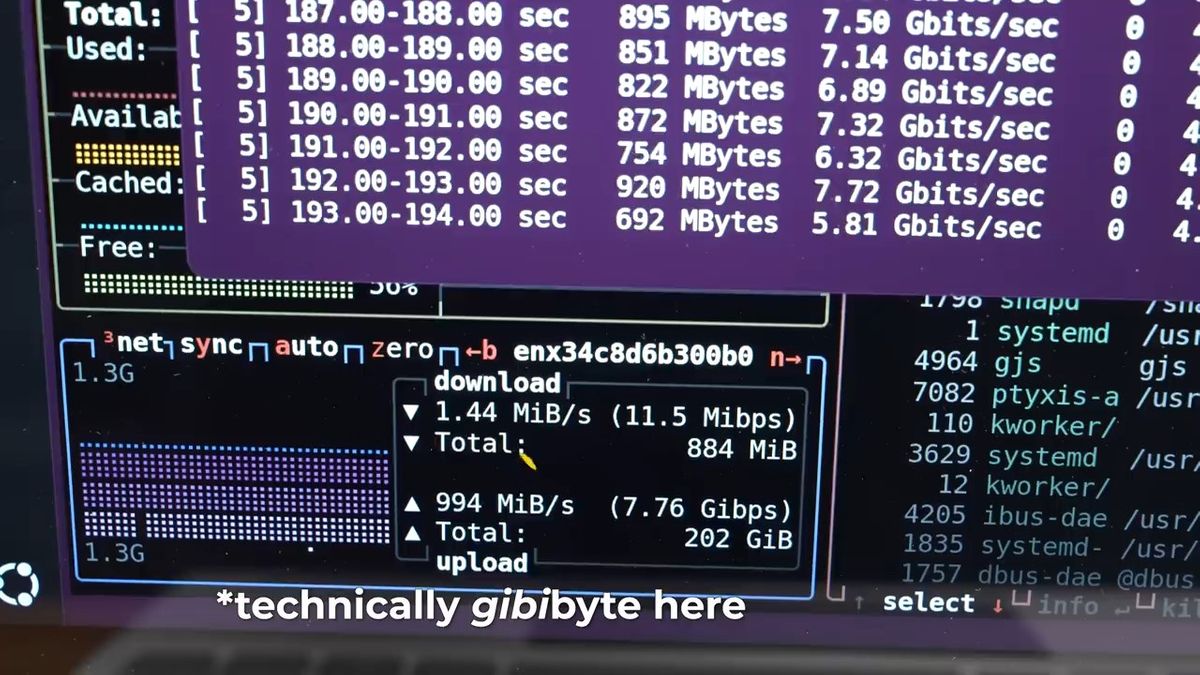
So Gearing switched the OS of Framework 12 to Windows 11 and tested it again.
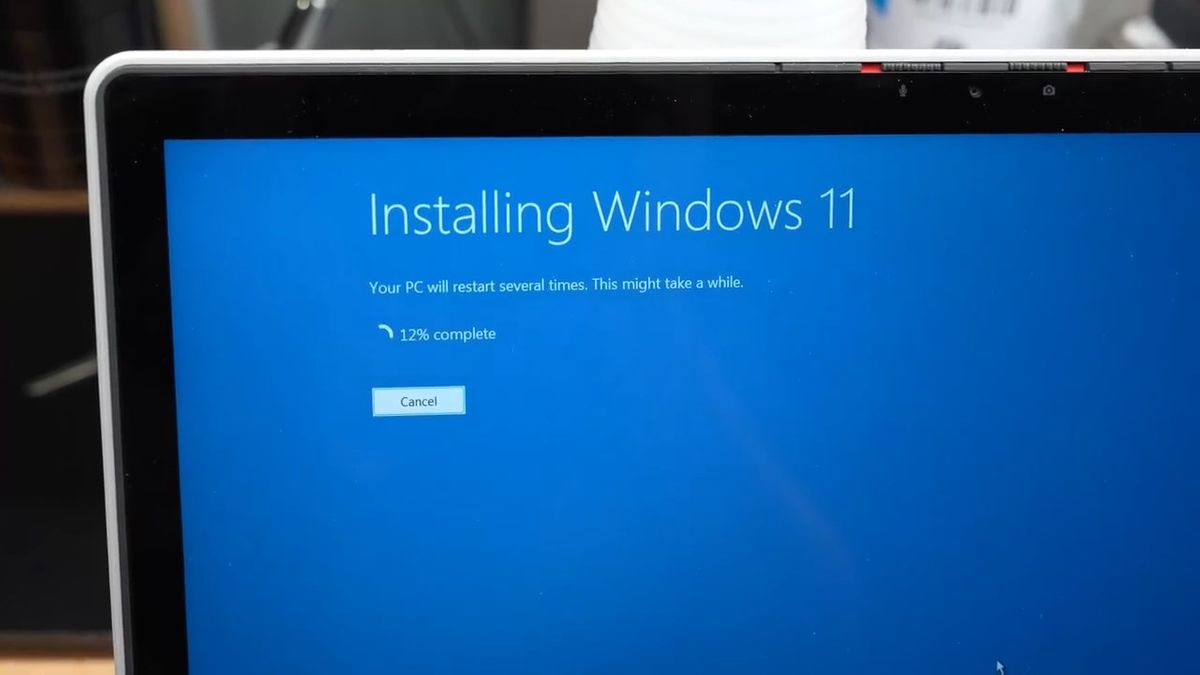
After installing the Realtek driver, I achieved a speed of 9.4Gbps, which I believe is close to the practical limit.
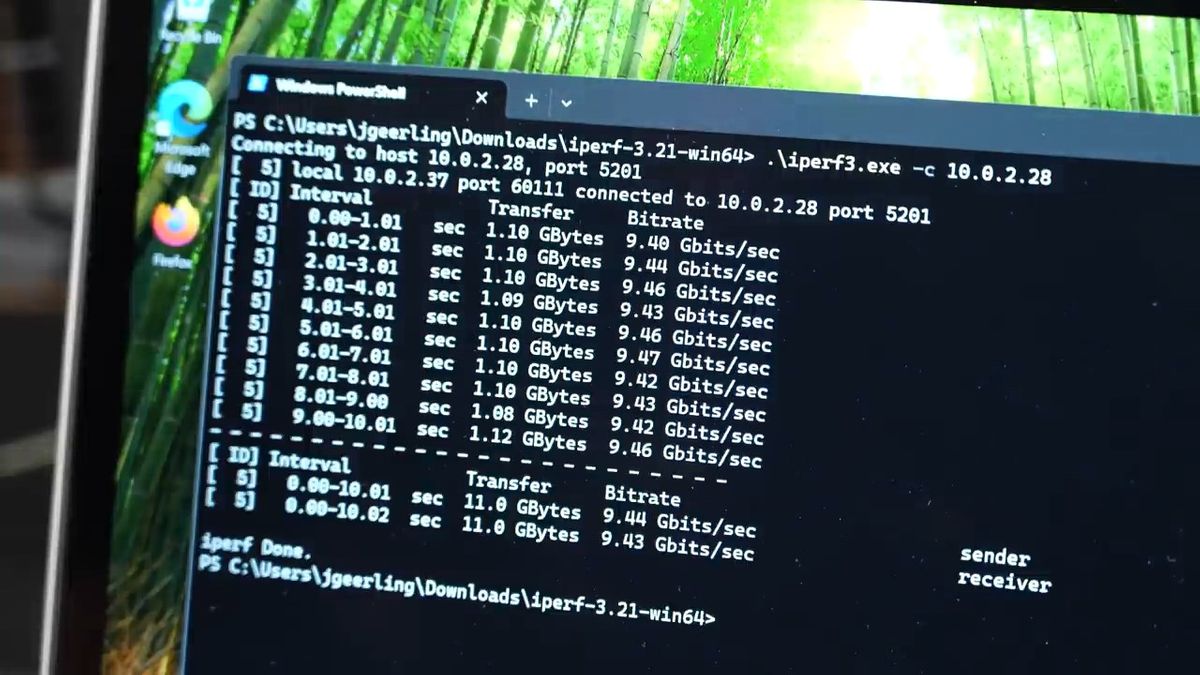
Instead, the temperature of the 10GbE expansion card also rose to nearly 70°C. According to WisdPi, this surface temperature still meets
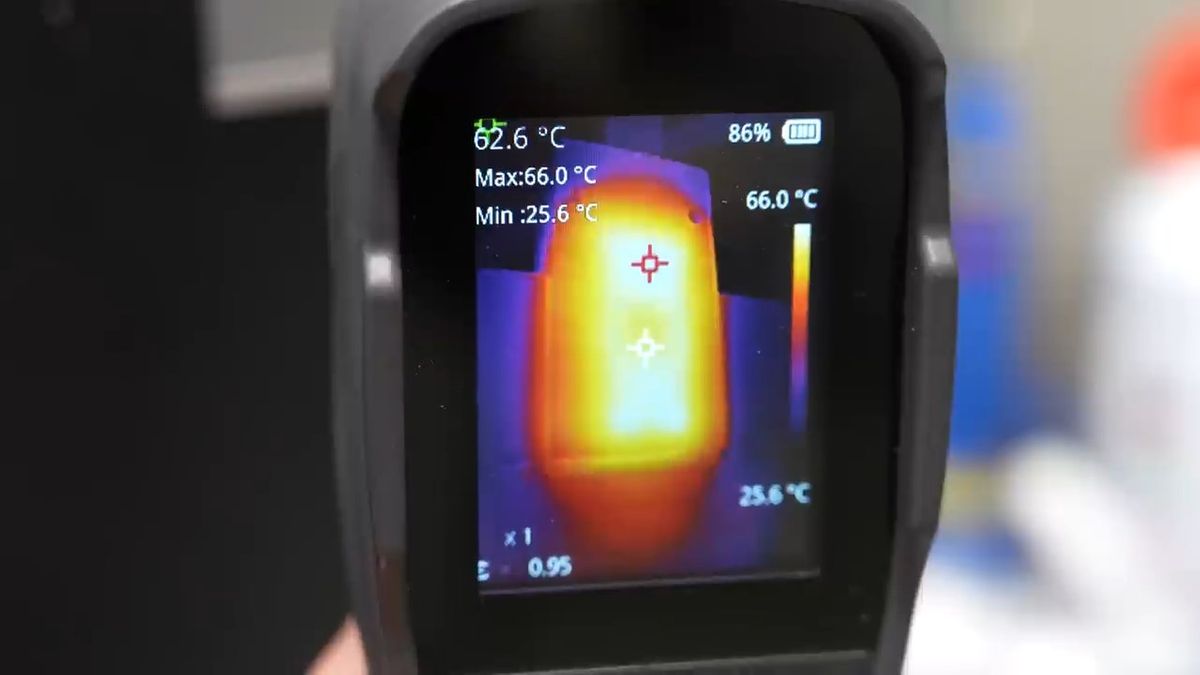
Gearing stated, 'If you intend to use it for more than 10 seconds, I wouldn't recommend using it on your lap.'

Below is a performance graph of the WisdPi 10GbE expansion card created by Gearing. It states that a USB 3.2 Gen 2x2 compatible port and the latest Realtek drivers are required for optimal performance.
Related Posts: