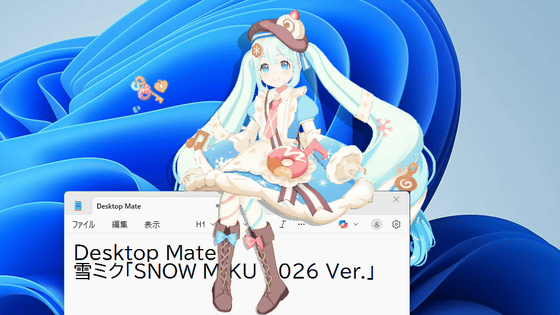
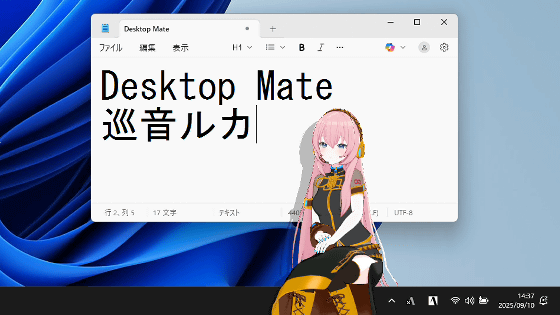
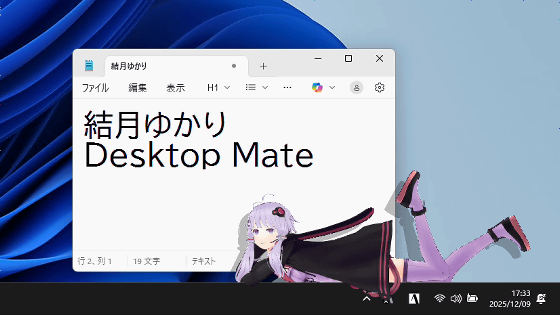
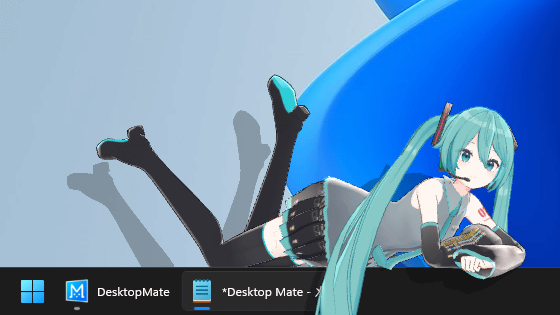
Review of 'Desktop Mate DLC 'Tsumugi Kasukabe'' featuring hyper Saitama gal Tsumugi Kasukabe to liven up your desktop.
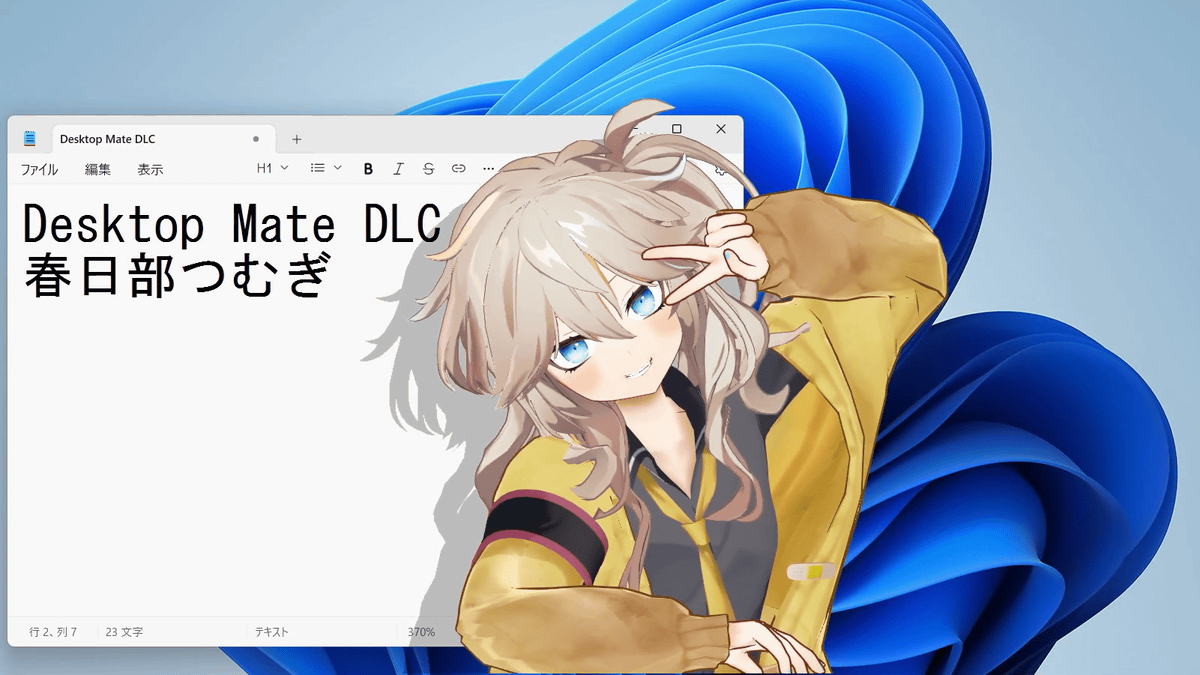
'
Steam: Desktop Mate Kasukabe Tsumugi DLC
https://store.steampowered.com/app/4640430/Desktop_Mate__DLC/
You can see the voice and motions of 'Desktop Mate Kasukabe Tsumugi DLC' in the following video.
I tried summoning Hyper Saitama Gal Kasukabe Tsumugi onto my PC screen [Desktop Mate] - YouTube
Desktop Mate is a free application available on Steam, and you can add playable characters by purchasing paid DLC. After purchasing 'Desktop Mate Kasukabe Tsumugi DLC,' first launch Desktop Mate and click 'Change Character' in the right-click menu.
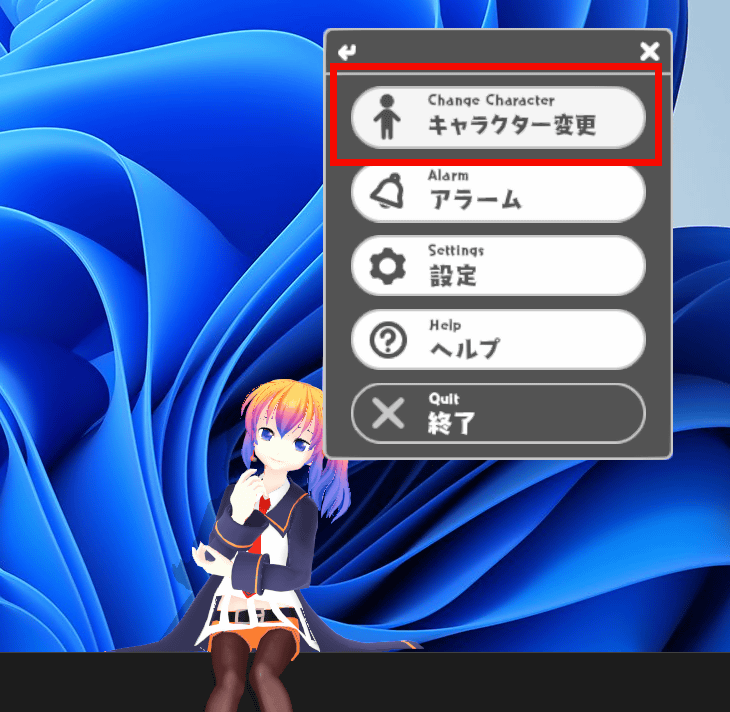
Click on 'Kasugabe Tsumugi'.

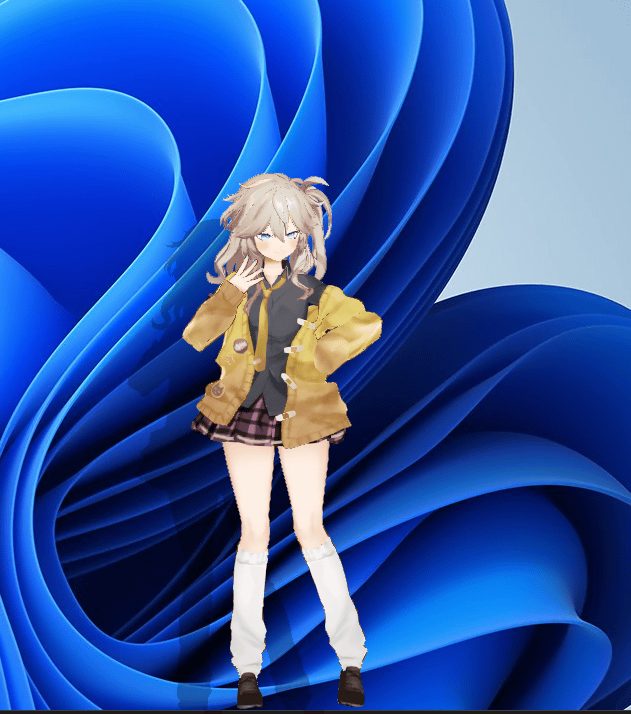
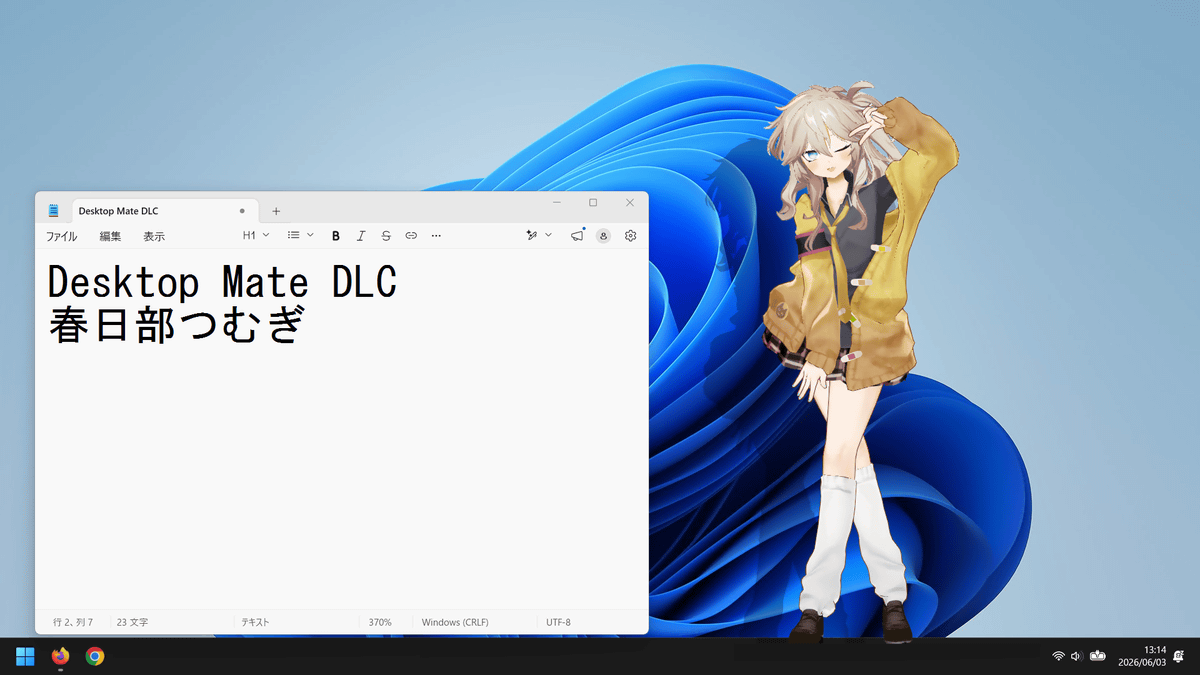
Kasukabe Tsumugi has appeared on your desktop.

This is what it looks like when standing.
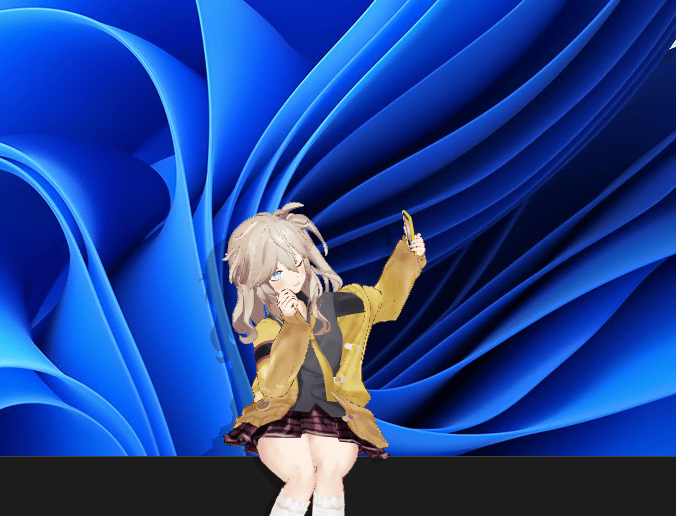
Kasukabe Tsumugi is a fashionable, hyper-gal, so if left alone, she'll take selfies or fix her hair.
You can also move objects by dragging and dropping them, as if you were pinching them.
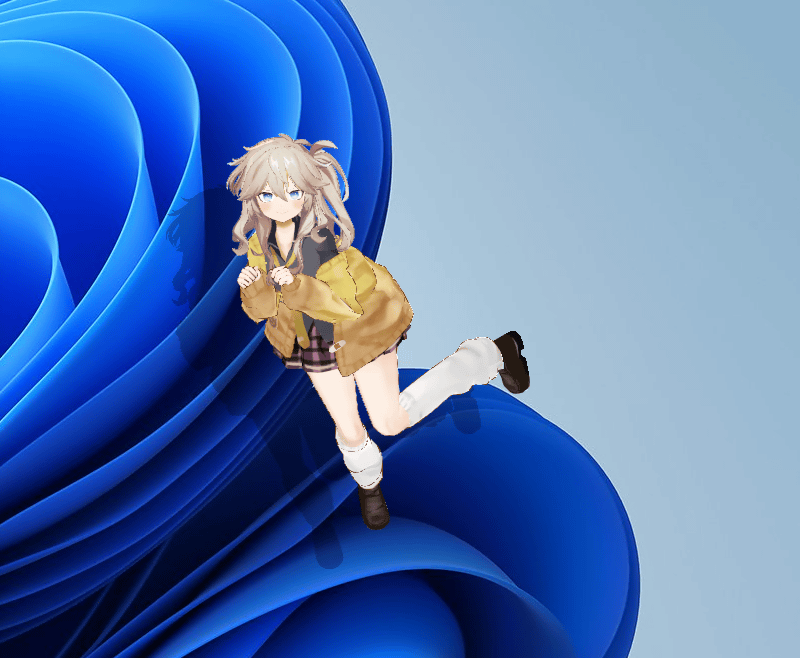
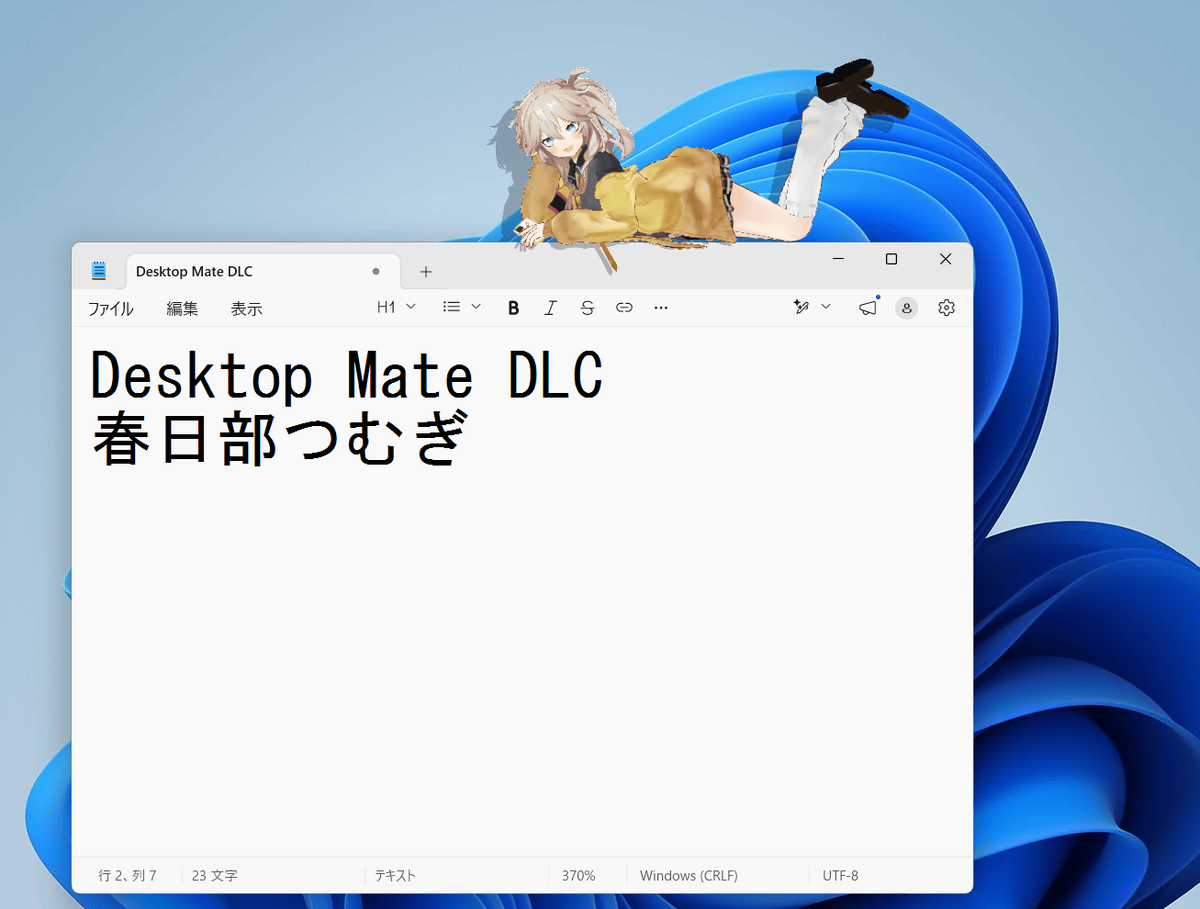
If you lift and move it, you can even place it on top of a window.
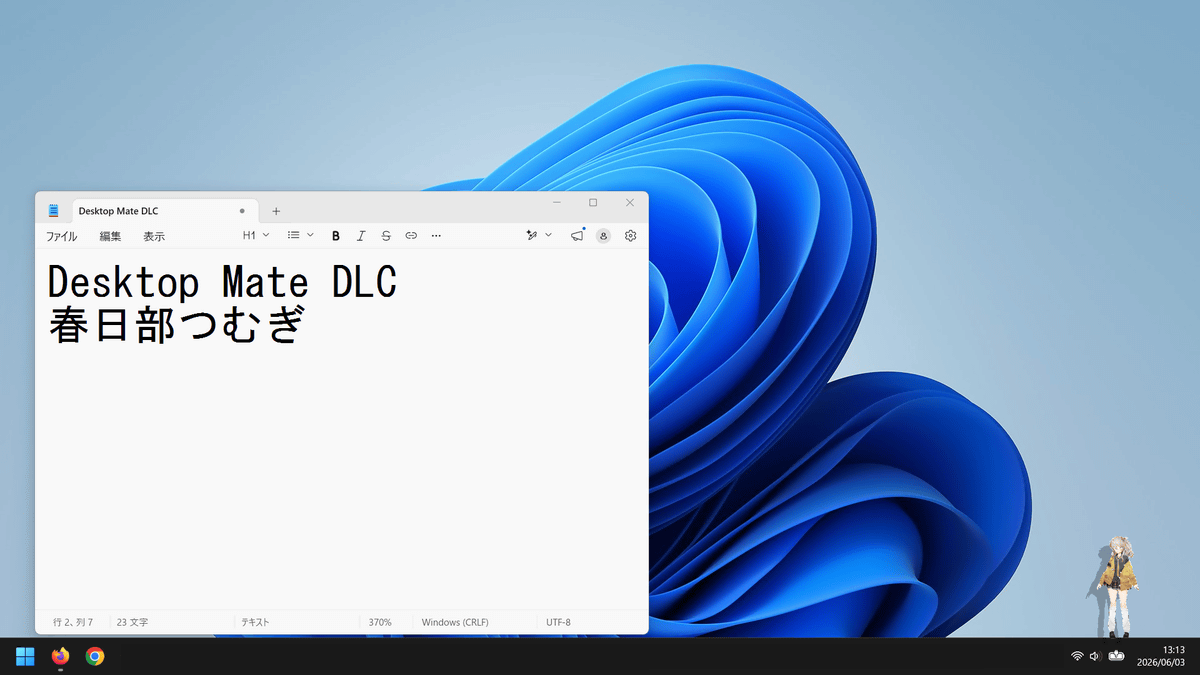
You can change the size by right-clicking and selecting the settings, or by scrolling with your mouse. 'Size 1' looks like this across the entire screen.
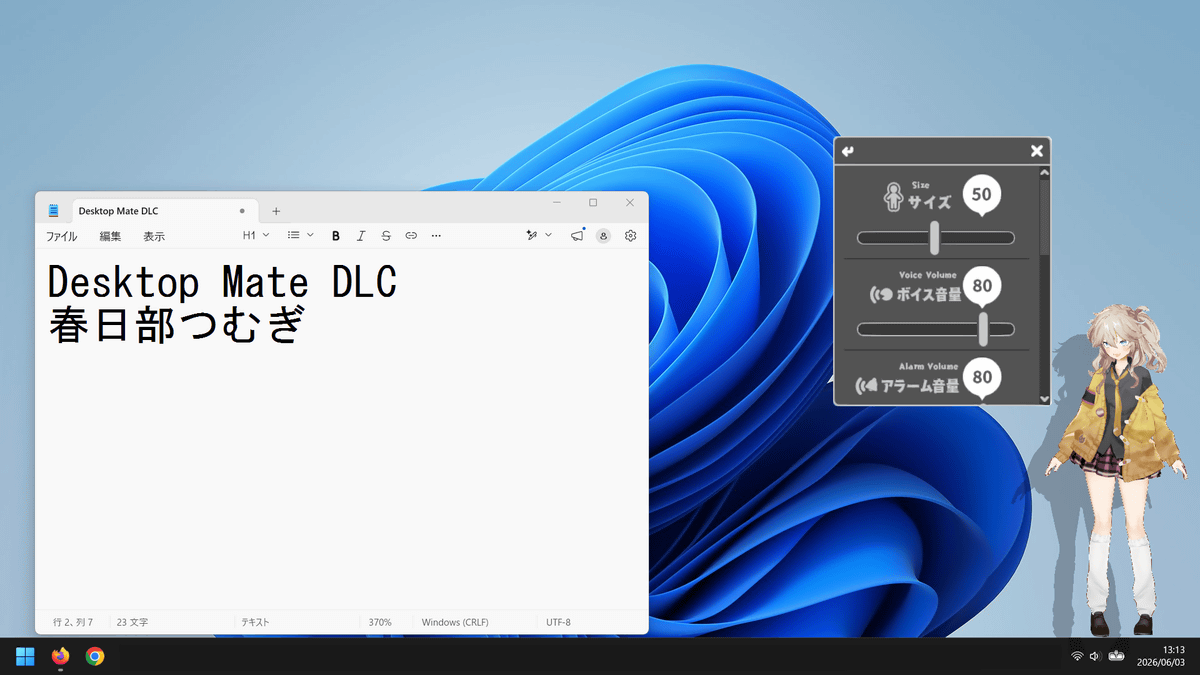
'Size 50.'
The following is 'Size 100,' which is large enough to almost completely fill the vertical width of the screen.
Desktop Mate also features an alarm function. If you set an alarm using the 'Desktop Mate Kasukabe Tsumugi DLC,' Kasukabe Tsumugi will appear on the screen at the set time to tell you the time.
Kasukabe Tsumugi announces the time on her PC screen - YouTube
The Desktop Mate app itself is free, and the 'Desktop Mate Kasukabe Tsumugi DLC' costs 2200 yen (tax included).
Related Posts: