Windows 11 is scheduled to receive a major reliability update in May, which will include improvements such as faster File Explorer and increased taskbar stability.

Microsoft has released a preview version of Windows 11. According to the released preview, core Windows features such as File Explorer, the clipboard, and the taskbar are expected to be improved.
Releasing Windows 11 Builds 26100.8313 and 26200.8313 to the Release Preview Channel | Windows Insider Blog
Windows 11 to get a major reliability update in May with faster clipboard, stable taskbar, storage and more
https://www.windowslatest.com/2026/04/19/windows-11-to-get-a-major-reliability-update-in-may-with-faster-clipboard-stable-taskbar-storage-and-more/
Explorer
Windows 11's File Explorer tends to load a bit slower than Windows 10's, but the next update is expected to improve File Explorer's loading speed.
Additionally, if you have customized the file display, that appearance will now be retained even when opening files from a different application. Furthermore, the update will fix a bug that caused Explorer to crash unexpectedly, and reduce the number of cases where icons do not appear in the system tray area of the taskbar.
• Settings app
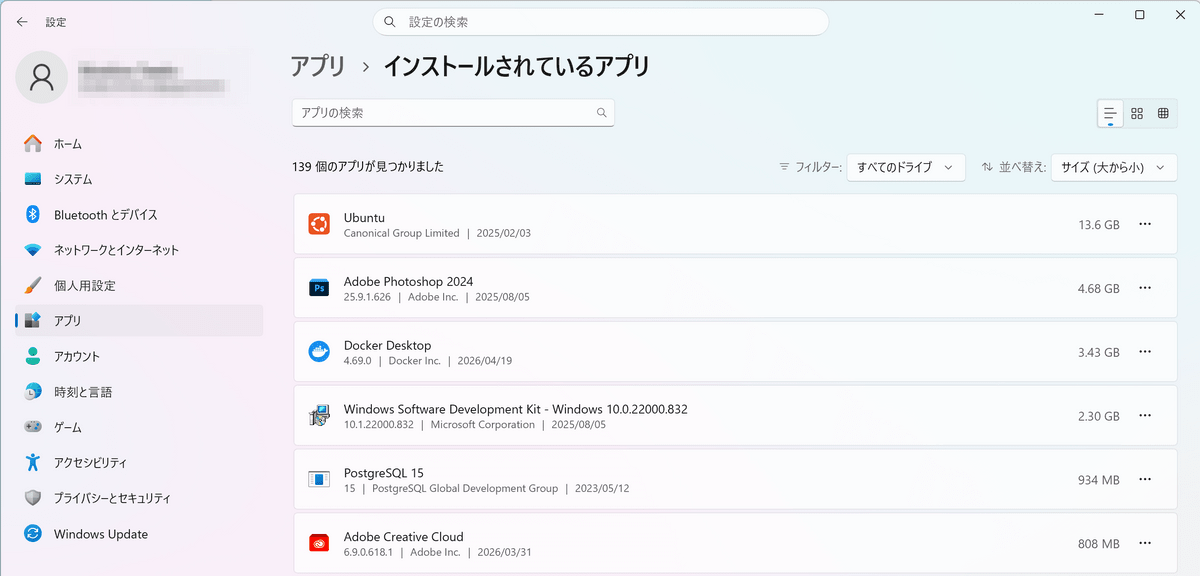
When displaying installed apps, the system previously created a list of all software on the PC, retrieved icons, calculated storage usage, and then displayed the results, which resulted in a long loading time. The preview update is expected to improve display speed.
Clipboard history
Pressing the 'Win' key and the 'V' key simultaneously will display the clipboard history. The preview version has improved the time it takes for the history to display.
Storage management
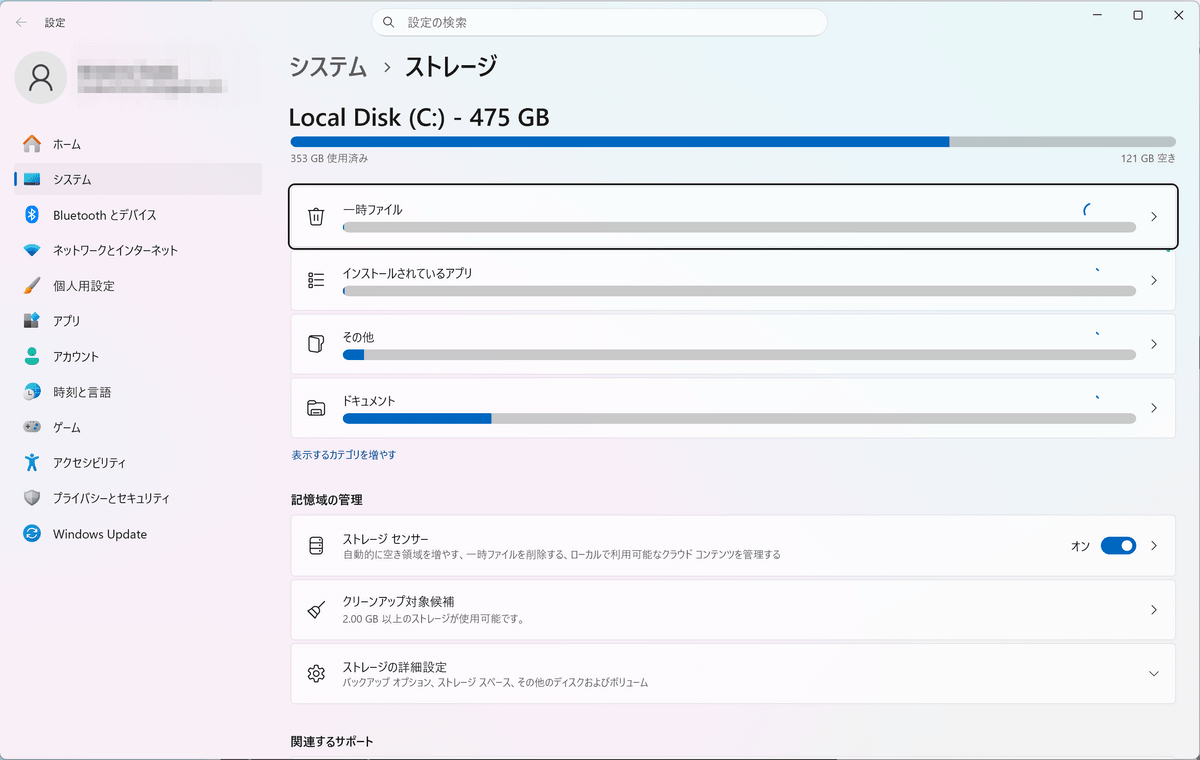
The 'Storage' screen in the Settings app now displays storage details with improved performance. Previously, users with very large storage capacities or HDDs partitioned into multiple sections may experience delays of 10 seconds or more, but now all users can view the information instantly.
Windows Hello
The initialization speed of Windows Hello fingerprint and facial recognition when waking a PC from sleep mode has been improved.
·input
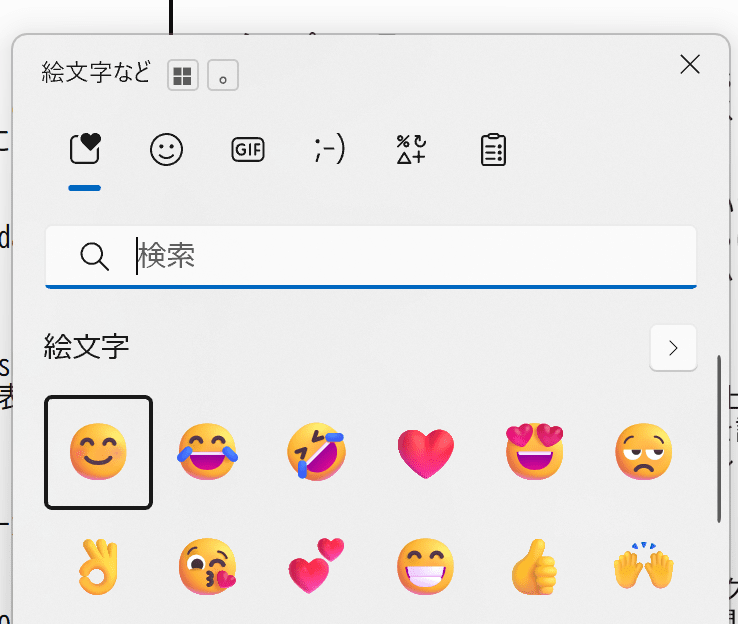
The reliability of the emoji panel, which appears when you press the 'Win' key and '.' (period) simultaneously, has been improved, reducing input errors and malfunctions when using the arrow keys.
• Startup app
The performance of 'startup' applications, which automatically launch after the system boots up, has been improved, resulting in smoother operation immediately after the desktop screen appears.
The updates featured in this preview version will be rolled out to general users gradually through Windows Update starting in May 2026.
Related Posts:

in Software, Posted by log1d_ts